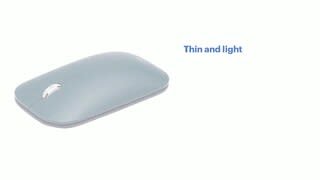
A:AnswerIt will work with the iPad Pro if you have the new iPad OS installed. There is a beta out currently for it, but the full version should be released September 24 according to recent news. I have it working with my iPad Pro 3rd Gen.
Instructions: Pair the mouse with the Bluetooth on the iPad, go into Settings > Accessibility > Touch > AssistiveTouch *TURN ON*
A circular cursor for the mouse would then appear on your screen.
A:AnswerIt works with the Galaxy Chromebook that is what I am using... Easy to use... type bluetooth on the Chromebook and press the button on the bottom of the microsoft modern mouse for like 3 sec... an app will pop up...