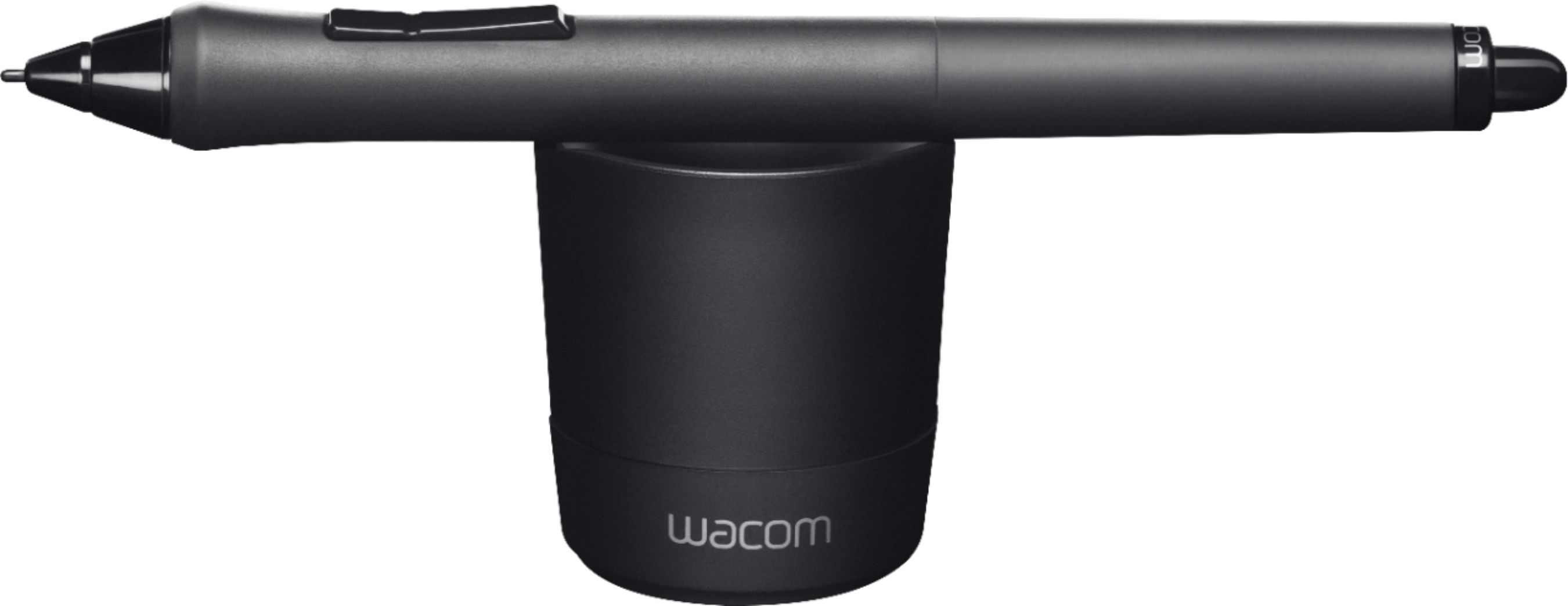
A:AnswerThe pressure sensitivity is good. You dont have to press down on the pen for the screen to register it. You can lift the pen about half an inch off the screen, and the screen will stil register the pen and write with it.
A:AnswerYes it is. Is easy to recognize due to the fact that it doesn't have a pocket clip. This pen is compatible with all surface devices, but the 4096 pressure sensitivity levels will only work on the surface pro 2017 model. The pen cannot be attach magnetically to the SP3. I believe it comes in four colors and uses only a AAAA battery that comes with the pen.
A:AnswerThe surface RT line was produced back when they were still using wacom technology for the tablet digitizer, this pen will unfortunately not work with that model. However, a wacom stylus from around that time, such as one meant for the intuos creative line of drawing tablets, should work just fine. To my knowledge, as well, any surface stylus meant for the Surface Pro 1 or 2 should also work for the Surface RT. The S-Pen from a Galaxy Note 5 would also be compatible.
IIRC the attached Wacom Pen should be compatible with the early RT, and Pro 1/2 tablets from my experience. As these tablets used non "active" styli that did not require batteries, and functioned the same way as the wacom stylus.

A:AnswerThe Surface Pen was specifically optimized to pair with any of our Surface devices. Although it may be used as a simple stylus with some other devices, you may not be able to access any other features such as Bluetooth connection.