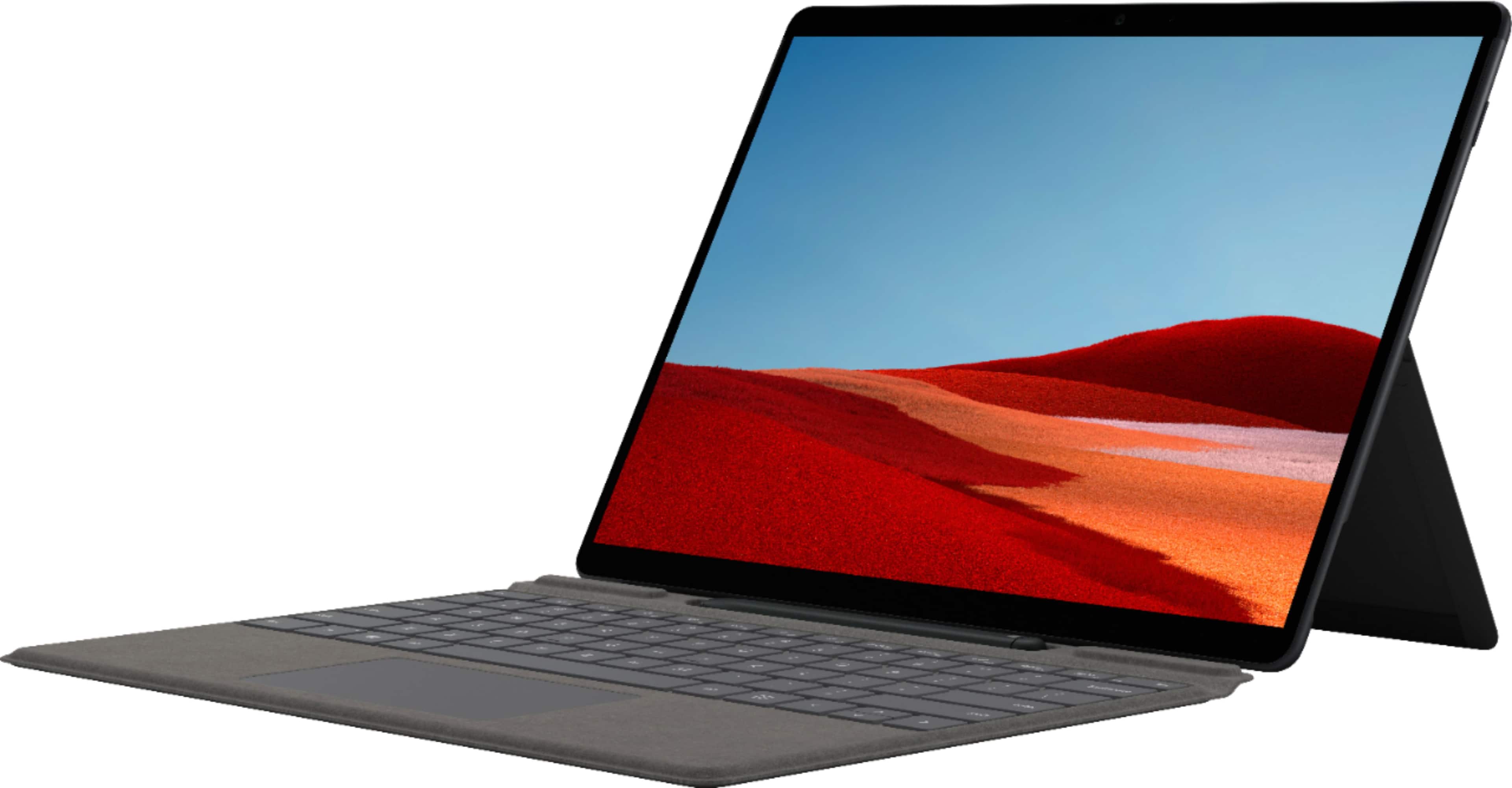
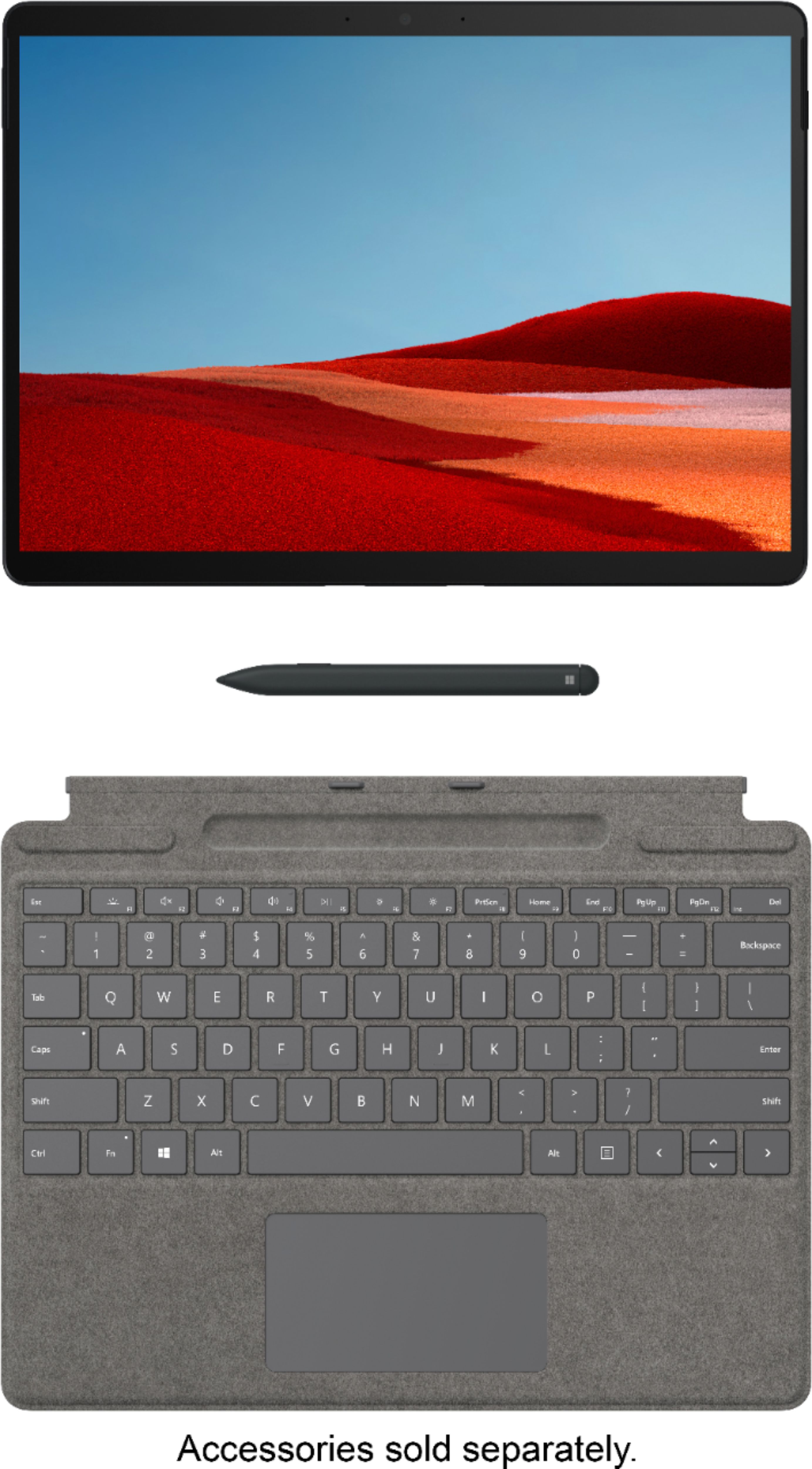
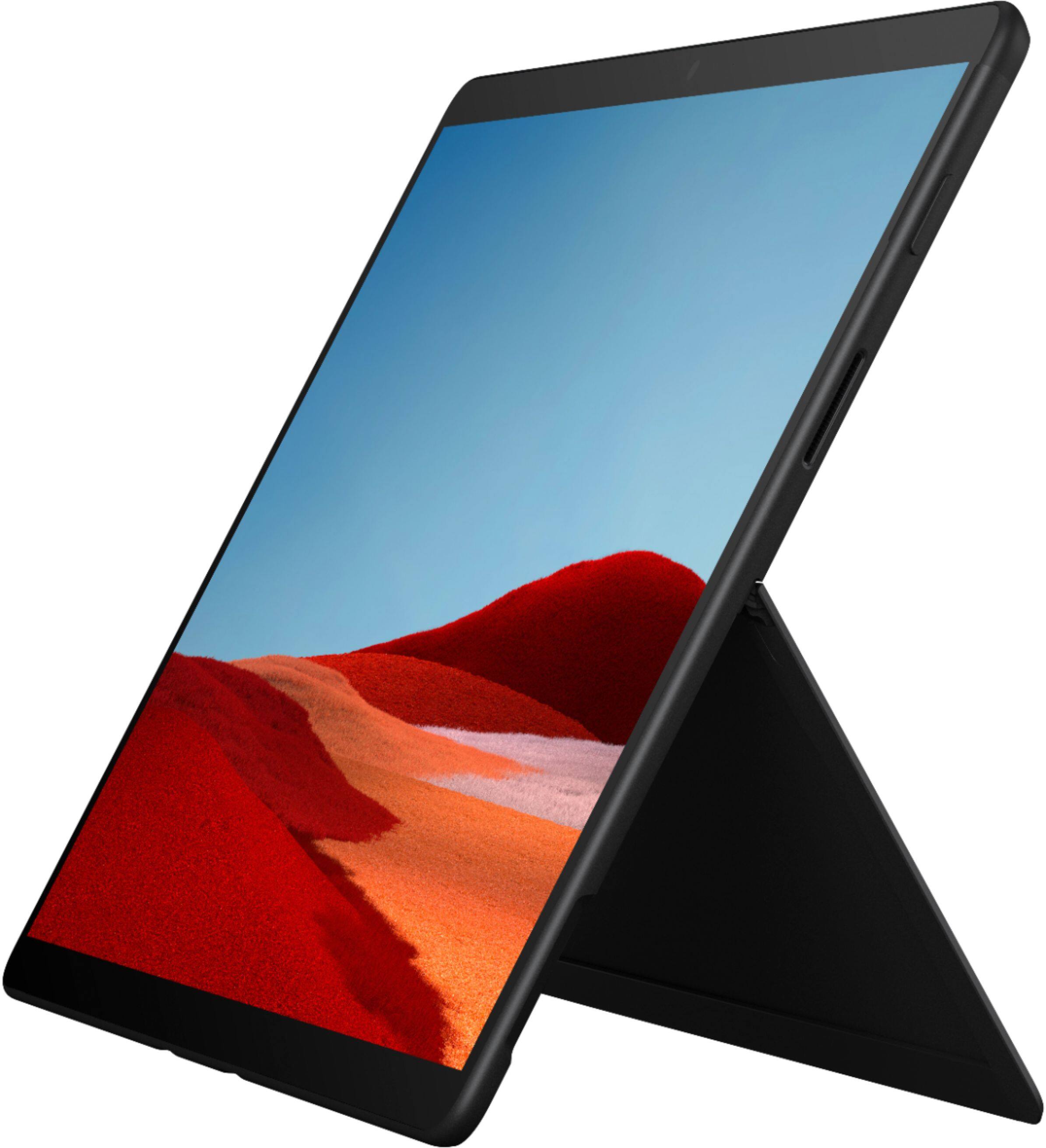
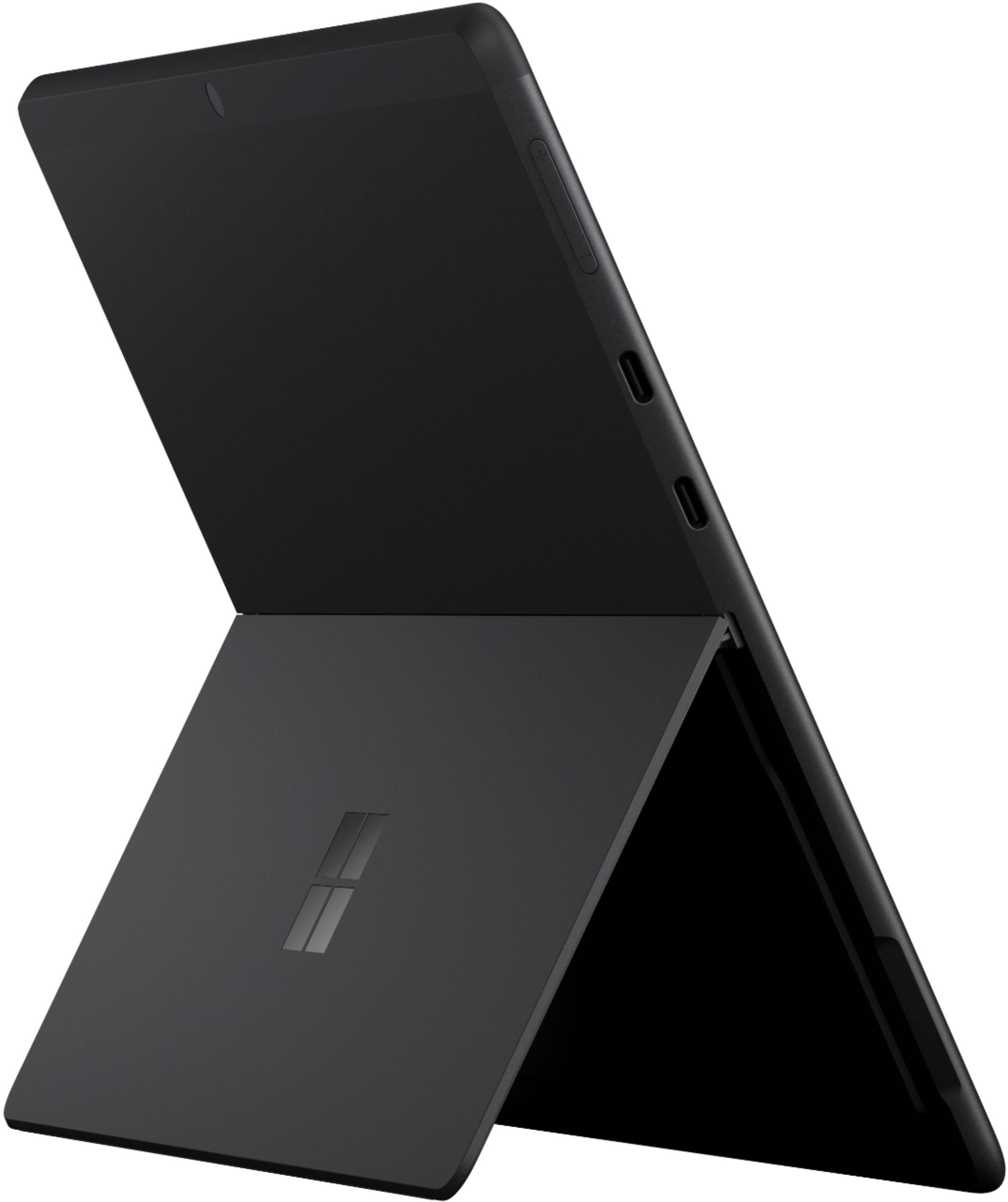
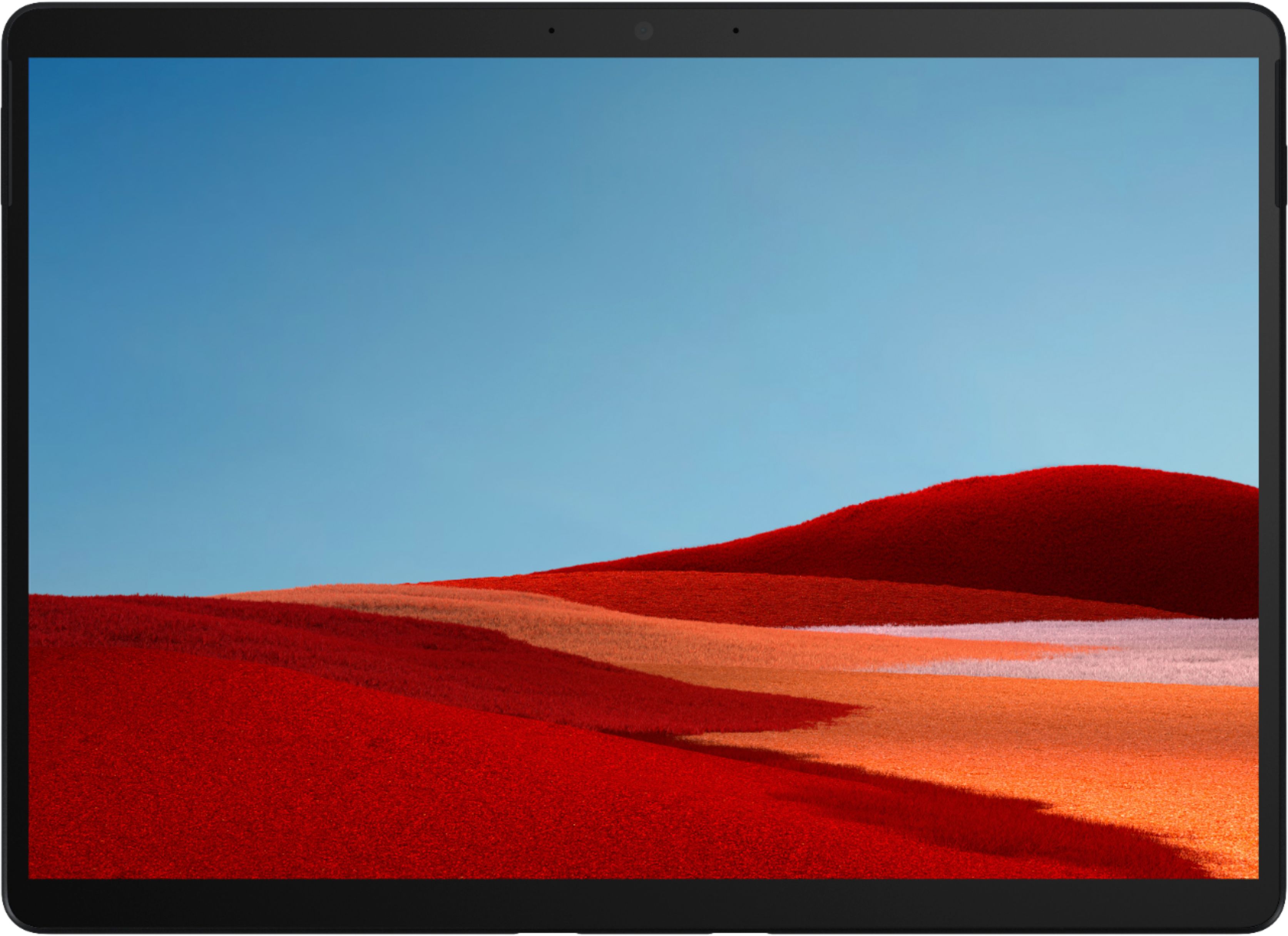
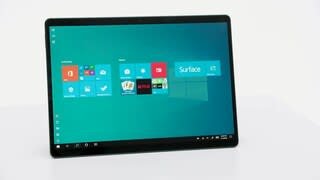
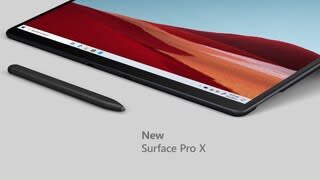
A:AnswerThis Surface Pro X introduces the second generation of our custom Microsoft SQ® 2 chip, building on the innovation of the Microsoft SQ® 1, delivering even more multi-tasking power for true connected productivity.
A:AnswerYou can install an Android emulator such as BlueStacks. I have it installed on my laptop running Win10. Many Android apps will run on BlueStacks.
A:AnswerYou need to buy a USB C connector and your able to purchase a separate adapter which has two usb a HDMI and a 3.5 mm head phone connector. Again check BB
A:AnswerSurface Pro X is compatible with most major carriers. For information on how to set up LTE connection on Surface Pro X, please go here: https://support.microsoft.com/en-us/help/4036286/surface-set-up-your-surface-3g-4g-lte