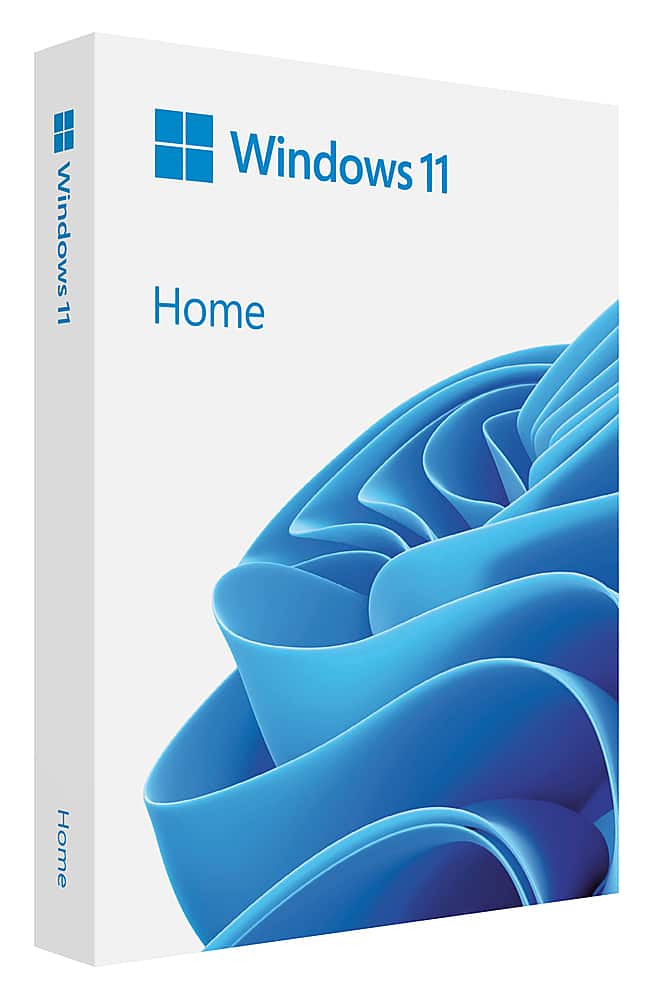
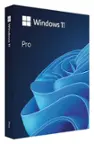
A:AnswerTry this Microsoft. Com/userterms. Or you can writing a letter address is Microsoft one Microsoft way,Redmond,Wa. 98052-6399. Found all this info on the box. Hope it works for you. Added a photo from the box.
A:AnswerYou need to change bios settings, so that usb is the first boot device, then it will boot to the usb, and run windows setup. You may be able to run setup in your current windows installed.
A:AnswerYes, but for more than just simple tasks with any of it, it requires a subscription for the whole 365 bundle, not just what any single program(s) you plan to use.
A:AnswerYes, inside the box you should find a USB stick and a small separate piece of cardstock with the licence key printed on a sticker adhered to the back of it.
A:AnswerWindows 10 should offer you a free upgrade to Windows 11 if your computer is compatible / meets the minimum system requirements. I'd be careful about buying this to install on a machine which already has Windows 10, because it's possible your machine won't be able to support Windows 11.