A:AnswerYup, Xbox Live is available on Windows PC. For more information, go here: https://support.xbox.com/en-US/xbox-on-windows/getting-started/connect-xbox-live-from-pc-info
A:AnswerXbox One S plays both standard Blu-rays and 4K UHD Blu-rays for video playback, but does not support 4K gaming. Xbox One X is the only gaming console that supports gaming in true 4K.
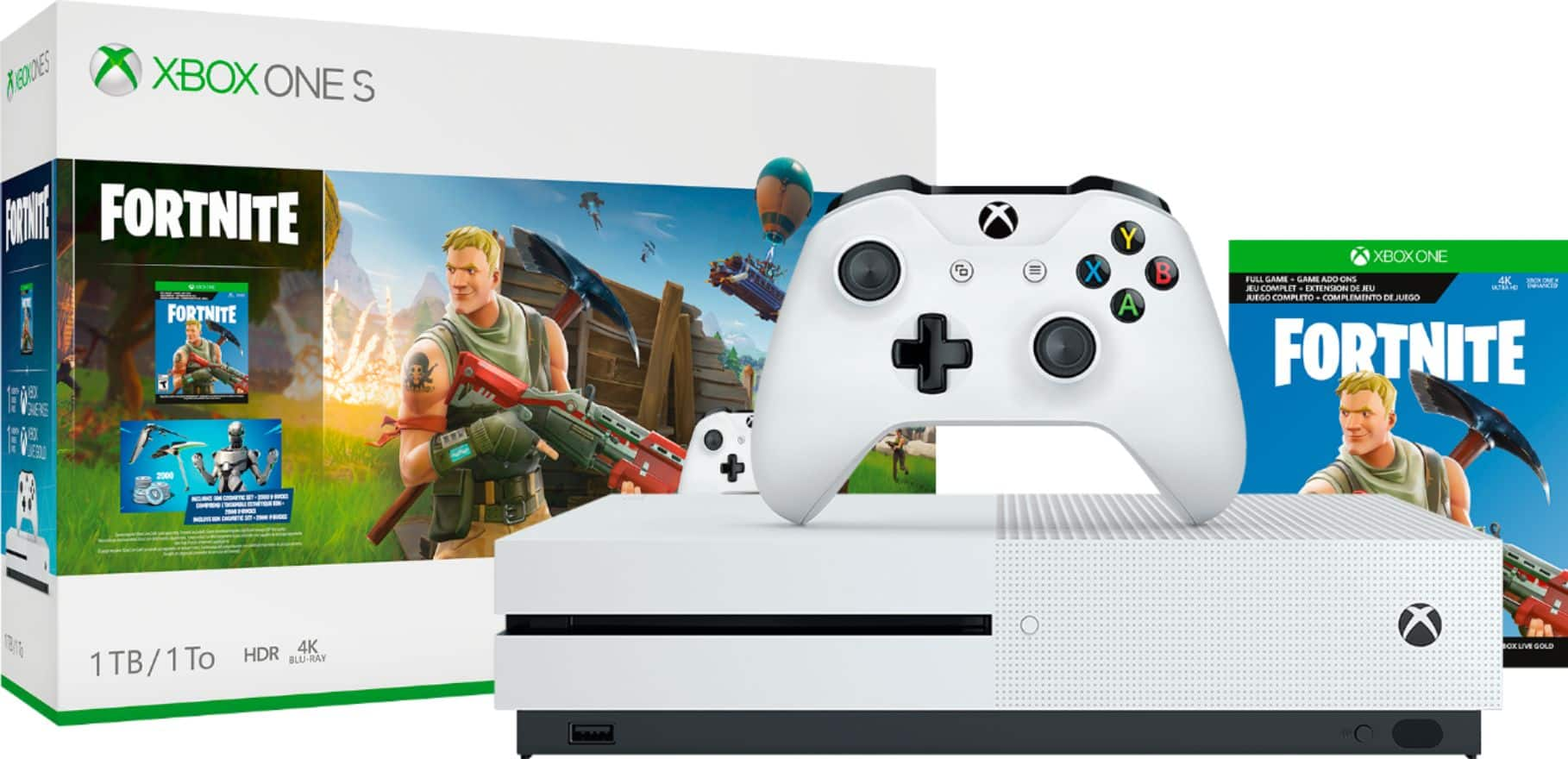
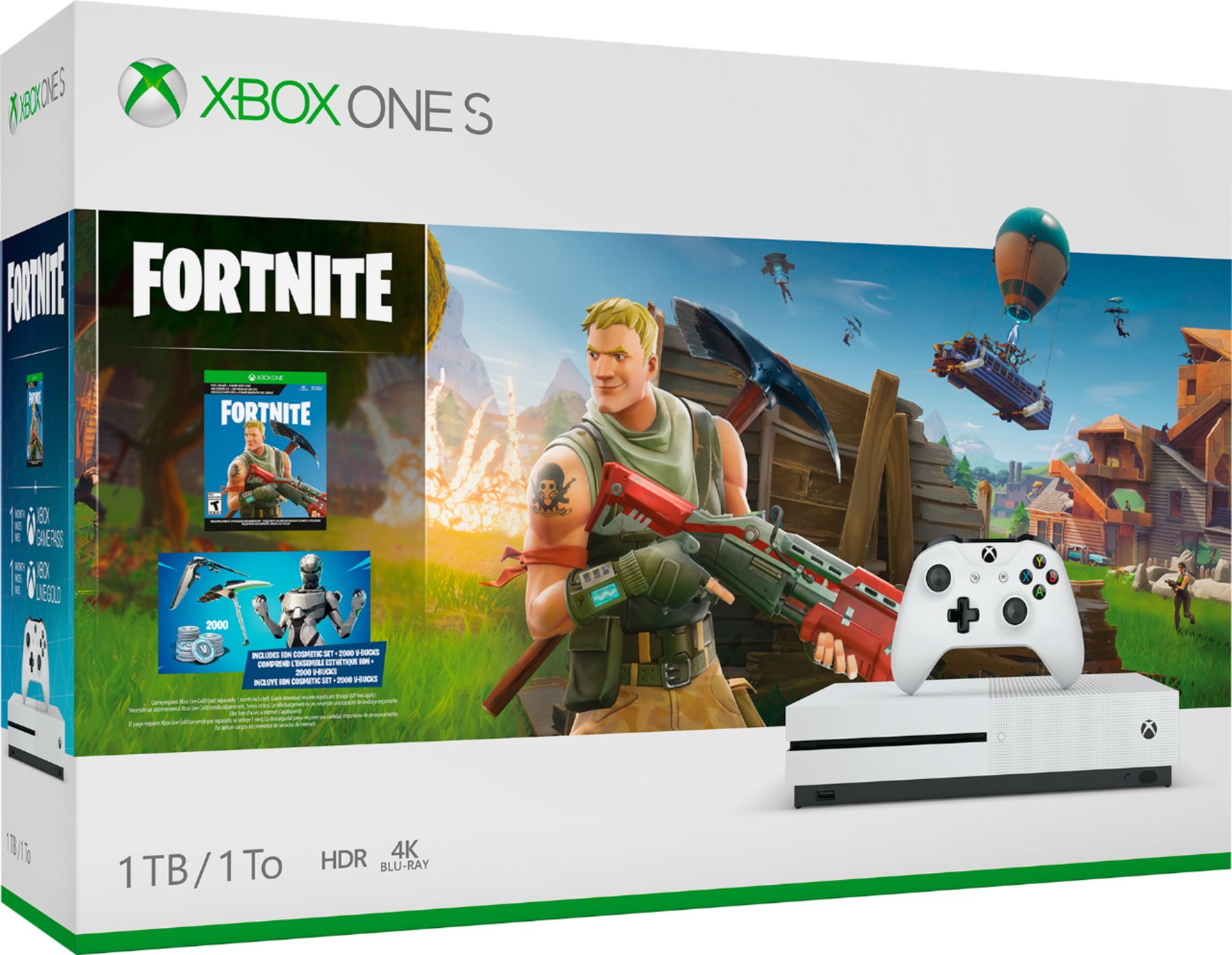
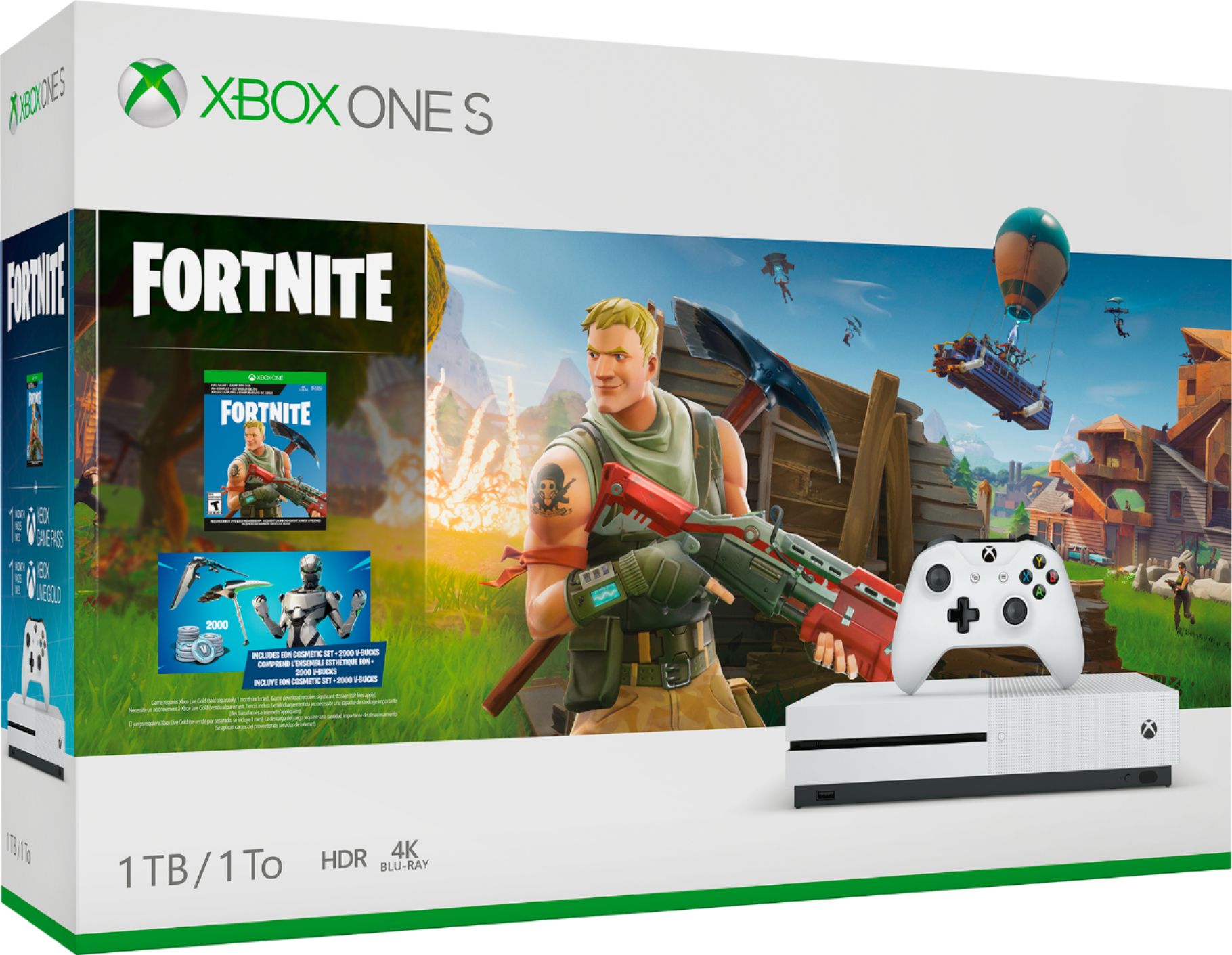
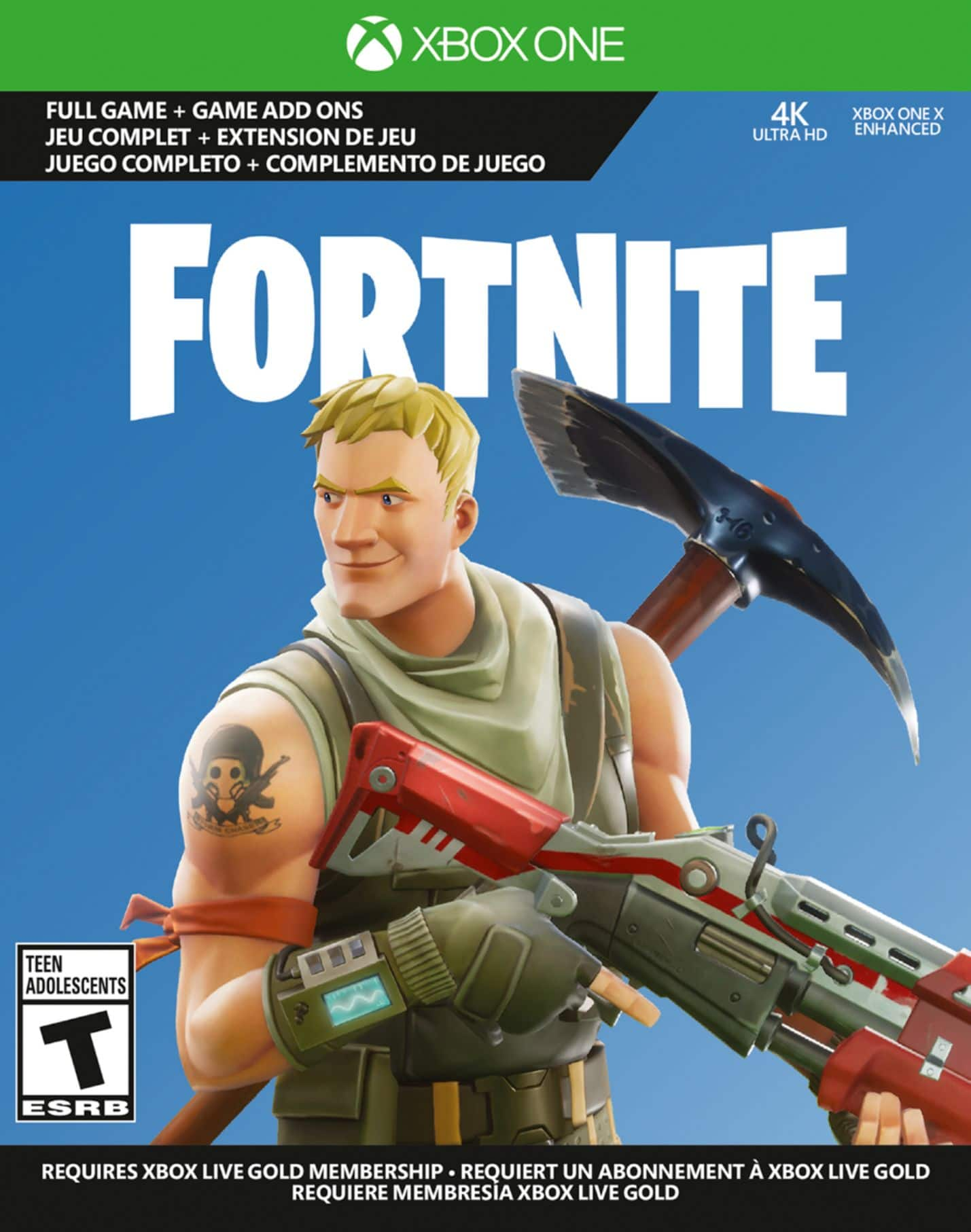
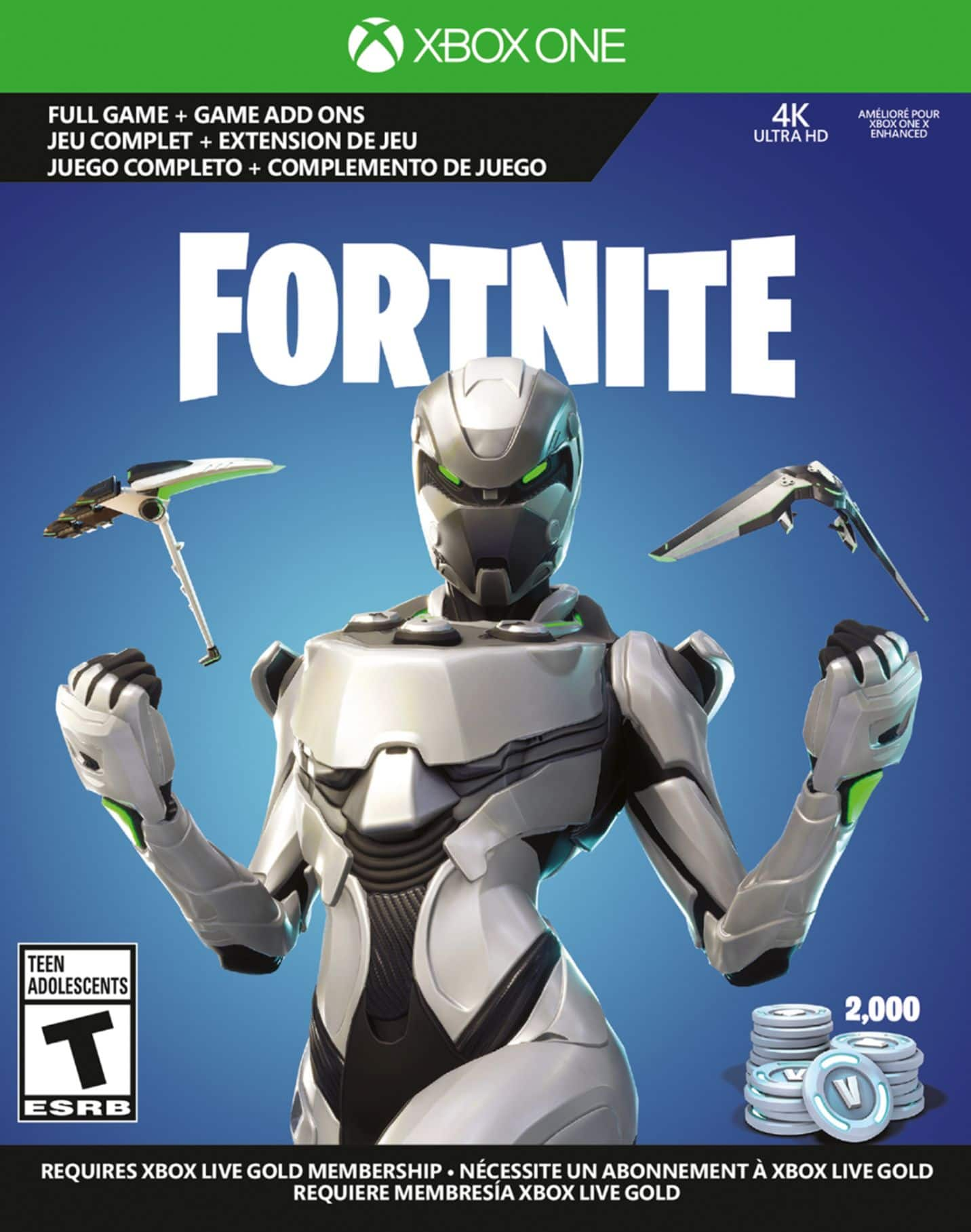
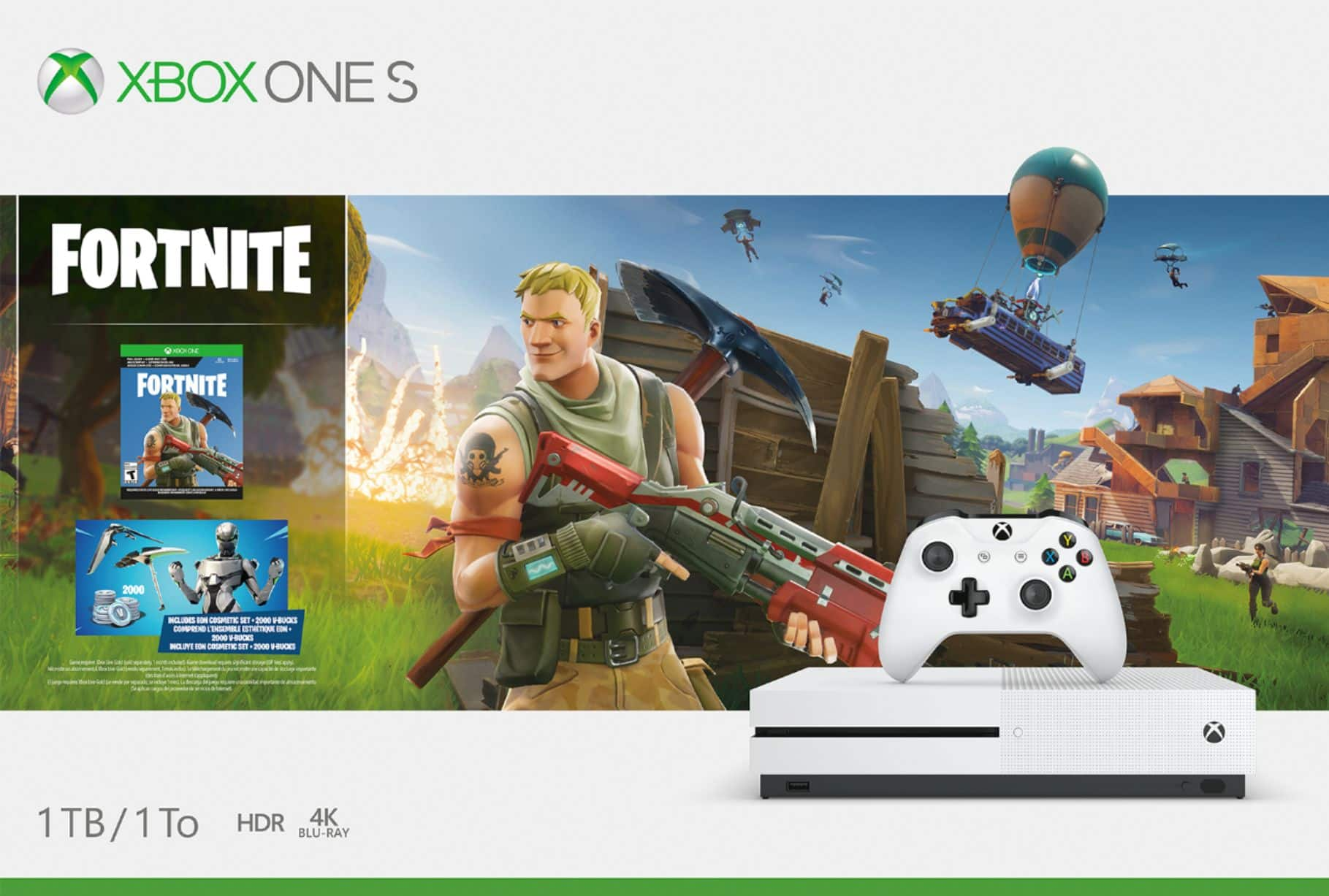
A:AnswerThe included game of Fortnite is provided as a digital code good for a full-game download. Other games for purchase are available in both digital download and physical (disc) versions.
A:AnswerXbox One S is compatible with a 4K display, and plays 4K UHD Blu-rays and streaming video in 4K, but does not play games in 4K resolution. For gaming in true 4K, we recommend Xbox One X.
A:AnswerXbox One S is not compatible with the controllers or Kinect sensor for Xbox 360, but is backwards compatible with hundreds of Xbox 360 and original Xbox games. A full list of backwards compatible games can be found here: https://www.xbox.com/en-US/xbox-one/backward-compatibility
Xbox Live Gold is required to play online multiplayer games, but is not required for offline games. More information about Xbox Live Gold can be found here: https://www.xbox.com/en-US/live/gold
A:AnswerXbox One S is lighter and more compact than the original Xbox One, and also plays 4K UHD Blu-rays. For more information on Xbox One S, go here: https://www.xbox.com/en-US/xbox-one-s