A:AnswerThank you for your question! Yes, if purchasing your Xbox Series S through the Xbox All Access program, the console is yours to keep once all payments have been made.
A:AnswerThanks for checking! A sound bar or external speakers may be connected to your display or TV, but not to the console directly. For more information about Xbox Series S, go here: https://support.xbox.com/help/hardware-network/console/xbox-series-x-faq
A:AnswerThank you for your question! Yes, you may use your Xbox Series S in Europe. To make sure Xbox is supported in your country, please go here: https://www.xbox.com/regions
A:AnswerThank you for your question. Xbox Game Pass is not available in Pakistan at this time. Unfortunately, we don't have any information about when or if it will be supported there. For more information about regions where Xbox is available, please go here: https://www.xbox.com/regions
A:AnswerWhen purchasing Xbox Series S through the Xbox All Access program, you own your console after all payments have been made. For more information about Xbox All Access, please go here: https://www.bestbuy.com/site/xbox-series-x-and-s/xbox-all-access/pcmcat1579299055180.c?id=pcmcat1579299055180
A:AnswerThank you for your question! Xbox Series S is an all-digital console and requires Internet access to set up, download and install games or updates, stream video, and play games online. Some games may be played offline once installed, though.
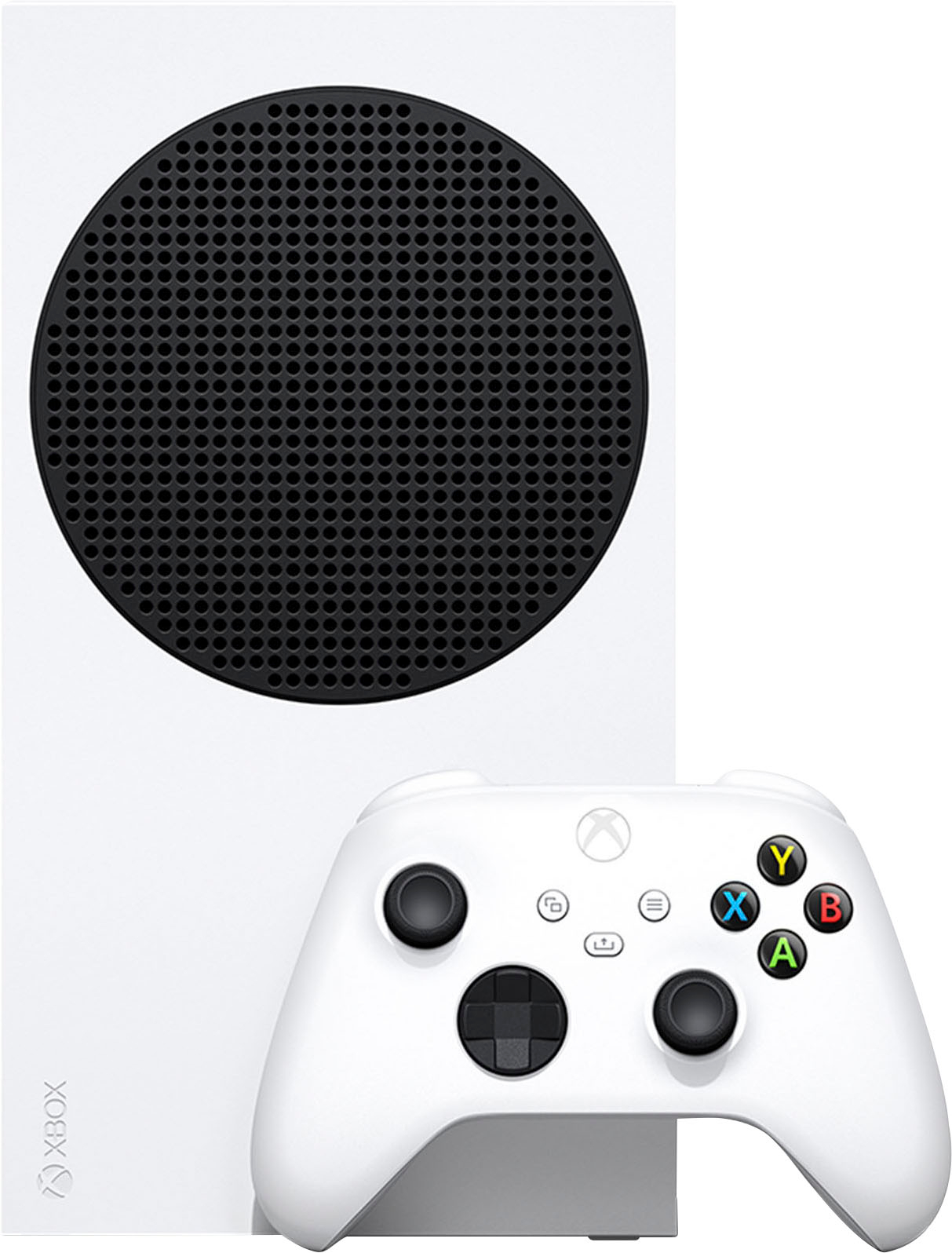
A:AnswerThank you for your question! Xbox Series S is an all-digital console, which means that it doesn't have an optical drive and does not play physical media such as game discs or Blu-rays/DVDs. Digital games may be purchased through retailers such as Best Buy or through Microsoft Store, and can then be downloaded and installed on the console.
A:AnswerThanks for your question! For a full comparison of the features for Xbox Series S and Xbox Series X, please go here: https://www.xbox.com/consoles/compare
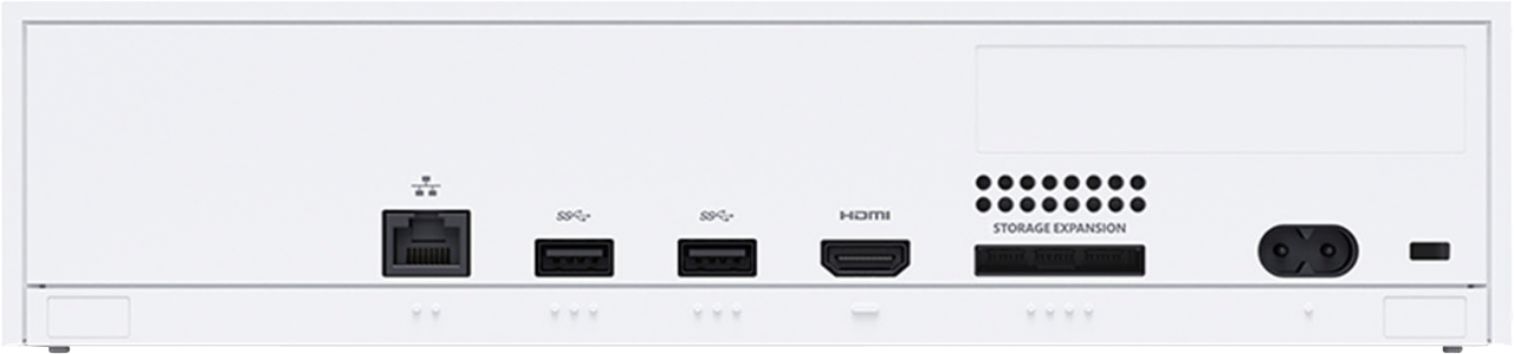
A:AnswerXbox Series S is compatible with most displays that have a HDMI connection. If your monitor supports HDMI, simply plug Xbox Series S into the HDMI port.
A:AnswerThanks for your question! For step-by-step instructions on how to connect a second controller, please go here: https://support.xbox.com/help/hardware-network/controller/connect-a-wireless-controller
A:AnswerThank you for your question. Xbox Game Pass is not required to enjoy Xbox Series S (though we definitely recommend it!) To play games online, you may need an active Xbox Live Gold or Xbox Game Pass Ultimate membership. Please note that free-to-play games such as Apex Legends and Rocket League do not require Xbox Live Gold or Xbox Game Pass Ultimate.
A:AnswerThanks for checking! Many Xbox games may be enjoyed without the need for a Xbox Live Gold membership. Please note that an active Xbox Live Gold or Xbox Game Pass Ultimate membership is required to play games online (except for free-to-play games).