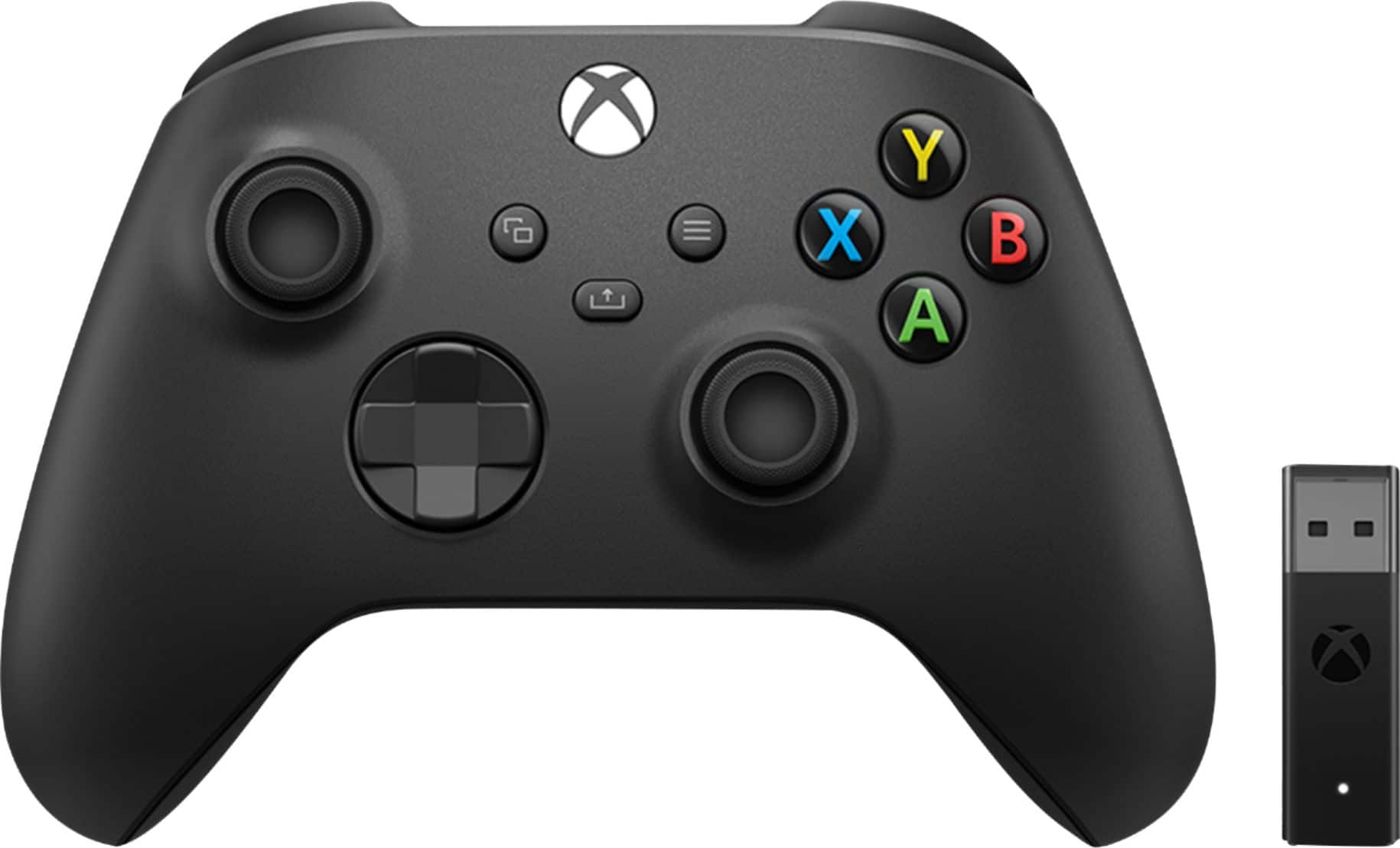
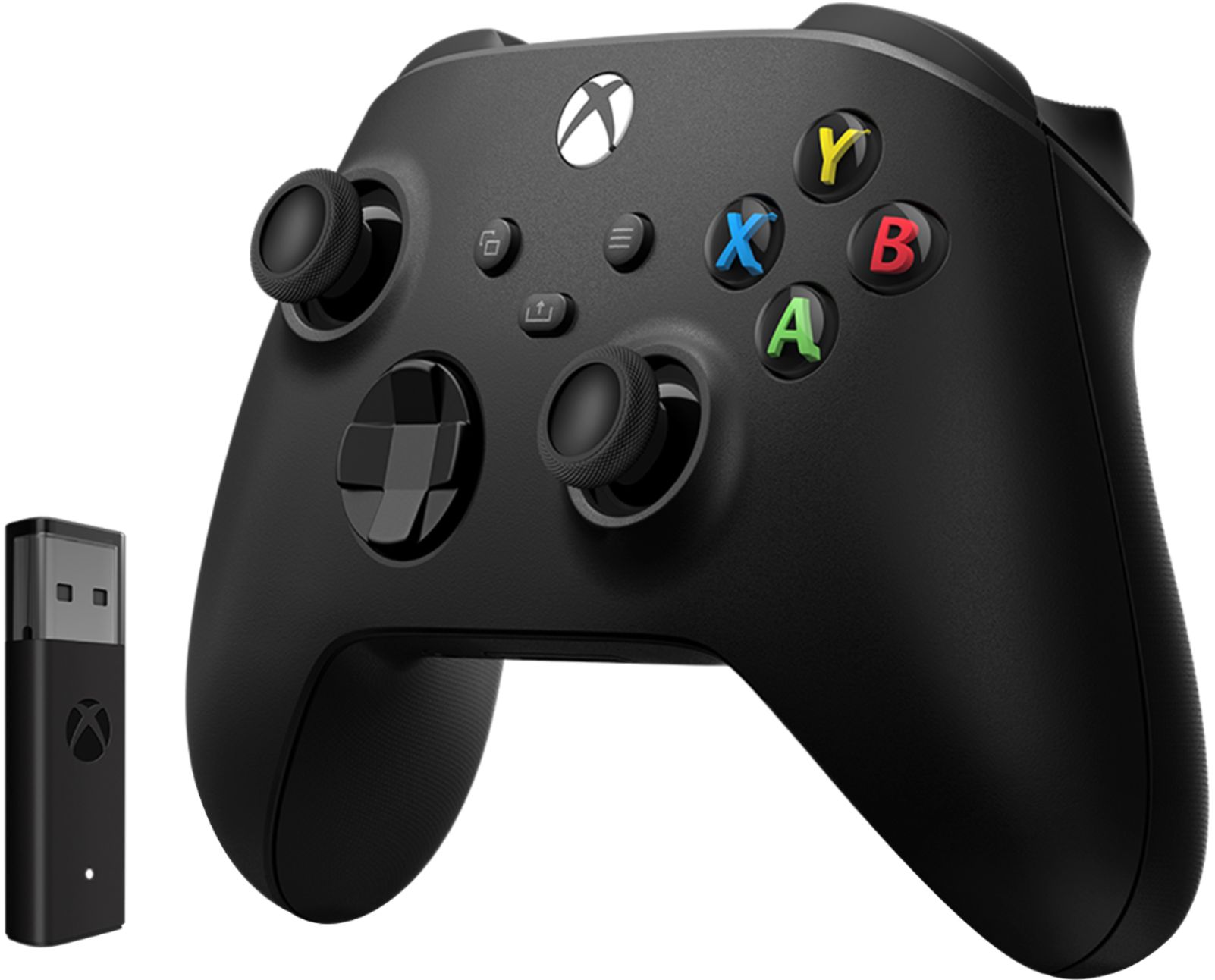
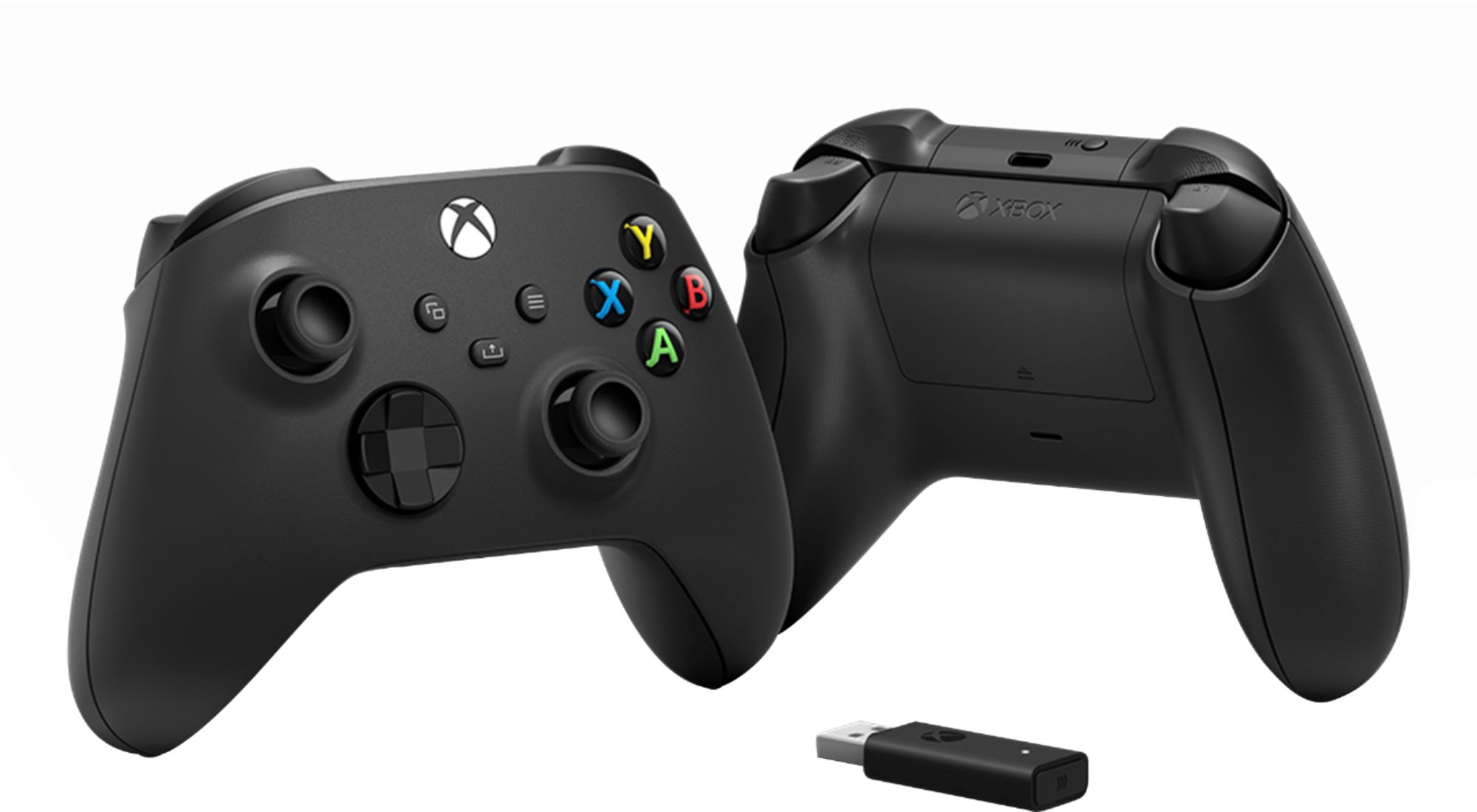
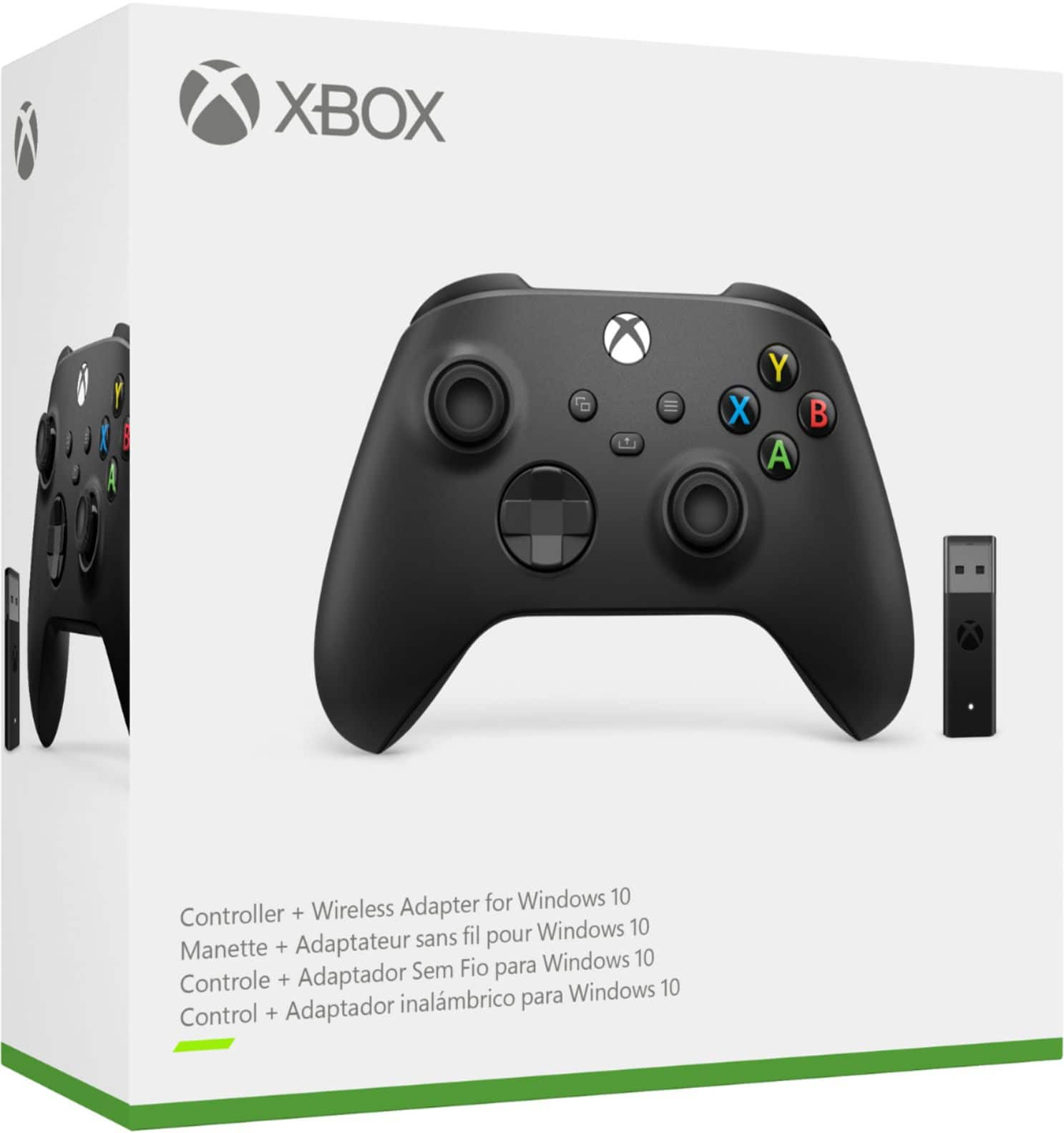
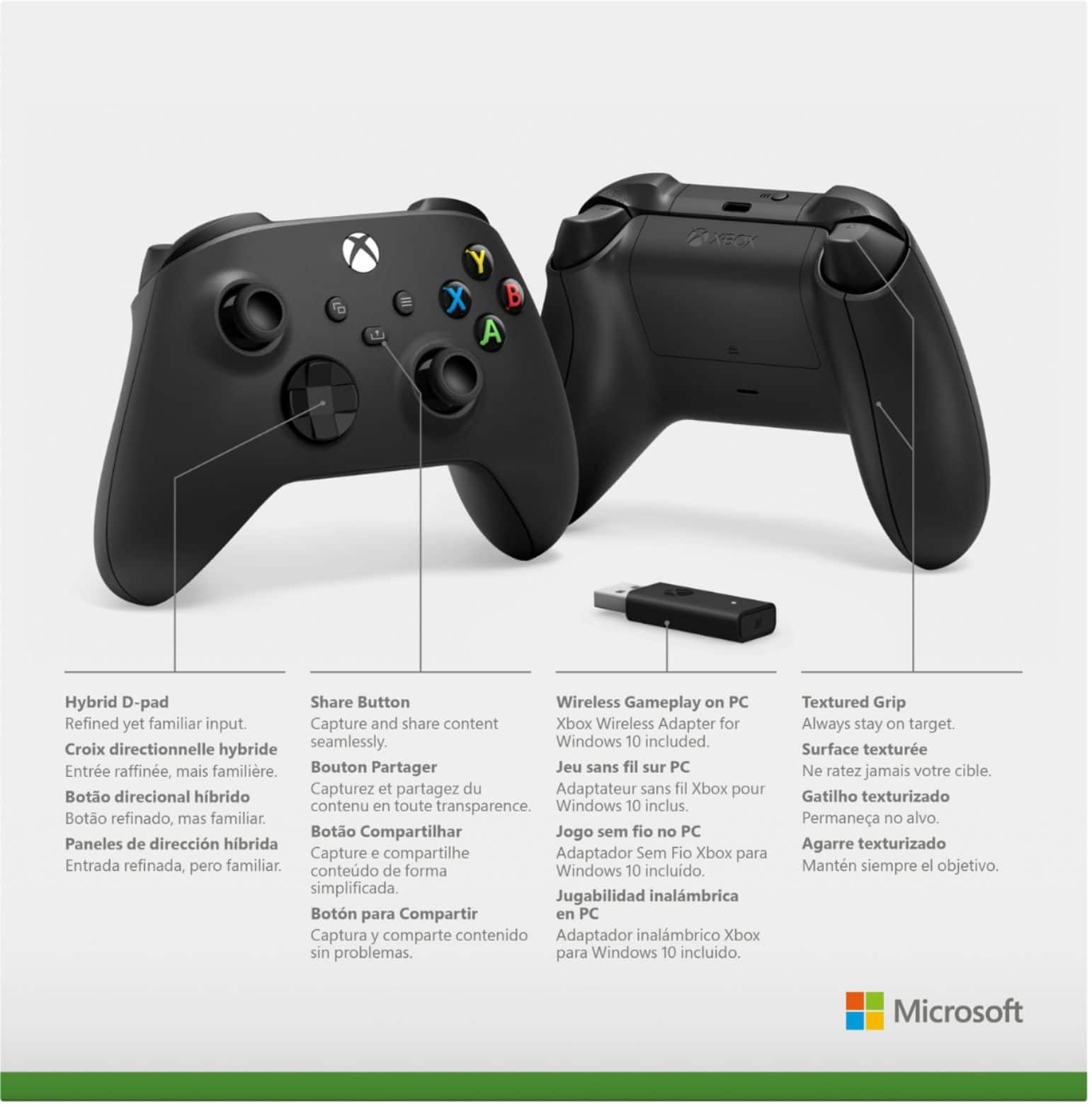
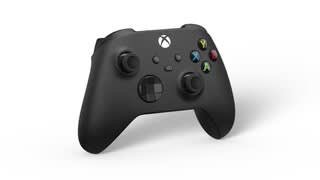
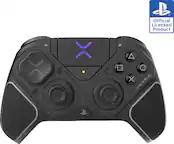
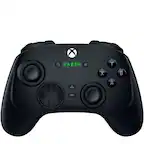
A:AnswerWorks fine and easy to pair. I use it to play all sorts of games on Steam and Epic with no problems. You can connect to PC with blietooth on any official xbox controller but if you want vibration to work when wireless you have to use the included dongle.
A:AnswerThanks for asking! This controller doesn't need batteries if you use a USB-C to USB-A cable to create a wired connection to your Windows 10 PC. Please note that batteries are required for it to be used wirelessly with the included Xbox Wireless Adapter.
A:AnswerCan't remember how long, but I know I went through about 6-8(Duracell) batteries the first month I used the controller. I then purchased the Play and Charge kit for the controller. Cheaper than going battery route. I hope this helps. Kit sold through BestBuy ( about $15+).
A:Answerfor cloud gaming, the bluetooth connection will be the least of your latency worries. Although the answer is no. the dongle is just a simple BT adapter, same as any other.