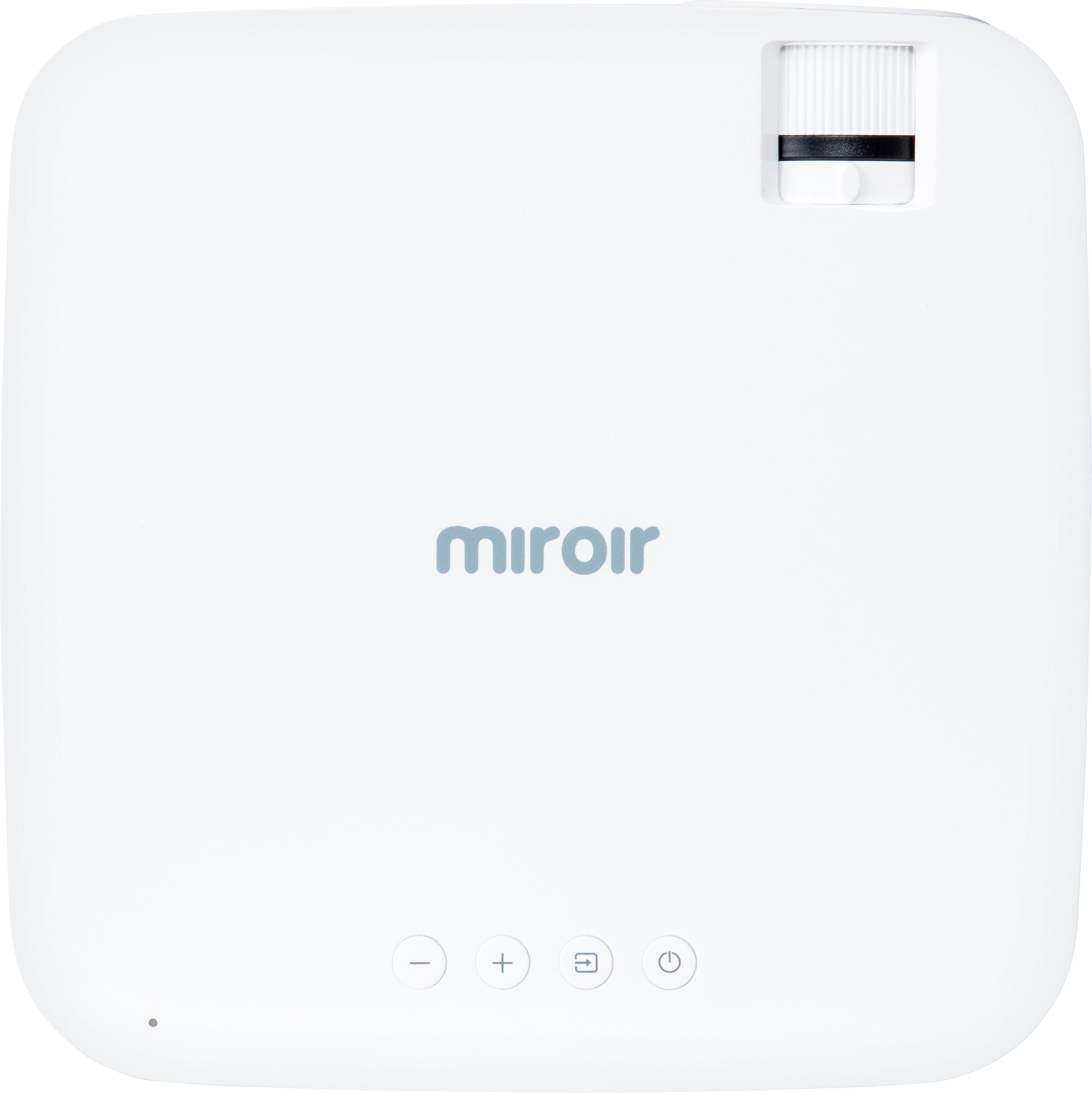
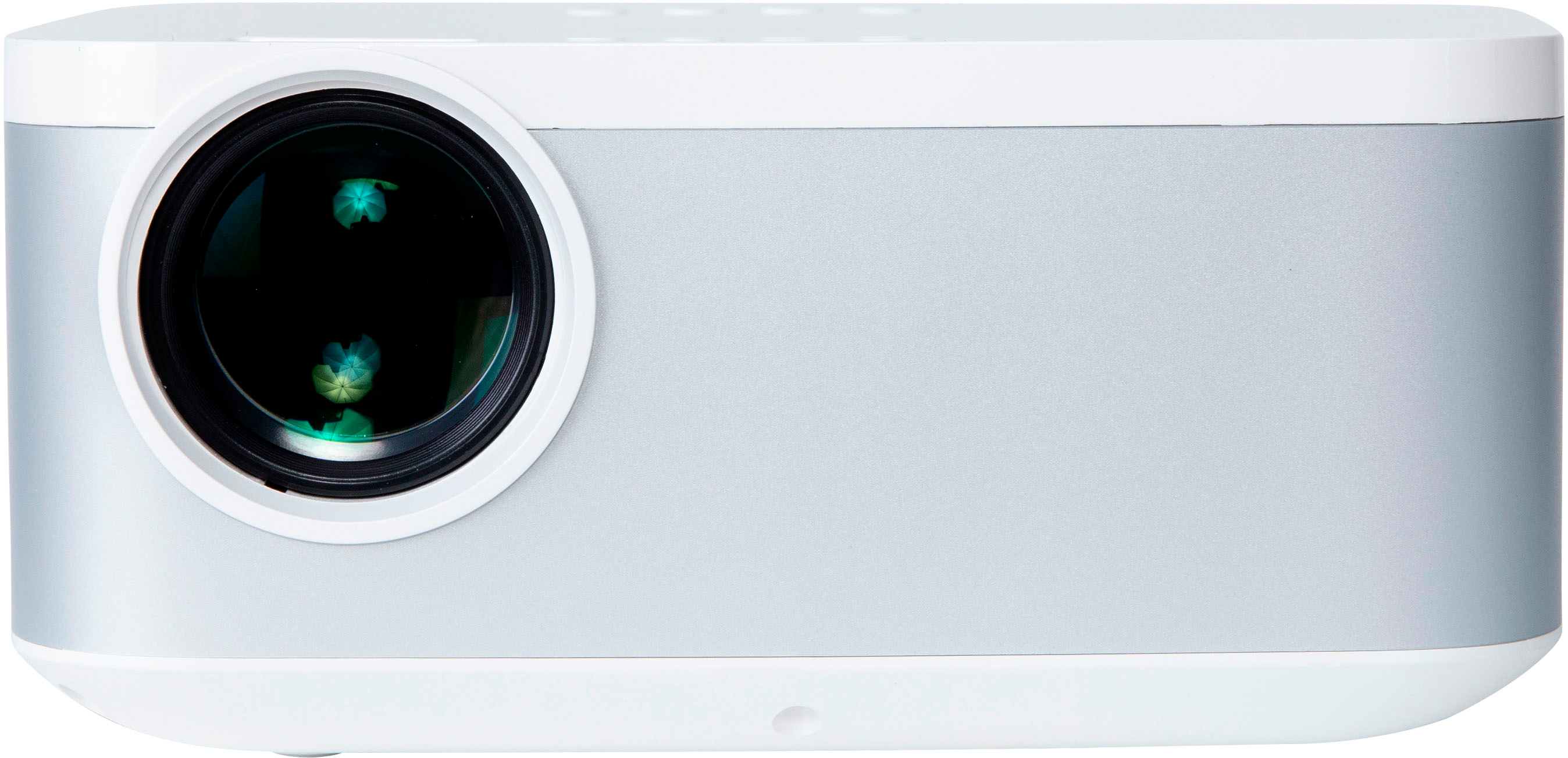
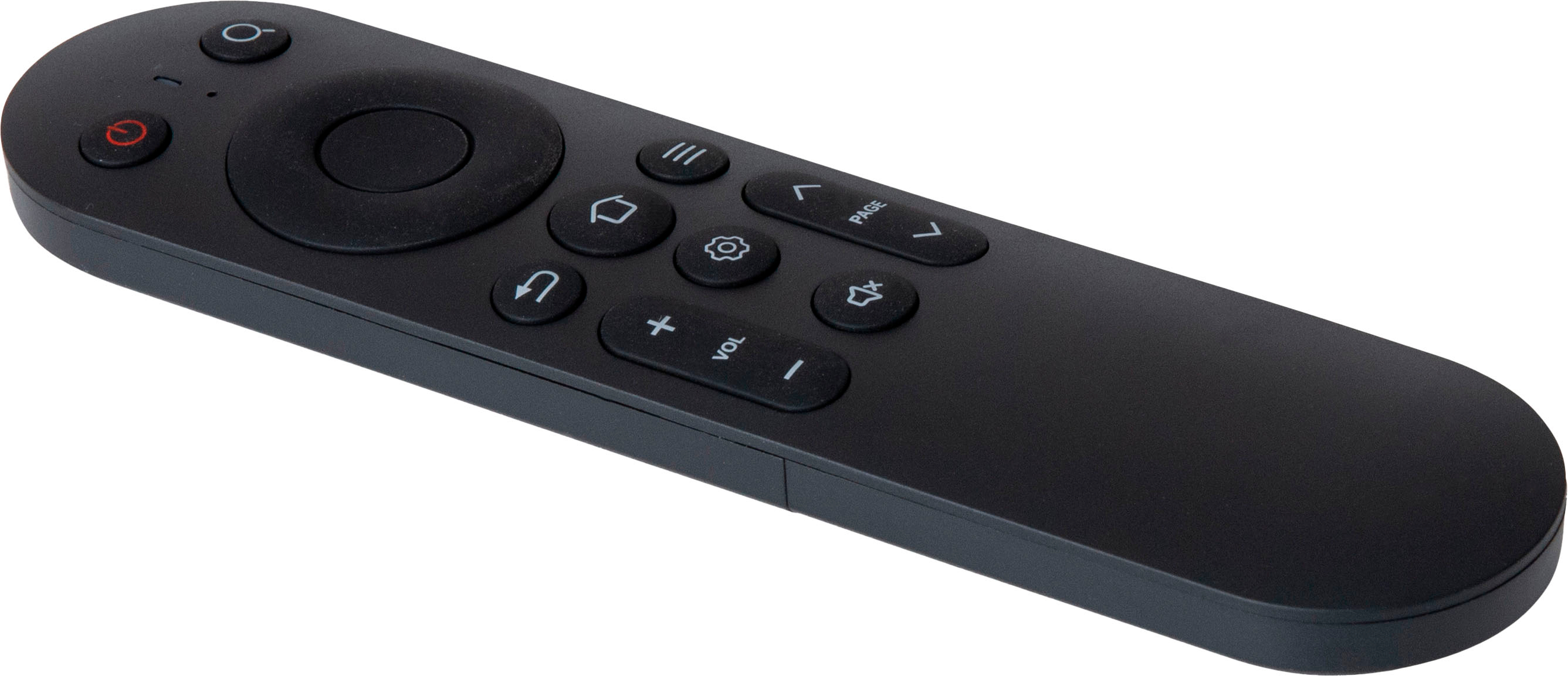
A:AnswerHello, SYNQ TV has Max, Amazon Prime, Netflix, Hulu, Paramout +, Disney + etc. with Peacock on the way! Please contact our support team via our website if you have further questions.
Thank you.
Miroir Team
A:AnswerThe projector does have a mirroring option for streaming from your phone, but the quality is slow, choppy, & lagging with the audio. The best way to use this projector is with a third-party streaming device i.e. Roku, Fire Stick, etc...
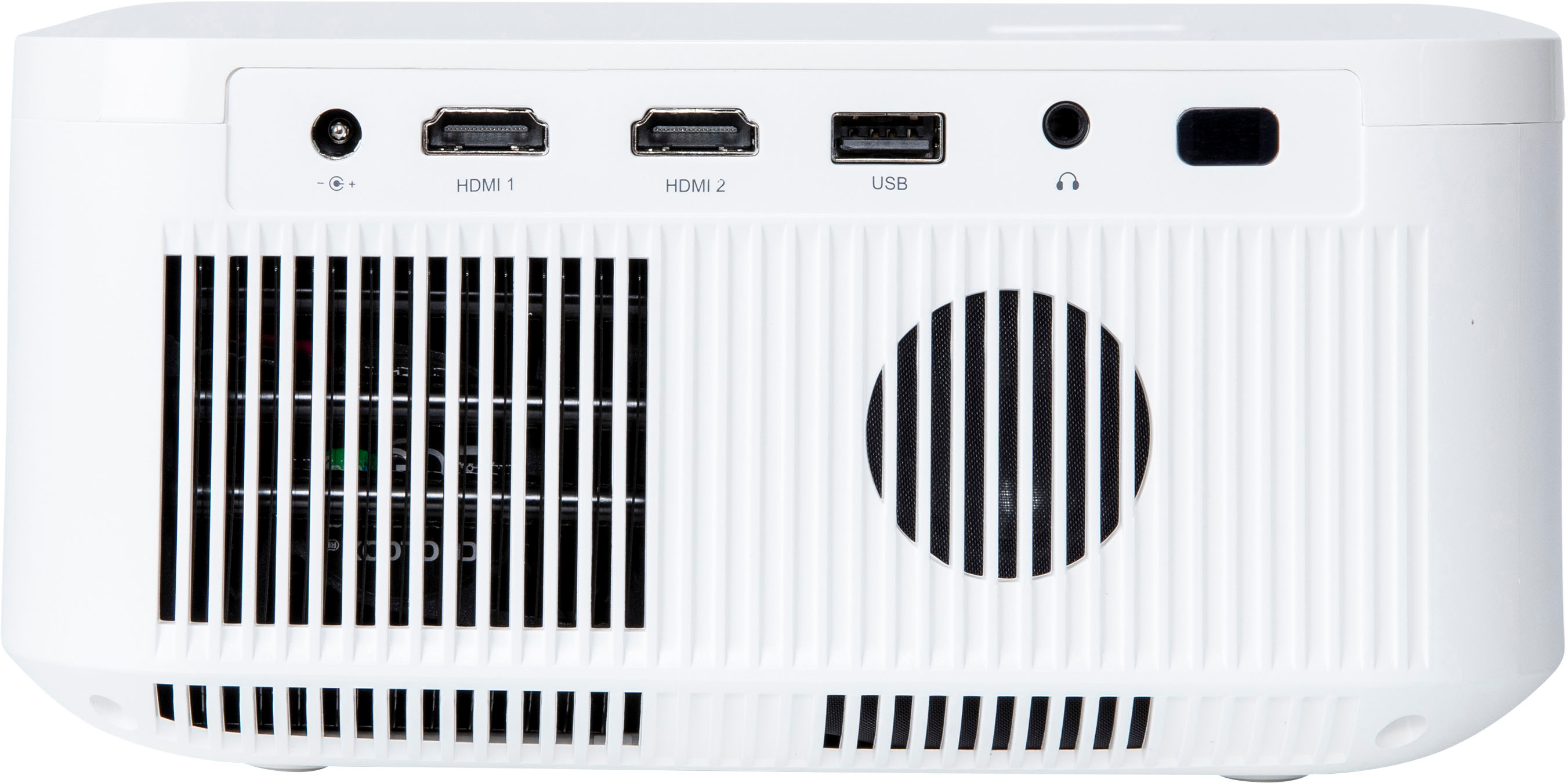
A:AnswerYes you can. They have cables that are USB-C on one end and HDMI on the other. Without WiFi however, you will have to play something from your laptop that is saved to it instead of streaming. Unless you will use your phone as a hotspot to stream.
A:AnswerI had the same problem and it was caused by unstable voltage at home. In my work space it worked perfectly. Be sure to have the proper voltage, no matter if you use any extension cord.
A:AnswerHi, the Miroir L500S will connect to Windows and Apple computers via HDMI or wirelessly through screen mirroring. Some content that is projected with digital rights management (DRM) will not support screen mirroring.
Thank you.
Miroir Team
A:AnswerHi,
Yes you can. The room environment would have to be darker to see the image. You can control the image through your device (phone, tablet or laptop) with the 500S built in screen mirroring.
Thank you.
A:AnswerHello! You might be able to connect your L500S to your speakers, depending on what type of receiver you have. If you could reach out to support@miroirusa.com, we'd be happy to help you get sorted out!
A:AnswerHello! You can definitely use an HDMI cable to stream a website to your L500S. If you have an Apple computer, you can also use AirPlay to mirror your screen as well!
A:AnswerHello! Yes, you'll just need to select the ESPN app on the projector and you're good to go. Please contact support@miroirusa.com for any other support.