No content
Questions & Answers
- Model:
- M125
- |
- SKU:
- 6408288
Highly rated by customers for: Build Quality, Battery Life, Brightness
Page Showing 1-17 of 17 questions
Q: QuestionIf I design a logo on my Mac with Adobi Illustrator, can I project the image onto a wall or canvas I want to paint with this projector? If so, what cords or accessories do I need to purchase along with this projector?
Asked by BubbaTheSignPainter.
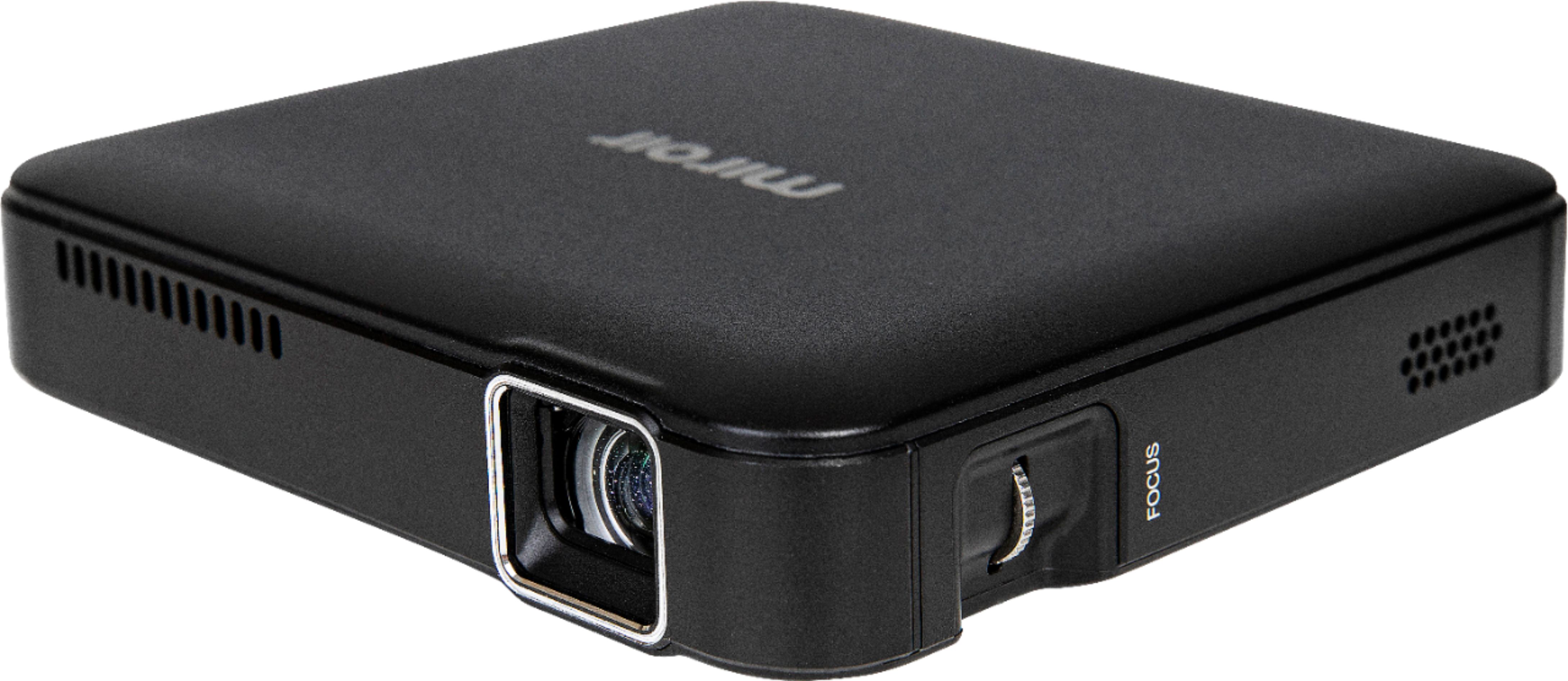
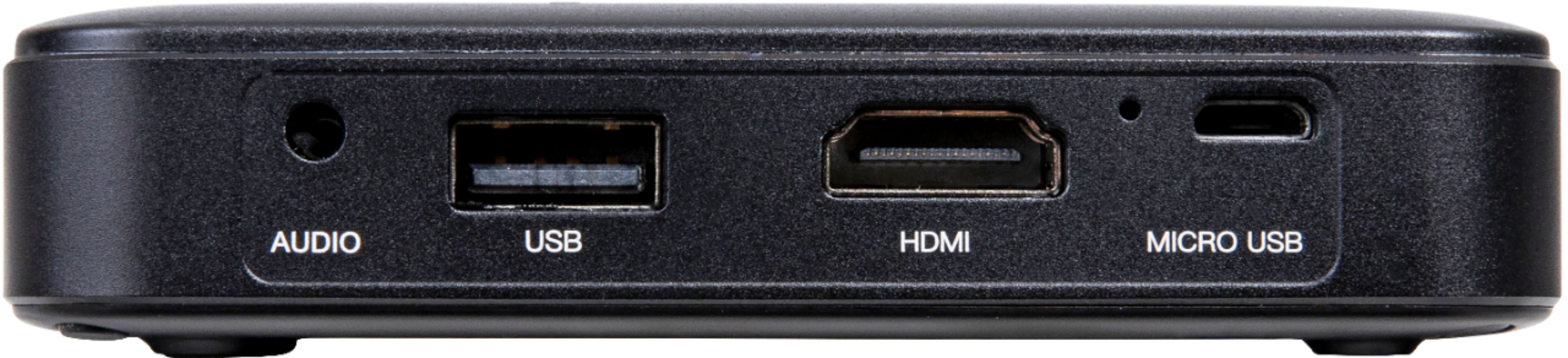
- A:Answer Hi, yes to projecting onto a canvas or wall. The image size will change depending the distance from the wall to the projector lens. Typically a 50" image at 7ft. You will need an HDMI cable (comes with projector). The connecting device to the projector will determine the cord needed. Do you know what device you will be using?
Answered by Miroir Team

Q: QuestionTo watch a movie do you just play from your phone with the adapted cords
Asked by Crazynana.
- A:Answer Hi, the M125 connects via an HDMI cable to your phone. If your phone runs on iOS it will require and Apple Digital AV adapter because iOS doesn't have HDMI built into the lightning connector. For Android, depending on your model, an HDMI to USB - C cable would work. Check the Android phone model to see if it supports Video through and adapter or if HDMI is built-in through the USB - C port.
Answered by Miroir Team

Q: QuestionI lead nighttime walking tours and want to project photos onto the sidewalk or on a nearby wall, can I do that with this projector?
Asked by lightgeist.
- A:Answer Hi, yes you can. The image size will change depending on distance from the sidewalk or wall. Typical size is 50" diagonal 5-7 feet from the wall.
Answered by Miroir Team

Q: Questionhi, can you share your cumputer screen whit this projector using a hdmi cable?
Asked by Anonymous.
- A:Answer Hi, yes to projecting from the computer HDMI port to the projector HDMI port to see the computer screen.
Answered by Miroir Team

Q: QuestionCan this be used with Amazon Firestick or similar streaming media that connects via USB?
Asked by Grandma.
- A:Answer Hi, the Amazon Fire Stick, or similar streaming devices that support HDMI plug into the HDMI port on the projector for streaming movies, TV and other content.
Answered by Miroir Team

Q: QuestionI need a micro projector for my cookie decorating. Will this work for that?
Asked by Morganepp.
- A:Answer Hi, not sure if what the cookie decorating technical requirements are. Could you provide more detail on how it would be used? Thank you.
Answered by Miroir Team

Q: QuestionWill it work with an android
Asked by Anonymous.
- A:Answer Yes, if Android is referring to and Android phone. The phone would have to support video out, or HDMI. Android phones with USB - C video out would require a USB- C video to HDMI cable.
Answered by Miroir Team

Q: QuestionCan you project a PowerPoint presentation using a flash drive with this projector?
Asked by TLynn.
- A:Answer No. The M125 does not support reading flash drive through its USB TYpe A port. You would need to connect your device via HDMI. Alternatively, a Chromecast could be powered off the M125 USB Type A port with the Chromecast HDMI plugged into the M125 HDMI port to wirelessly project from your phone or laptop.
Answered by Miroir Team

Q: QuestionHow do I adjust the settings to my mini p 125
Asked by Jonny.
- A:Answer Hi, you cannot adjust the setting on an M125.
Answered by Miroir Team

Q: QuestionWhat's the minimum viewing size? Please and thank you.
Asked by Mat.
- A:Answer Hi, 24 inches.
Answered by Miroir Team

Q: QuestionWhat type of phone does it take to run the mini projector
Asked by Cool.
- A:Answer Any phone that supports HDMI video out. Your phone may require an adapter to product an HDMI signal. iOS devices require an Apple Digital AV Adapter to produce an HDMI signal.
Answered by Miroir Team

Q: QuestionCan I purchase just a replacement remote control?
Asked by Dave.
- A:Answer If you are talking about the M125 Micro Pro Projector, there is no remote for the unit.
Answered by RobertB
Q: QuestionWhat is a mini projector used for
Asked by Anonymous.
- A:Answer Entertainment. Sharing photos and videos, or streaming movies from a phone or other devices.
Answered by Miroir Team

Q: QuestionDoes this work with an iPhone
Asked by Sue.
- A:Answer Yes. I would get a phone charger attachment with it. The phone will need to charge depending on how long the movie is.
Answered by Collins
Q: QuestionHi can this projector mount to ceilings? Thanks
Asked by Tony.
- A:Answer No. The projector does not support image flip for ceiling mounting.
Answered by Miroir Team

Q: QuestionDoes it have a zoom feature
Asked by Pybmf1.
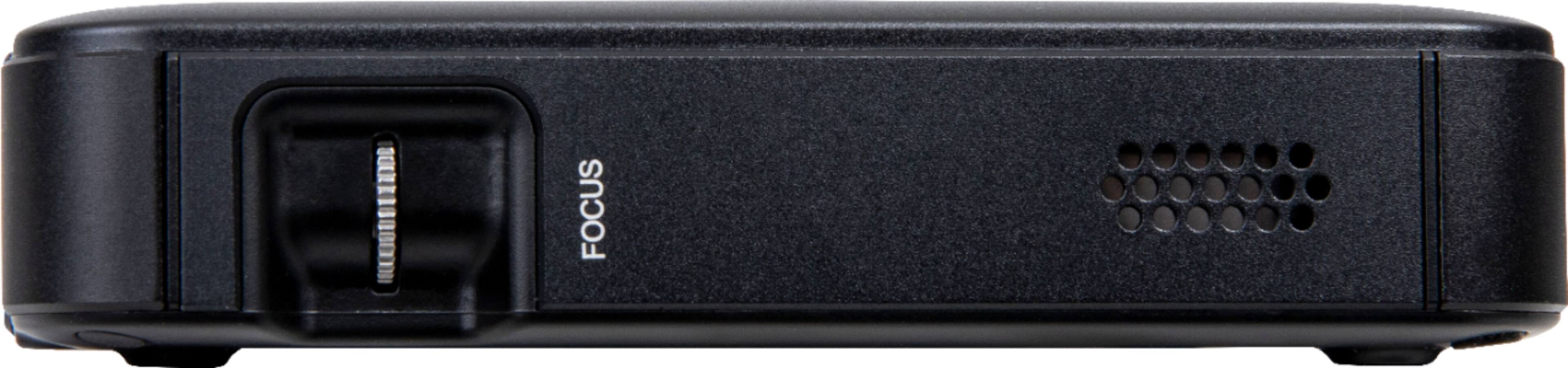
- A:Answer No. The M125 does not support Zoom. The image will increase or decrease in size as you move further or closer to the wall or screen.
Answered by Miroir Team

Page 1, Showing 1-17 of 17 questions
Most-viewed items
- $949.00$949.00The price was $1,099.00
- $149.00$149.00The price was $399.00
- $329.99$329.99The price was $469.99
- $159.99$159.99The price was $179.99
- $122.00$122.00The price was $129.99
- $449.99$449.99The price was $649.99
- $1,149.00$1,149.00The price was $1,299.00