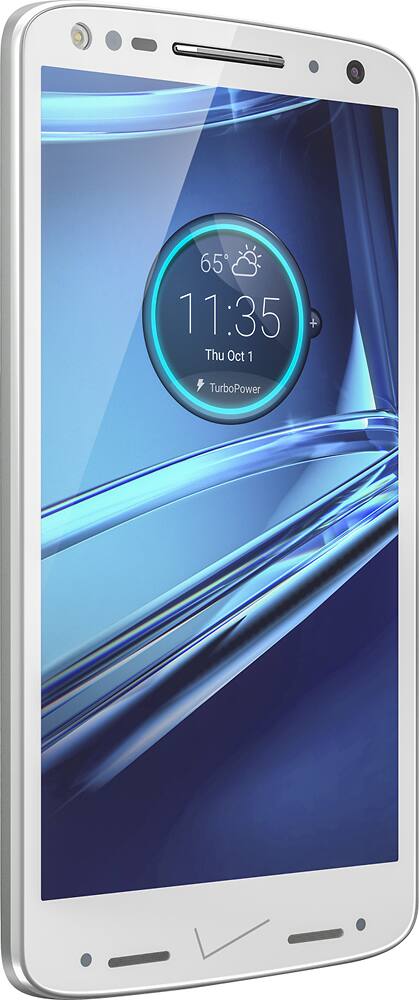
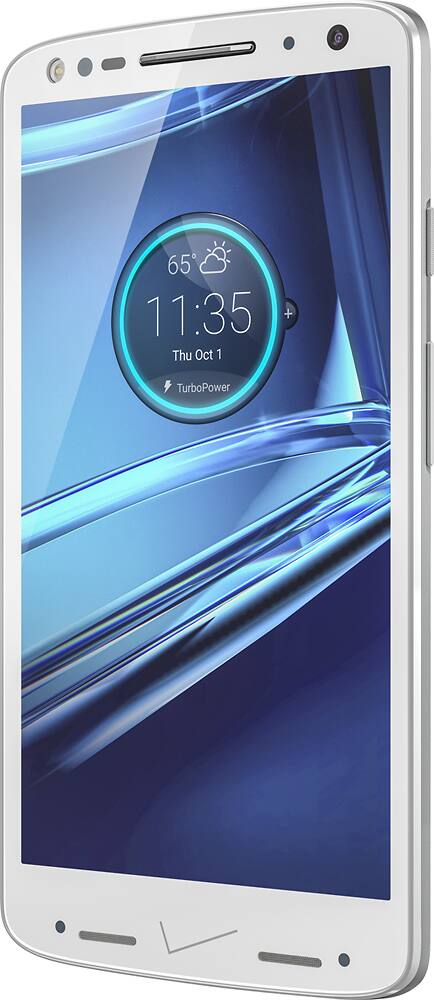
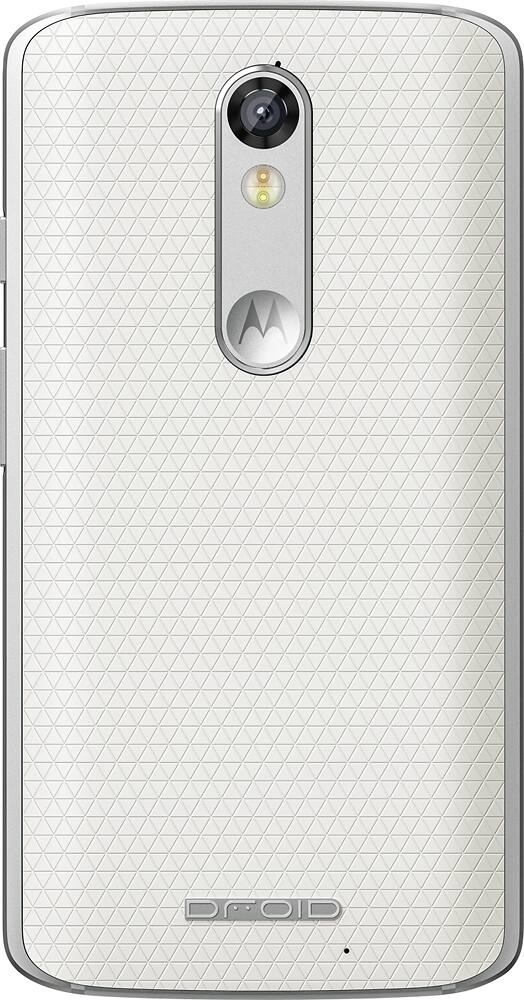
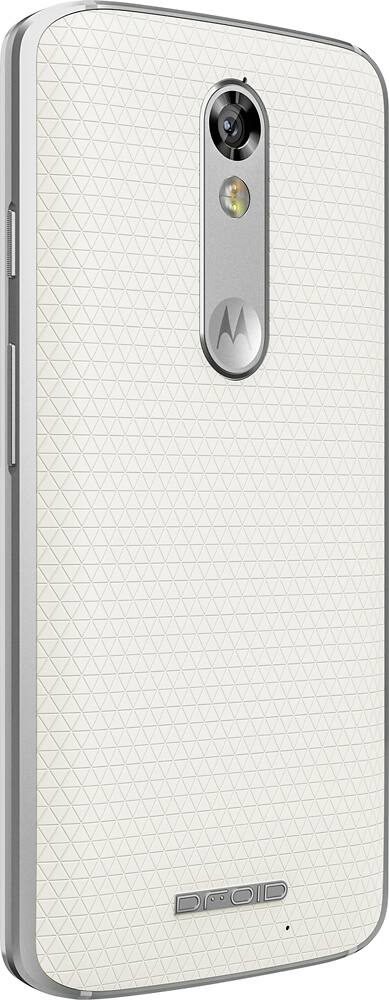
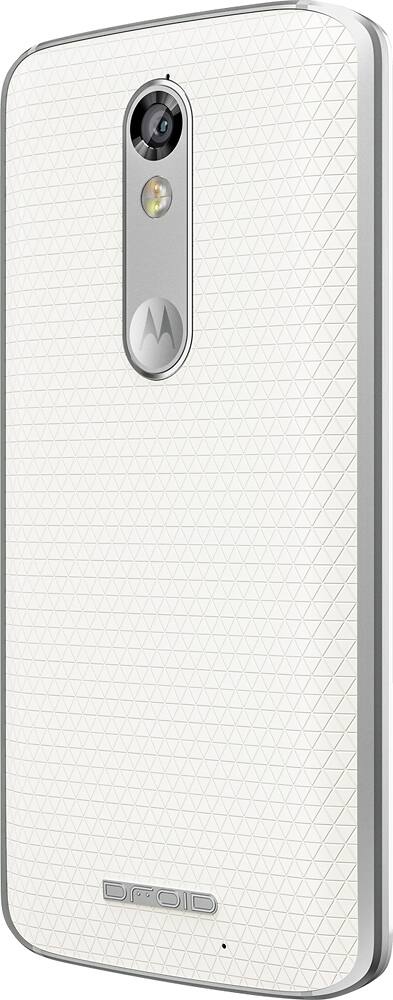
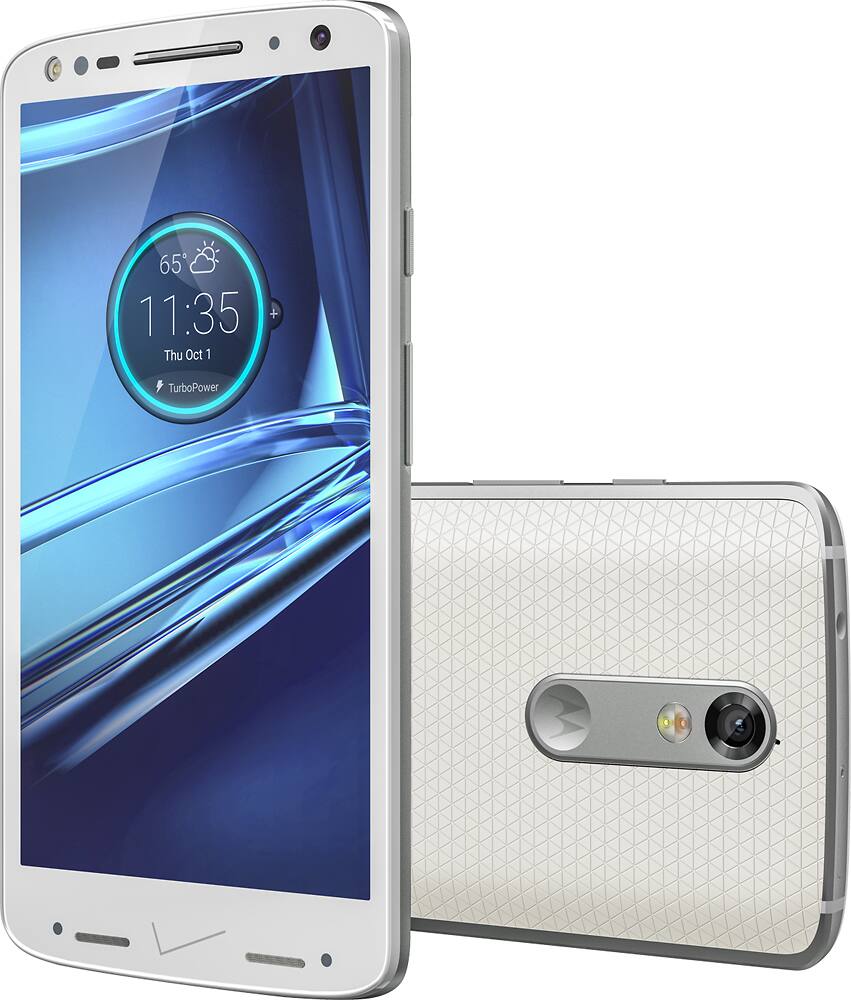
A:AnswerI am currently running with T-Mobile. Be careful to stay with 5.1 when buying and you'll be safe. Only downside is the message you get when booting up. " sim card is not Verizon sim card"
You can Google and will see that Motorola has not sim locked it. Works with all providers. Update to 6.0 will need some extra work. Took me some days to get it up and running, which included the T-Mobile tech hotline and dozens of restarts.
A:AnswerThis is why it is good to shop around. If you are within 14 days of signing the contract, you can cancel it. I recommend doing that and going with Best Buy. I have had my phone service with them for over 2 years and love it. Typically though, 3rd party vendors are cheaper. Best Buy has a protection plan too if you want to go with that. I personally will never insure with the Geek Squad again but it is a great option if you want it.
A:AnswerYes. As with any Android phone, there are several ways to send videos. You can emailed files up to 25MB via Gmail. You can text a very small, and low quality video. If you are trying to send an especially large video file, you can use any number of cloud storage apps, generally Google Drive and share the link.
There are also local options, such as bluetooth file sharing or WiFi direct sharing.
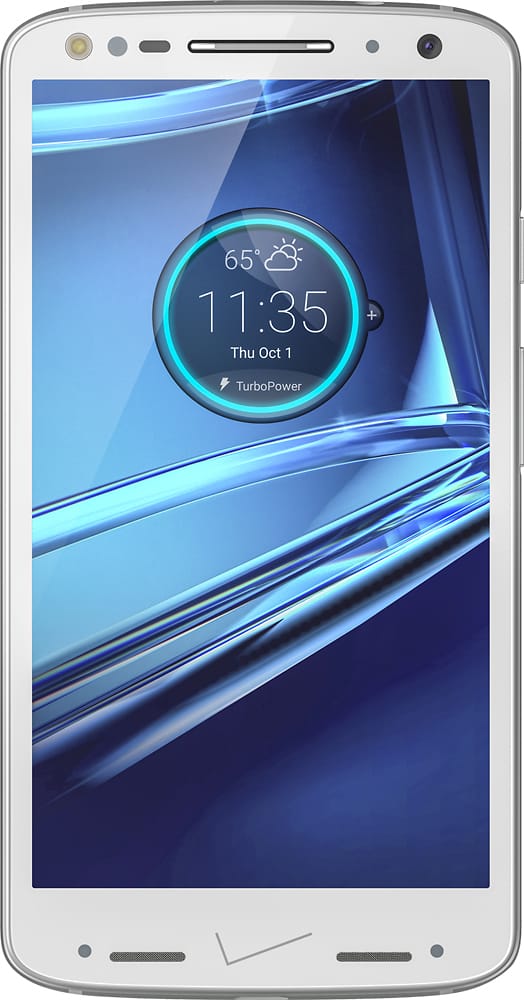
A:AnswerSomeone else stated in a previous question that the $40 upgrade fee is the total tax for the cost of the phone (not the sale price, but the retail value).
A:AnswerI have been able to use on standby for 2 days, with minimal use/calls. When in steady use, about 30 hours, as long as I'm not constantly streaming video content. The screen really consumes battery life. So does Wi-Fi.
A:AnswerThis device is supposedly limited to Verizon. I don't know if you can purchase to use on prepay services, but I don't think any other network has this device. You can start a new line of service with this device, with Verizon. If you are asking about buying at full price without activating it, you would have to contact a seller/store directly to get that answer.