A:AnswerThe best practice for anyone looking to buy their own modem is to check personally with their ISP ( Internet Service Provider) for a list of 'approved" modems.
I can tell you that "I" checked for you. CenturyLink apparently is NOT a cable provider in the practical sense. They use DSL technology. This modem is not on their list and is NOT a DSL capable modem.
You must find a DSL capable modem. Again best check on their website . They have a list of approved modems.
Cheers!
A:AnswerMatt,
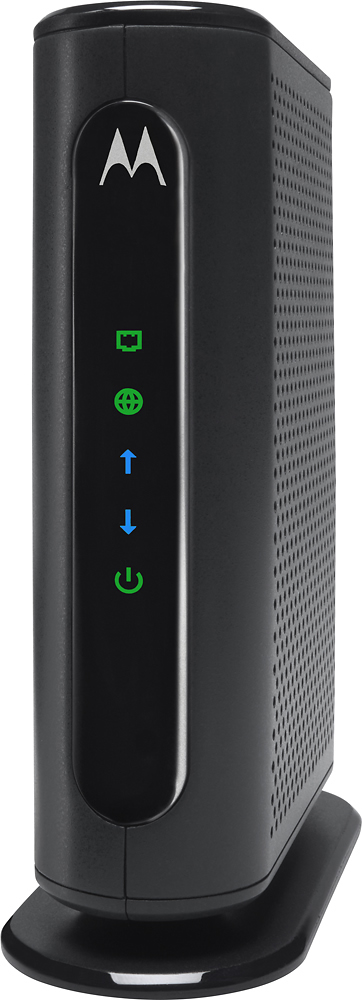
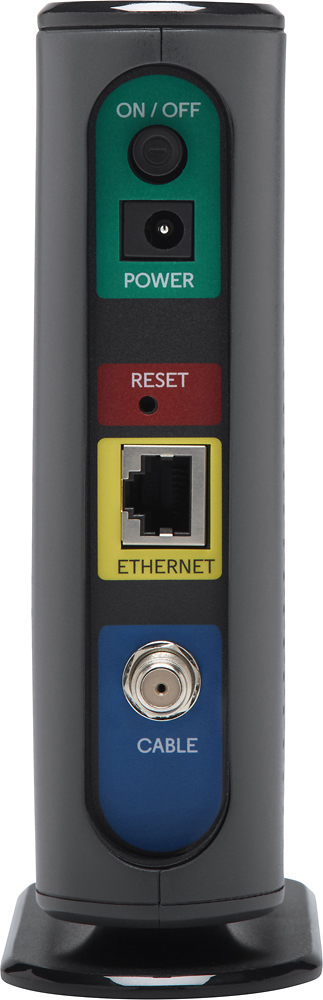
CenturyLink has a list of approved modems. This Motorola is not one of them. The reason is CenturyLink is DSL and this modem is not for DSL.
You ISP does have a list of approved modems on their site. Best check the list before shopping and cross-compare.
Cheers!
A:AnswerI bought the Motorola 8 x 4 DOCSIS 3.0 cable modem. Cheapest on BB. It is not WiFi. You must connect a router to it. I found a Belkin router on sale at BB as well.
Double check Xfinity site for approved modems.
A:AnswerHi Ed,
This Motorola worked for me, but I use Xfinity as an ISP. I also had to have my own router as I had discarded the idiotic Xfinity provided gateway that was costing me a ridiculous monthly rental rate.
To answer your question properly, I would need to know the brand and model number found somewhere on the device. The reason I ask is because people today use the terms router, modem, and gateway interchangeably. They are not, in reality interchangeable, and represent different types of devices that have different functions.
For example; Optimum seems to have offered a separate modem and router a few years back. In more recent years, it would appear they have been providing a gateway device---which is a modem/router combo.
Best,
Nick99