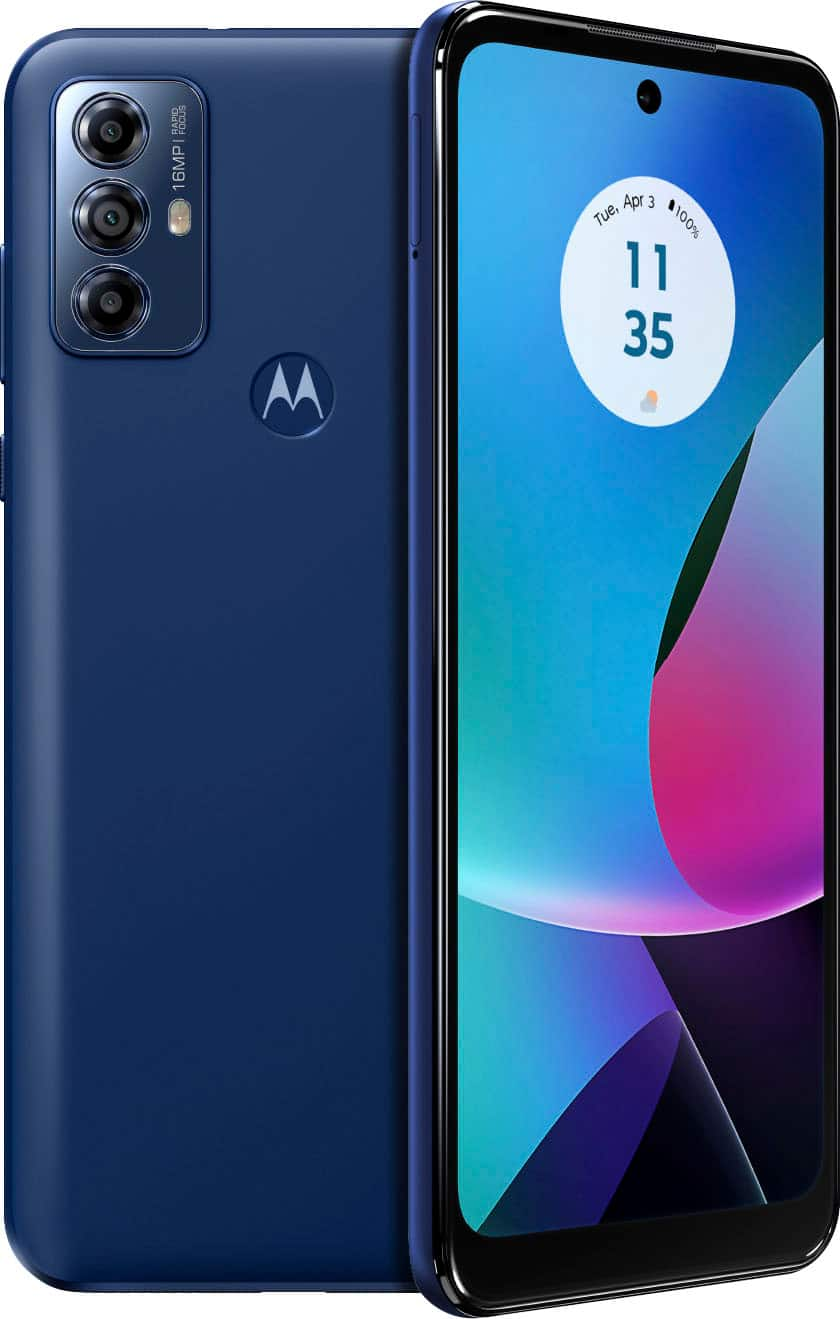
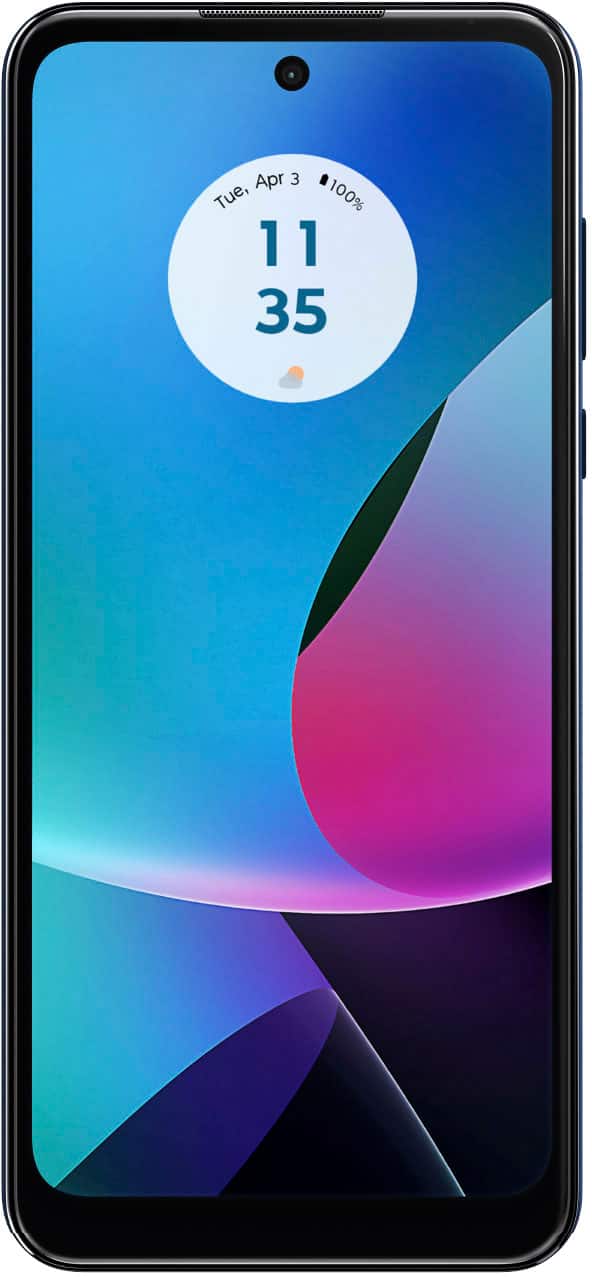
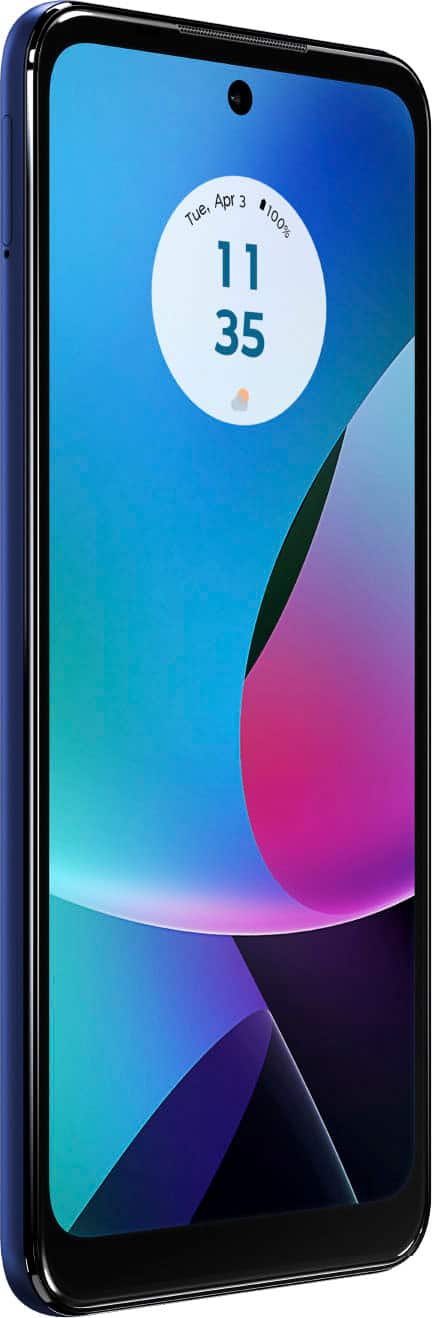
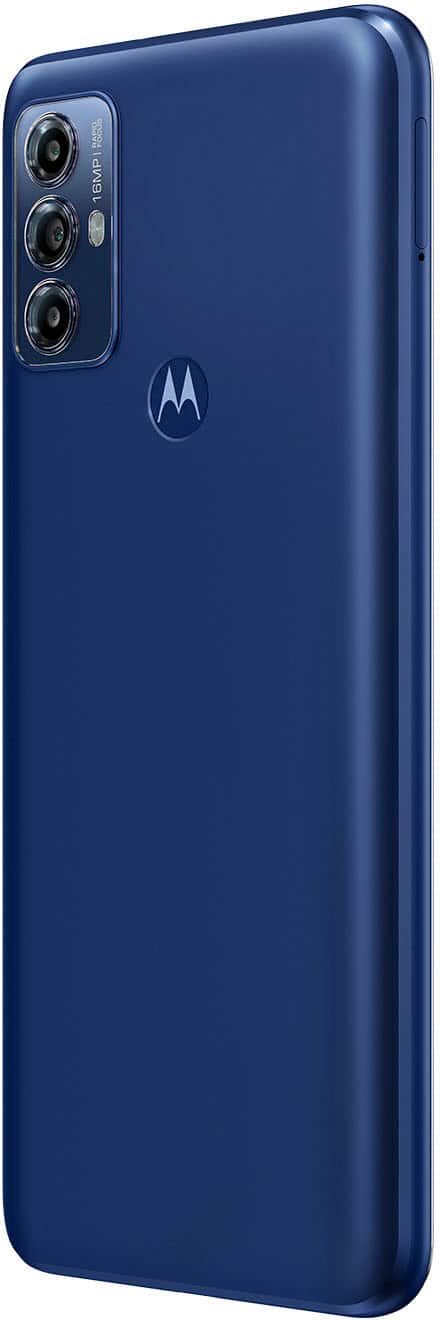
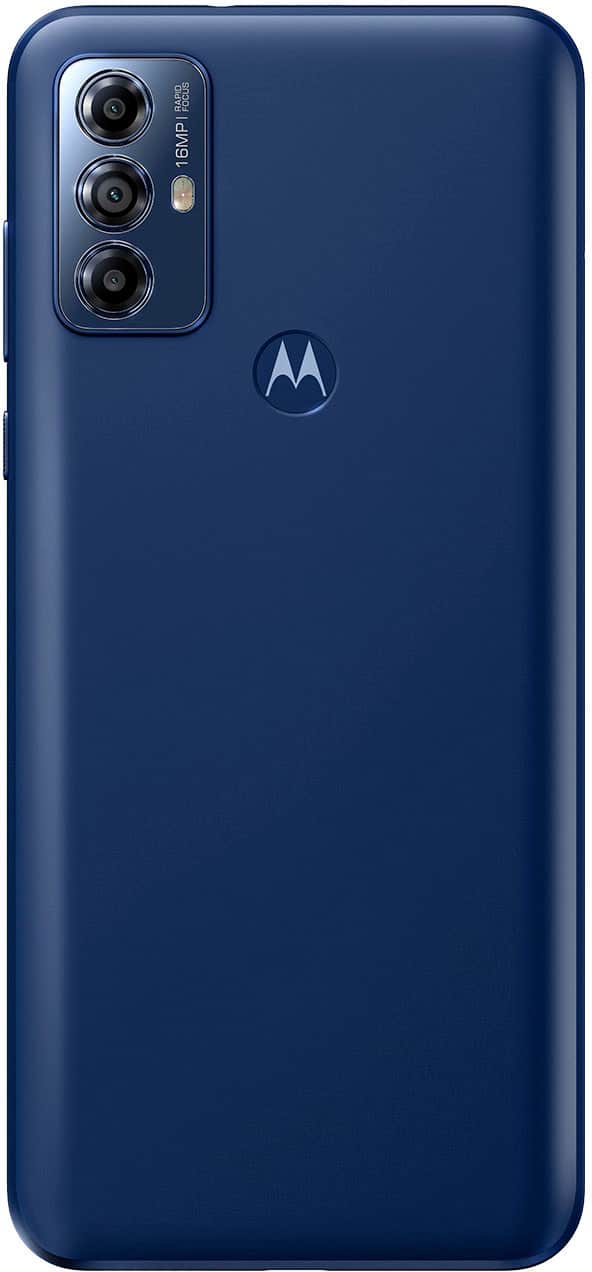
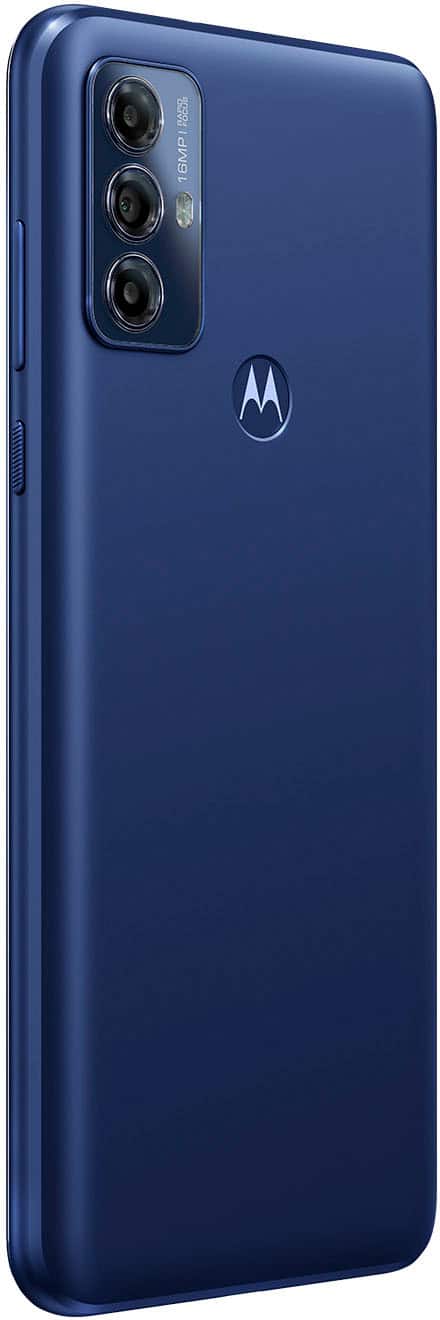
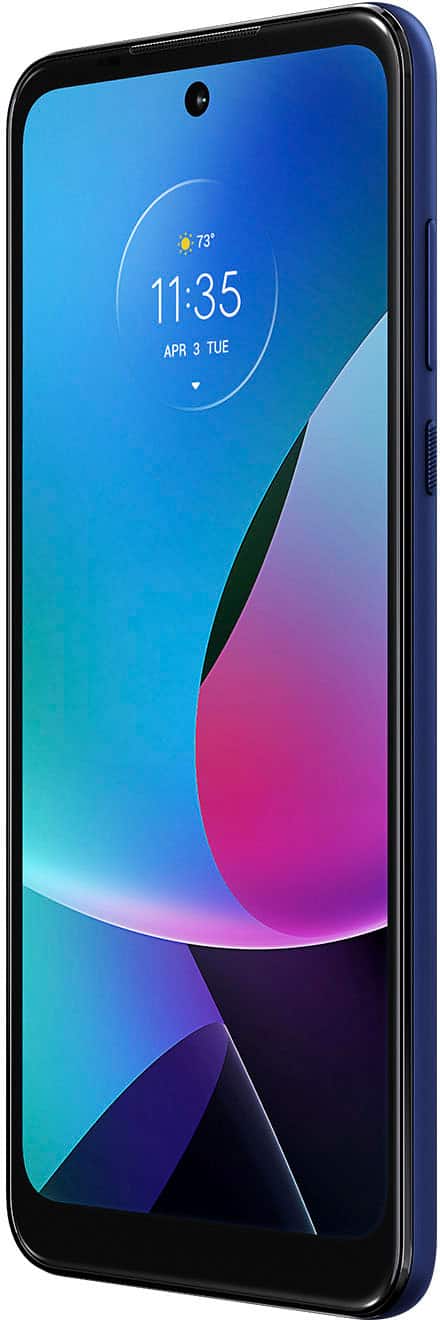
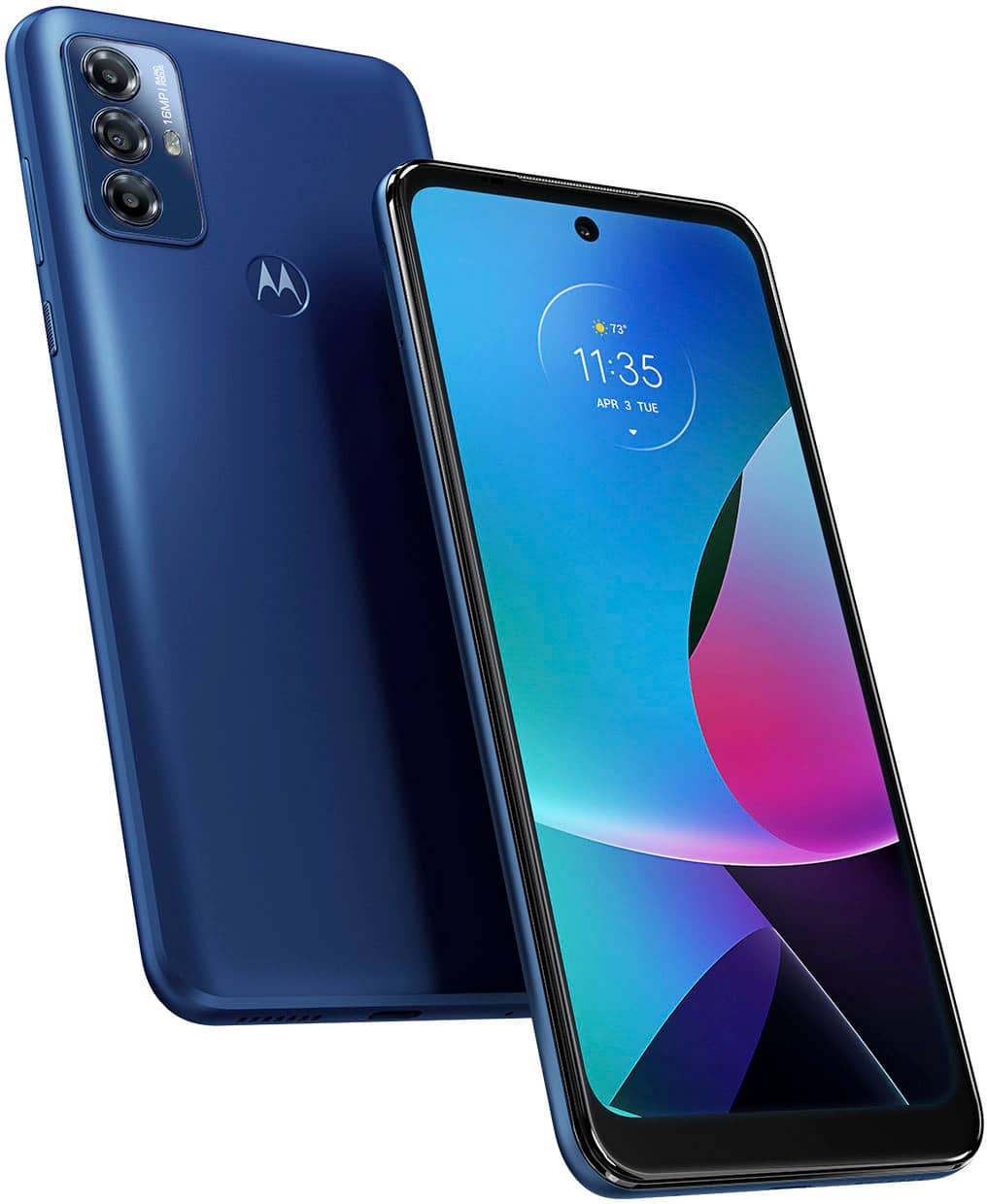
A:AnswerEvery Motorola smartphone comes with a one year limited warranty. Moto Care Accident Protection provides coverage for an additional 3 months or 12 months, and includes mechanical breakdown for 12 months after the manufacturer's warranty expires. For other concerns, don't hesitate to contact us. -Ythan
A:AnswerHi Juan, We appreciate your interest in our product. Yes, Our phones should work in Brazil where you may be traveling, though we cannot guarantee all features are supported. Please check with your mobile service provider to see if your SIM is expected to operate. Please note that we never recommend buying a phone in one region for ongoing use in another as Motorola phones are only under warranty in the country/region in which they are intended for sale. -Mitch
A:AnswerThank you for your inquiry, Nck. The Moto G Play 2023 phone does not support video output over USB-C to HDMI, so connecting it directly to a TV using a USB-C to HDMI cable will not display the phone’s screen on the TV. If you want to view content on a larger screen, you can use wireless casting options such as a compatible Chromecast device or a smart TV that supports built-in casting. You can find more details here: https://help.motorola.com/hc/3403/13/na/en-us/index.html?t=CGT1504053744&utm_source=help-motorola-com&utm_medium=forum-social&utm_campaign=device-help. -Mitch
A:AnswerHi Yeti, Thank you for your inquiry. Yes, the Moto G Play (2023) supports voice typing, allowing you to dictate text instead of typing using the keyboard. This feature is available through Google Voice Typing and can be used in messages, emails, notes, and other apps that support text input. For more information and instructions on using voice typing, please visit: https://help.motorola.com/hc/3403/13/na/en-us/index.html?t=jcb110712729sj33&utm_source=help-motorola-com&utm_medium=forum-social&utm_campaign=device-help. -Mitch
A:AnswerHi Yeti, Thank you for your interest in the Moto G Play (2023). Yes, this device supports voice typing. You can use Google’s voice typing feature through the on-screen keyboard (Gboard) to dictate text in messages, emails, and other apps that support typing. You can usually activate it by tapping the microphone icon on the keyboard. You can visit the link for the phone specifications here: https://en-us.support.motorola.com/app/answers/detail/a_id/172802/~/specifications--moto-g-play-%282023%29. -Mitch
A:AnswerHi JimBob, To remove the screen lock on your Moto G Play 2023 phone. Please go to Settings > Security & privacy > Screen lock. Enter your current PIN, password, or pattern if prompted. Select 'None' or 'Swipe' to remove the screen lock. If you’ve forgotten your screen lock and can’t access your phone, you may need to perform an external hardkey reset. Should there be any further inquiries, please do not hesitate to email supportforums@motorola.com. We'll be glad to help. -Mitch
A:AnswerHi Artsyzeal, Thank you for your inquiry. The Moto G Play 2023 phone comes with 3GB of RAM and is powered by the MediaTek Helio G37 processor, which should handle translation apps like Google Translate with reasonable speed for general use. As for offline translation, the phone has enough memory to download a language pack for offline use, though the performance may depend on the size of the language pack and the specific app you are using. You can check this link for the phone's specifications here: https://www.motorola.com/us/en/p/phones/moto-g/g-play-gen-2/pmipmfk32mz?pn=PAVA0005US. -Mitch
A:Answerit depends on the ringtone you set, for example the ringtone it has set when you get it is not as loud as a ringtone that is a song or a noise that doesn't sound like technology malfunctioning and or dying. it can ring very loudly if you're right next to it, if you're in the other room with the ring all the way up you will hear it as long as you and anyone around you are not doing any loud activities.
A:AnswerThank you for reaching out, Cailin. We understand your confusion regarding the USB Type-C to Lightning cable. The Moto G Play 2023 does use a USB Type-C port for charging and data transfer. If you have a USB-C to Lightning cable, it's designed for connecting Apple devices to USB-C ports, which means it would be suitable for use with a wall adapter or battery pack that has a USB-C port, provided you’re connecting an Apple device. Since the Moto G Play 2023 uses USB-C, you’ll need a USB-C to USB-C cable for charging and connecting to compatible devices and accessories. If you’re looking to charge your Moto G Play 2023, make sure to use a USB-C to USB-C cable or a USB-C charger that is compatible with the phone. You can check this link for the phone specification here: https://www.motorola.com/us/smartphones-moto-g-play-gen-2/p?skuId=856. -Mitch
A:AnswerThis phone can use the internet. If you want a phone for a kid, I would go with a Light Phone 3 to prevent surfing the net. You can set better parental controls with iPhones and prevent certain apps and browsing with the iPhone. T-Mobile also has good parental controls.