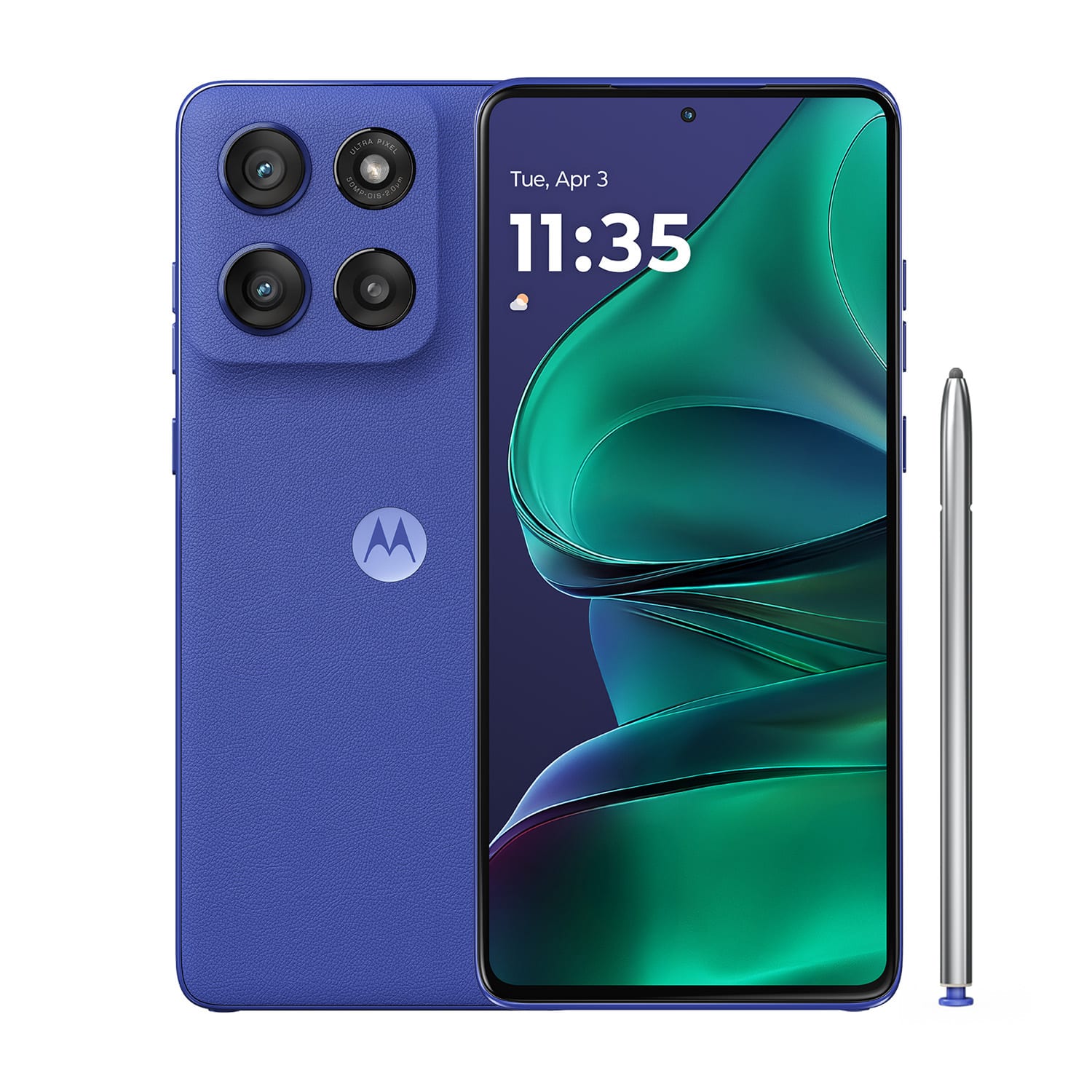
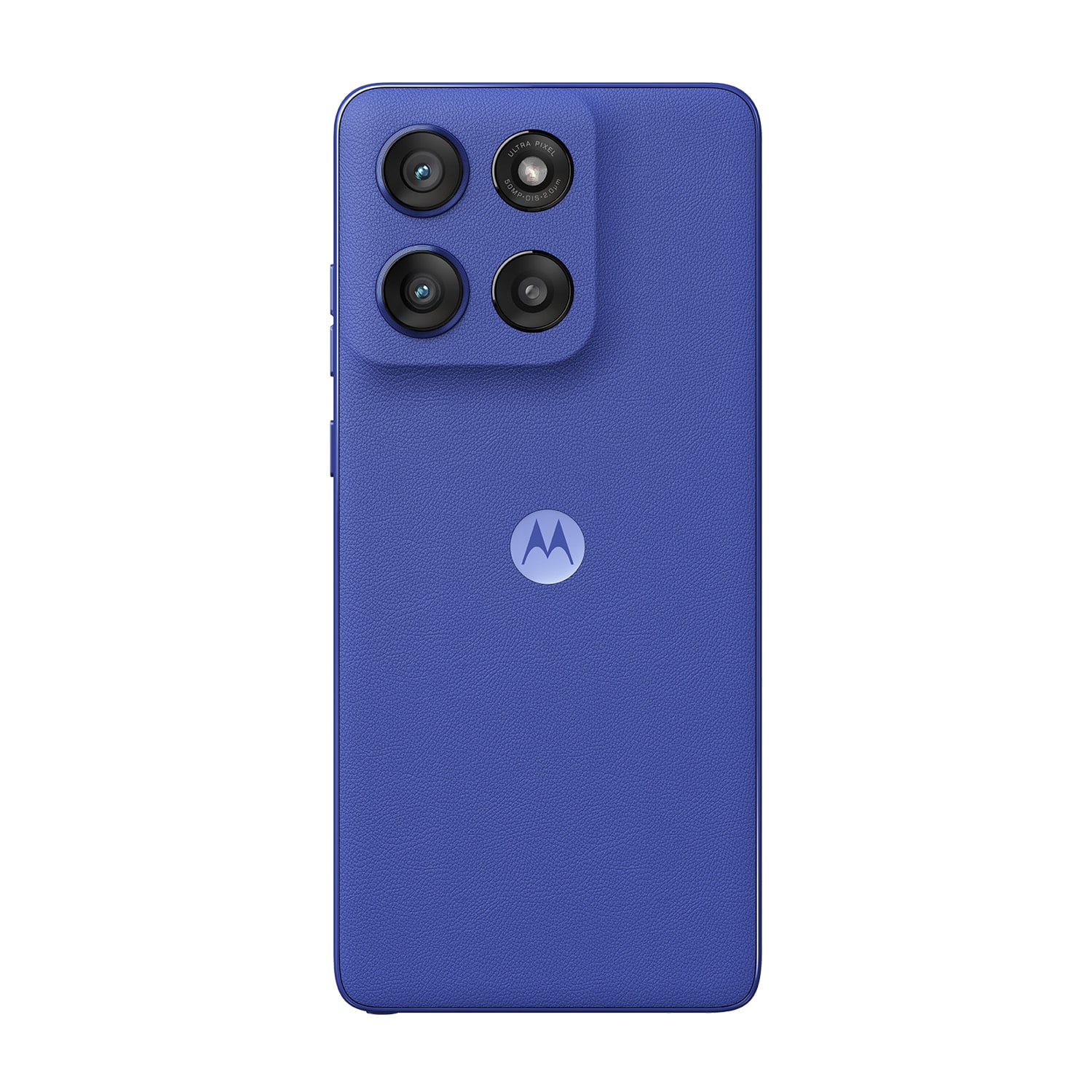
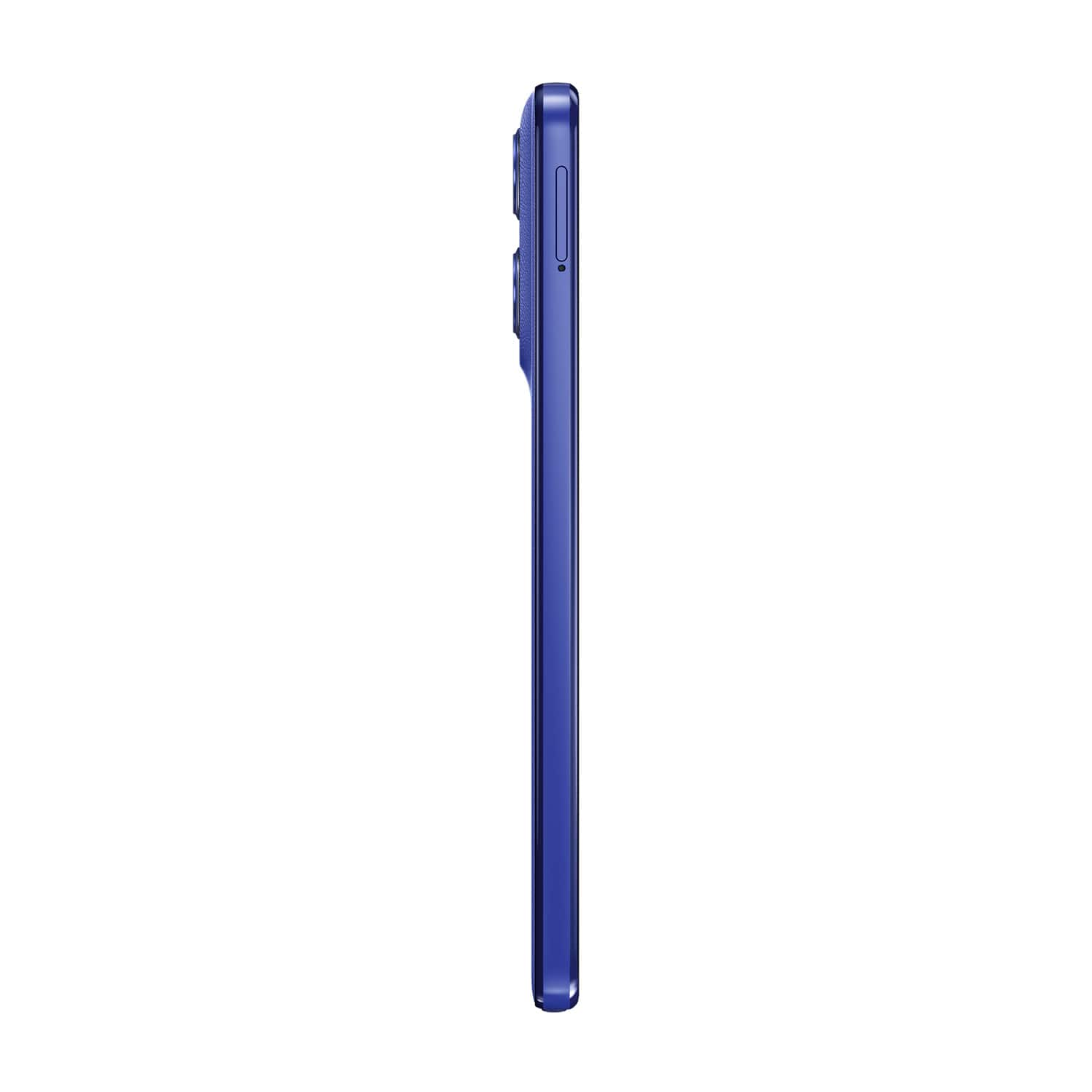
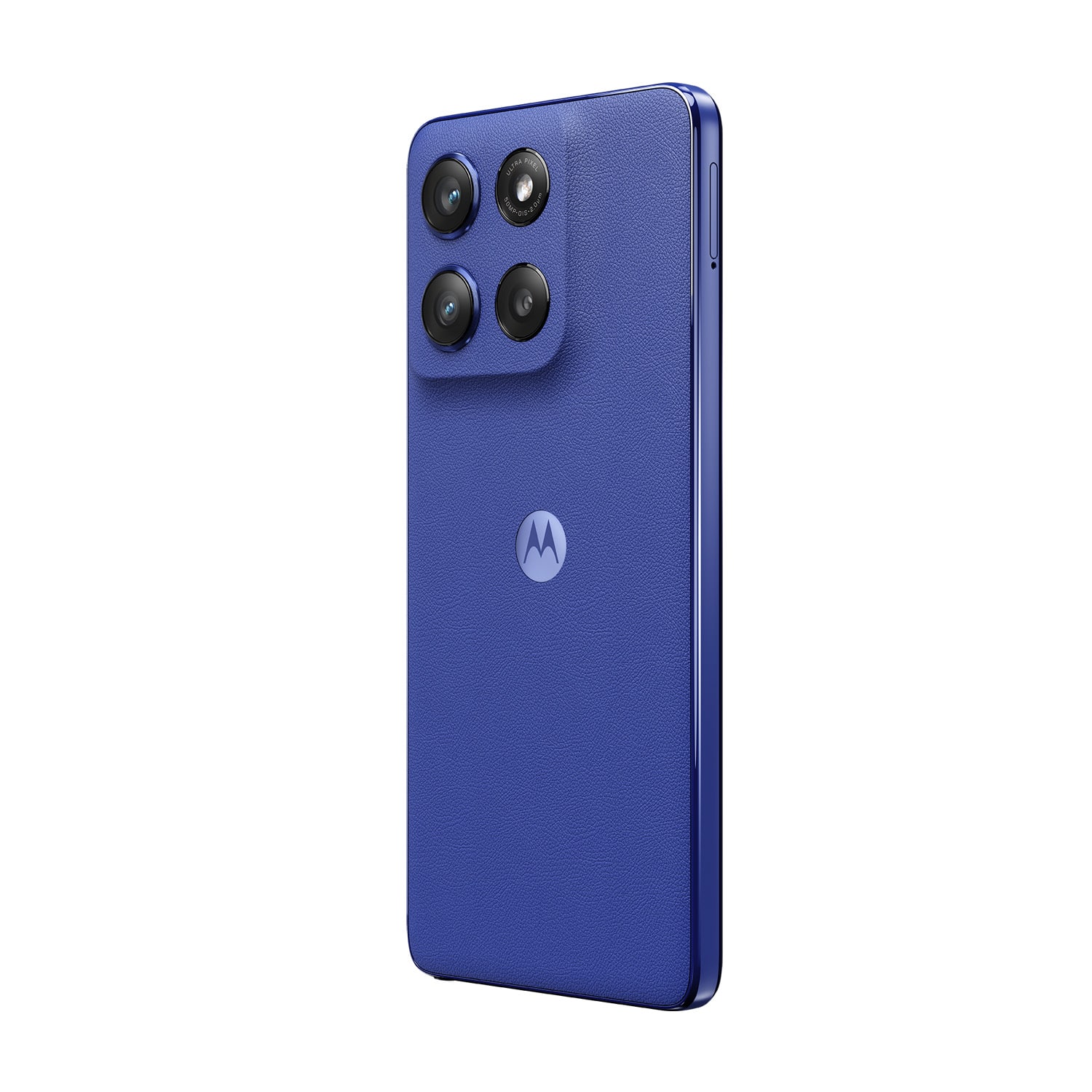
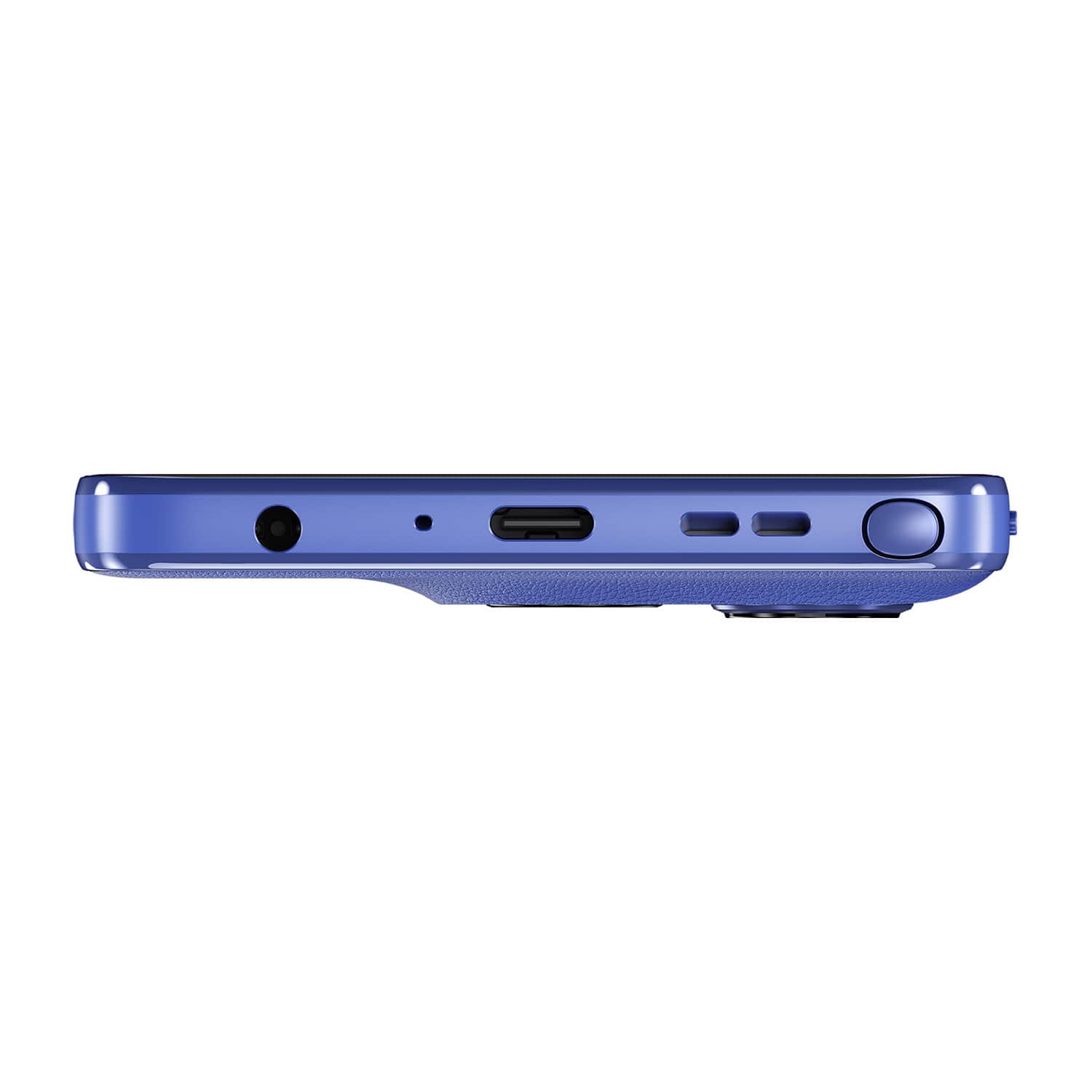
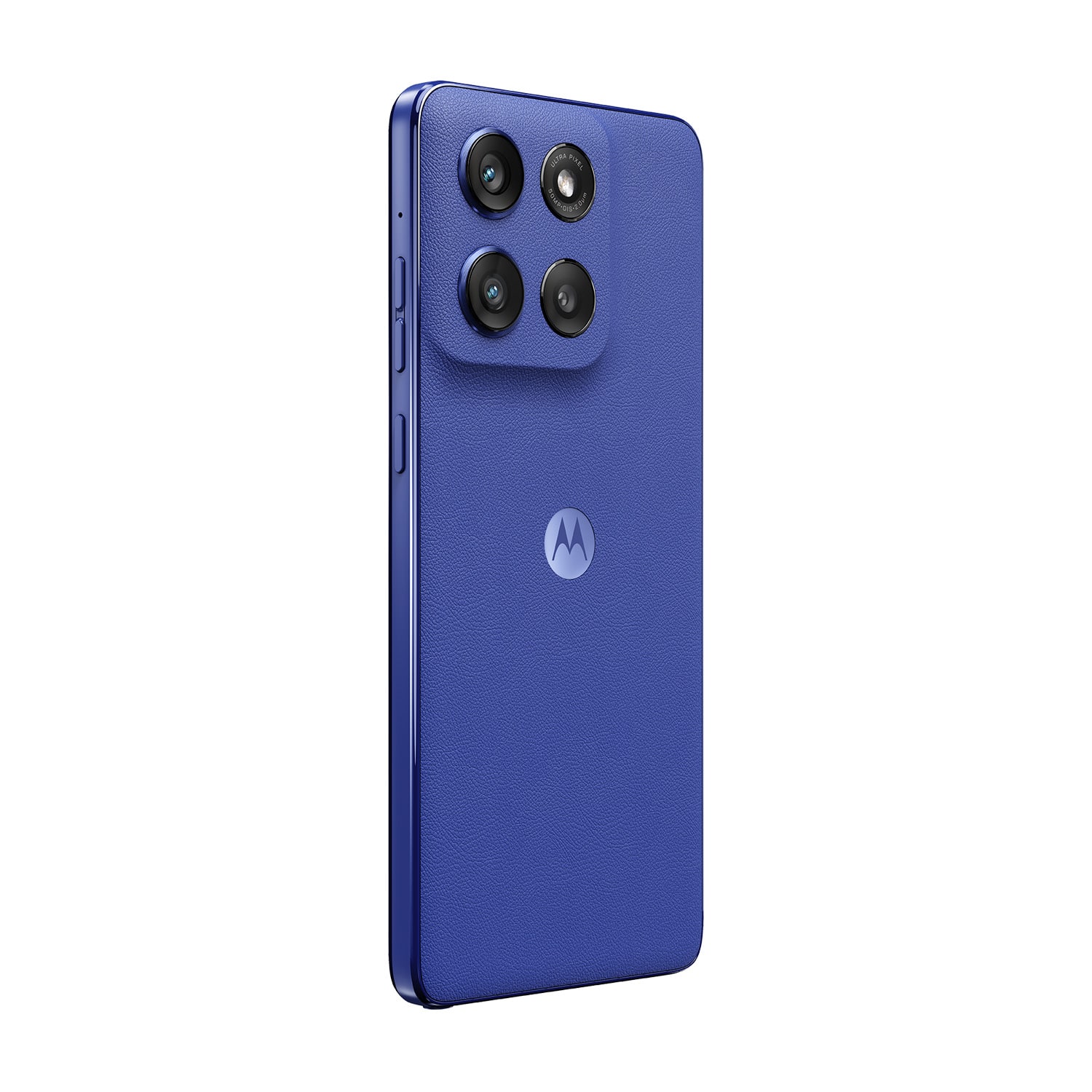
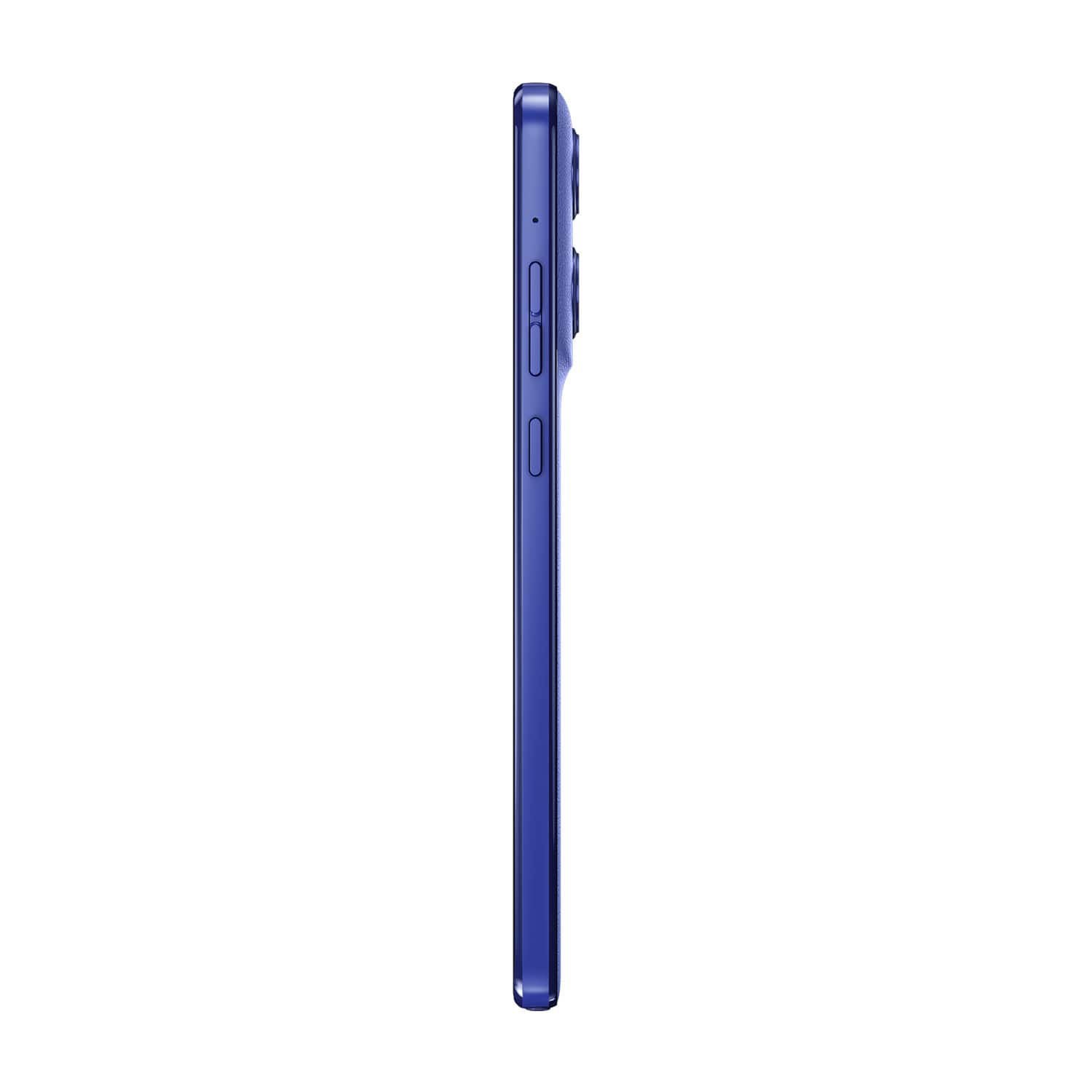
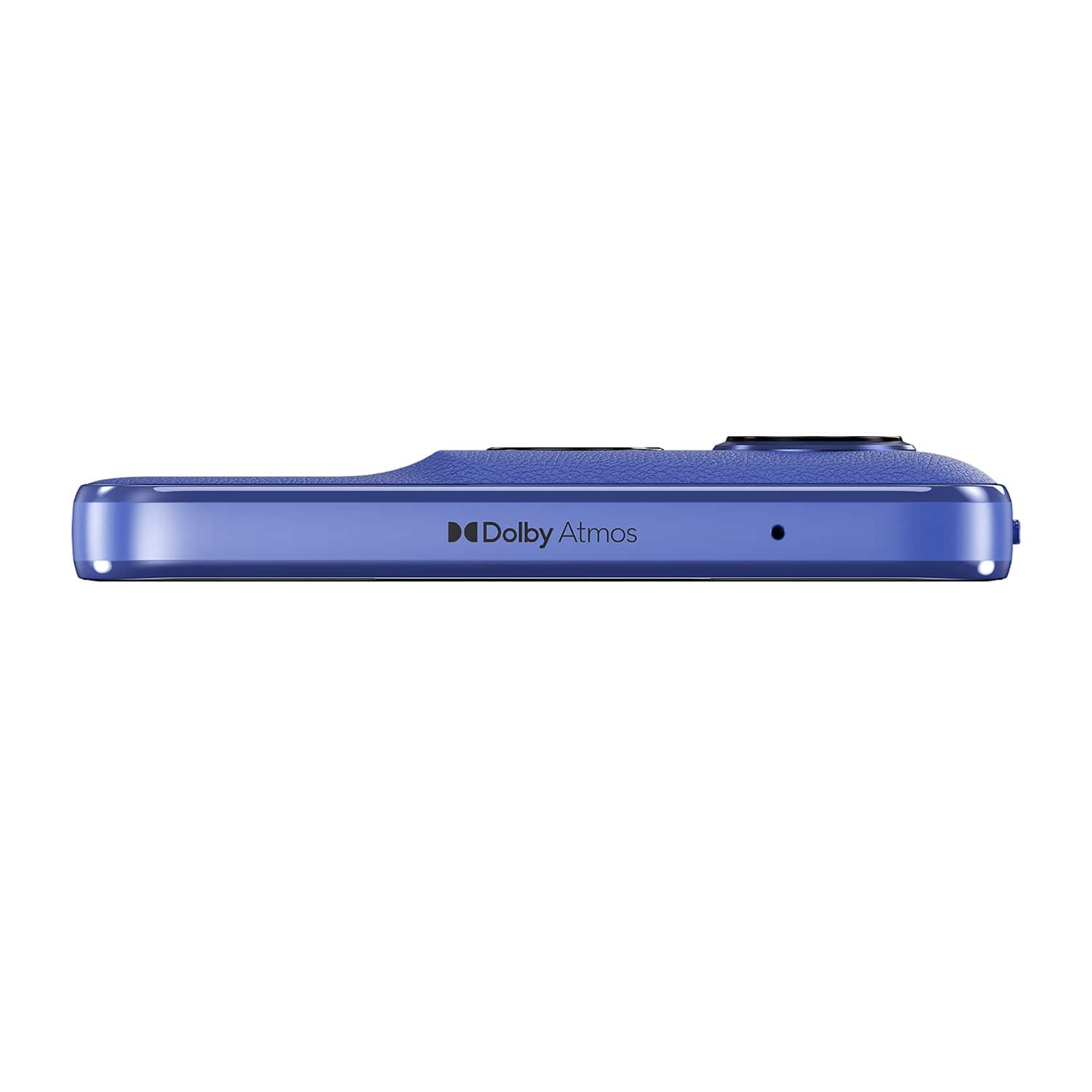
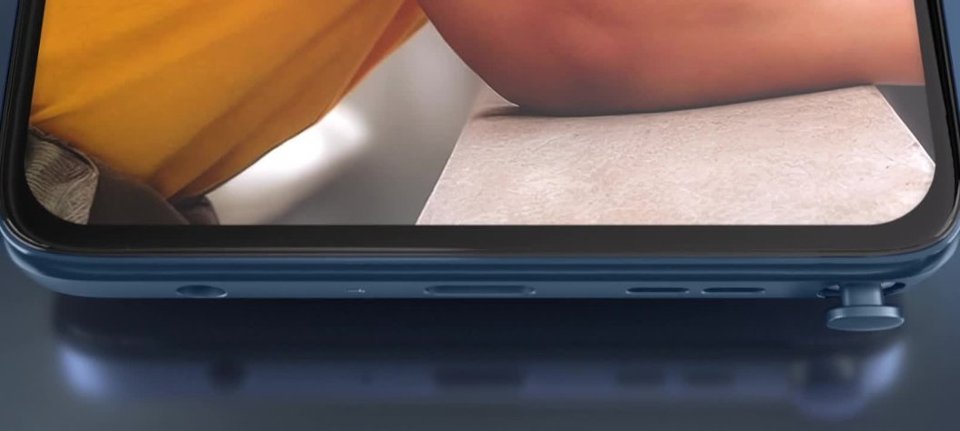
A:Answer Hi Kim, Thank you for your inquiry. Motorola's materials policy, as outlined in our Corporate Responsibility Product Design section here: https://www.motorola.com/us/en/about/corporate-responsibility-product-design#materials, specifies that latex and latex compounds are classified as "Controlled Substances." These materials are limited for use in manufacturing processes or certain product applications, with use limits typically defined by national or international environmental regulations. Additionally, our Controlled and Reportable Materials Disclosure (Specification NO.1202897W18-MD) further emphasizes that latex and latex compounds are categorized as "Controlled" substances, with stringent reporting and compliance requirements for all parts and assemblies. Given these classifications, it is highly unlikely that the Moto G Stylus 2025 contains rubber latex components, parts, or coatings. -Mitch