Early Black Friday DealsNew Doorbusters every Friday.Shop now

Skip to content
Gift Ideas
26 Cypress St
Williston, VT 05495
Open until 9 pm
Find Another Store
Main Content

Questions & Answers

Page Showing 1-11 of 11 questions
  • Questiondoes this stand on a desk or does it mount to the back of a desk?

    Asked by mzermeno1.

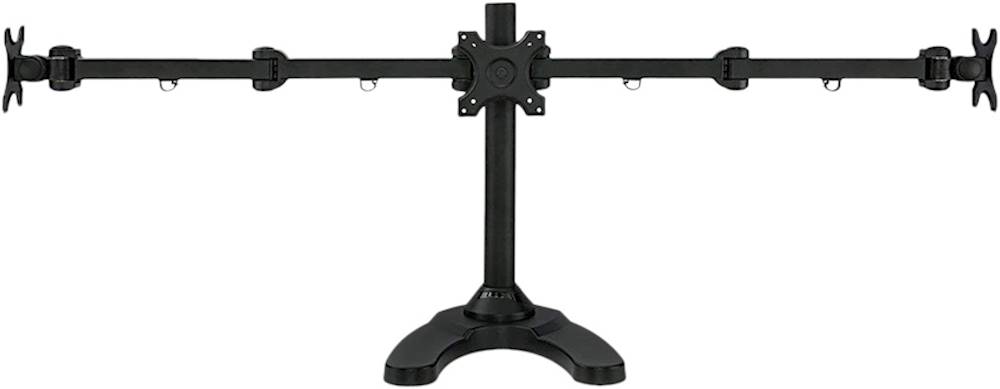
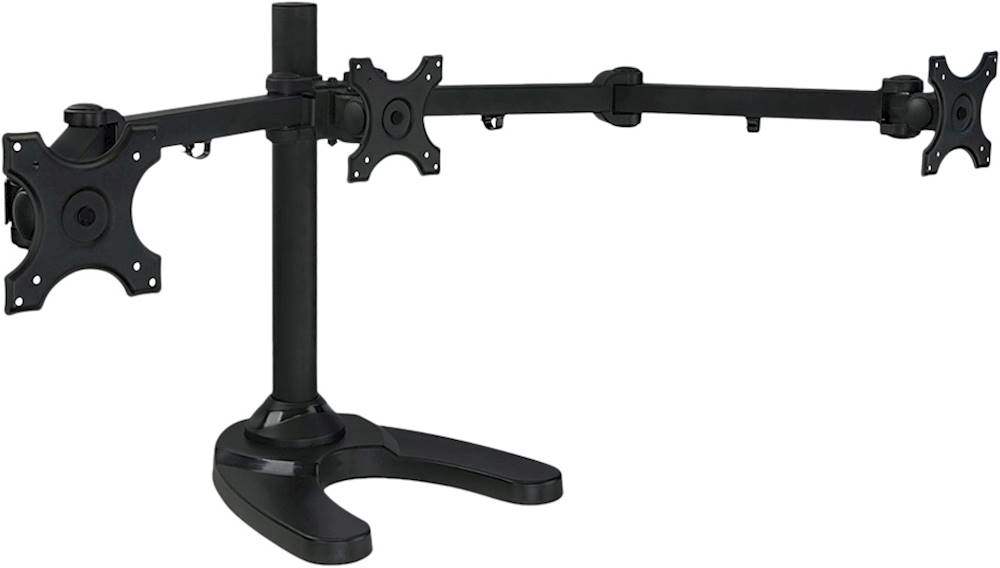
    • Answer Dear customer, This is a stand that sits on top of your table! Thank you, Support Team

      Answered by Mount-it Team

  • Questionhello will 3 34 inch monitors fit on this stand

    Asked by Gw.

    • Answer Valued Customer, The MI-789 goes up to three 24 inch monitors. Thank you

      Answered by Mount-it Team

  • QuestionWould this fit 3 27 inch monitors? Also can you mount a vertical monitor?

    Asked by Isaiah.

    • Answer Hello Isaiah, Unfortunately, this mount will not support 27inch monitors. As for Vertical, absolutely. You can install a mount vertically.

      Answered by Mount-it Team

  • QuestionIs the desk stand stable enough to mount only one monitor on the side (not the center)?

    Asked by Jo.

    • Answer Hello Jo, Without anything offsetting the weight of the monitor it is likely that it will tip over. Especially if the arm is fully extended.

      Answered by Mount-it Team

  • QuestionLooking to add 3 32inch monitors, I'm wondering if can adjust the arms for 90degree angle I'm building a flight SIM pod enclosure.

    Asked by Flightsim.

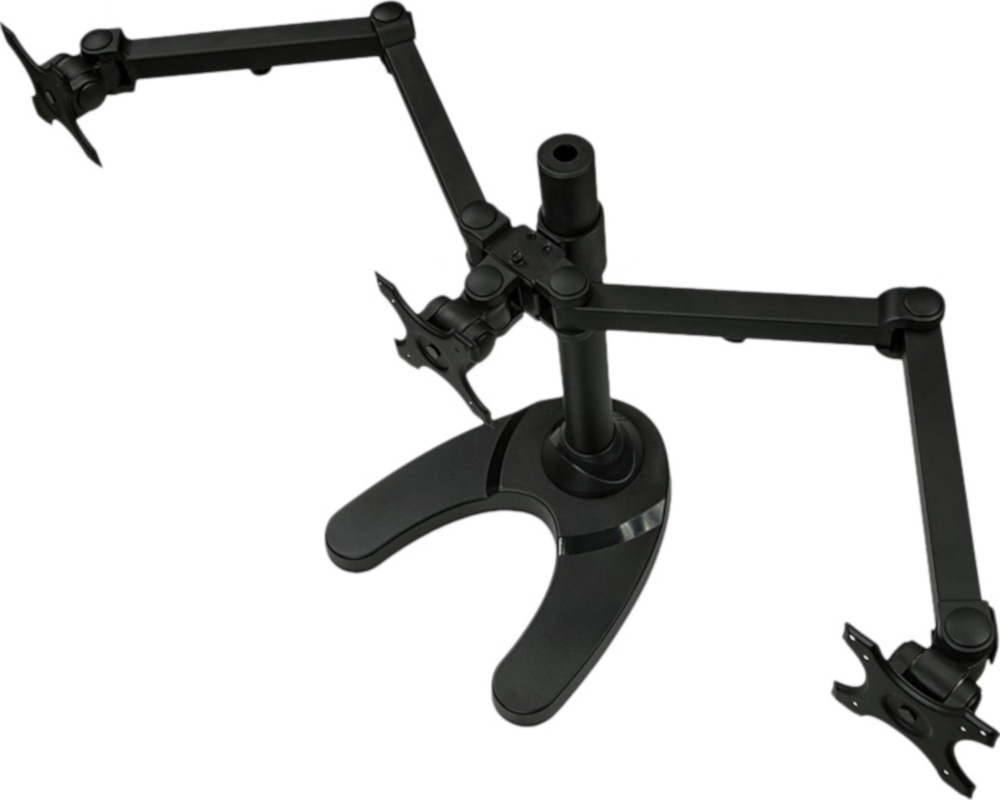
    • Answer Hello, That is dependent on your monitors and measurement of them. The total wingspan of this unit is 48.5 inches.

      Answered by Mount-it Team

  • Questioncan i twist one of the arms to make it go vertical?

    Asked by Verlocery.

    • Answer No, you can't, but it is a very good quality product. I recommend it.

      Answered by Pato29

  • Questioncan this be used with three 24" curved monitors

    Asked by Damon.

    • Answer it fits my my 3 msi 24in curved monitors..

      Answered by Bhoman82

  • QuestionCan this be used with only two monitores

    Asked by Anonymous.

    • Answer yes, you can just use one monitor if you want

      Answered by BigWheel

  • QuestionIs this compatible with HP 24f monitors?

    Asked by HPMonitors.

    • Answer Dear Customer, Determining your TV’s compatibility is very simple. A TV mount is simply a metal bracket that carries a certain amount weight and has the ability to attach to various TV sizes. On the back of every VESA-compatible TV is a bolt hole pattern. These bolt holes are where you can connect your TV to a TV mount. By measuring your TV’s VESA pattern (example 200mm length x 200mm height), you’ll be able to see if the TV mount you want can accommodate this pattern. The second thing you have to check for is if the TV mount can carry the weight of your TV. Thank you, Support Team
      Answered by Mount-it Team

  • QuestionWould I be able to fit a 29" ultrawide and two 27" monitors? They would all be curved.

    Asked by Jacob.

    • Answer Dear Customer, Determining your TV’s compatibility is very simple. A TV mount is simply a metal bracket that carries a certain amount weight and has the ability to attach to various TV sizes. On the back of every VESA-compatible TV is a bolt hole pattern. These bolt holes are where you can connect your TV to a TV mount. By measuring your TV’s VESA pattern (example 200mm length x 200mm height), you’ll be able to see if the TV mount you want can accommodate this pattern. The second thing you have to check for is if the TV mount can carry the weight of your TV. Thank you, Support Team
      Answered by Mount-it Team

  • QuestionWill this fit 3 27” screens?

    Asked by Brpu.

    • Answer Dear Customer, Determining your TV’s compatibility is very simple. A TV mount is simply a metal bracket that carries a certain amount weight and has the ability to attach to various TV sizes. On the back of every VESA-compatible TV is a bolt hole pattern. These bolt holes are where you can connect your TV to a TV mount. By measuring your TV’s VESA pattern (example 200mm length x 200mm height), you’ll be able to see if the TV mount you want can accommodate this pattern. The second thing you have to check for is if the TV mount can carry the weight of your TV. Thank you, Support Team
      Answered by Mount-it Team