A:AnswerI've tried it and it's pretty good. At native screen resolution and using "high end" default settings within the flight simulator, I get between 30-45 FPS. It sometimes gets choppy around a dense airport like LAX, but there are all kinds of tweaks to customize the settings. Anything above 30FPS in flight sim is considered pretty good unlike shooters and action games where you want at least 60FPS. I use a cooling pad and my temps are around 85-90C on CPU and 70-75C on GPU. I've read about undervolting and repasting to get lower temps but I haven't explored those.
A:Answerit comes with WD Black SN730. (I was doing the modification earlier today). and of course, a second ssd was provided. make sure to get thermal pad and heat sink for that (it's a empty slot, nothing attached.)
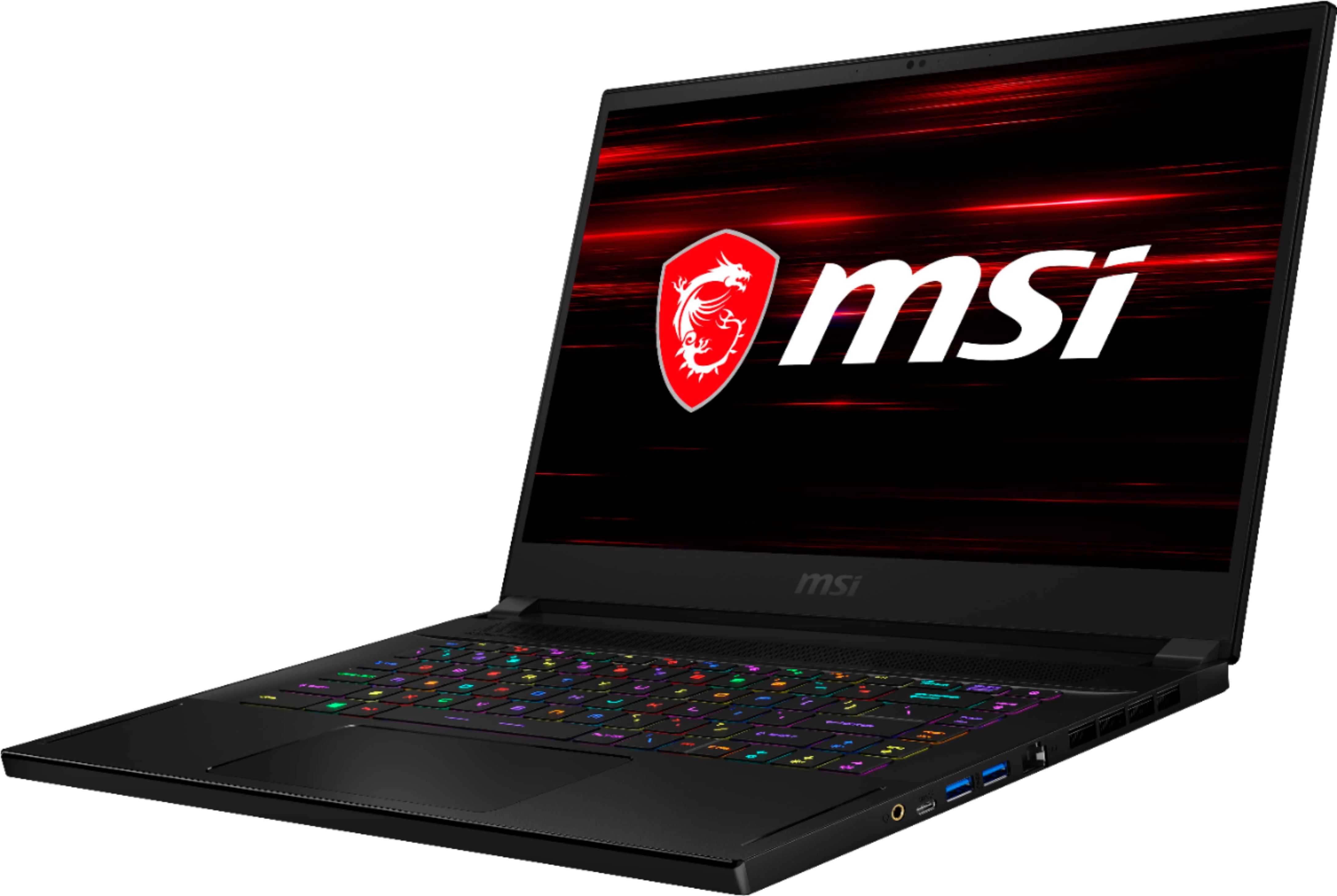
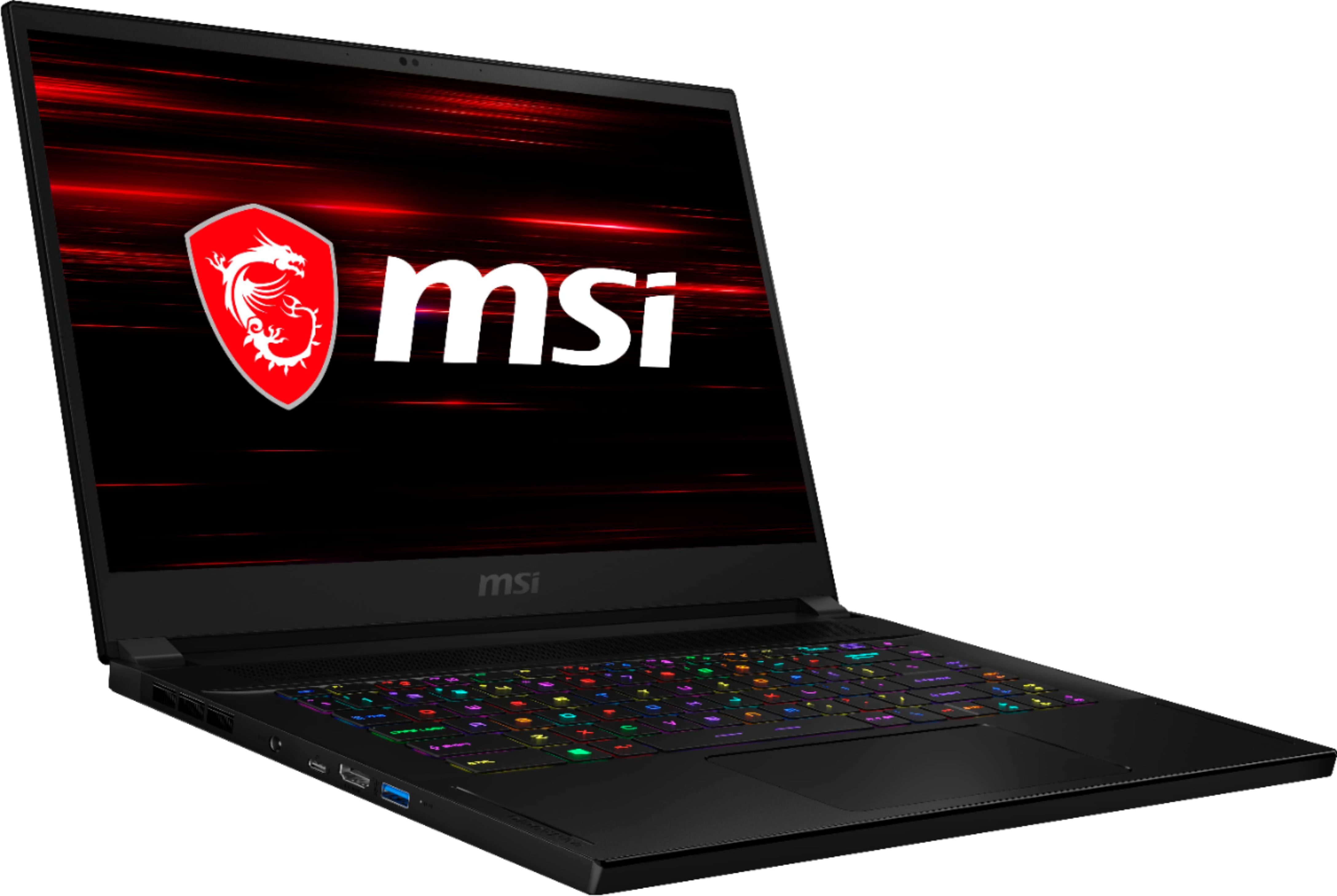
A:AnswerThe Thunderbolt 3 connection is what you're referring to.. and one is all you'll need . because it supports up to 3 displays and 8k resolution as well. to answer your initial question stating if its VR ready...Yes.. it couldn't be more ready if you tried to. So there ya go.. hope that sums it up for ya..
Go get your virtual reality fun time in...