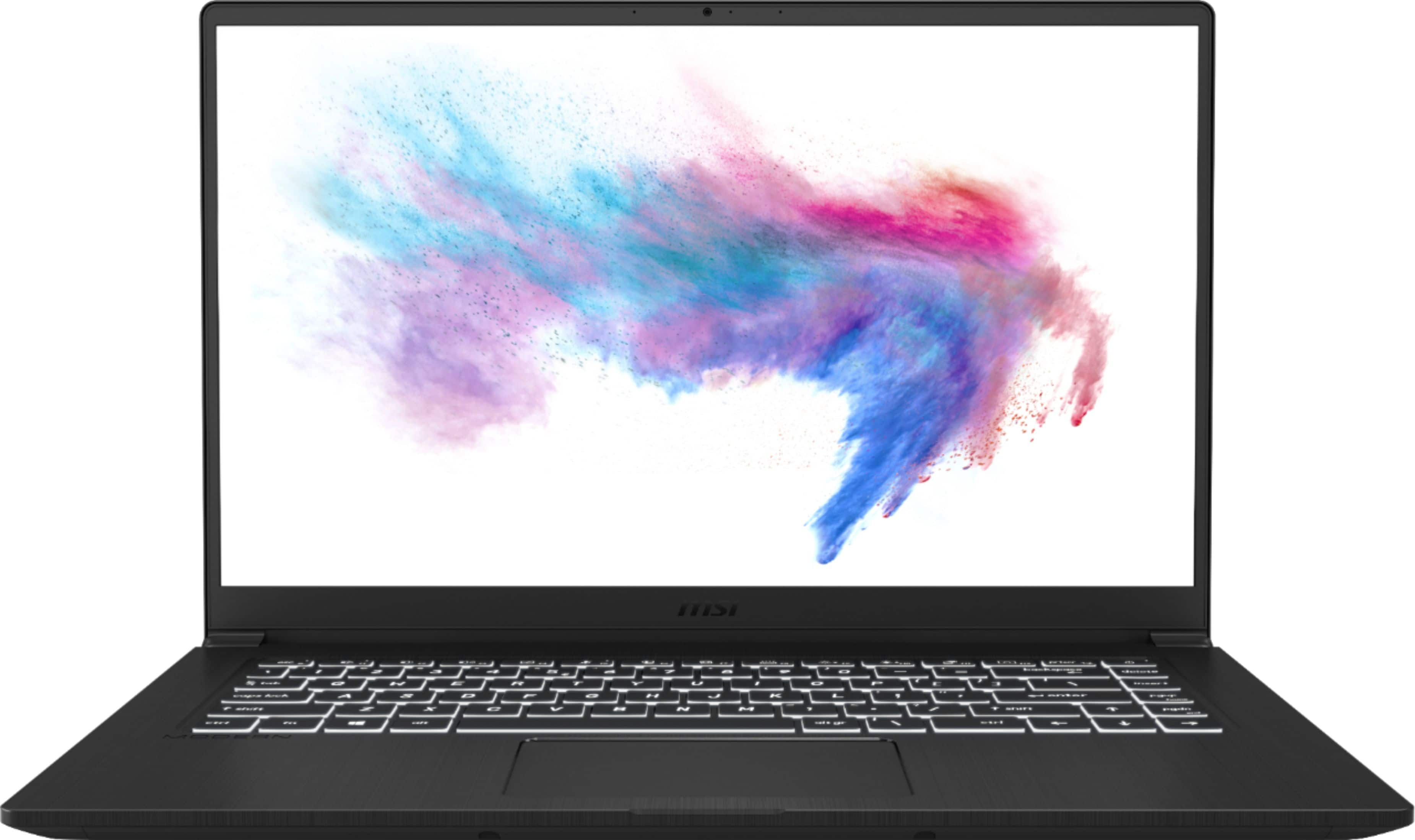
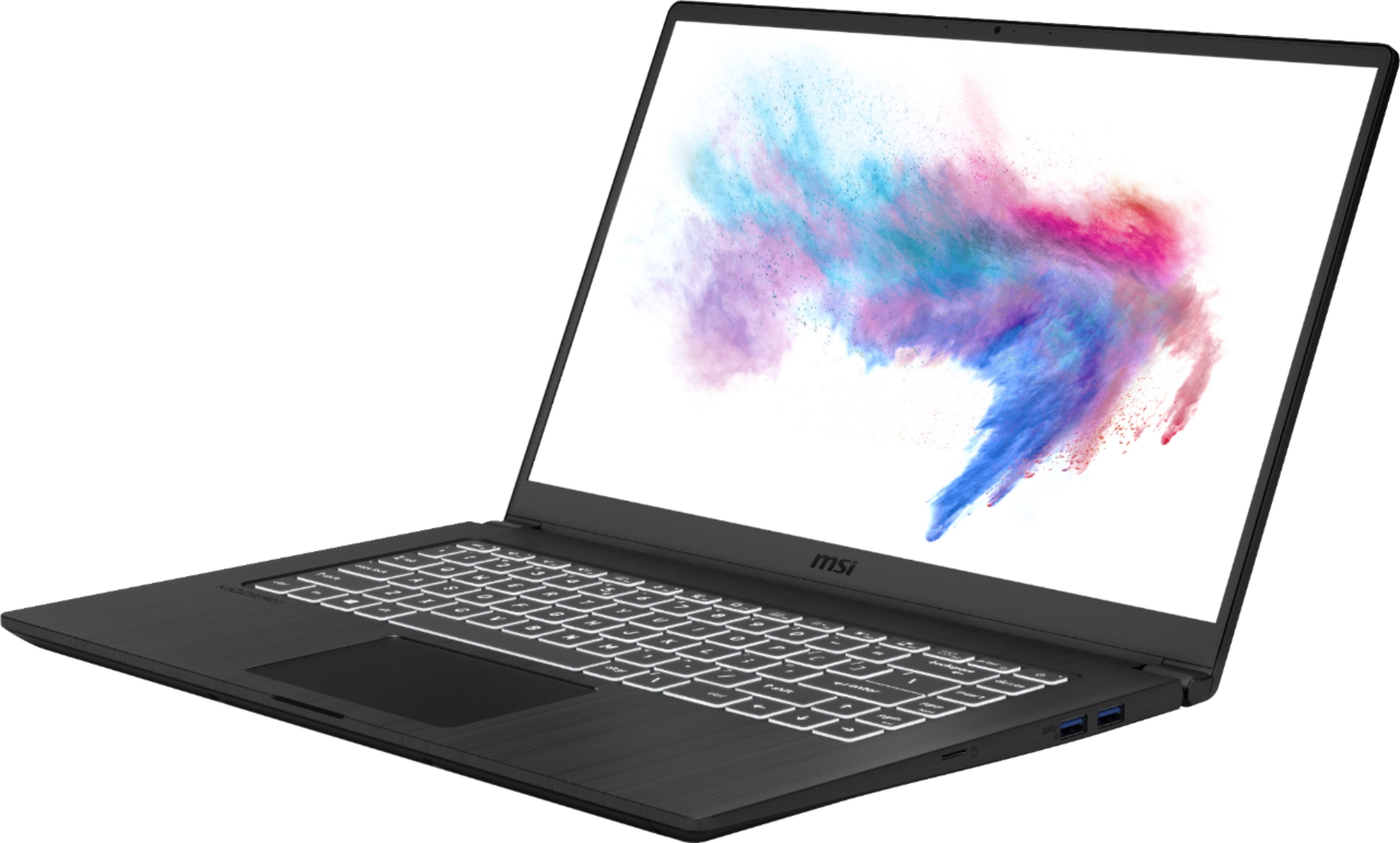
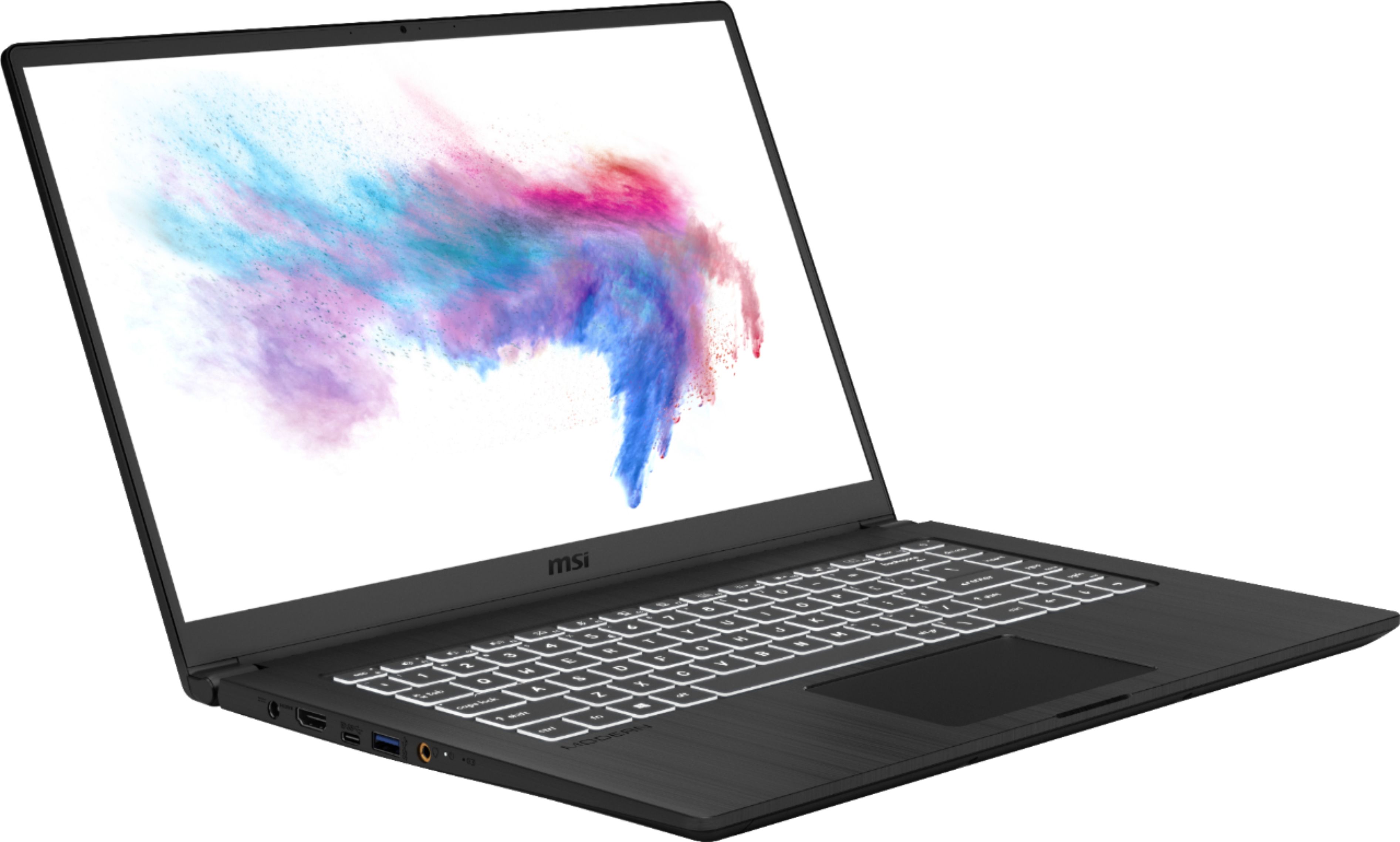
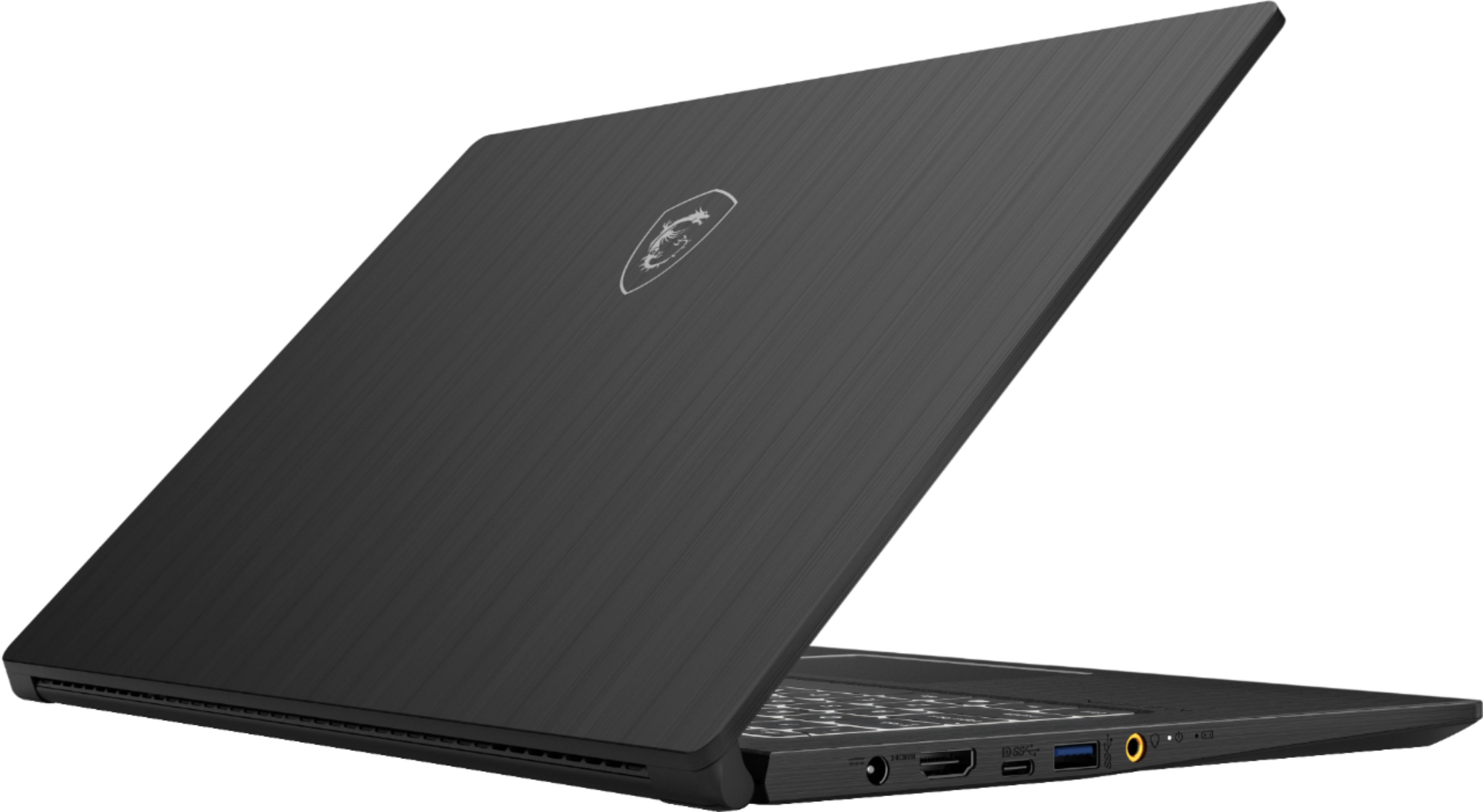
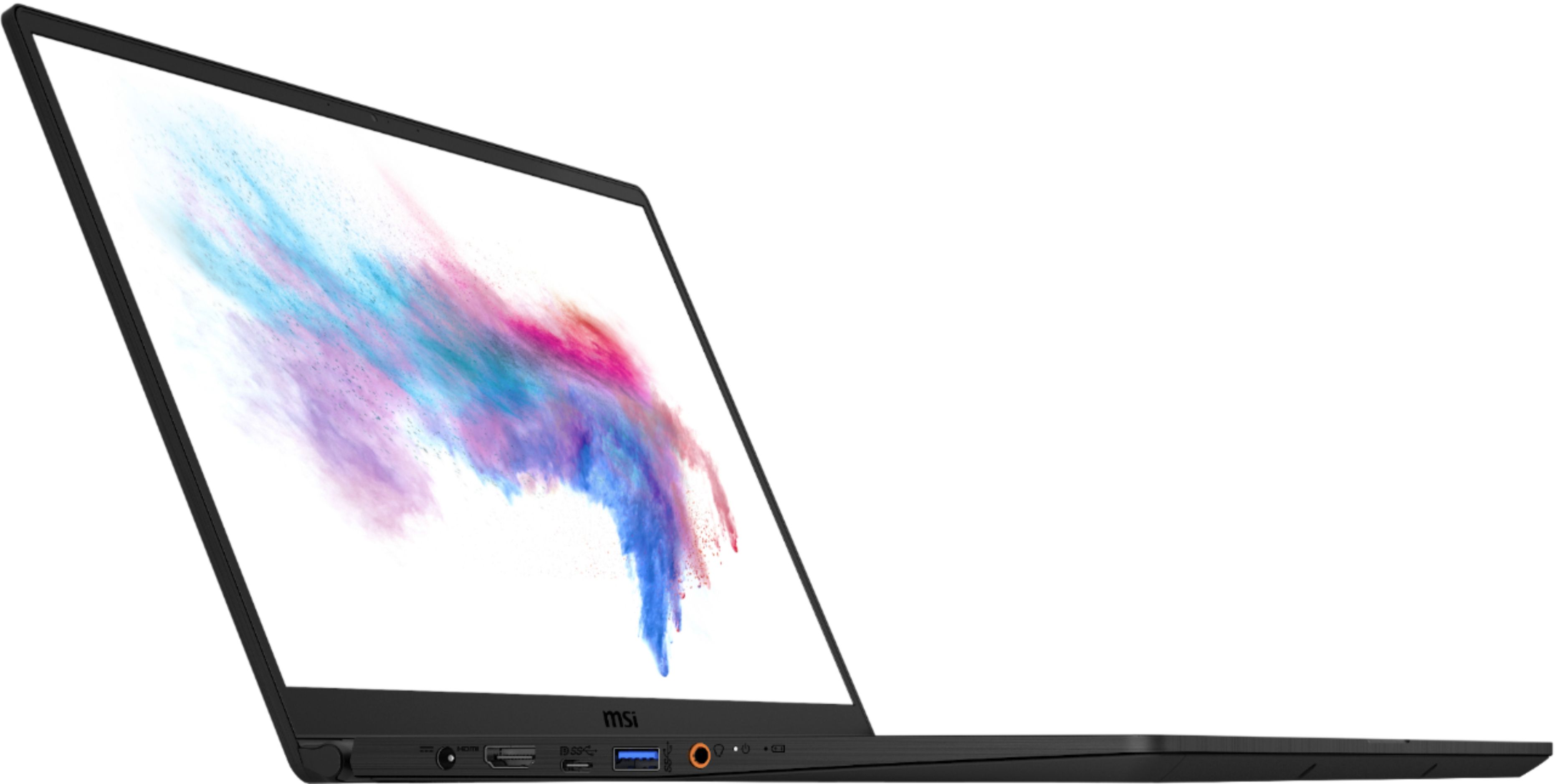
A:AnswerI've tried plugging in a 65watt usb-c charger and it doesn't work. The manual states the USB-C port will charge (but it's also for a model with discrete graphics, so this model may have a different configuration).
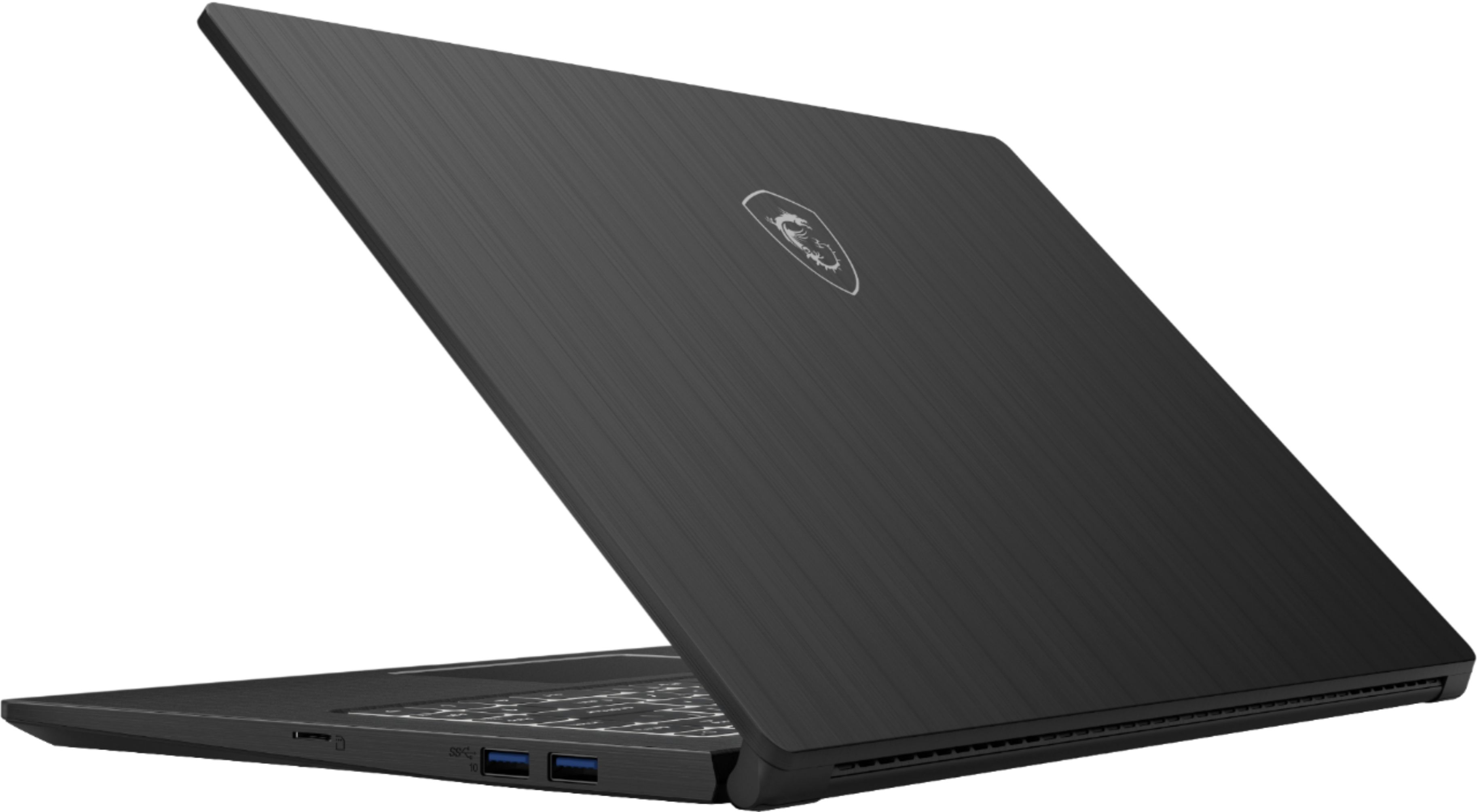
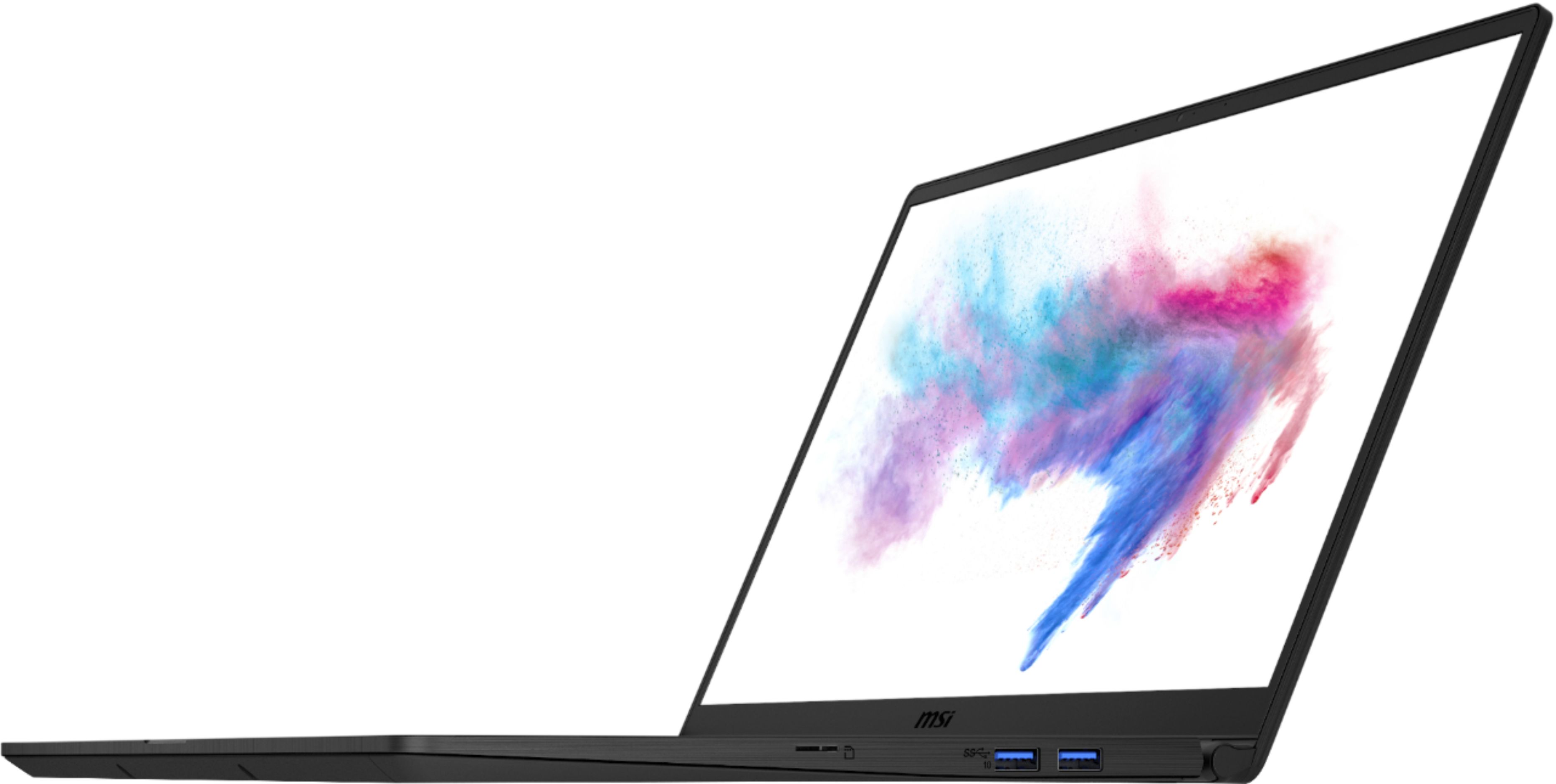
A:AnswerNo, you are not able to add a dedicated graphics card as there is no Thunderbolt support for eGPU docks nor is there an expansion slot on the laptop for you to do so.
A:AnswerThe charger included is a 65W 110v~220v adapter. You may purchase a replacement from the following link. https://us-store.msi.com/Laptops/NB-Accessories/Power-Adapters?product_id=760
A:AnswerYes. There are multiple videos on how this is done. Search you tube for MSI Modern 15 tear down videos. It's quite involved, and not for the faint of heart, so you may want to seek advice from the local Geek Squad.