A:AnswerTechnoFashion sent me a download link for their user guide.
https://cdn.shopify.com/s/files/1/0668/5563/3149/files/SP610_UserManual.pdf?v=1773397386
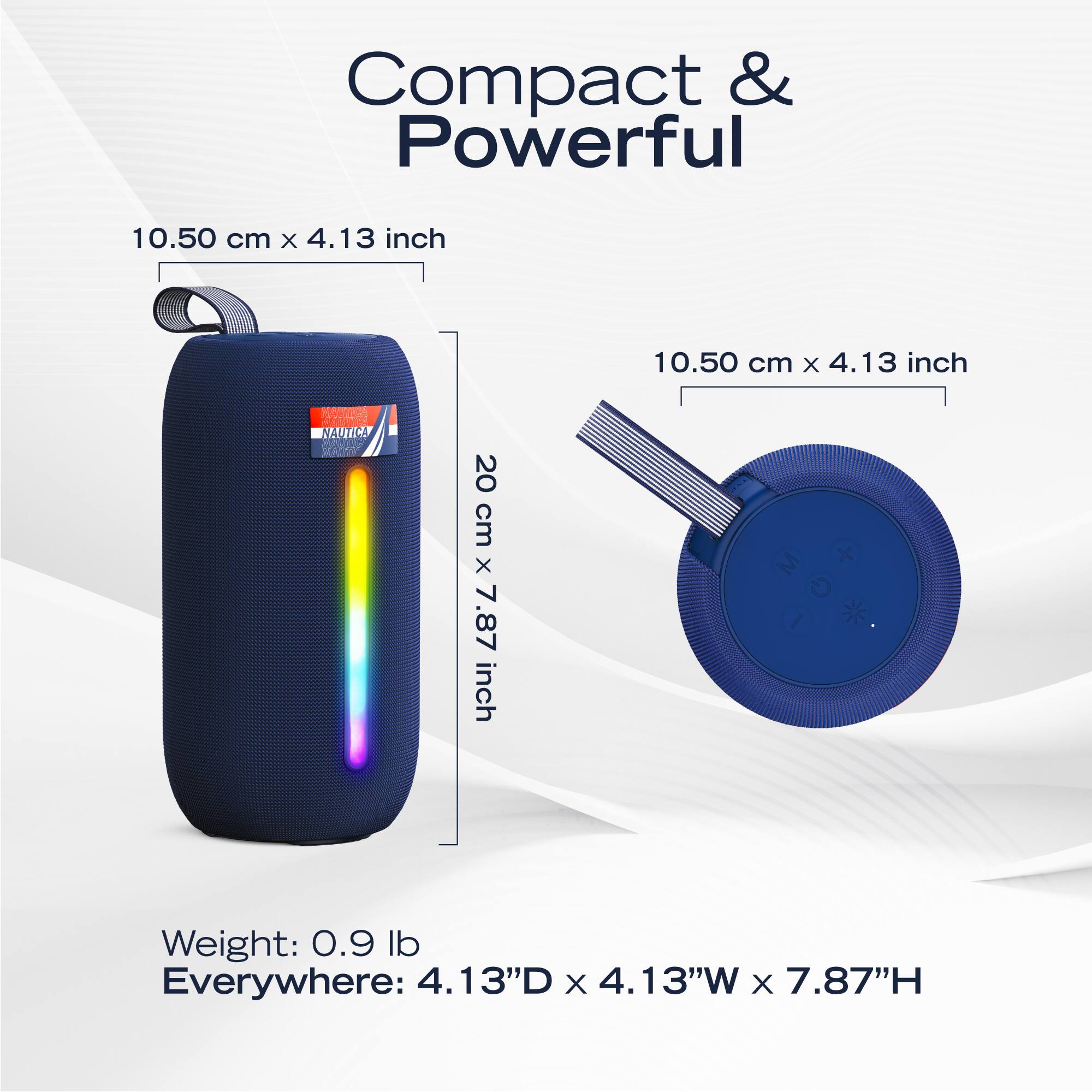
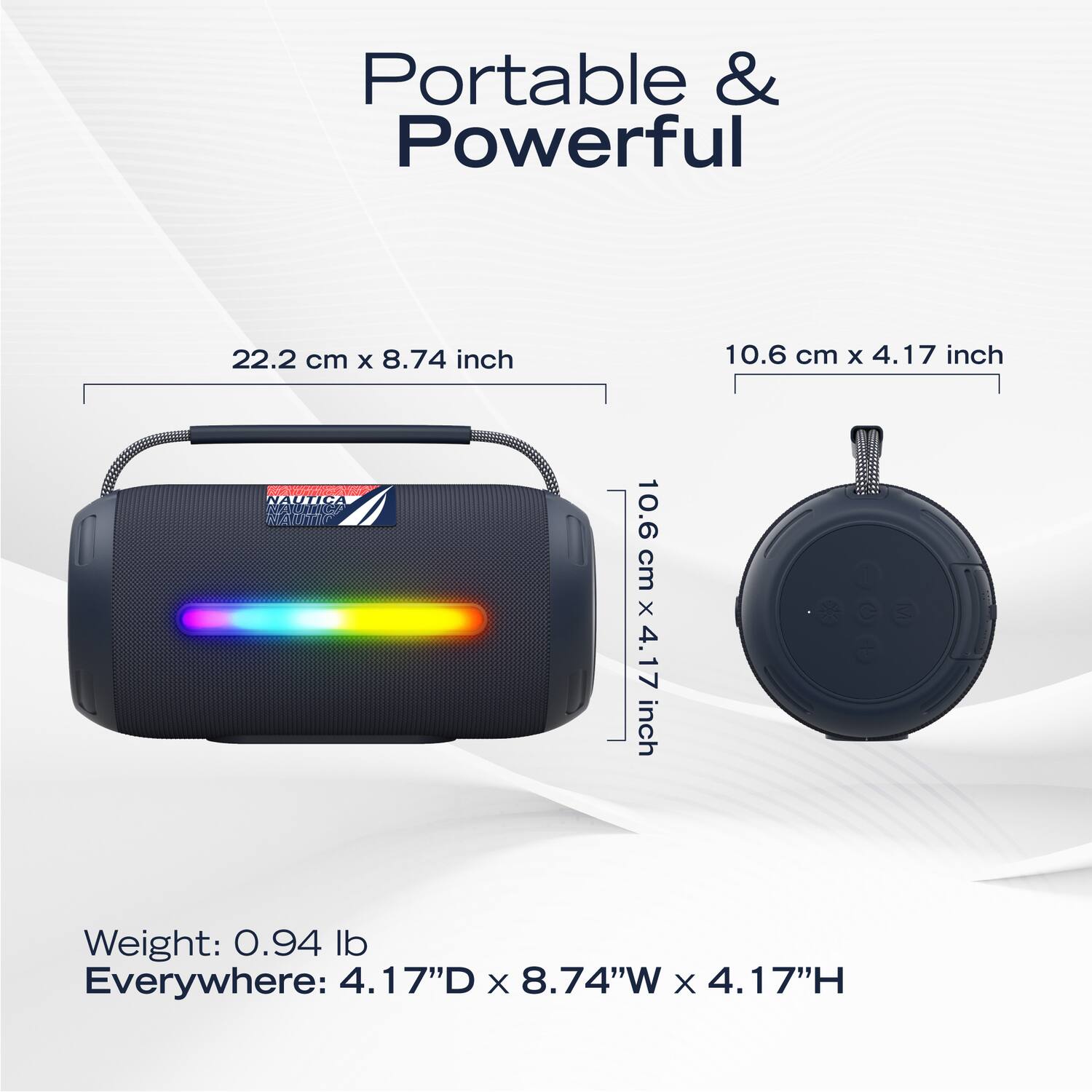
A:AnswerButton Controls & Operations
The speaker features intuitive buttons for music and light management.
Power/Mode: Long press to turn ON/OFF. Short press to switch between input modes (Bluetooth, USB, SD, or AUX).
Volume & Tracks:
Short Press (+/-): Adjust volume levels.
Long Press (+/-): Skip to the Next track (+) or Previous track (-).
Play/Pause: Short press to play or pause audio.
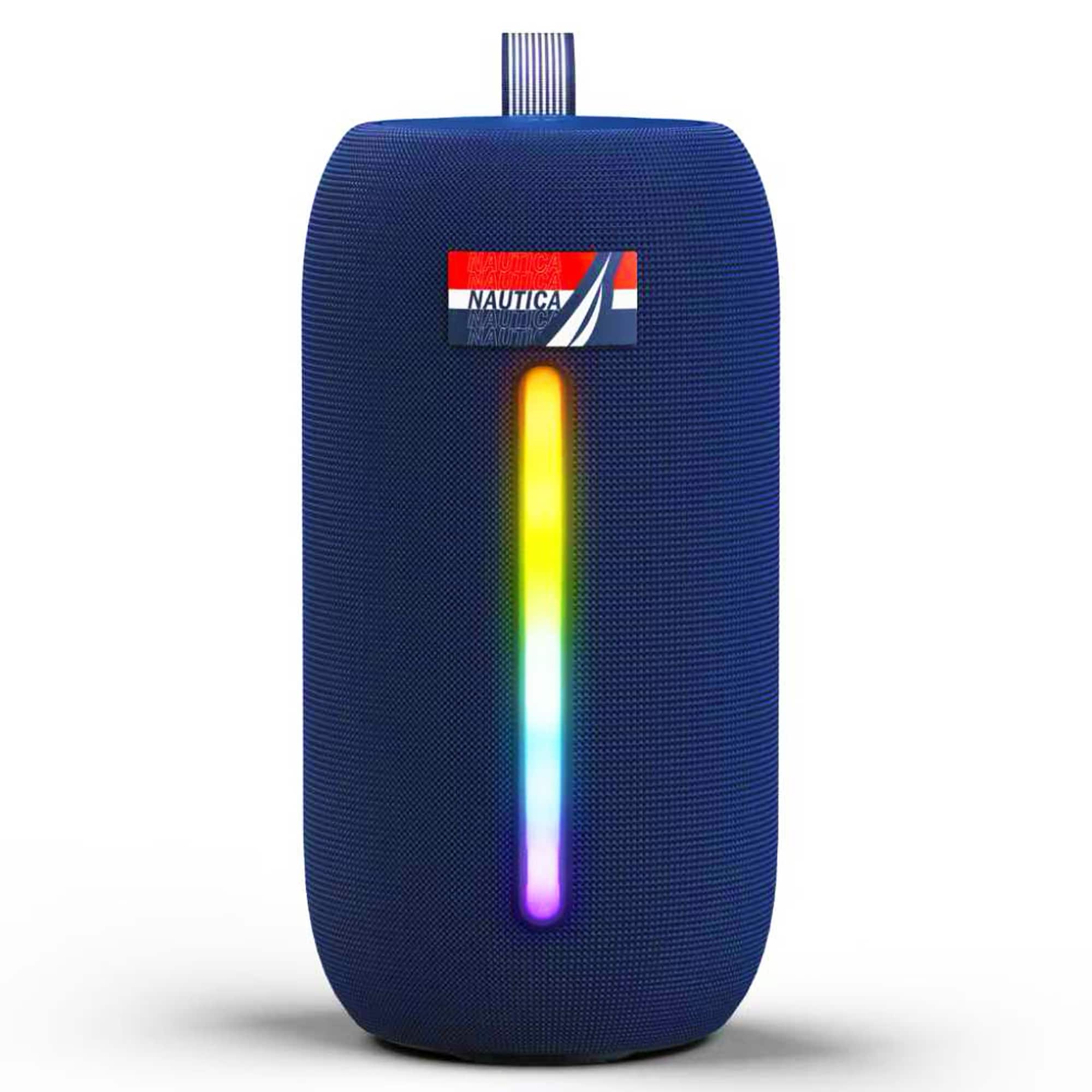
Ambient Lights: Short press the light button to cycle through the 5 ambient light modes. Long press to turn the lights OFF.
True Wireless Stereo (TWS) Pairing
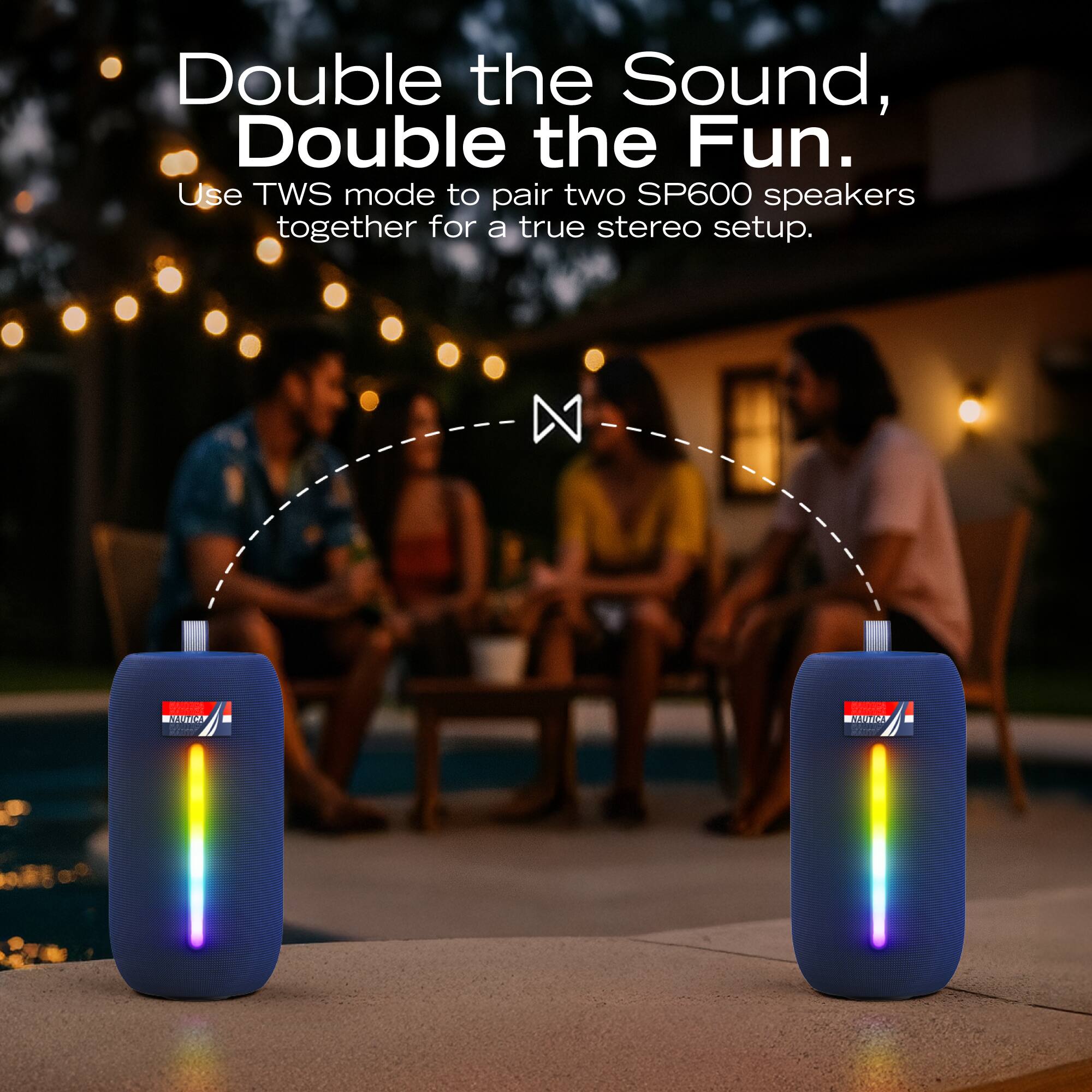
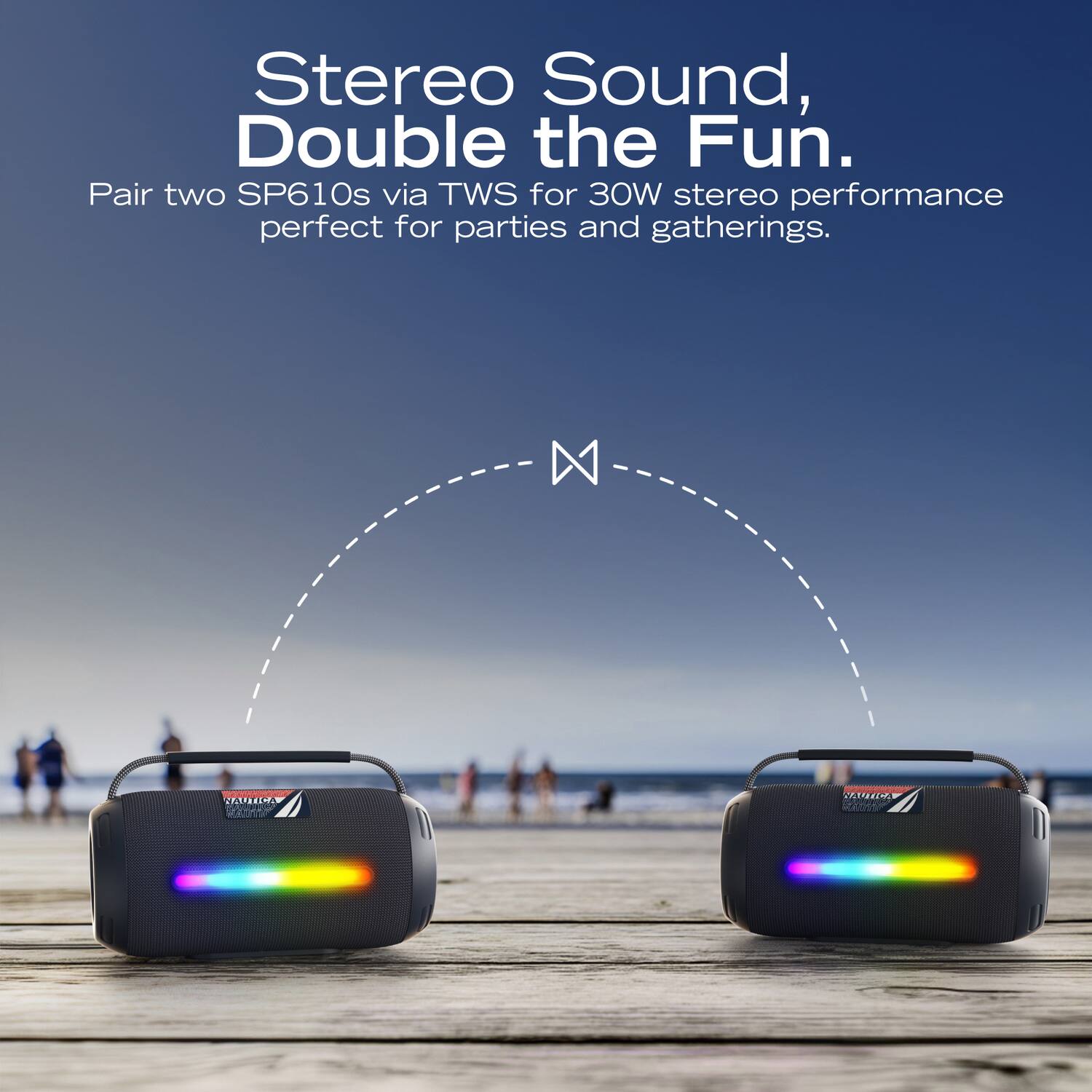
To create a 30W stereo experience using two SP610 speakers:
Turn on both speakers. Ensure neither is yet connected to a Bluetooth device.
Long press the Play/Pause button (or the Mode ("M") button, depending on the version) on one speaker until you hear a "TWS connection" tone.
The speakers will pair together. Now, connect your phone to the "master" speaker via Bluetooth settings.
You can download the user manual from here (for the SP600, but works):
https://device.report/m/4a669ebcd2623e2162ab157acafb2ba709c6530b83c451c59bc241f1c870754e_pdf
Email: [email protected]
A:AnswerNo unfortunately, it does not.
Button Controls & Operations
The speaker features intuitive buttons for music and light management.
Power/Mode: Long press to turn ON/OFF. Short press to switch between input modes (Bluetooth, USB, SD, or AUX).
Volume & Tracks:
Short Press (+/-): Adjust volume levels.
Long Press (+/-): Skip to the Next track (+) or Previous track (-).
Play/Pause: Short press to play or pause audio.
Ambient Lights: Short press the light button to cycle through the 5 ambient light modes. Long press to turn the lights OFF.
True Wireless Stereo (TWS) Pairing
To create a 30W stereo experience using two SP610 speakers:
Turn on both speakers. Ensure neither is yet connected to a Bluetooth device.
Long press the Play/Pause button (or the Mode ("M") button, depending on the version) on one speaker until you hear a "TWS connection" tone.
The speakers will pair together. Now, connect your phone to the "master" speaker via Bluetooth settings.
You can download the user manual from here (for the SP600, but works):
https://device.report/m/4a669ebcd2623e2162ab157acafb2ba709c6530b83c451c59bc241f1c870754e_pdf
Email: [email protected]