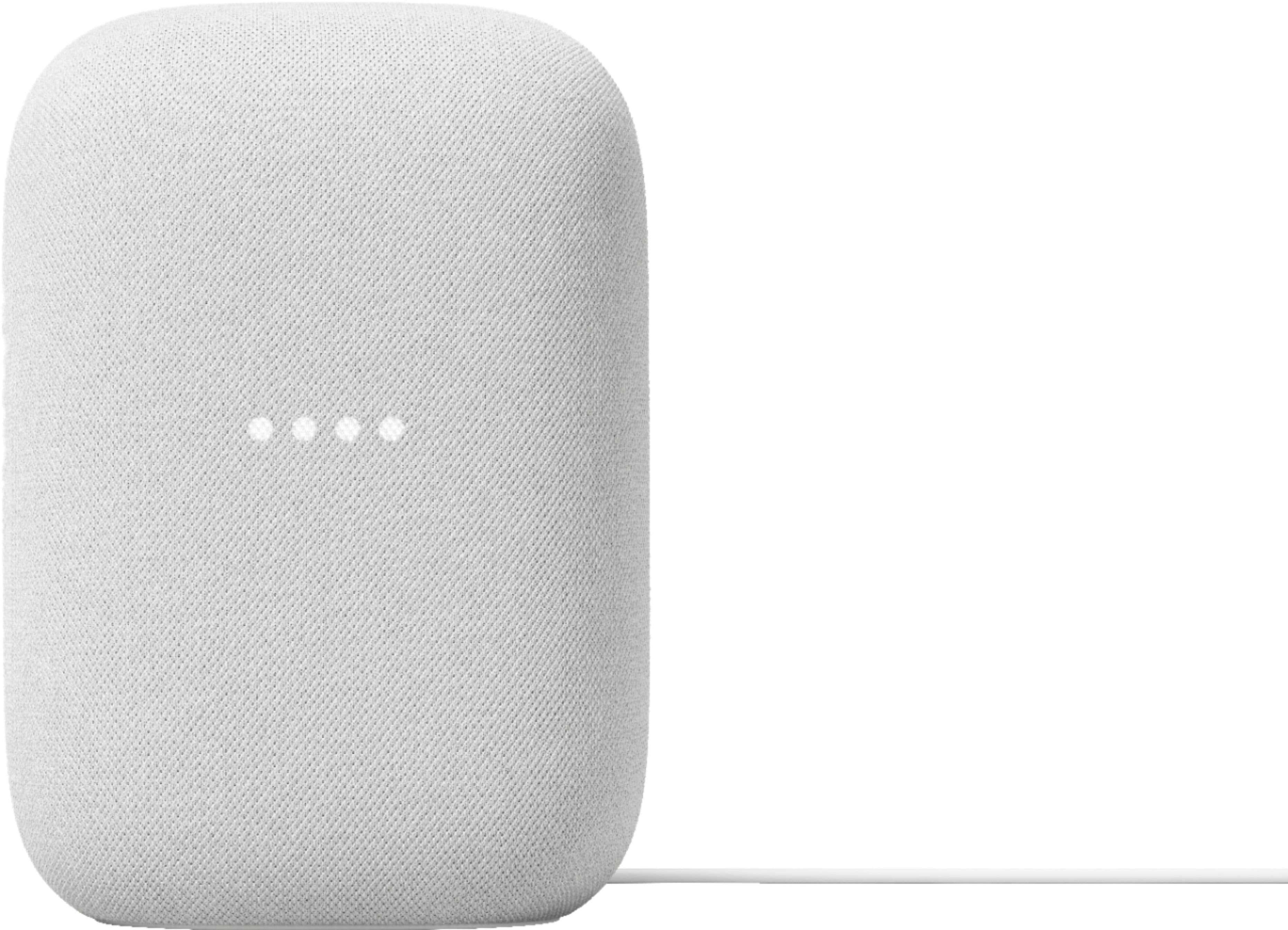
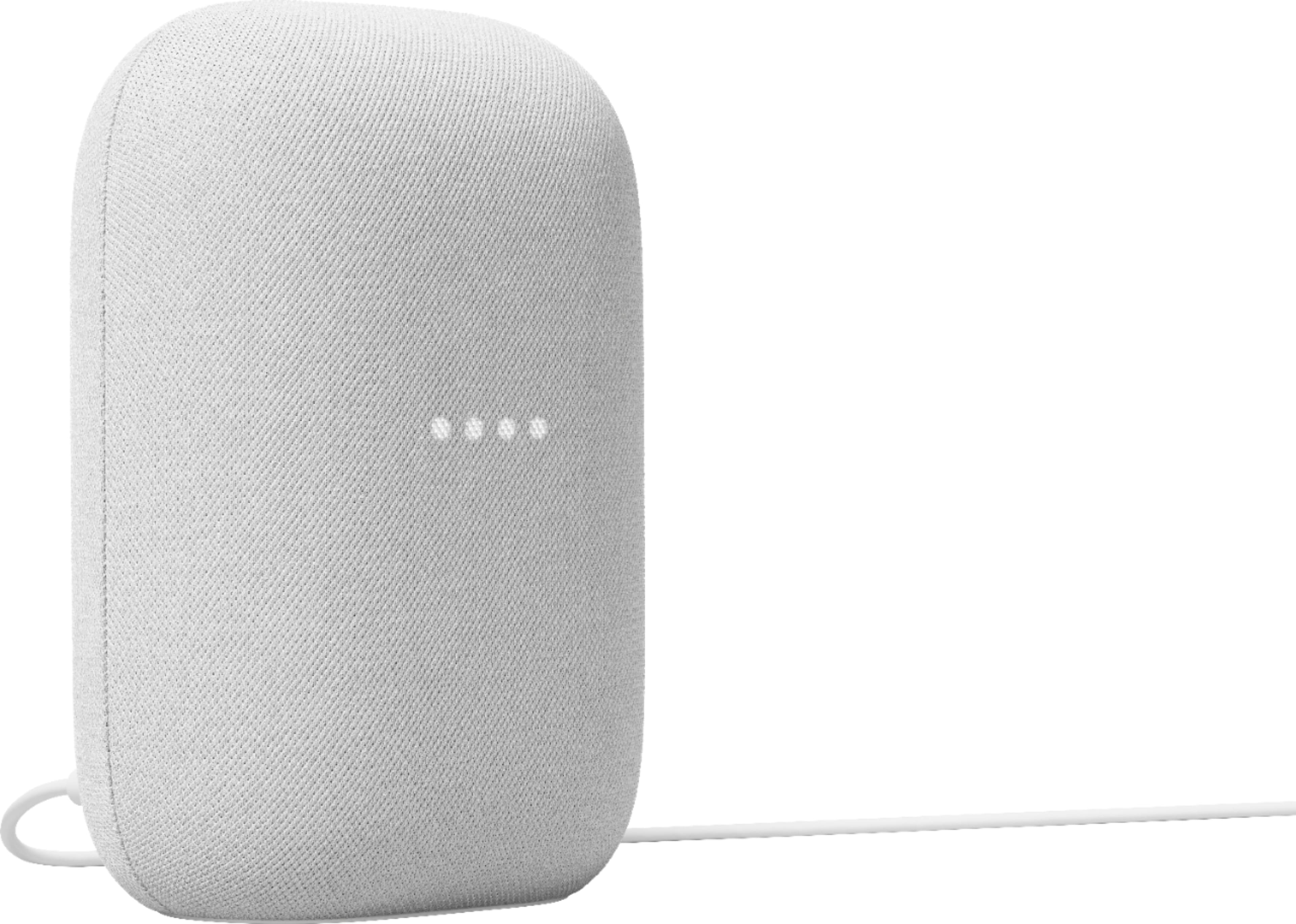
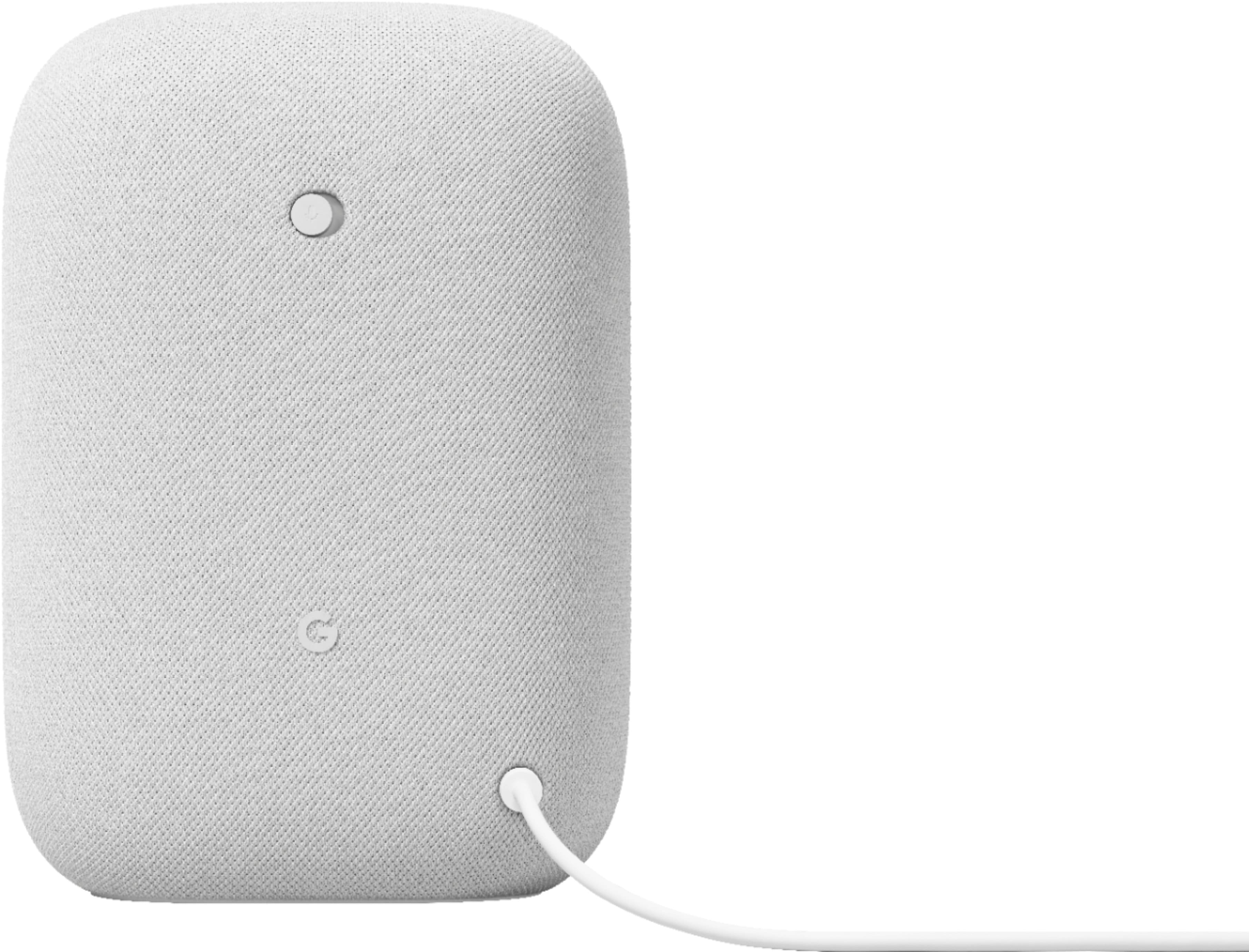
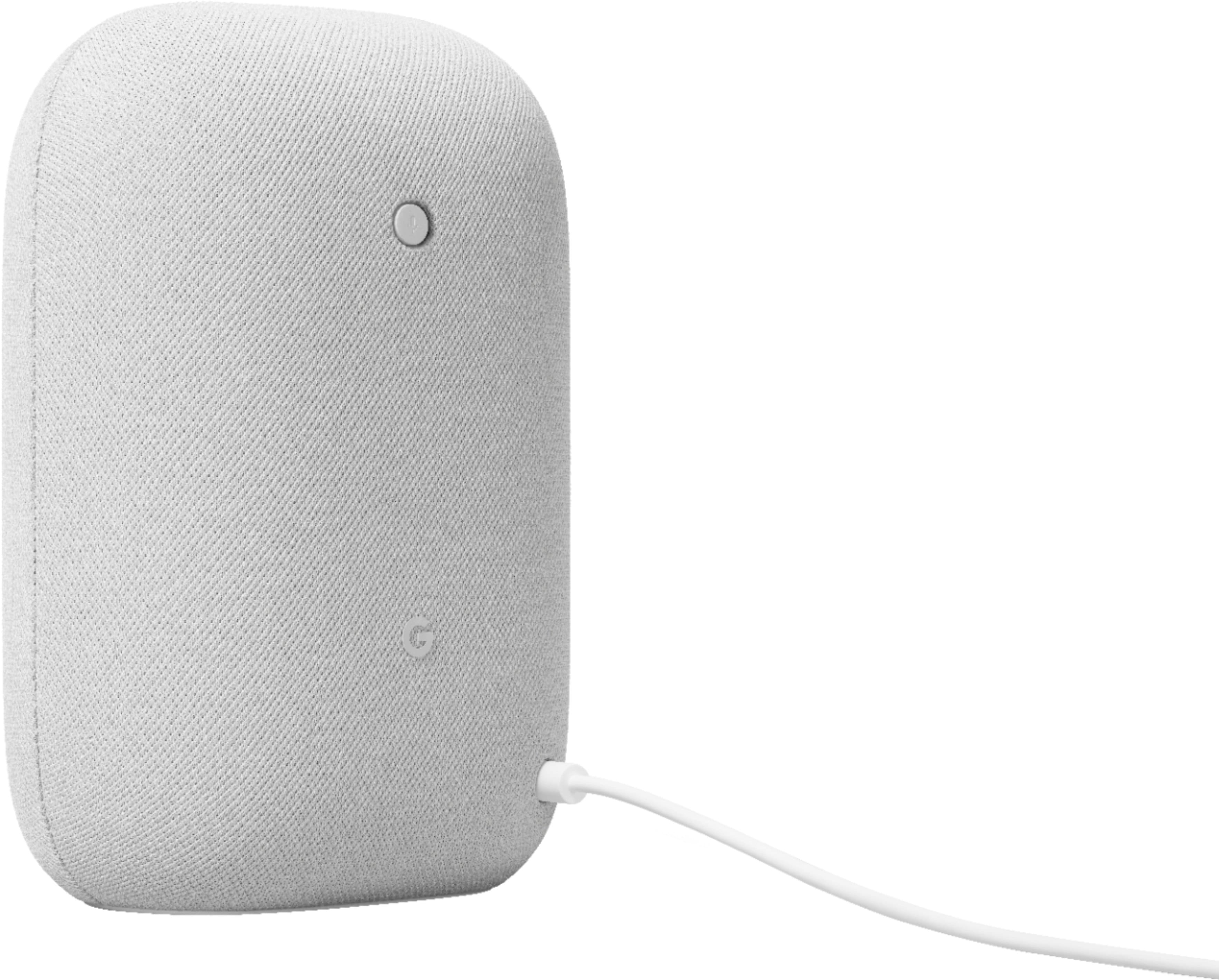
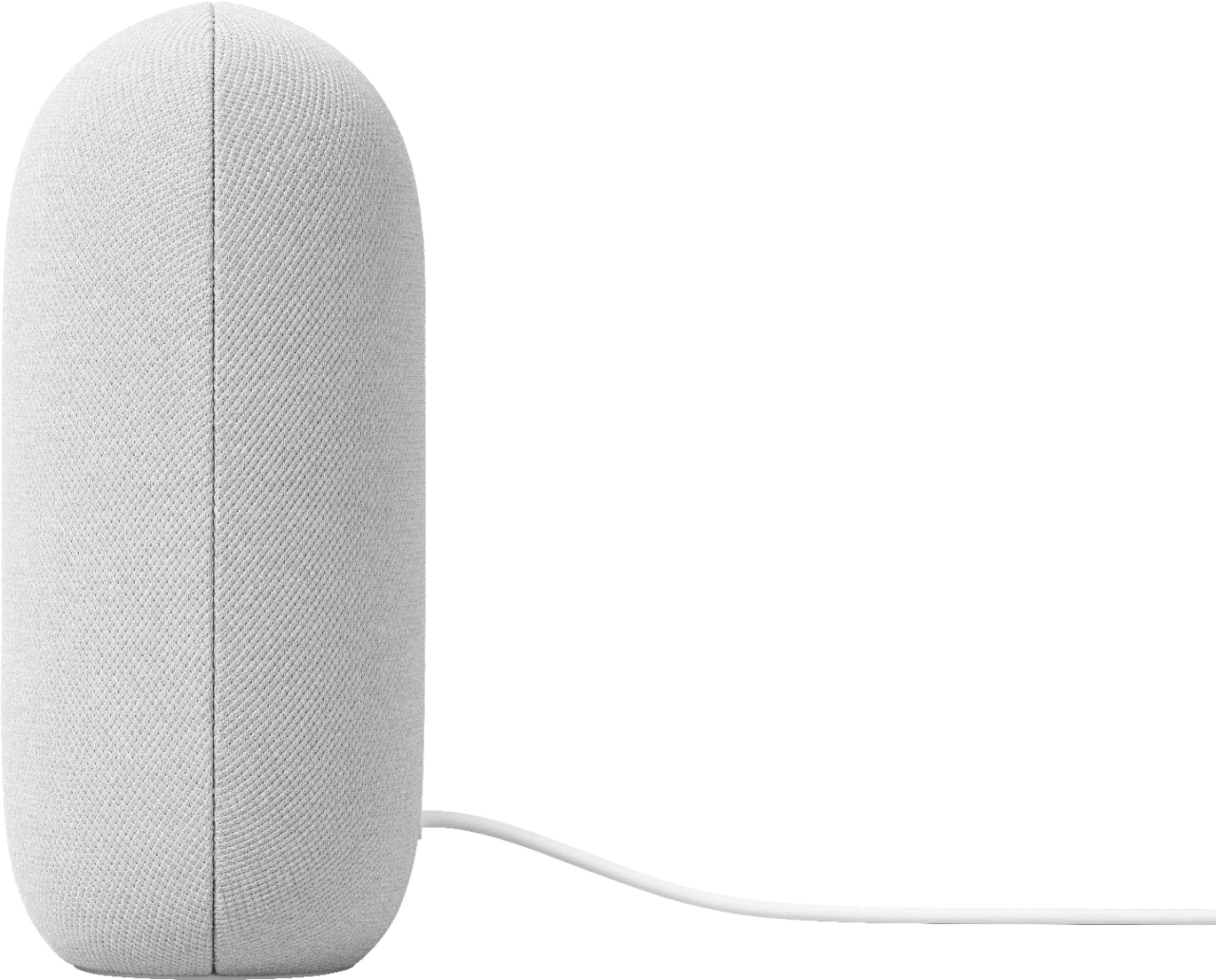
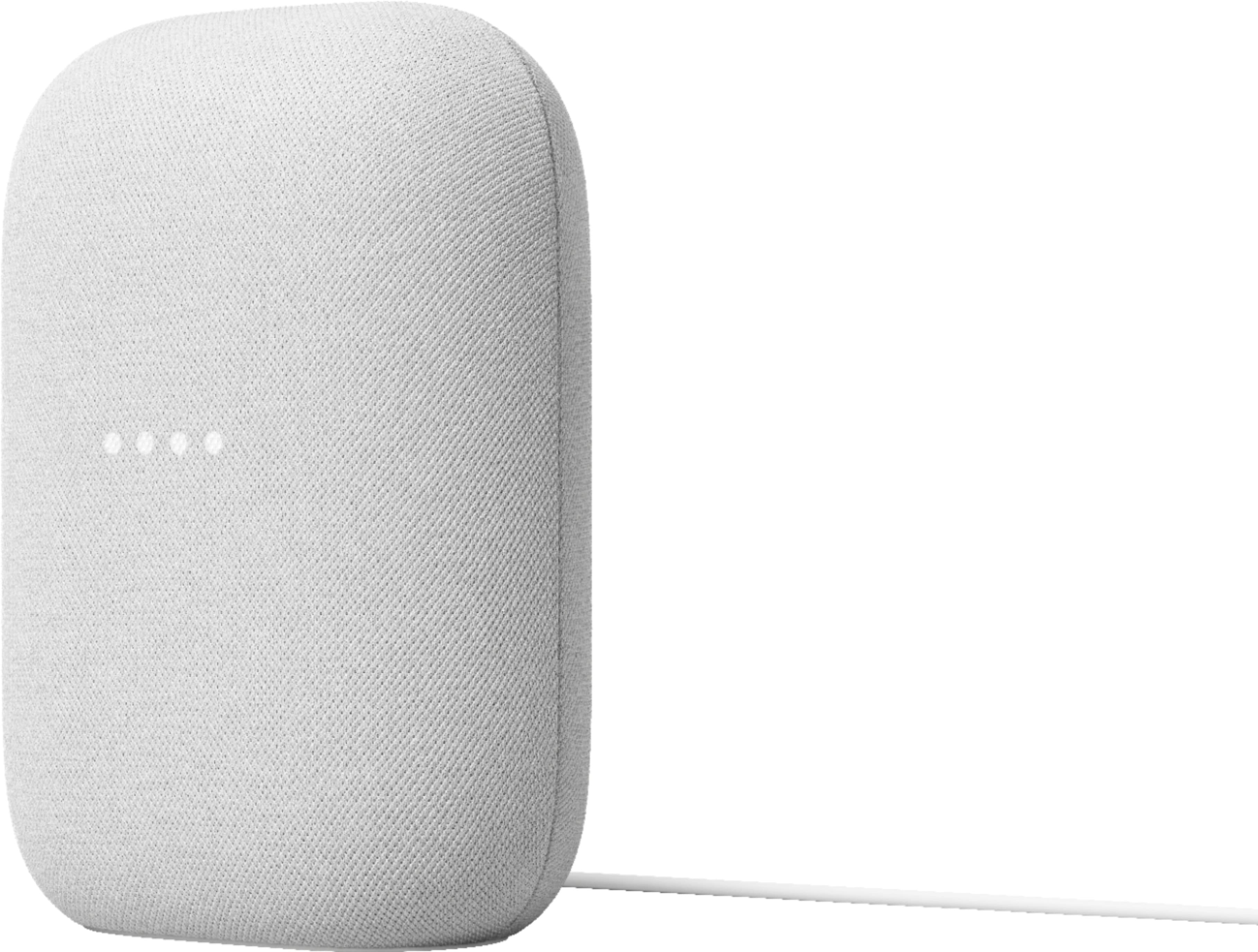
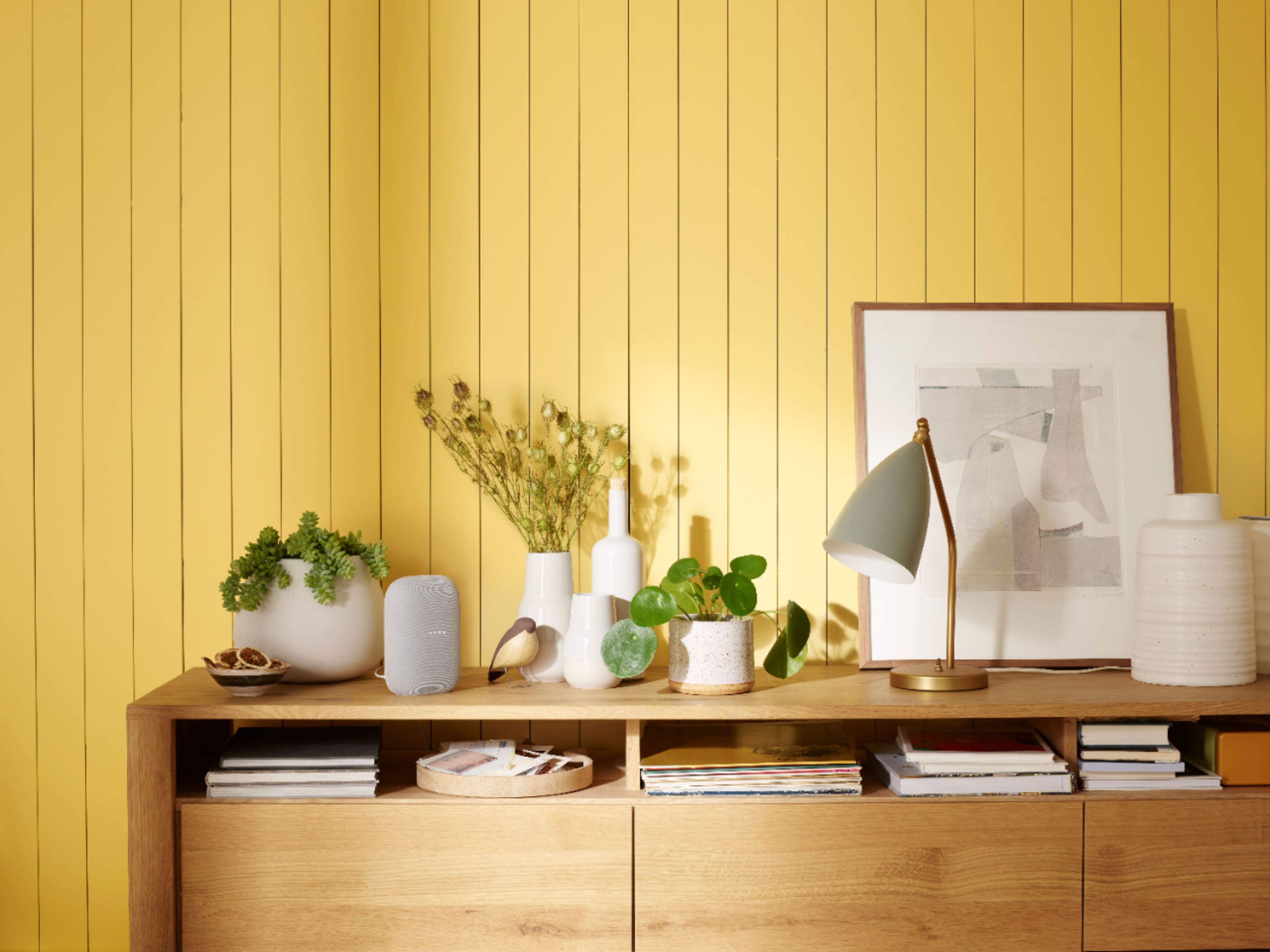
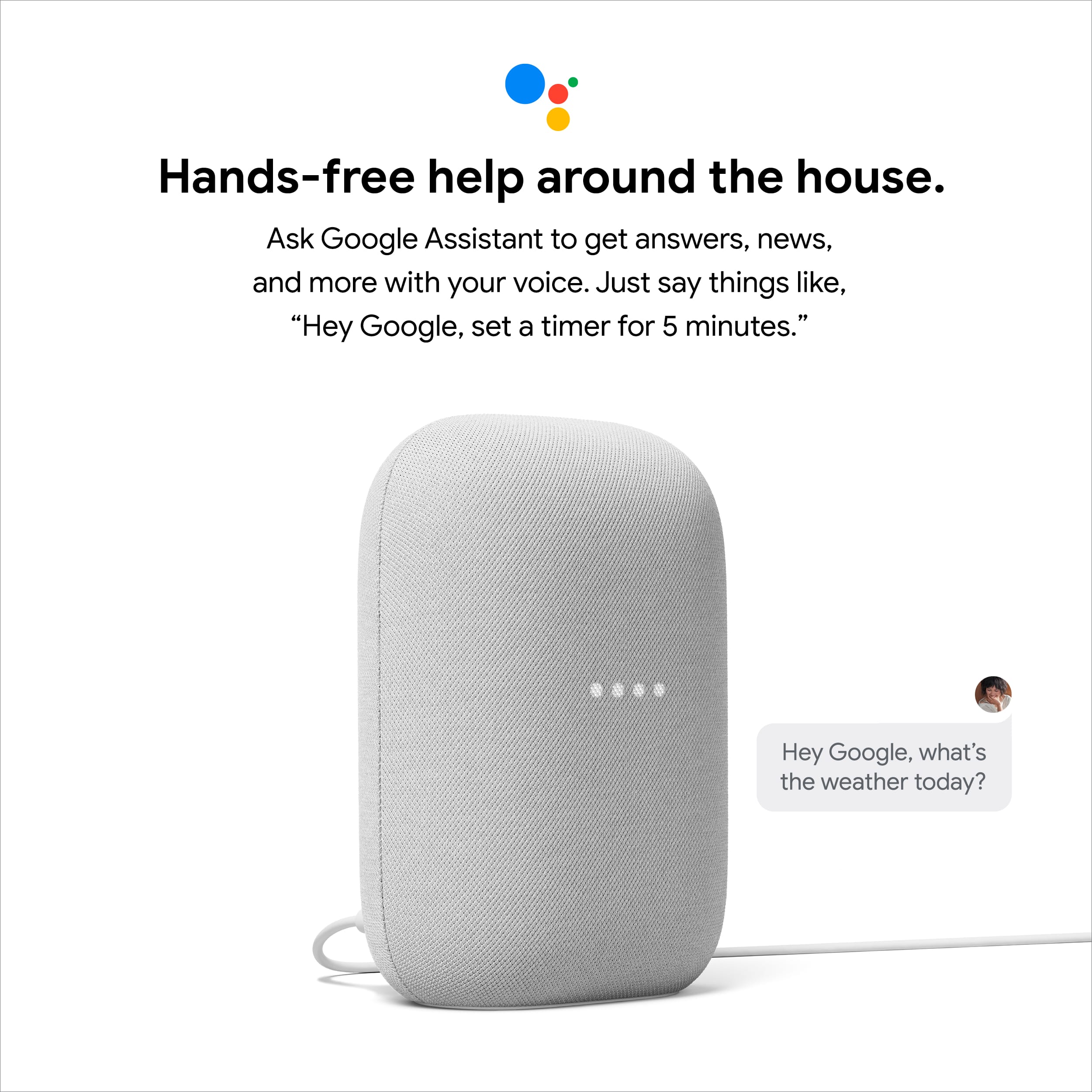
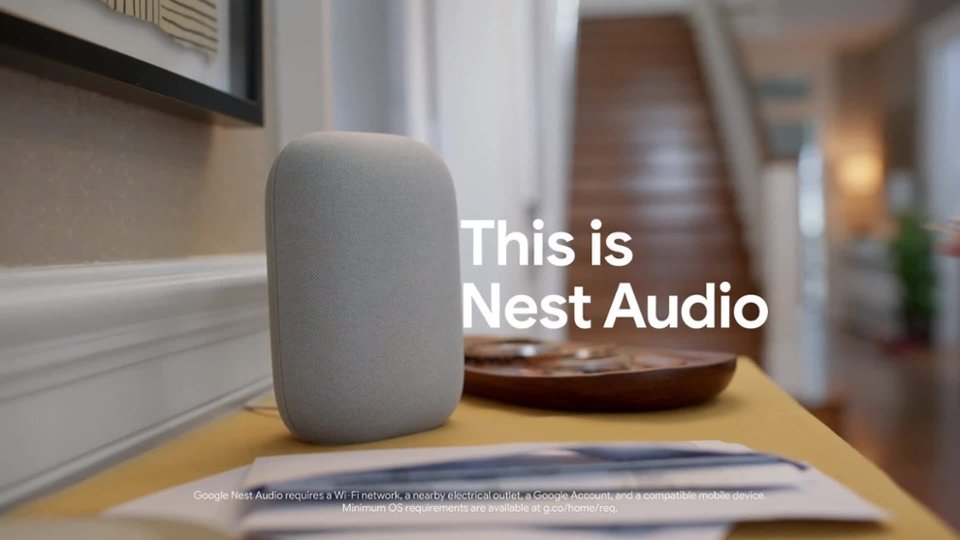
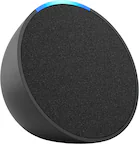
A:AnswerHey there, Emily. Thanks for your inquiry about Nest Audio. You can play music that's stored on your mobile device (phone or tablet) or computer on your Nest Audio using Bluetooth. If you are in need of any assistance in the future, please don't hesitate to contact us on our Google Help page here: https://support.google.com/googlenest/gethelp
A:AnswerYour AM7-8 AM107424 printed on the back is almost certainly a Bose Acoustimass 7 home theater speaker system base/subwoofer module, part of the long-running Acoustimass 7 series of wired surround sound speakers from Bose. These were commonly sold as 5-piece or 7-piece speaker systems for home audio setups. �
A:AnswerHi there, Nikki.Thank you for your interest in Nest Audio. The Music on the Nest Audio is 75% louder with 50% stronger bass than Google Home. It also auto-adjusts its volume based on background noise. To know more about the Nest Audio we suggest checking this Google Help article: https://support.google.com/googlenest/answer/7072284
A:AnswerHiive found that is usually a limitation of the streaming service. Much like Netflix asks if you are still watching after a period of time. That way they don't pay royalties for music not being listened to for long periods of time. Check the settings in your service to see if that is the case. I use YouTube music and have it set to indefinite
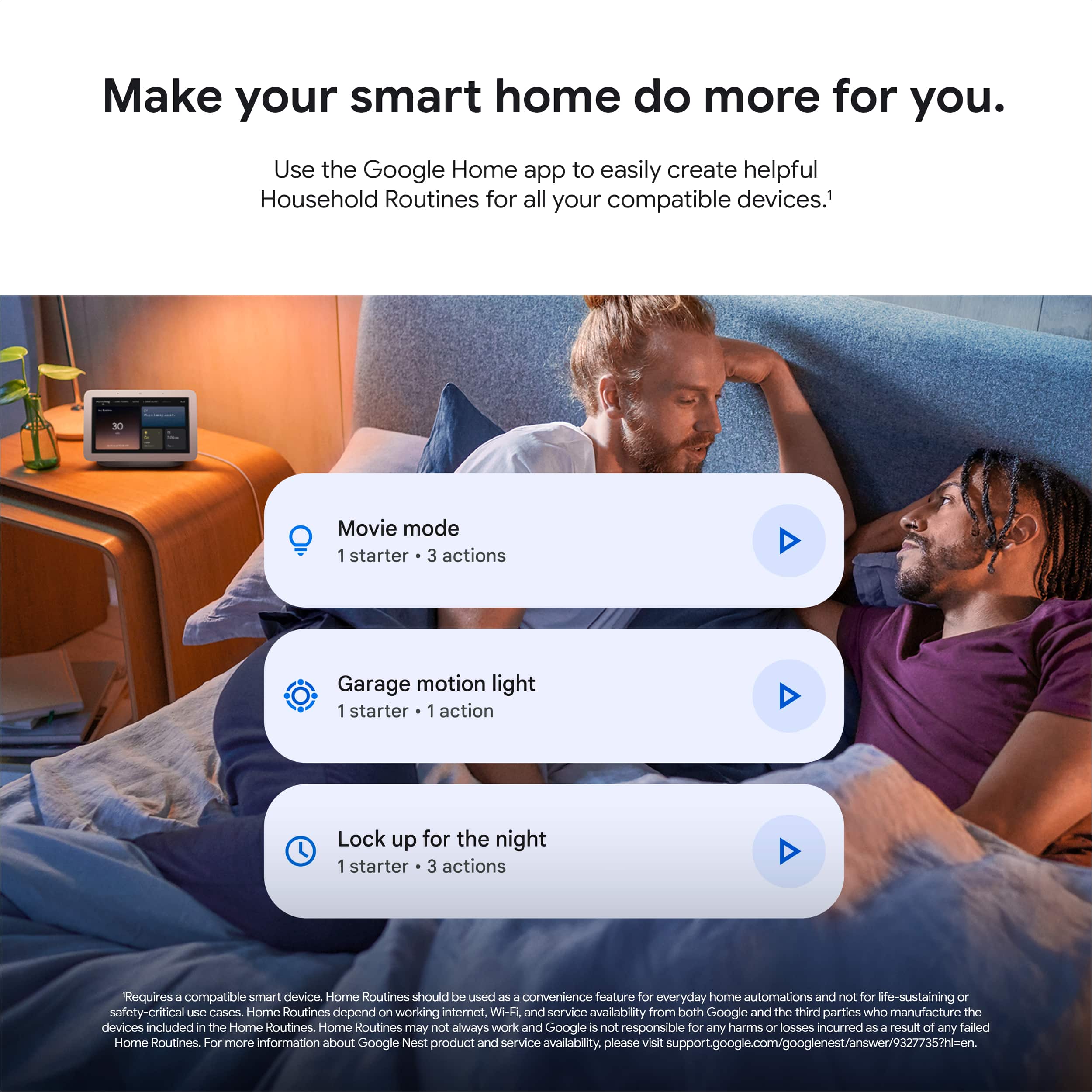
A:AnswerThe Nest devices and services which include your Nest Audio are not certified for dispatch of emergency responses. To know more details please read the Nest Additional Terms of Service here: https://support.google.com/product-documentation/answer/9327735
A:AnswerYou have to factory reset the speaker and re-add through the Google Home app. I've screenshotted googles website with instructions for your convenience.