Questions & Answers
- Model:
- FS105NA
- |
- SKU:
- 3924016
Highly rated by customers for: Overall Performance, Ease of Use, Installation
Page Showing 1-6 of 6 questions
Q: QuestionIs there a "Y" cord for a Netgear 6200I just received a network extender from Verizon. The directions tell me to attach the ethernet cable from the WAN port on the extender to the ethernet port on the Netgear 6200 modem. I only have one port and that goes to my computer. Can I purchase a "Y" cord to attach to the modem and hook up both the computer and the extender.
Asked by Paul.
- A:Answer I'm assuming the network extender for Verizon is to increase you cell coverage at your location, thus the calls are going over VOIP. You don't use Y cables in networking. They reduce traffic speed and other problematic issues. All you need is the modem, WiFi router with at least 4-5 ports and if you need more ports, then that is what the switch is used for. Most modems now a days have the routers built into them. The switch is what controls the flow of web traffic to each device, the router assigns the IP addresses & manages the web traffic, and the modem connects you to the internet.
Answered by Computerjohn
Q: QuestionCan I split one Ethernet cable into more than one
Asked by Foot.
- A:Answer Yes. Easy plug in and done. Split one ethernet in into 4 out.
Answered by Wrench80
Q: QuestionConsidering the NETGEAR - 5 PORT 10/100 mbps ethernet unmanaged switch. For internet radio broadcast listening. NO Set up, config., to connect to my password protected wifi? Litteraly just plug in and enjoy? Thanks........Steve
Asked by Steve.
- A:Answer When you say connect to your wifi you don't mean wirelessly right? You would have to run an ethernet cable from your modem/router to the switch and then ethernet from your switch to the device your attempting to get internet to get internet to. If you are willing and able to run the cables then yes there is no further setup or configuration needed
Answered by Austin
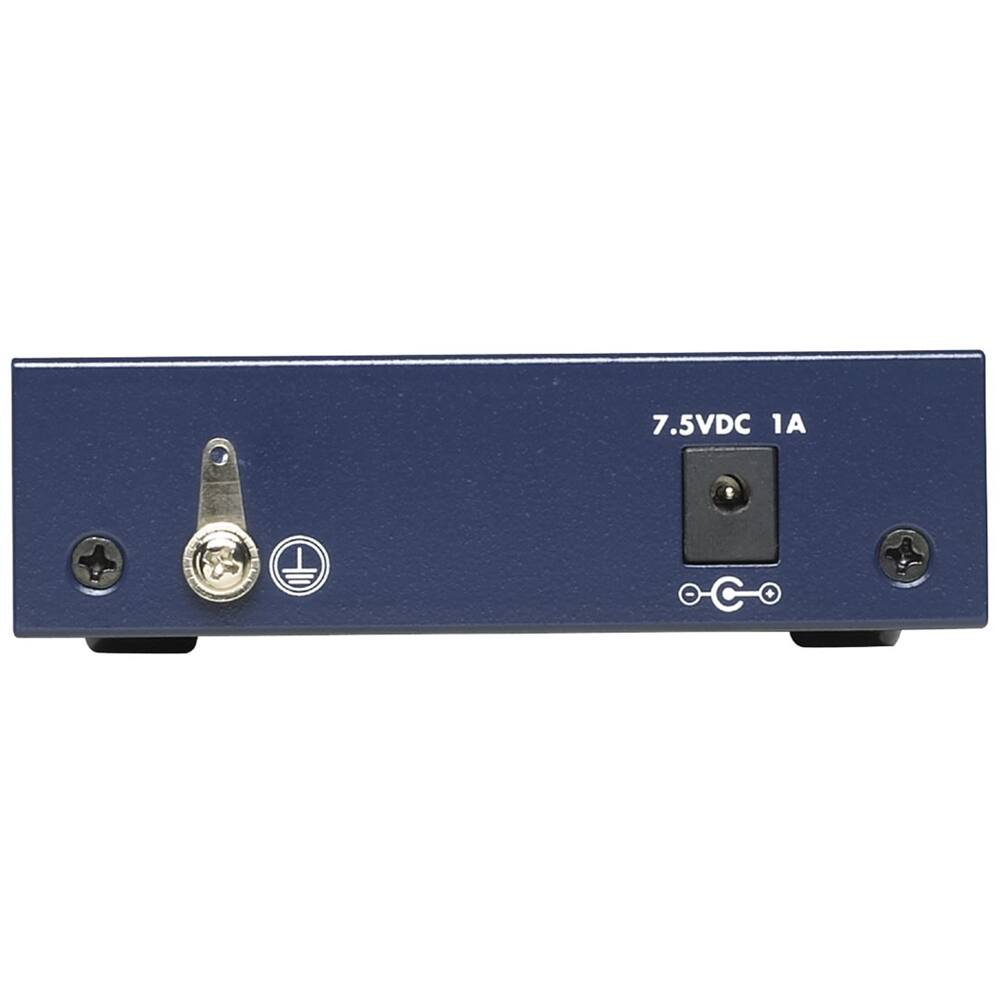
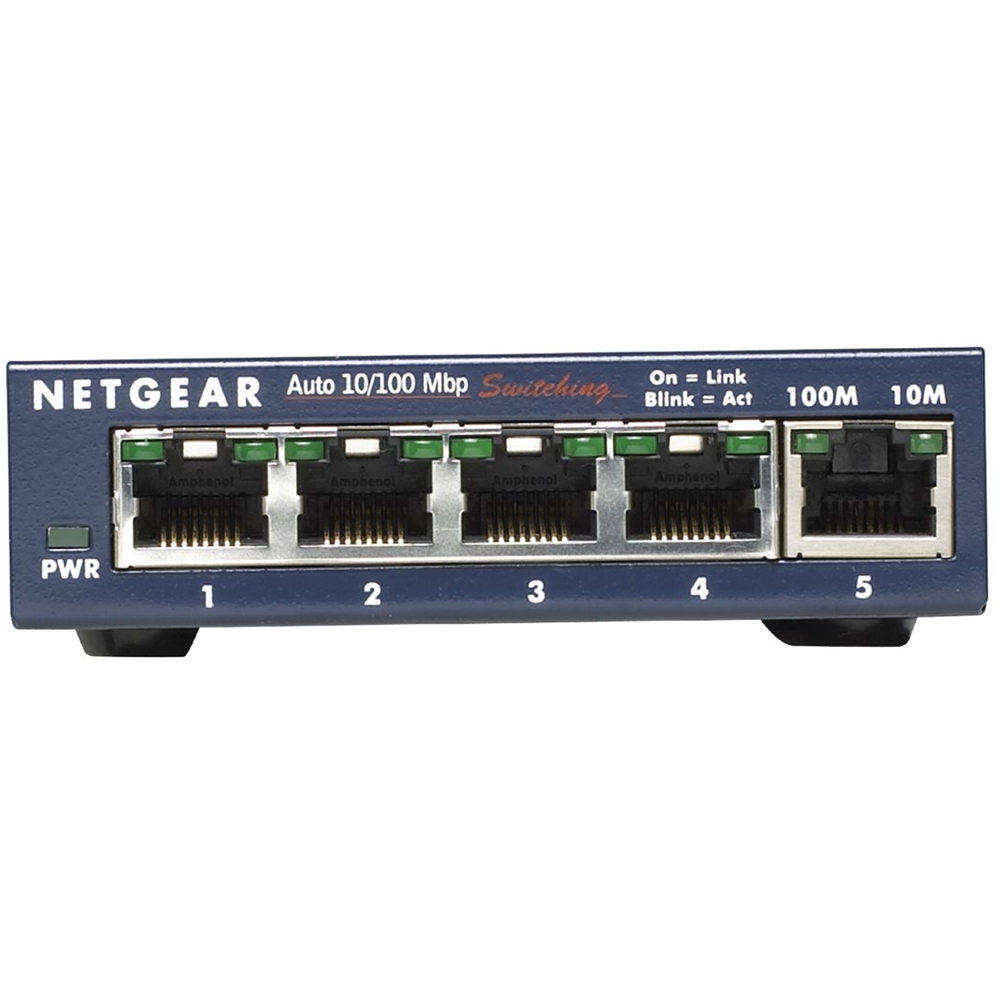
Q: QuestionWhich port would connect to my current NetGear Nighthawk? Does that leave only 4 usable ports or am I missing the connection port in the images somewhere?
Asked by GregL.
- A:Answer If the switch is not clearly marked, the The first number one is the input.
Answered by Playing
Q: QuestionI have four computers which I want to connect to this unit. Would the #5 port be connect, using an RJ-45 ethernet cable to my wi-fi device? Thank you in advance for your help
Asked by rking.
- A:Answer That will work. The switch ports are actually universal, you can plug any device into any port and it will still switch between all five ports. The labeling on the outside of the device is just for organizational purposes- help you better identify your lines in and out.
Answered by BigThunder
Q: Questionmore ethernet portsI have a router that allows for four (4) ethernet connections. I need five (5) or more. Any suggestions? Solutions? Something easier than buying a new and more expansive router?
Asked by erisajd.
- A:Answer Really depends on your router and what you want to spend. From what I see from your post, you don't want anything expensive. If your router supports 10/100/1000Mbps, then look at the TP-Link TL-SG1008D 8-Port Gigabit switch or the TrendNet TEG-S80G 8-Port Gigabit switch (both under $30). If your router only supports 10/100Mbps, look at the TrendNet TE100-S8 8-port or the Rosewill RC-406X 8-port (both under $15).
Answered by pmadtaylor
Page 1, Showing 1-6 of 6 questions
Most-viewed items
- $329.99$329.99The price was $469.99
- $149.00$149.00The price was $399.00
- $159.99$159.99The price was $179.99
- $1,149.00$1,149.00The price was $1,299.00
- $449.99$449.99The price was $649.99