A:AnswerLog into the settings on your providers modem and check for any firewall settings. The same goes for your current router. Start with the box from your provider first.
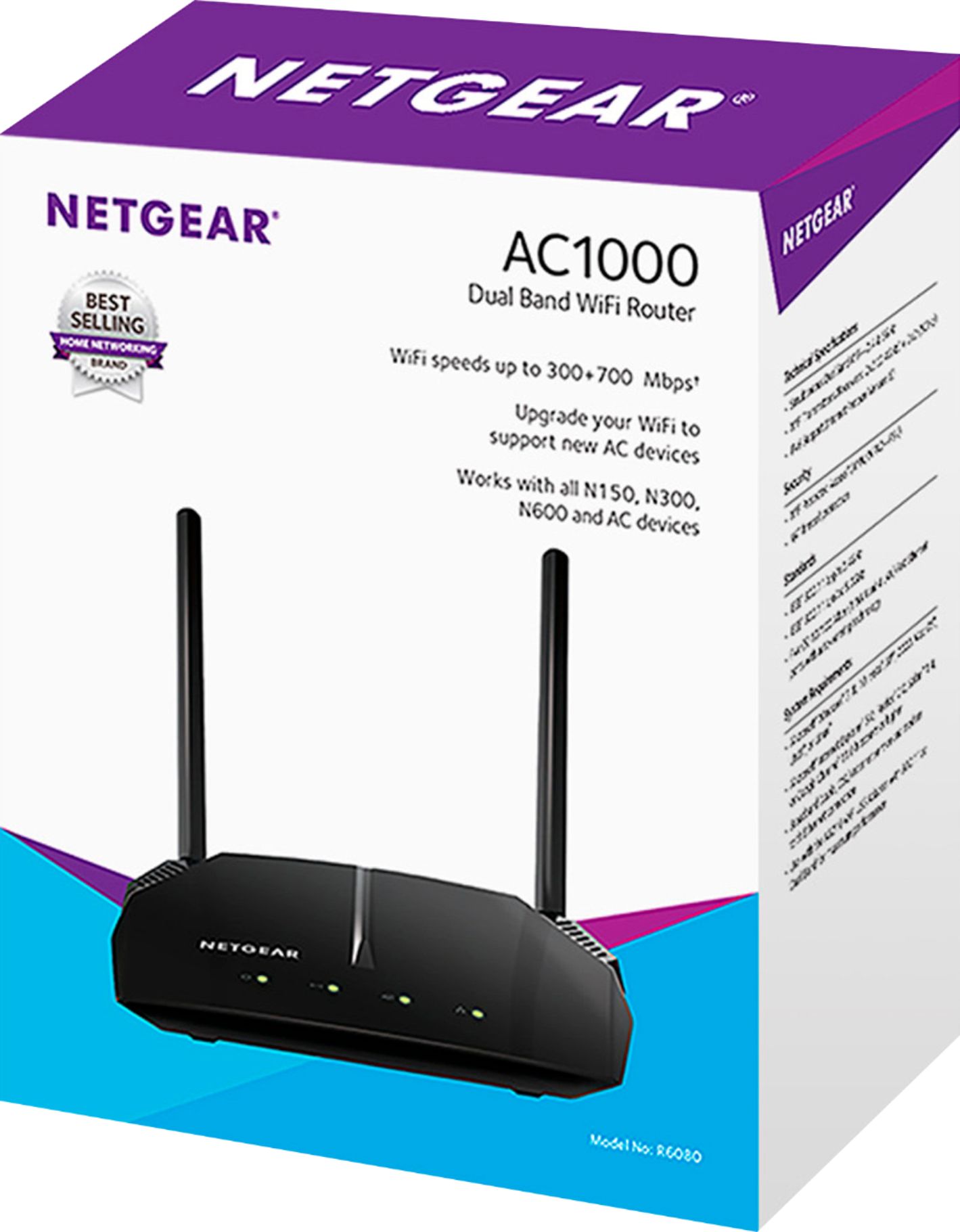
A:AnswerYes your range will improve with this device, but an even better investment with a large house is an AC1700 or better router. Keep in mind that the internet speeds are still limited to what Hughes gives you currently.
A:AnswerIf it’s not a smart tv you will need an interface to connect to the internet. Such as an Apple TV box, or a chrome cast or roku usb plugin. If you have internet available through a WiFi they can connect to it. Any router should be fine
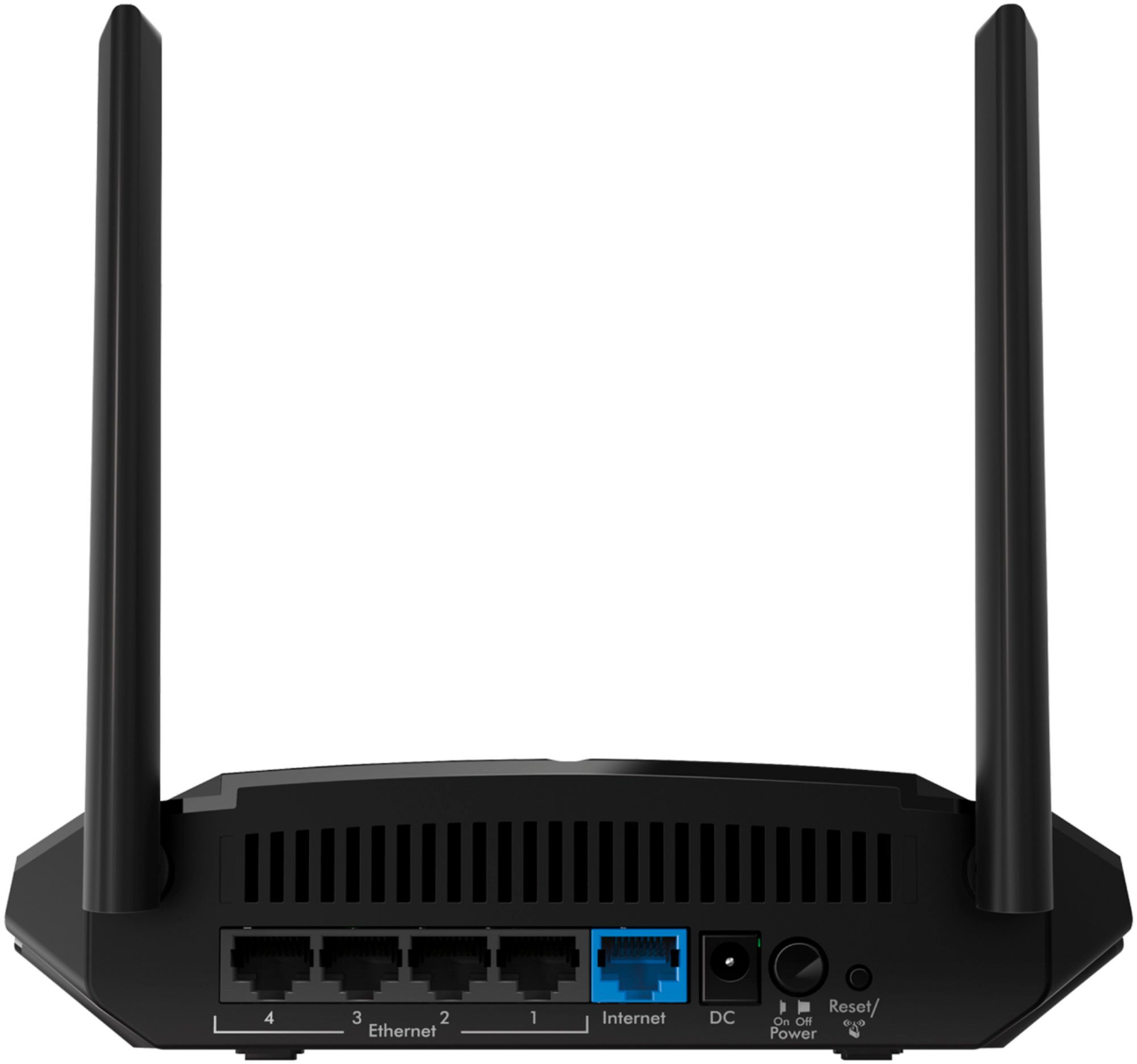
A:AnswerWhen you buy a WiFi router you will get another Ethernet cable. If you are just using one laptop you plug it’s Ethernet port into one of the lan slots on your modem. You only need a WiFi box to broadcast the internet signal throughout the house so you don’t have to plug in with a cable.
To hookup a WiFi to your modem you plug a cable from one of the lan slots to the Ethernet slot on the WiFi. Let the WiFi setup wizard do the rest.
A:AnswerThank you for your question. We would recommend contacting Fios support to see if our products are compatible and would work with their service. – NETGEAR
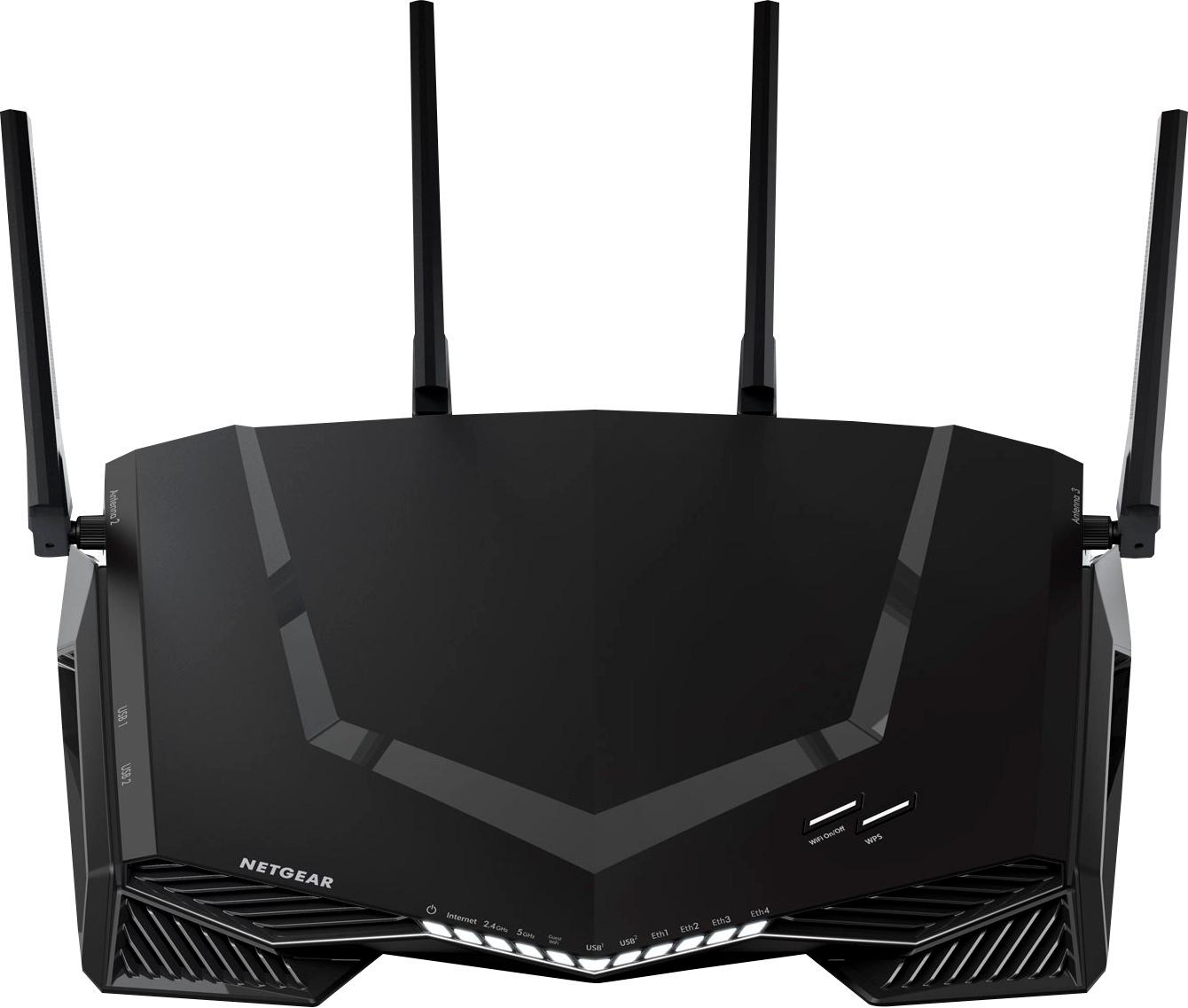
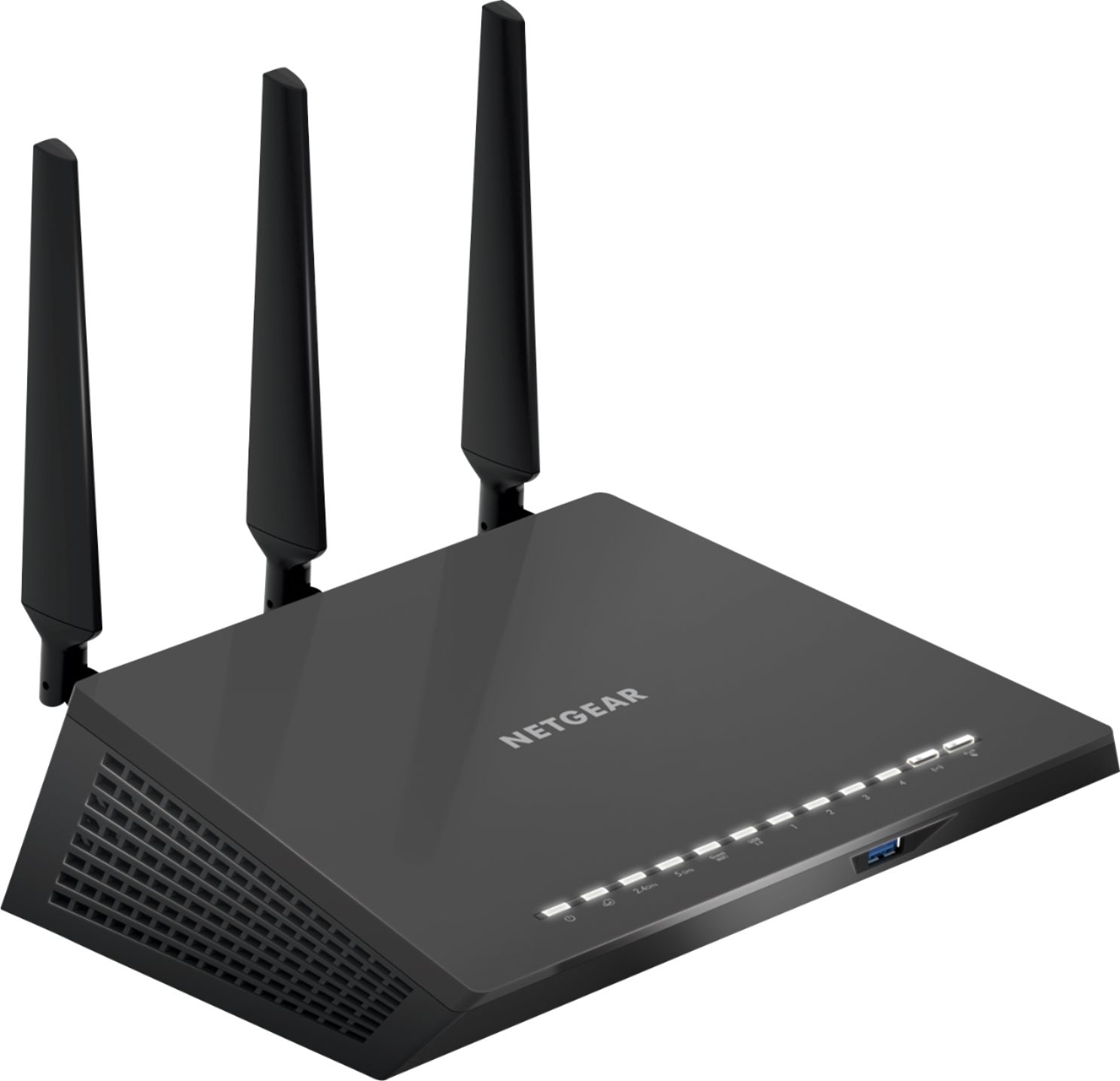
A:AnswerNo, do not get this unit for gaming. I could not even pay a simple golf game on my phone without lag. I returned this unit and bought the Netgear AC2600 and have had no problems with WIFI since. When I bought mine, the AC2600 was on sale. The "Pro Gaming" may be even better for you.