A:AnswerIt allows you to have more access at the same time. Imagine a regular router is a 2 lane road, a dual or multi band router is a 6 lane interstate. Hope this helps. It's how a tech guy explained it to me.
A:AnswerYes you can. Just have to change the routers setting by logging into the routers setup and deactivating DHCP server. It will than receive the DHCP assignment from your current wifi router. I am not sure if it will bridge wifi Network ID. Best to assign it a different wifi ID. Typically wireless devices seek the strongest signal and once you have signed into the new wifi network your device will remember the settings and auto sign in when the other wifi signal becomes too weak.
A:AnswerYou will probably have to get a Wi-Fi extender, net gear makes one and it works I had to do that to extend the range to cover the entire house.
A:AnswerI have it too with about the same size home. My signal picks up well. I was told to put it in a room with as little electronic interference as possible. Basically, don't put it near the microwave/stove, big TVs, anything that pulls a lot of electricity (think of it from a view of a straight line from one to the other). Supposedly has something to do with strong EMPs. I have mine against the outside wall of the room and have the antennae up. Hope that helps some. Best wishes.
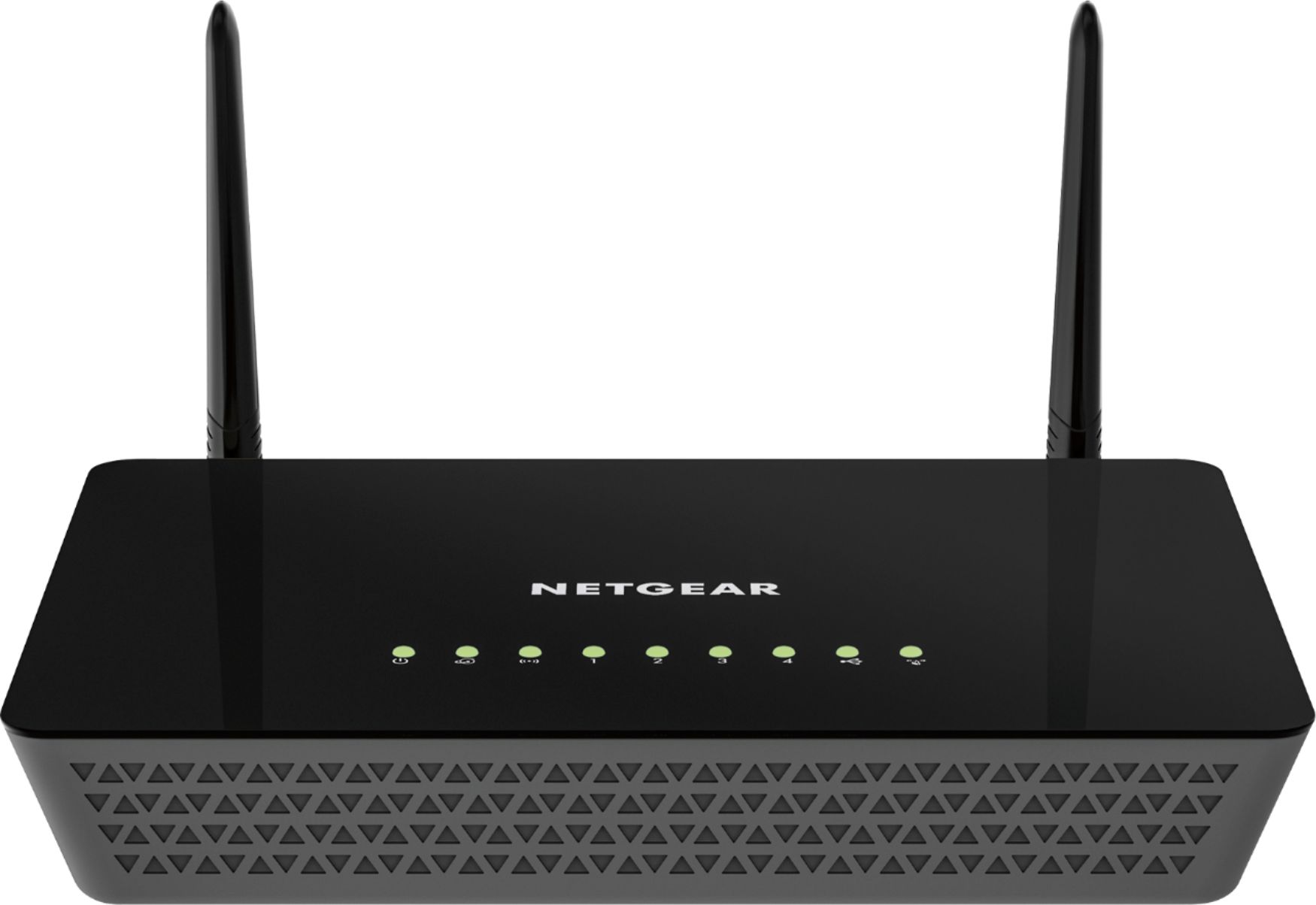
A:AnswerYou need a new modem. I have an Arris Surfboard modem which works perfectly with my Netgear router and Netgear WIFI extender. My internet provider said my modem was too old to work with new technology. Go to Best Buy and they will help you upgrade.