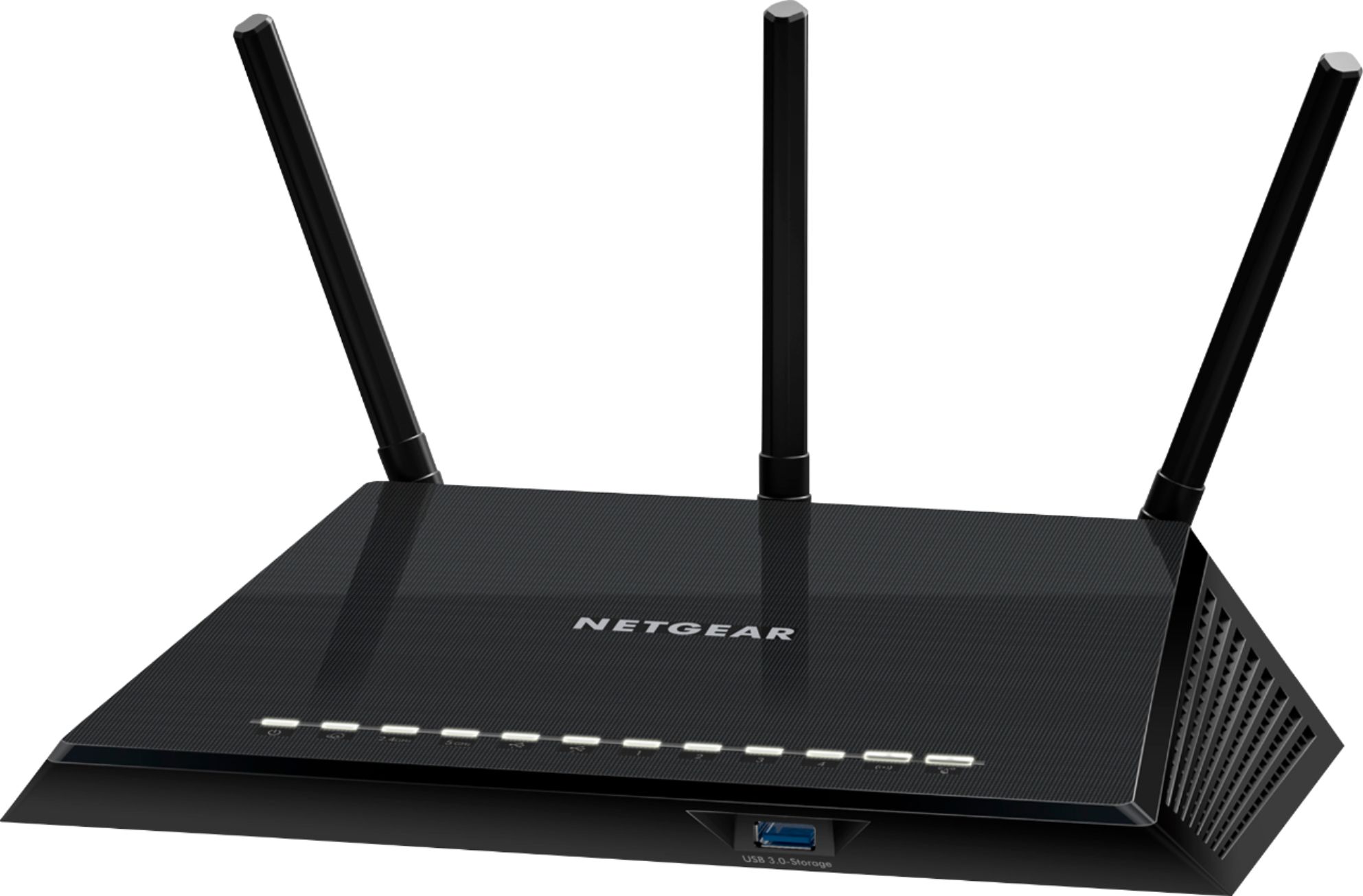
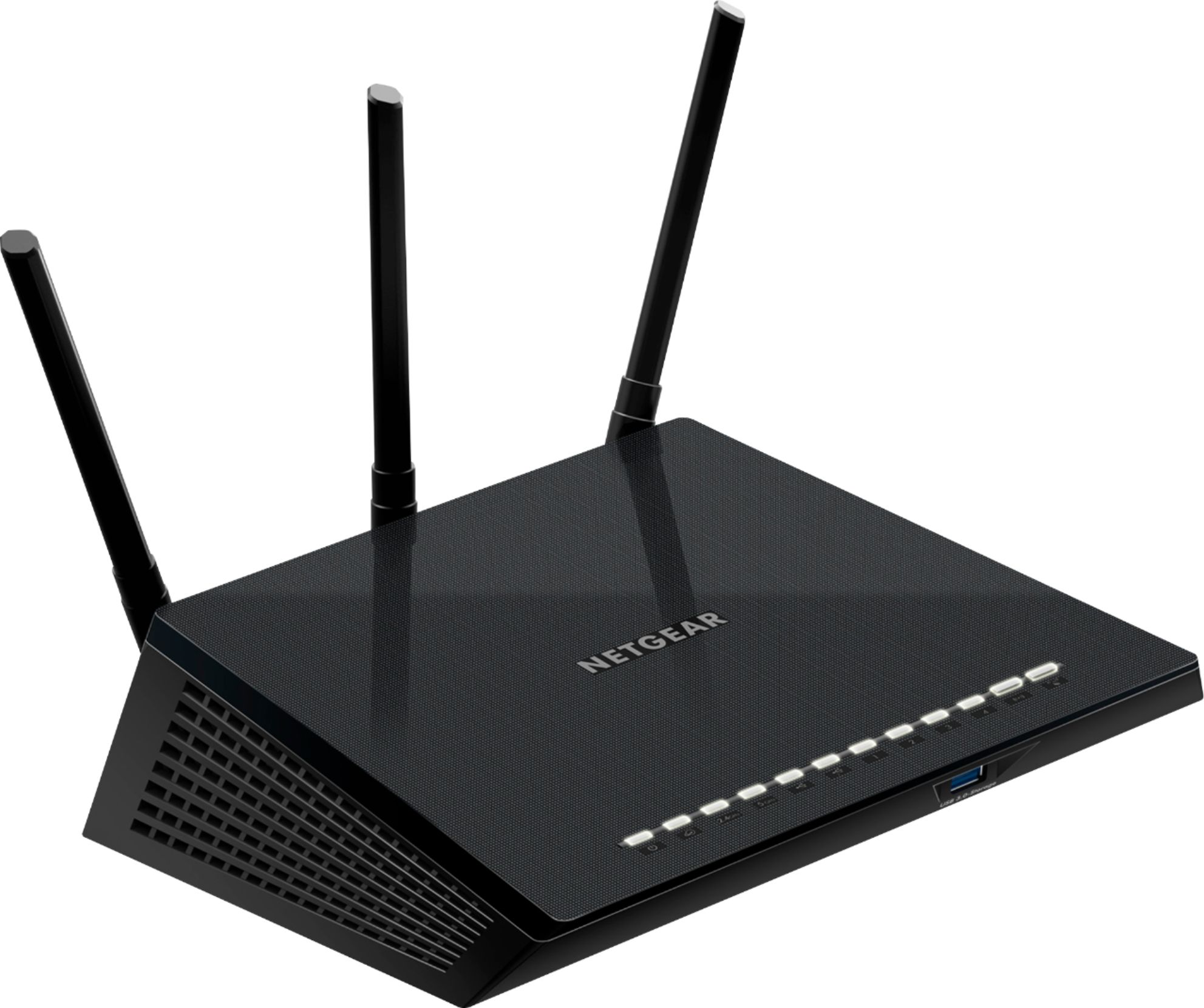
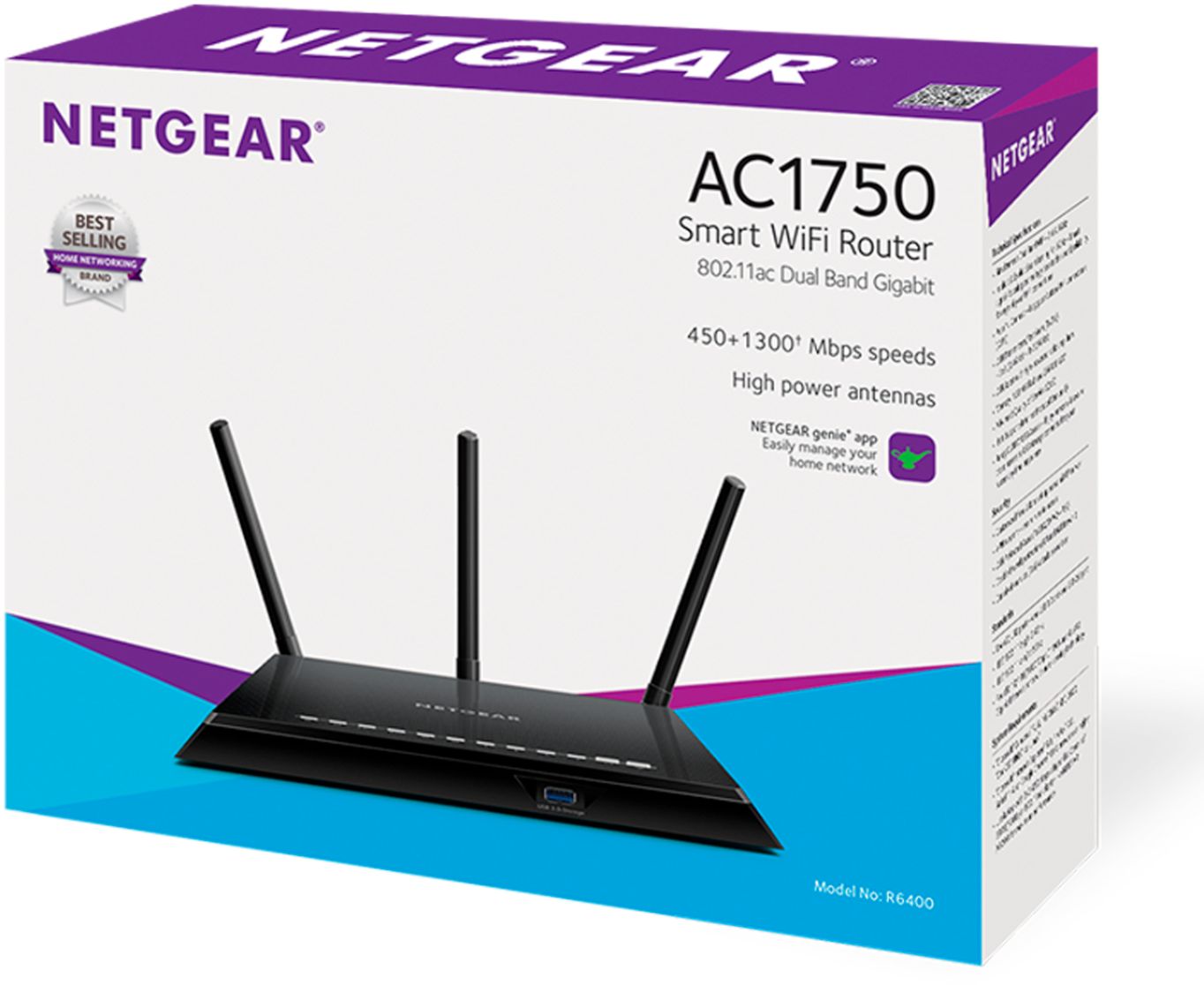
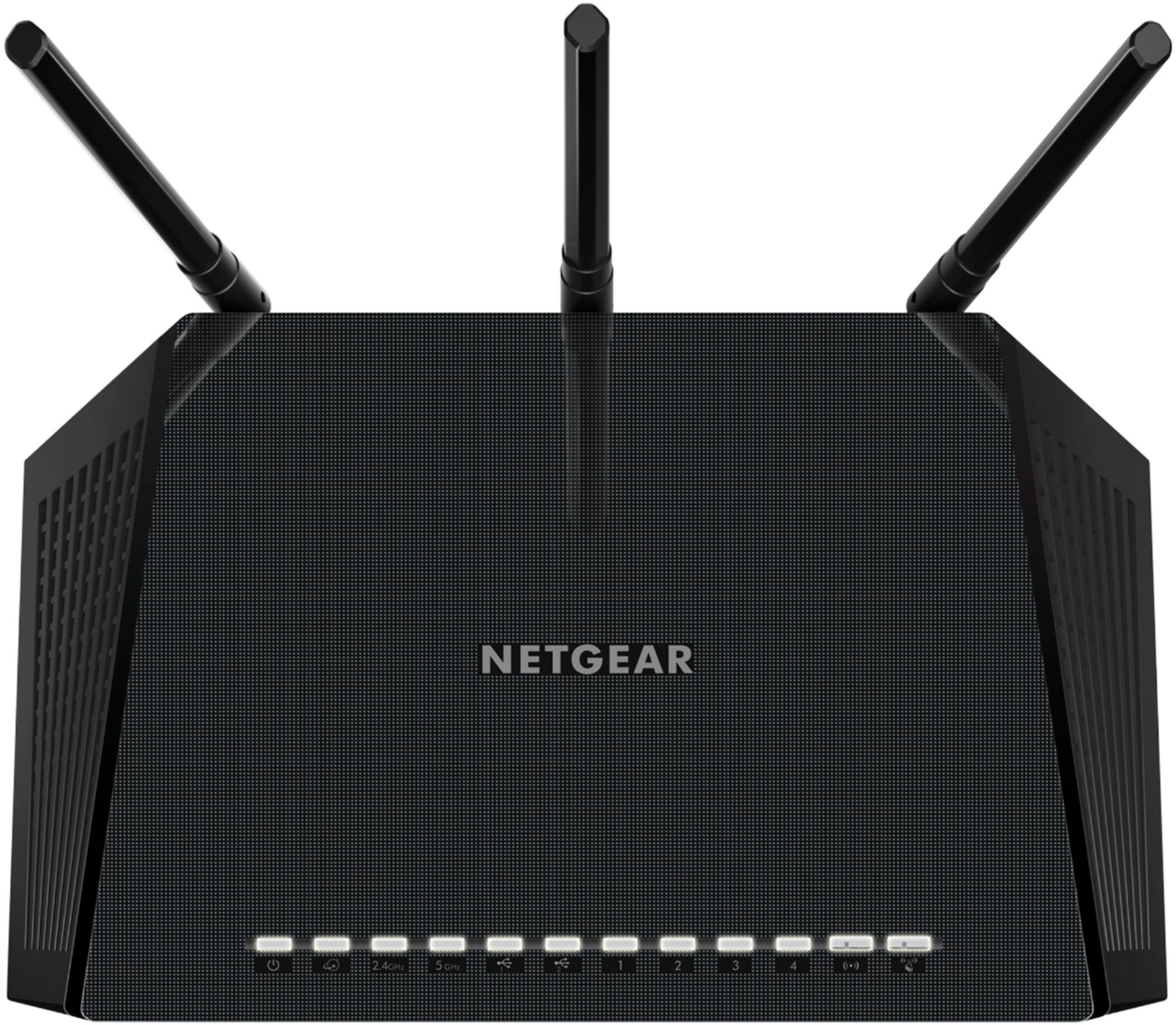
A:AnswerYes It can however please take into account anything that absorbs water can absorb wifi signal so just be aware, however there are no fans on the bottom so yes wallmount or on the floor work just fine.
A:AnswerThis is not a ISP router so if your ISP router is limited at 230mbs then this will not increase that speed from WAN-LAN. In this sarnario your ISP modem is still going to be your bottle neck. Look at upgrading the ISP router then get this router for your LAN.
A:AnswerIt works well with both CenturyLink and Frontier gear. Just remember you have to use one port from the dsl to the wan port to this unit. Turn on the new unit and run the set instructions. Hope this helps.
A:AnswerI went on-line and downloaded their app and registered my Netgear prior to setting it up and found their web site much useful in getting everything connecting and working right.
A:AnswerAll fiber optic internet service converts to copper(Cat 5 or Cat 6) at the Dmark or modem connection point. At that point you are working on Ethernet so all routers are compatible.
A:AnswerThis router should work with any ISP that has an ethernet hand-off. To replace the should with yes/no, will need to know more on what items are required from the ISP.