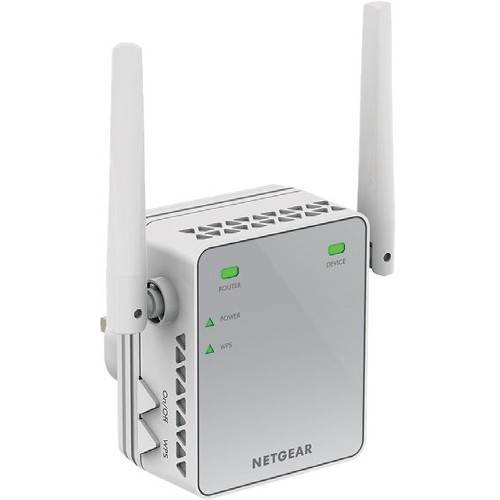
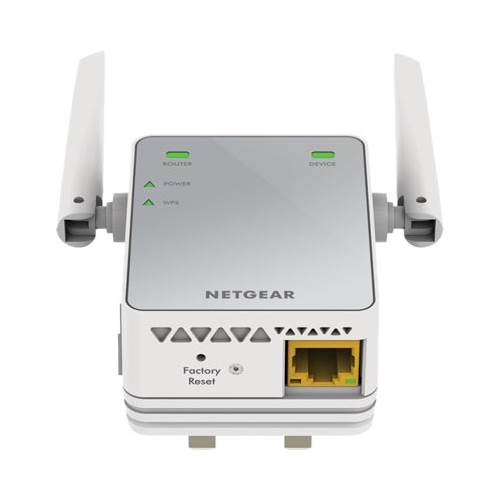
A:AnswerMetal roofs block signal makes it bounce or stops it dead. As long as the WiFi extender picks up your Routers signal it will probably give you big improvement
A:AnswerThere is no straight forward answer for this. On your end you need to verify system requirements just for proper set up.
It's very simple and easy especially with WPS connection setup.
If this doesn't help please refer to Netgear website at: www.netgear.com/support
My experience if you have more than 10+ devices this product may not be as efficient as other much updated products of the same line.
A:AnswerI don’t know, my son just pull it in the middle of house for me, but I did read that it should be pull in a place that can give you a open space. A diagram on my instruction sheet shows you can have multiple extenders in different rooms. So I would assume that you couldn’t have any obstacles to block the stream of the signal. Or cross over the stream. Call a geek squad for those technical questions would be my safe advise.
A:AnswerAll you have to do is plug extender in the room with your wifi router and follow quick start instructions for setup. Then you can move to another plug. It was pretty easy.