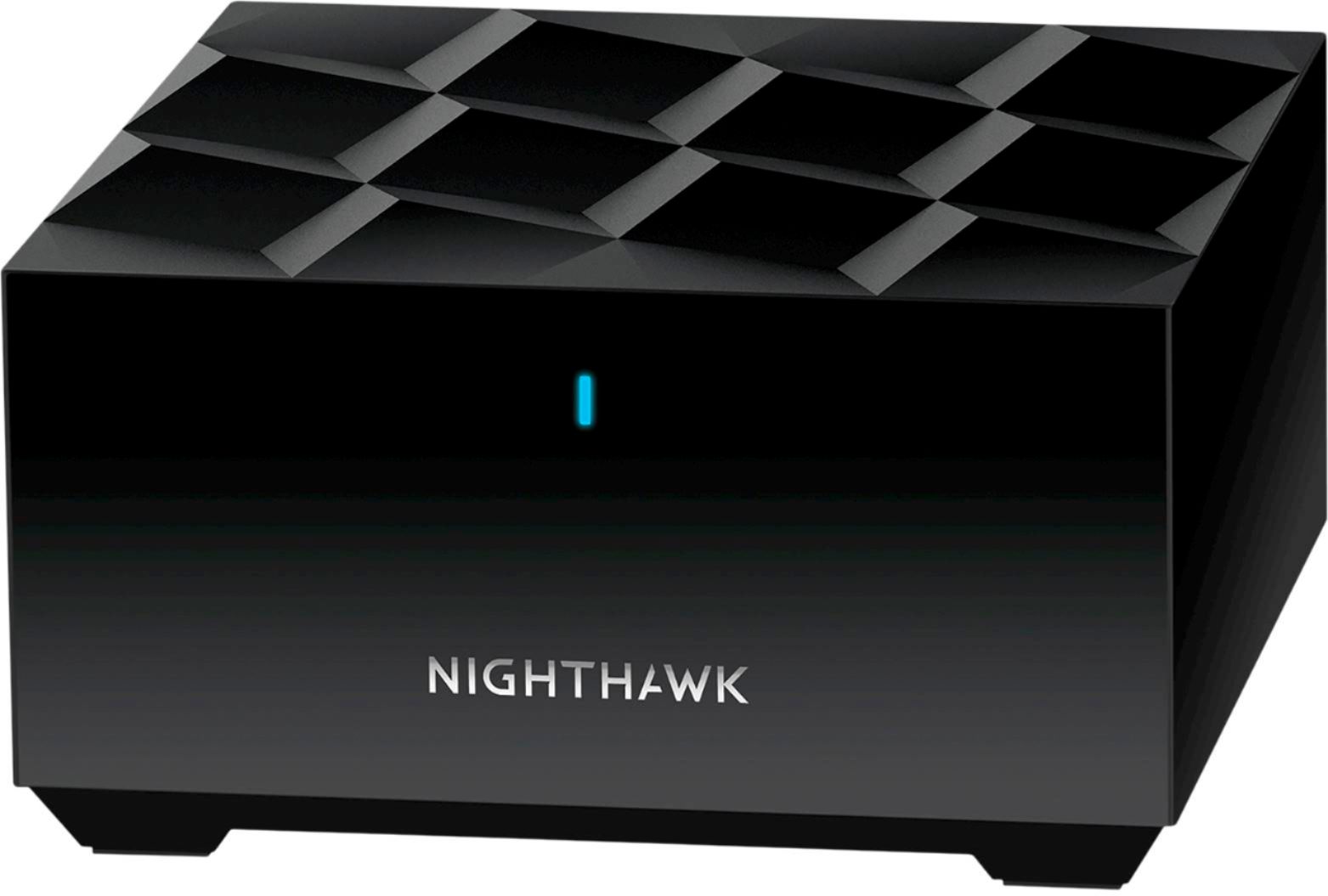
A:AnswerYes. All you need to do is access the settings of the AT&T gateway and disable its Wi-Fi. At that point the AT&T device is providing internet to the mesh router which can create the wireless network.
A:AnswerAny mesh system will work for what your intended use is. Your problem is location and power supply. Meaning do you have a power source close enough to the gate to plug in one of the satellites and will the satellite have enough range to connect to the next closest satellite to secure a mesh link.
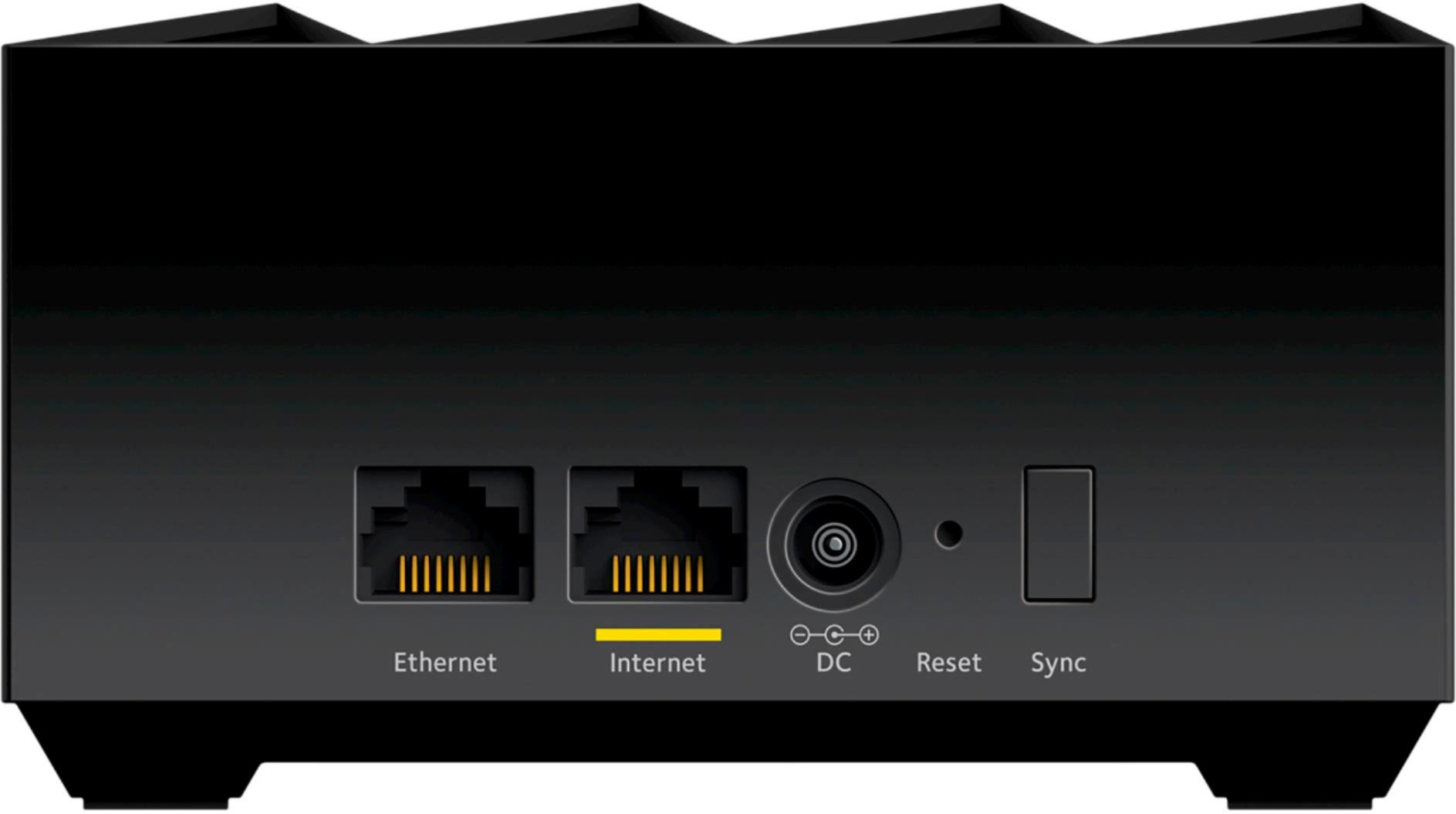
A:AnswerI would do a hard reset and set up again. The reset button is that little pinhole on the back of the router. You can use a paper clip or earring
A:AnswerThe Fios router, at least in my configuration, is more than just a traditional router. It's a modem as well. There's a coax cable that connects it to the fiber termination unit outdoors or in your garage so you're not going to be able to get rid of it BUT you can plug a different router (like this mesh router) into the Fios router and use it for your WiFi. If you want devices on both networks and want them communicating with each other then it gets more complicated but if you're simply going to ignore the old network and move all devices to the new router I think you should be good.
A:AnswerHi Chuck, good question! You can buy individual satellites, but it doesn't appear that Best Buy sells them for this model at this time. Best Buy sells extra satellites for the white curvy model of mesh wifi, but to add one for this system you need a Tri-band AX3600 Add-On Satellite (MS80). These are priced at $179 on netgear.com right now. Hope that helps!
A:AnswerEither cable will carry faster speeds than your internet provider will ever supply you with. While cat 6 can go faster in theory, most home users will never notice a difference between the two cables, other than you'll pay twice as much for the cat 6.