A:AnswerHi
So I have this installed on the 2nd floor of my house and I am just using the cat5 cable, and working great and get great signal upstairs and downstairs. For me I already have cable box from comcast, so I just had to run a cable for the second floor so that the kids can work and have good wifi connection for both tv, and laptops, and mobile devices so its a great modem. You have the 2.4 and 5ghz which work both upstairs and down stairs.
Alvin
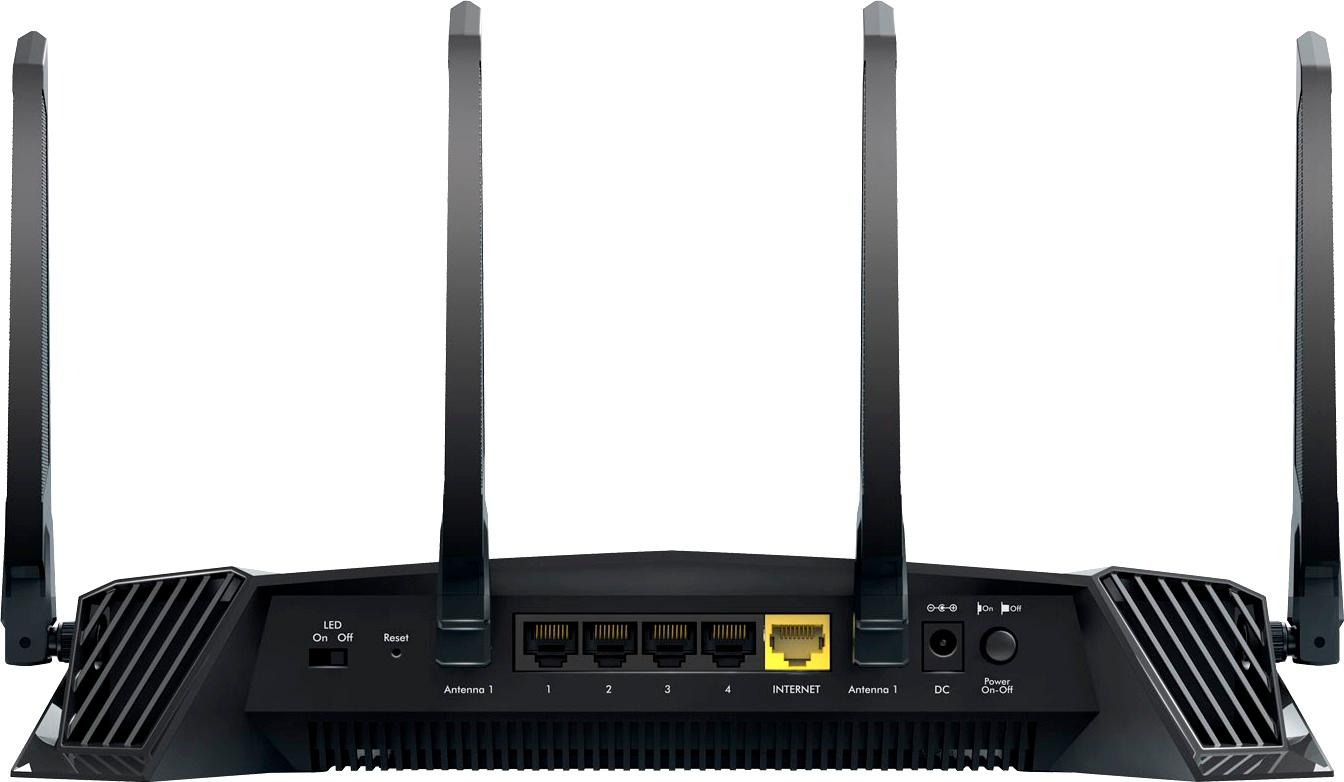
A:AnswerThe Wifi signal broadcast from this router should be much stronger than the one that you currently own. This router can take the place of you current router if your WAN is connected using an ethernet cable instead of a coaxial cable. It also has a bridge mode that will allow you to connect it to your current router allowing you to be the only one connected to it if you desire. However, this method creates an additional path for data to pass through and could restrict or slowdown connections to certain games or servers.
A:AnswerNo this isn't a true wifi 6 router, and if you don't have to speed push out more than 400mbp then you don't need it exactly. i run a 1 gig connection on it and almost every device can use up to 200mbp i don't think most devices need that much anyways. unless your gonna run 7 pc's wirelessly lol
A:AnswerI cannot vouch for VegasWorld - but the "gaming" tag is just advertising. It's very fast (100mbps+) and very strong. You should be able to manage a household of 5+ people at top speeds with this router.
A:AnswerYes you will need a router. This is not a 2 in one Device. This is just a router, you will need a separate modem in order to use this. So you can have your WiFi in the house.
A:AnswerYes, and no. The console (192.168.1.1) is amazingly powerful. I've never seen so many options, and performance graphs.
However, your IP address (outside of your home) is set by your ISP (fios, xfinity, etc). You can set static IPs inside your home - but out in the wild - it's out of your control.