A:AnswerNo "one answer fits all" here. Depends on which eero device you have purchased and what you are trying to do with it. You can use an eero with your existing router; however, you will need to configure the eero in either bridge mode or double NAT your erro device(s).
https://support.eero.com/hc/en-us/articles/207621056-How-do-I-set-up-my-eero-if-I-want-to-keep-my-existing-router-
Depending on how tech savvy you are this can be a relatively simple operation or extremely frustrating. If you are good at following step-by-step instructions without much of a technical background you should be able to successfully add your eero to your existing WiFi system.
Hope this helps.
A:AnswerIf your Mediacom service uses fiber optic then potentially you will need a MoCa enabled router. However, this is the exception rather than the norm. Most MoCa is done via an adapter. In a home setting MoCa adapters are used in conjunction with the existing coax cable and wireless extenders to extend WiFi throughout larger homes.
A:AnswerNo, I just use cable line directly connect to my Verizon router , it will automatically connect to internet, give you big coverage and fast speed to download and upload your images and videos. So far, my service is great.
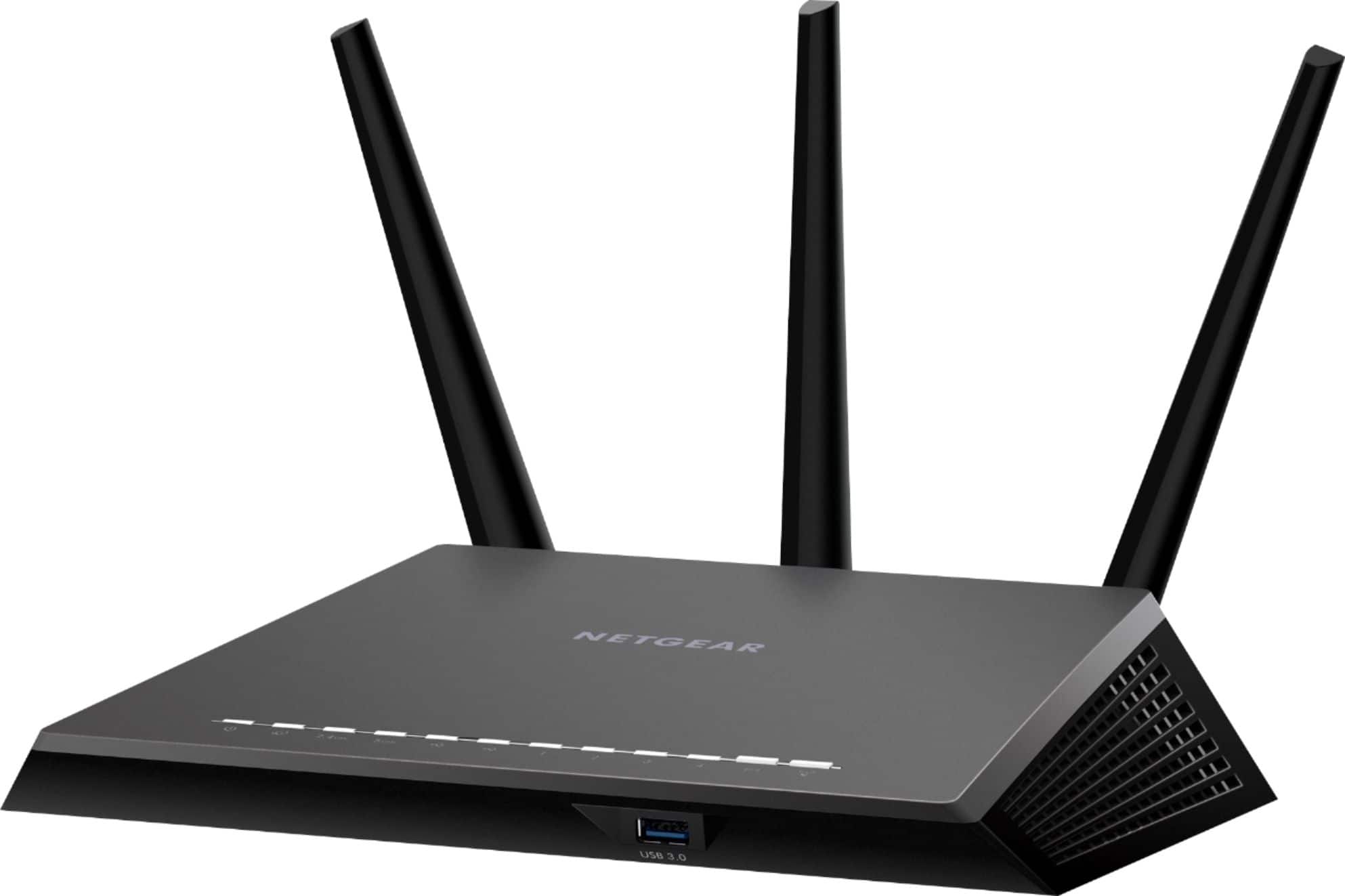
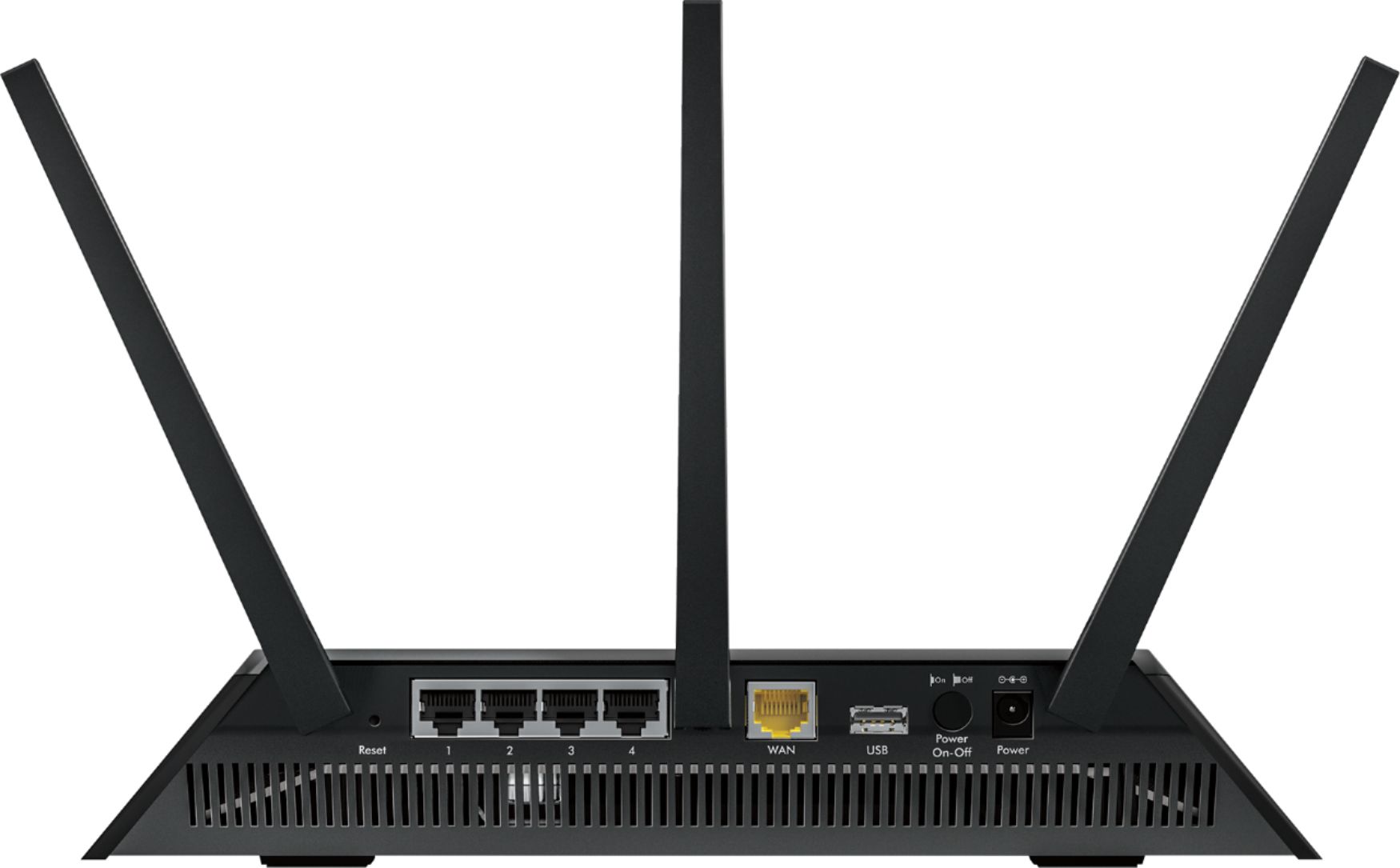
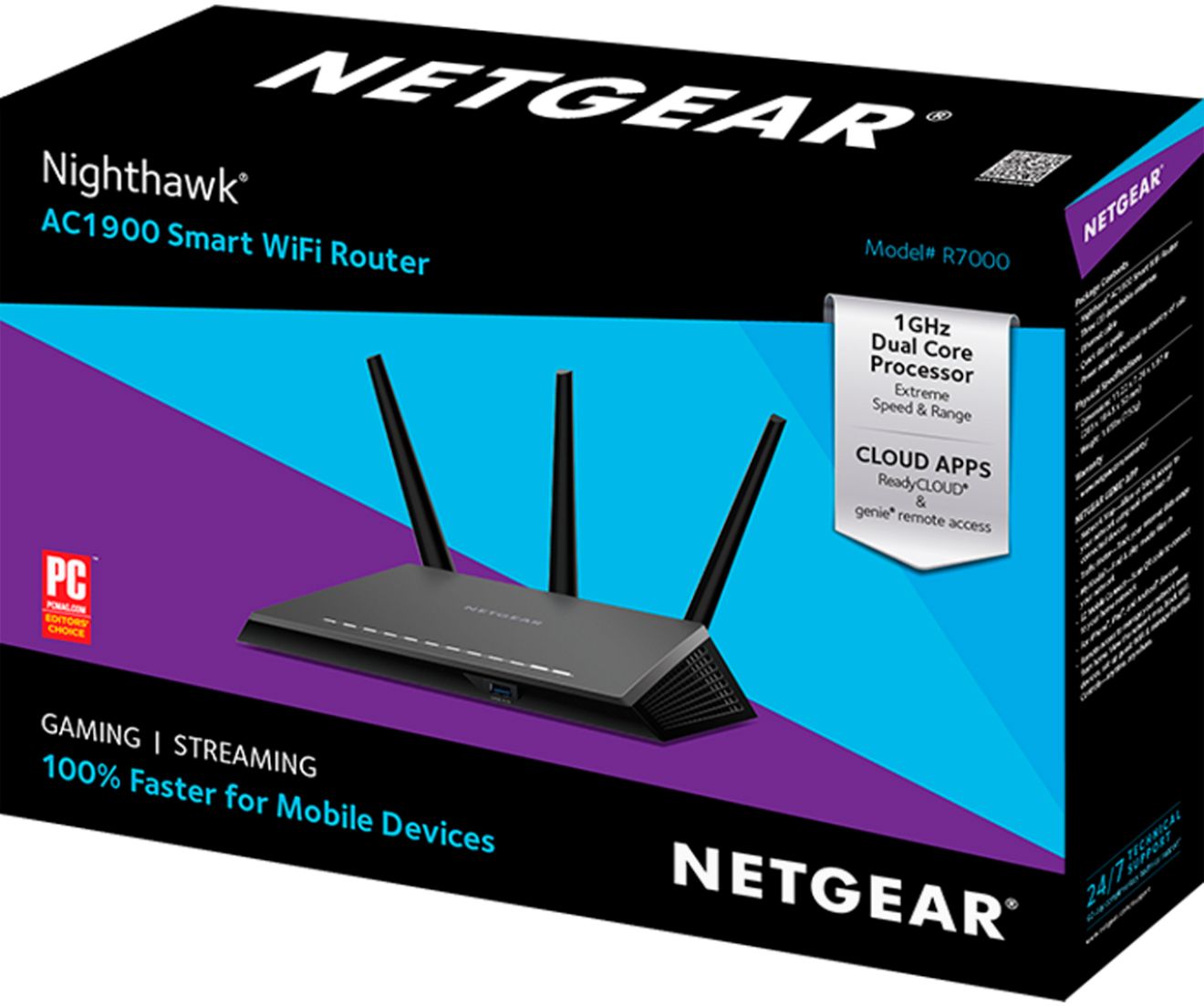
A:AnswerI replaced the router from my cable company with this one. It provides much better coverage and much better transfer rates (like 3x). I would think the folks at Best Buy in your area would be able to tell you if it works with any of the local cable companies