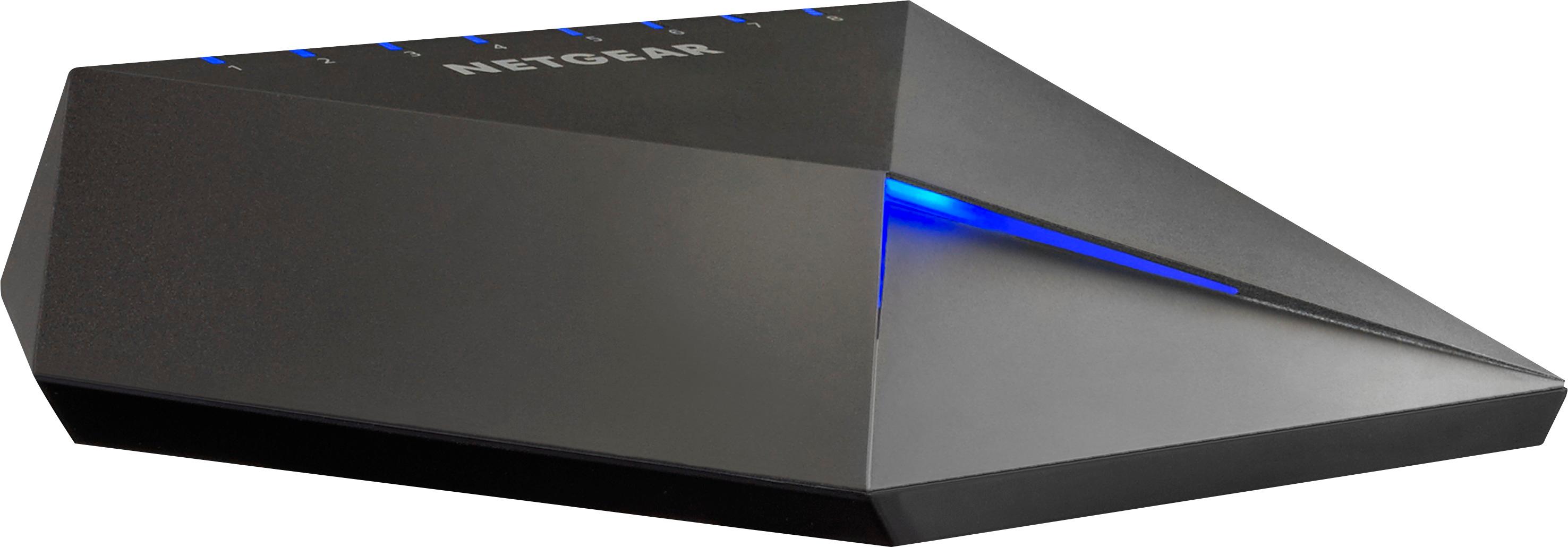
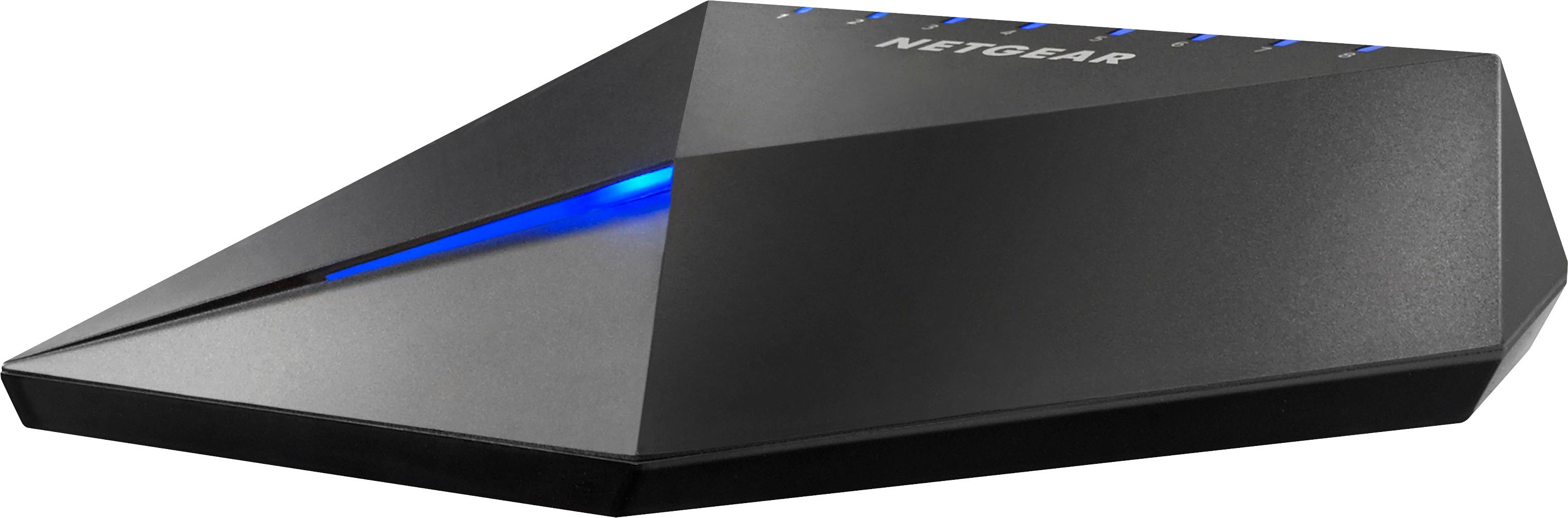
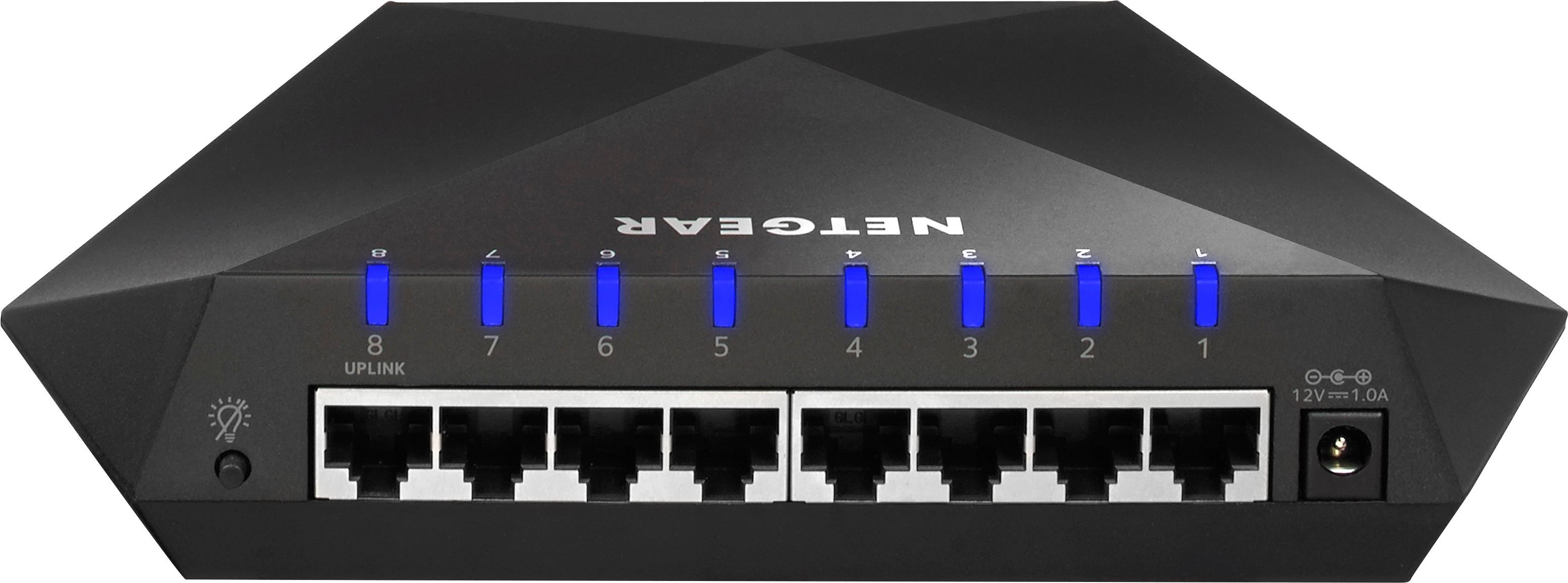
A:AnswerI just purchased this switch and was posting my review and noticed your question. I know it has been over a month since you have asked, but I'll still answer if you need to know. When connecting the modem to port 8 (uplink port) on the switch, anything you hook up to ports 1-7 will also have a connection to that modem. I don't know if that's the answer you're looking for, but that is the basic purpose of a switch.
A:AnswerYes, it will work with a regular home internet setup for any device you wish to connect directly (hardwired). It will not boost your router speed and does not have wireless capability. It only allows wired connections between your devices and your home route. Think of it as a port expander for your router.
A:AnswerHello, This device is not a wifi extender. Its function is to add more network ports for additional network cables. Each port can control different devices.
For example I have the following devices hardwired to the nighthawk, TV, Roku Xbox ect. You need cables run to each device , network cabling is best reliable connections. Good luck!
A:AnswerAlden this is a Hardware Ethernet Switch that connections between a home router and any device you want to connect inboxed a hardwired fashion with RJ45 Ethernet cabling. If the AT&T Wi-FI Router supplied has Ethernet ports on the back the S8000 can allow additional ports to be connected.
A:AnswerJay you will need any length up to 100 meters of RJ45 Category 5e or 6 cabling. You can then directly connect the S8000 between your Router and Gaming Console. If you can directly connect your gaming console to the router with the RJ45 cabling the S8000 is not really needed.
A:AnswerSd this is used to expand the ports on a internet connected device such as a home router. Most routers only have 2 to 3 ports. It essentially expands the number of connections (ports) on the back of the internet router.
A:AnswerHi pjoss8667,
It requires a Cat5 ethernet but you can still use the Cat6 if you have one already. Cat5 supports up to 2.5GBase-T, unlike the Cat6 which supports up to 10G. So technically, you don't need to use the Cat6 as this device can only handle up to 1G.
If you have any questions, you can also check out our NETGEAR community.
Best regards,
NETGEAR Amazon
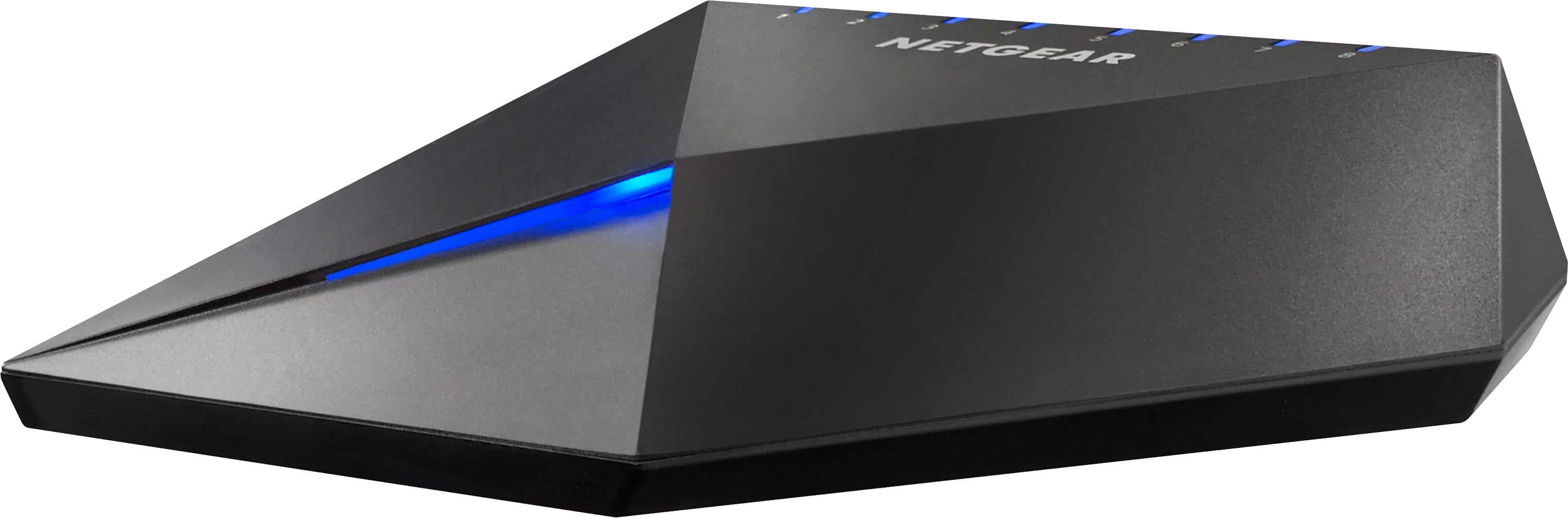
A:AnswerThis is a switch, you still need a modem and WiFi system. This works amazing if you have many hard wired devices with Ethernet cable. Eg. I have all my computers, Apple TV’s, PlayStations connected to it to get optimal speed. The switch gives all the devices the same or more bandwidth depending on your needs.
A:AnswerHope this helps. I have a Xfinty cable modem. The modem only has two network ports. I run my main computer into one and connect the other port to the Nighthawk. The Nighthawk has 8 ports. One dedicated to accept cable from modem. Leaves 7 other ports open, Nighthawk has marked ports for gaming,streaming ect. You control what percentage of streaming for each port using Netgear's app. Very happy with performance so far! 6 months of use.
A:AnswerThe short answer is Yes.
The longer answer, is that Cat 5 cables are extremely outdated. Might I suggest you upgrade the cable to a Cat 8 and then use a good switch such as this to spit the signal. The difference is night and day. First the Cat 8 cable can handle significantly faster data transfers with less loss. Second they have significantly better shielding. Thus, you will have a better quality signal with less potential for interference. Next, you need to consider your internet speed. if you are trying to stream that many tvs at the same time, you are going to need 1 gig internet or there will be a lag.