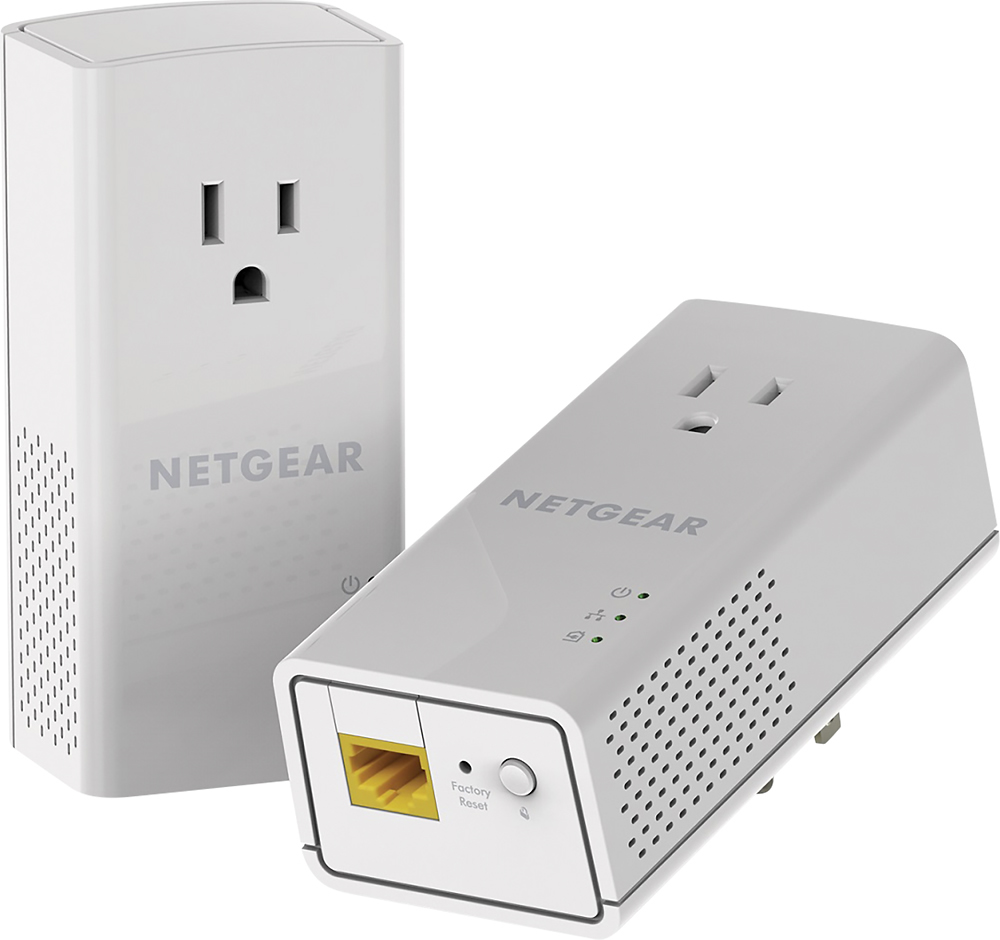
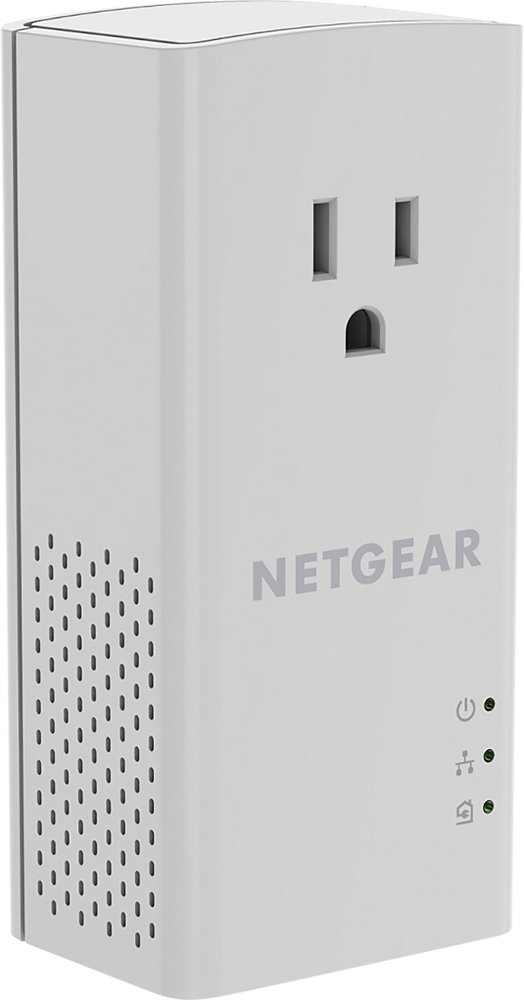
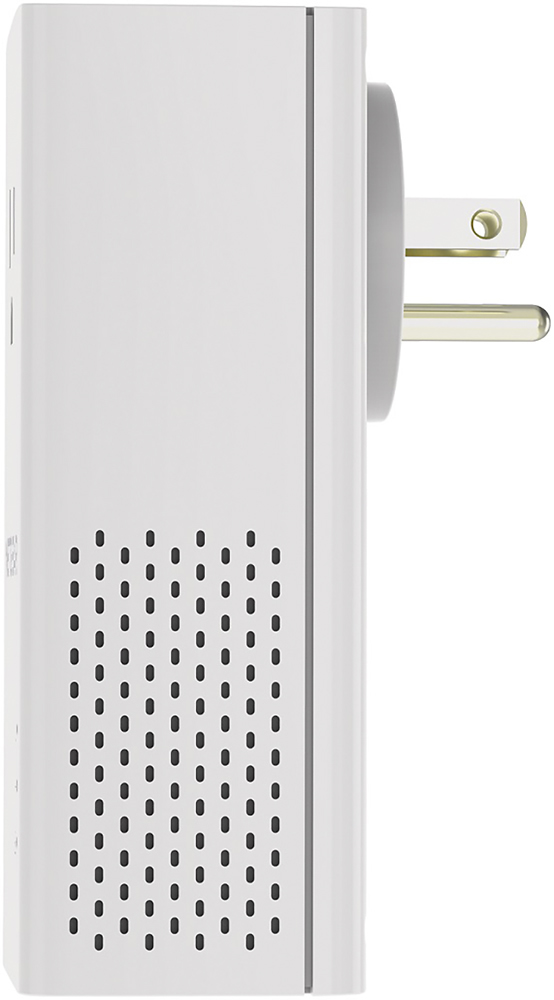
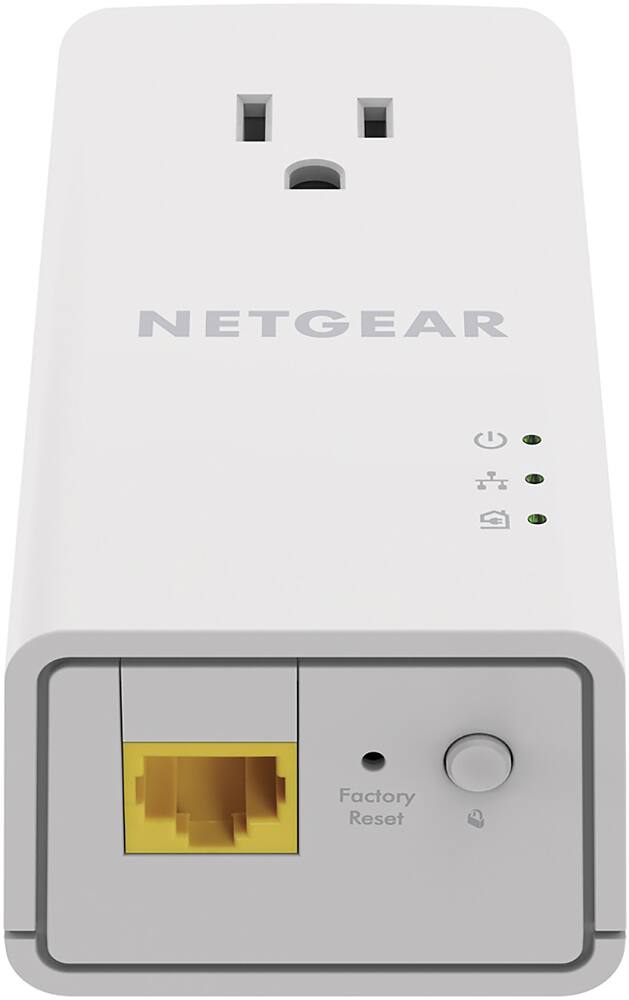
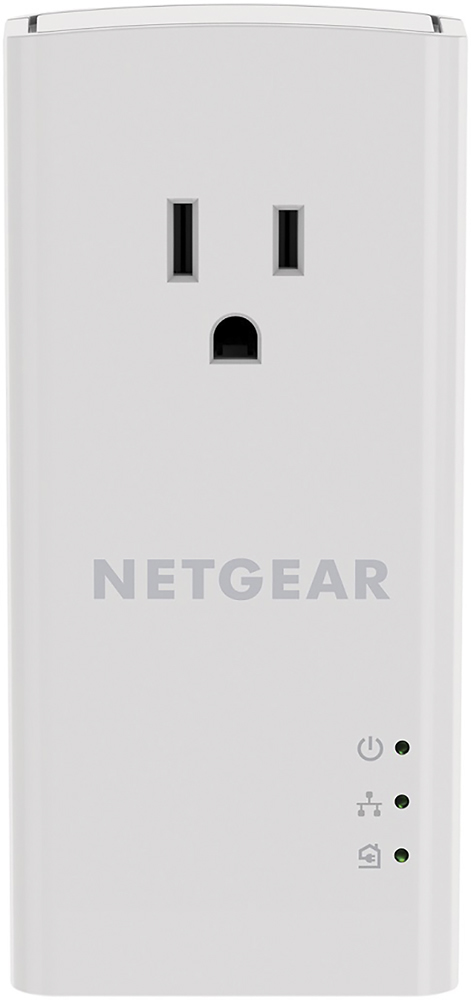
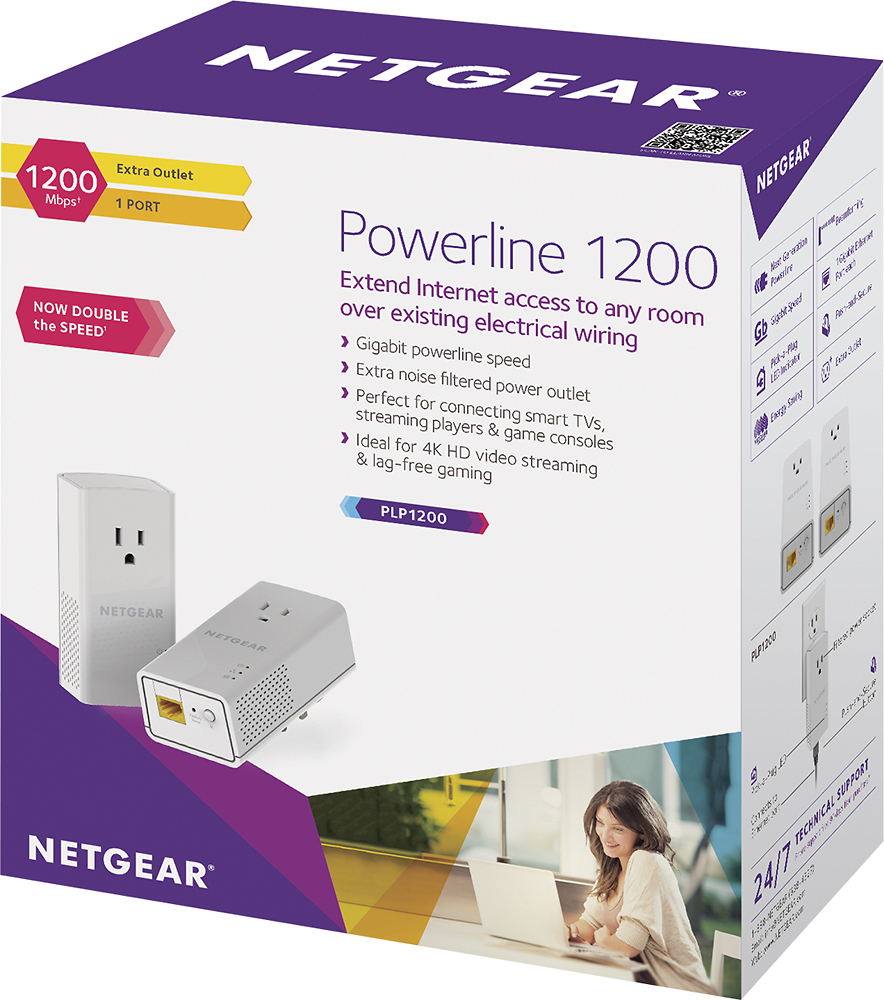
A:AnswerNO. By using this device, your printer becomes part of your WIRED network.
If you know the IP that the printer got (usually via DHCP) then you can then connect to it on your desktop/laptop via said IP (see Google on printer port settings and how to setup).