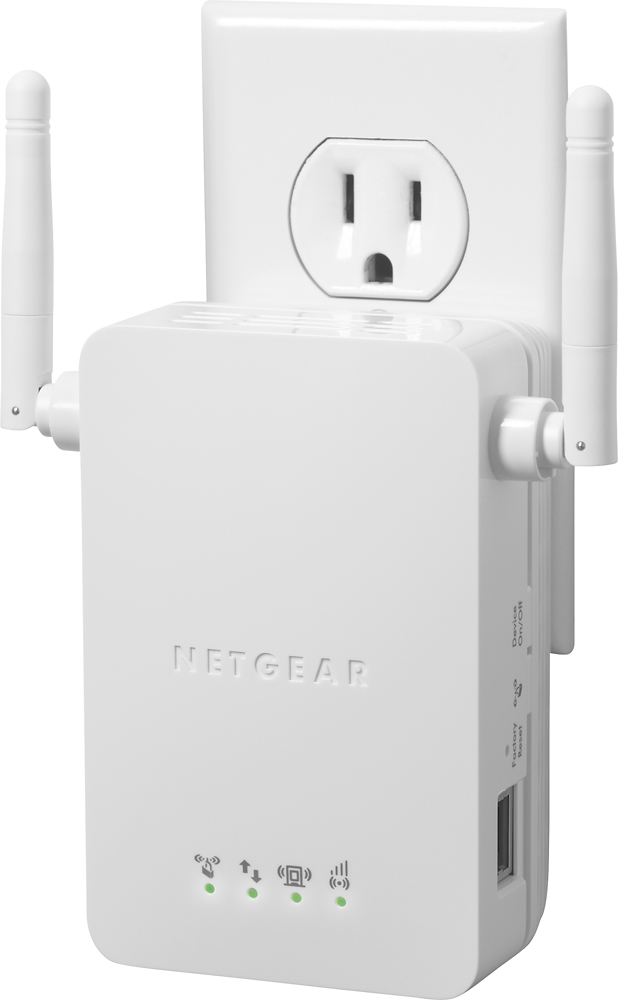
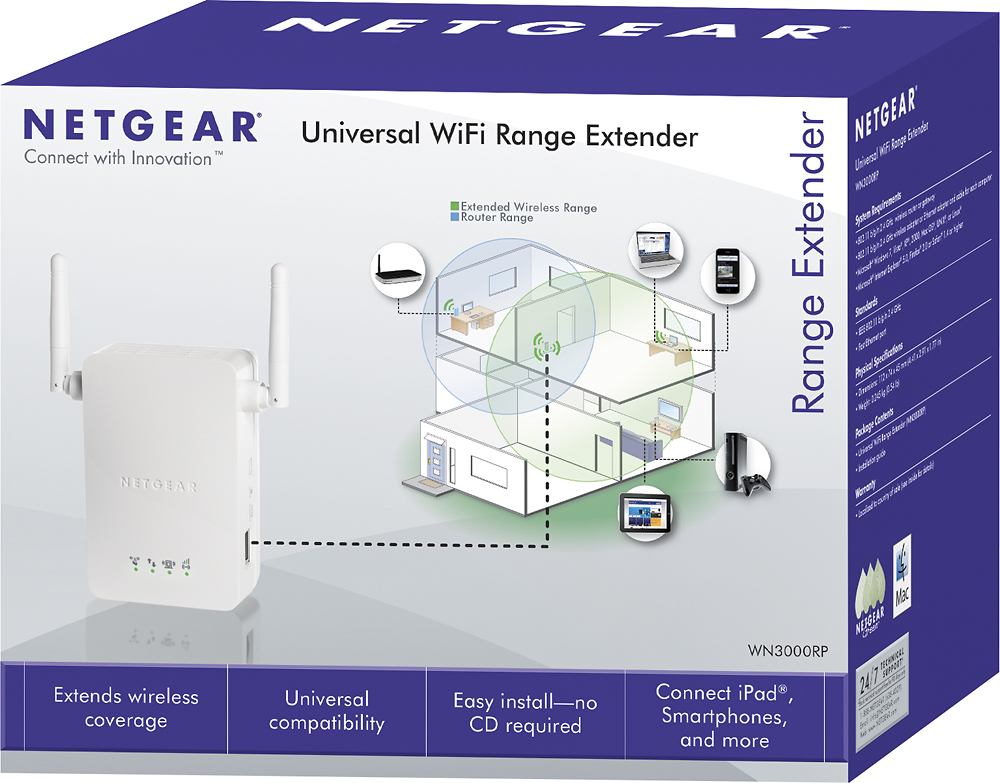
A:AnswerIt is a WiFi extender so will really help extending your current signal. Mine allows me to get consistent WiFi now in the second floor when I was losing it before. If your Ipad is better loading webpages closer to the main source you would probably have a better idea, and as long as a device can connect to WiFi it should be good.
A:AnswerIt may or may not be the speed of your internet. If your Netflix lags and it’s close to your current device, the WiFi extender won’t do anything for a speed increase. You may want to look at upgrading your internet modem/router. Or contacting your local internet provider to determine your current speeds. Sometimes routers slow down your speed. I used to have a linksys router and it cut my speeds in half. Switched to an ASUS router and oh my god...download speeds were so fast! Check it out with your internet provider first. Or download Speedtest app to see your current actual speeds.
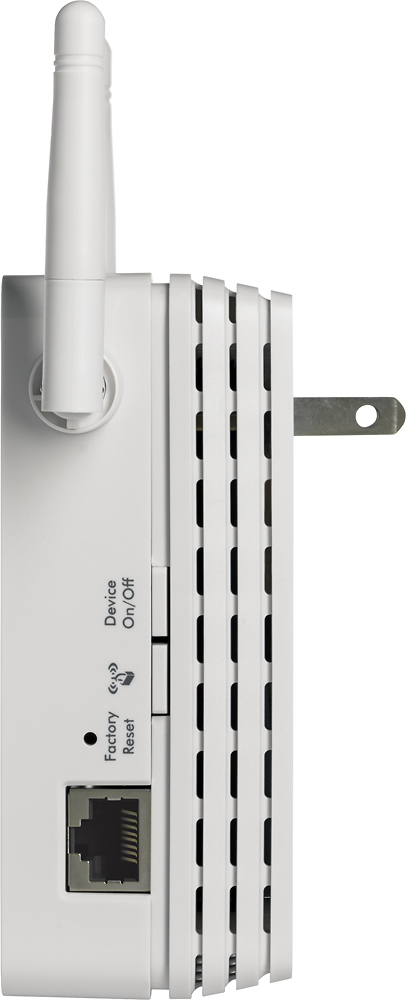
A:AnswerYes you don’t need to run any wires to this from your router. Simply plug it in and walk thru the wireless setup with your phone and it will extend the WiFi signal for you.
A:AnswerThe short answer is yes, you can. You will need an extender in your shop on the wall closest to your WiFi router. If the router is not next to an exterior wall it would be best to put and additional extender on the wall of your house closest to your shop. Connect the extender in your house to your router first, then connect the extender in your shop to the extender in your house. Netgear tech support says you can't chain the extenders together but you absolutely can! I've done it in two opposite directions from the WiFi router no problem.