A:AnswerI am not sure but I am about to find out soon. Right now we use 200 mg speed and and works really well. Next month they are going to drop us to 100 mg speed, but this is a
small apartment so I believe it should work pretty good.
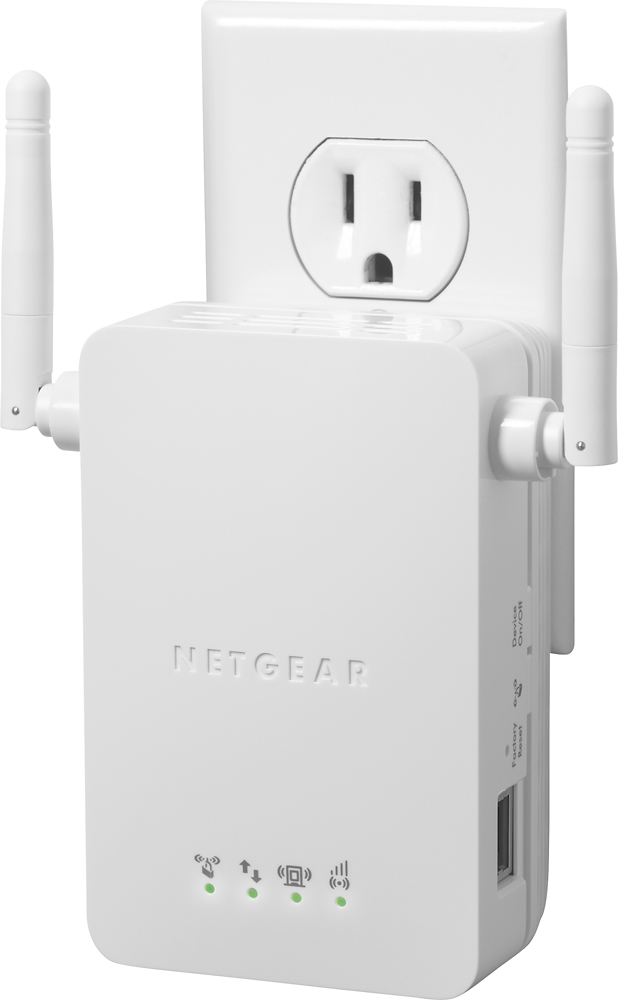
A:AnswerYou don't need any additional equipment or cords, it plugs directly into any outlet. You will have to use your computer for initial setup and configurations but that was easy and didn't take more than 10 min.
A:AnswerI never turned mine off. Did not have a problem. I used one to extend my wifi for my RING doorbell
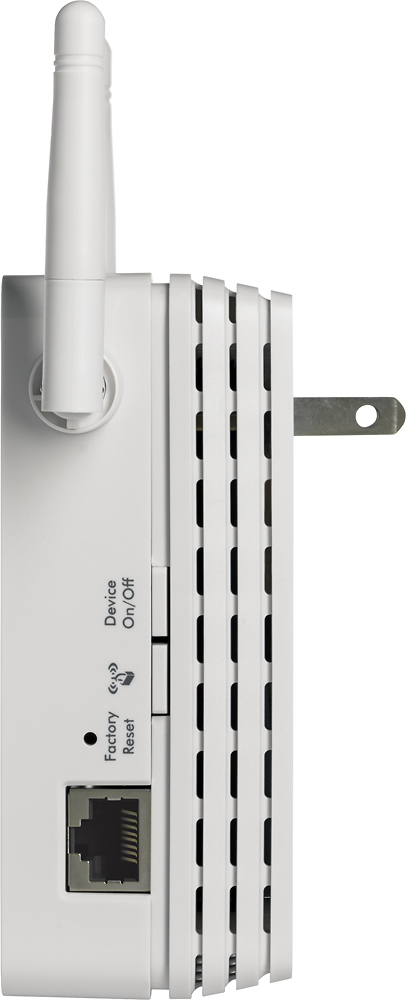
and the Ethernet port fired up my Samsung Smarthings Hub. The other one was used to give my office
temporary internet connection from a HOTSPOT and the Ethernet connected to the router until we got
services back up from Hurricane Irma.
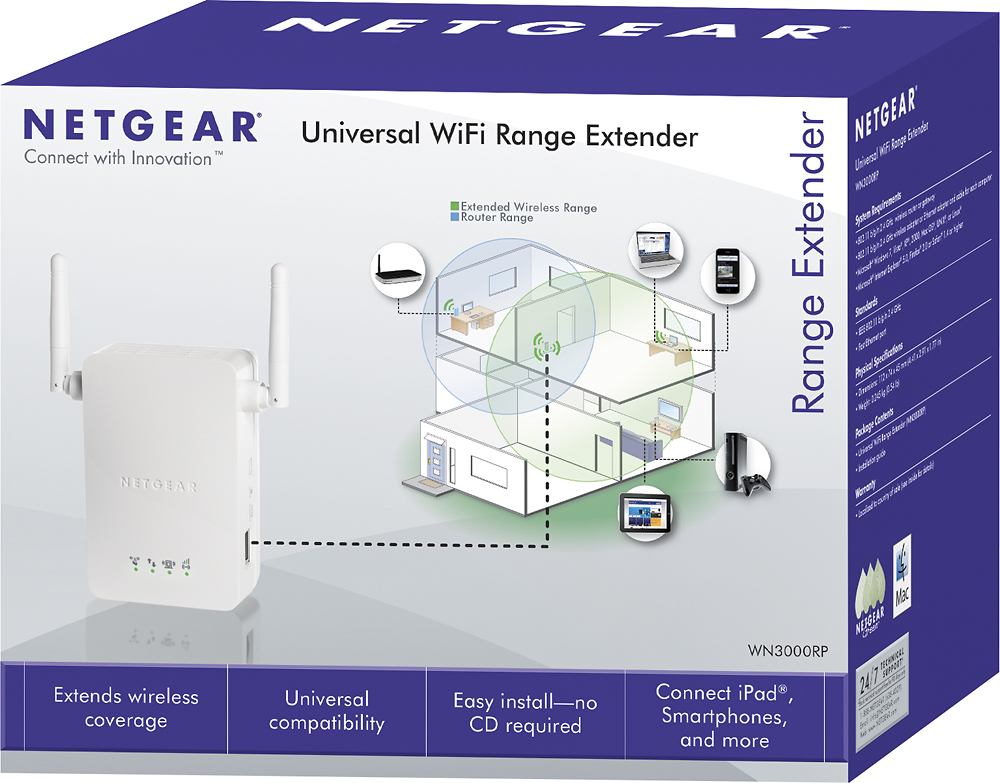
A:AnswerI would suggest putting this extender in the middle of the router and the farthest device. Test it out in several “middle” areas so that you can see the signal strength coming from the router to the extender, and the signal strength that the extender is providing to the farthest device.
A:AnswerThe Netgear N300 has proven itself as a very dependable and performance proven unit.
You will not find a better WiFi extender for the money, I tried many higher priced units and this model has and is serving me well