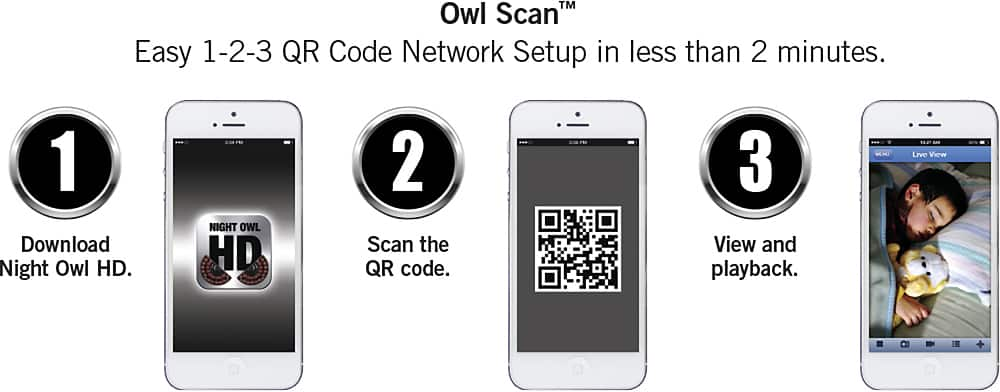
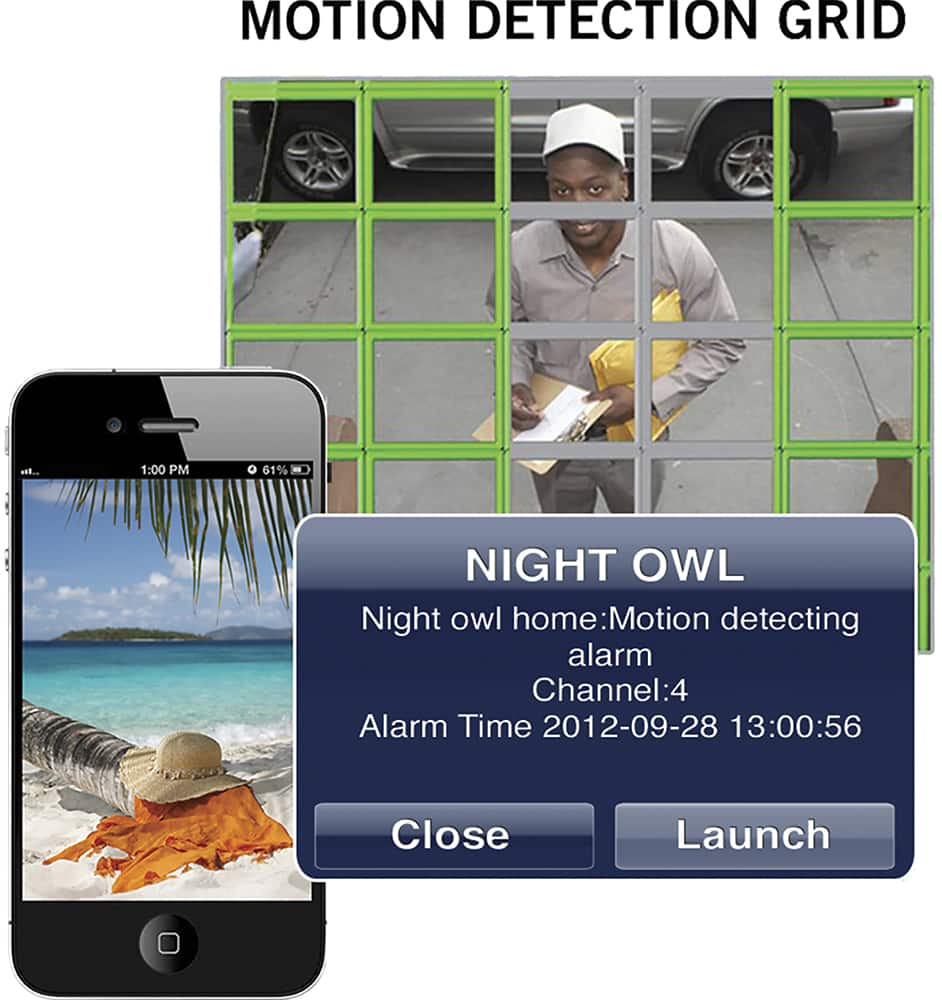
A:AnswerIf you live view remotely on your smart device, it will require more data and drain your battery. However, simply viewing the notifications that you receive and then closing out the App, is more data friendly. Thank you for choosing Night Owl!
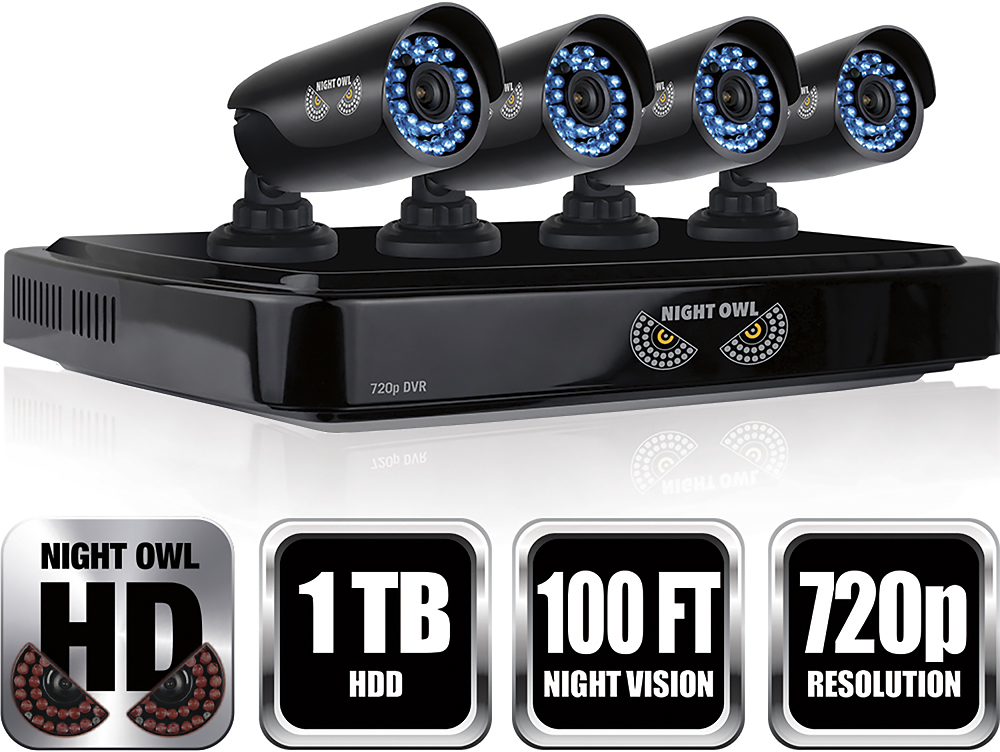
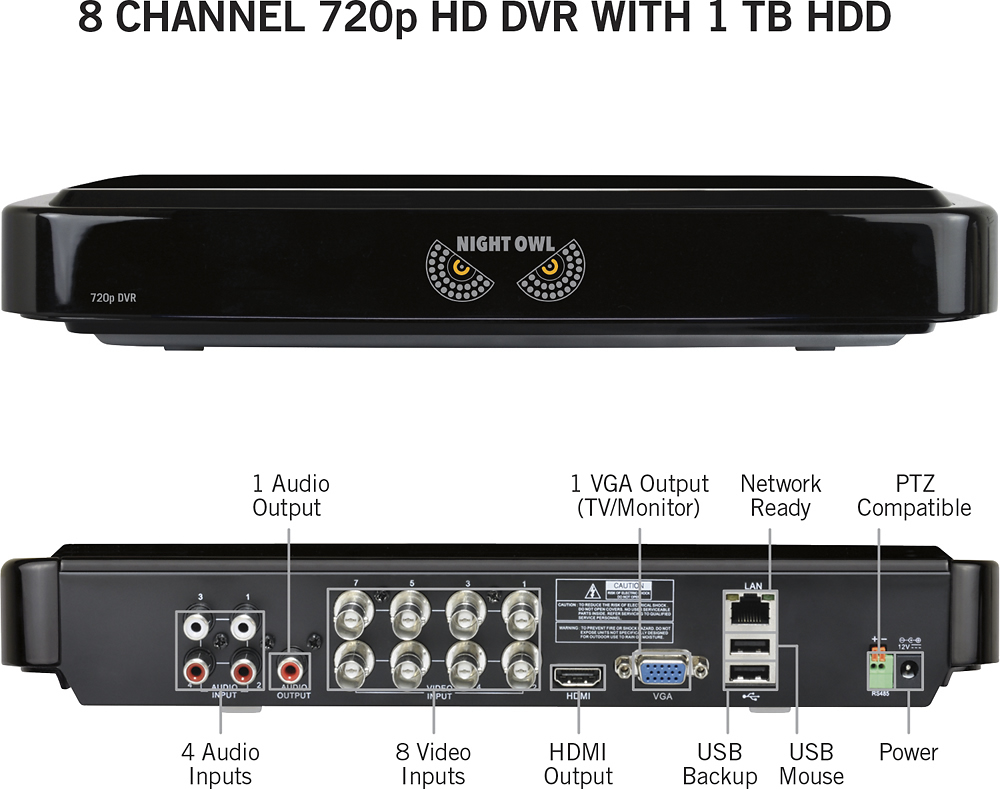
A:AnswerIn order to remotely view your system on a smart device, PC or Mac, the DVR must be manually connected to a modem or router. The system is not WiFi compatible. Thanks for choosing Night Owl!

A:AnswerThere was software that came with the system to install on my computer. You can view and edit anything from that. I'm not sure of any other way to view it other than plugging a hdmi straight from the dvr to your computer.
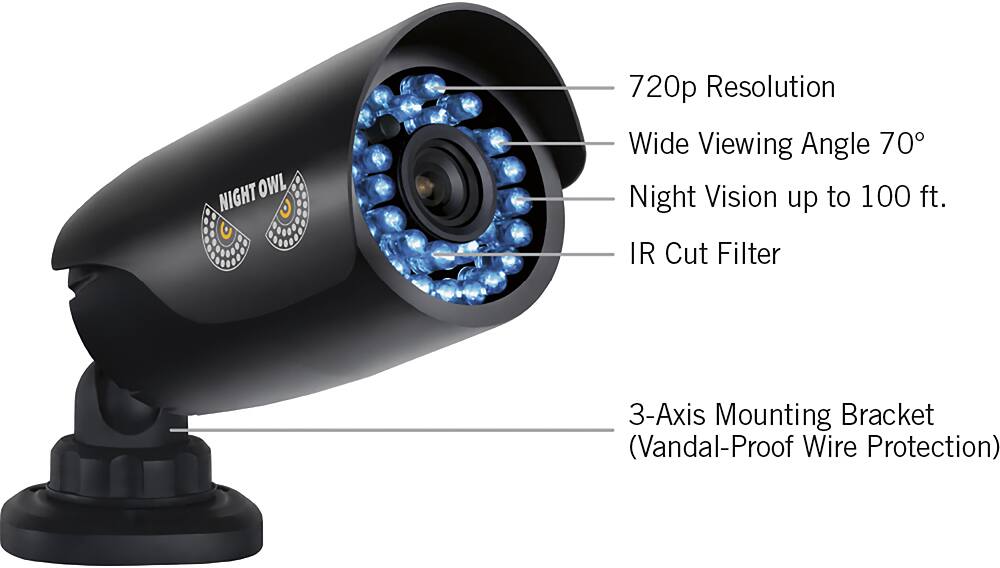
A:AnswerGood Afternoon. Please view the following link to be directed to compatible cameras on our webstore.
http://nightowlsp.com/products/cameras/wired-analog-cameras/4-pack/cam-4pk-dm624-ba.html
A:AnswerGood Afternoon. The only means we are able to recommend for customers remotely viewing their system, is to manually connect the DVR to an open port on their Modem/router. We cannot guarantee any other connectivity methods will work. Sorry for any inconvenience.