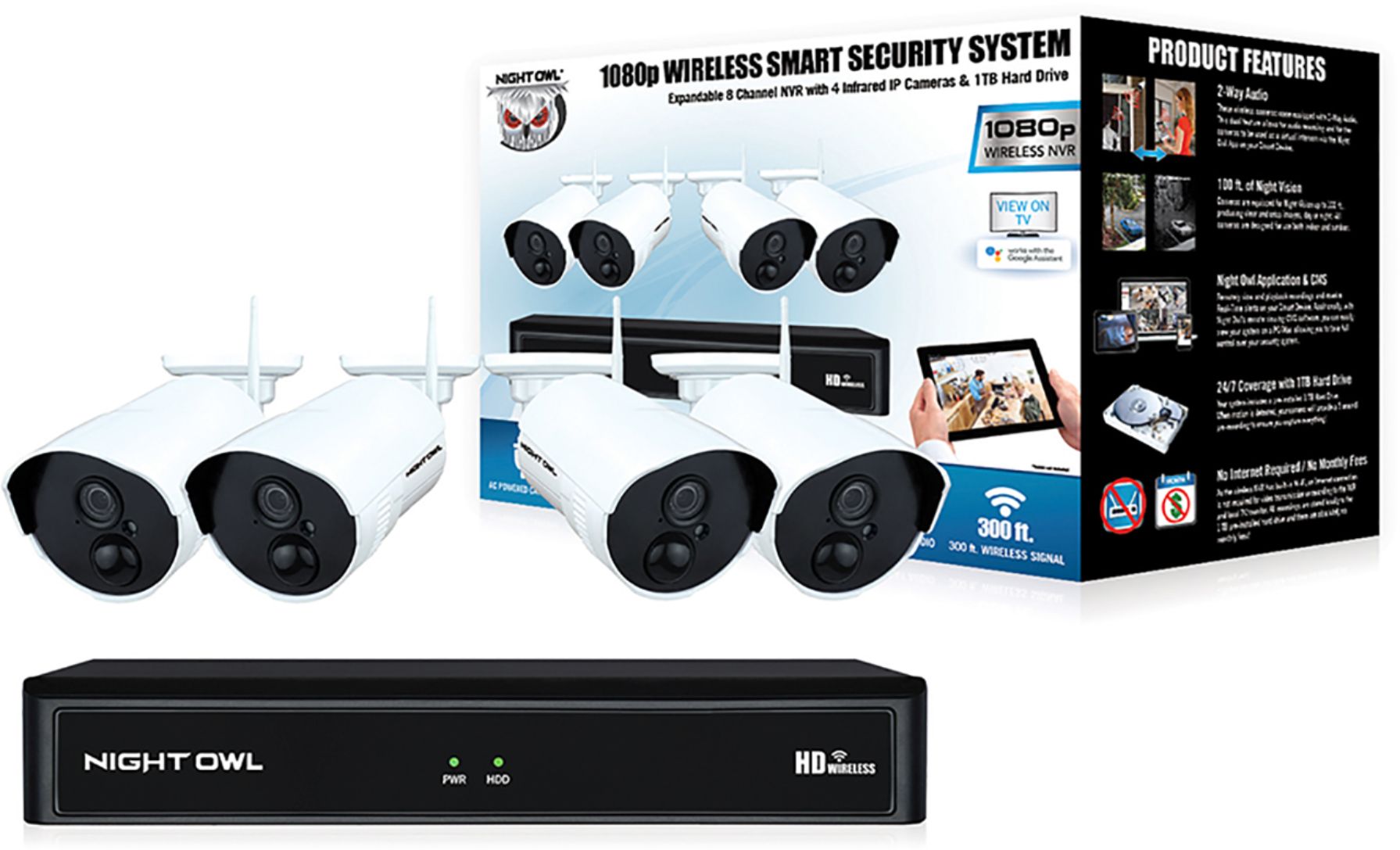
A:AnswerWithout Internet, you will not be able to receive alerts on a Smart Device. In order to receive alerts, the Wireless NVR must be hardwired to your router via Ethernet cable. Thank you for the question.
A:AnswerYou would remove the white antenna from the camera, plug the extender antenna into the camera and then place the antenna on the other side of the obstacle (from the camera). So, the antenna should be on the same side as the WNVR. This setup will allow the signal to bypass the obstacle. The antenna can be mounted to your wall. Thank you!
A:AnswerWe do sell some wireless cameras that can do just that. But this model must be connected to the NVR. Please refer to the following link for a model that meets what you are asking for. https://www.bestbuy.com/site/night-owl-indoor-1080p-wi-fi-panoramic-camera/6375339.p?skuId=6375339
A:AnswerWe can only guarantee this product will work with the included accessories, not with 3rd party brands. Please contact our technical support team to see about a warranty claim. Use the link below. Thank you! https://support.nightowlsp.com/hc/en-us
A:AnswerDepends on the resolution recorded and how many cameras. Lorex website has a good calculator to play with those variables and see how much space they will take up. 4K recoding chews up space fast.
A:AnswerIt depends. This system comes with a 1TB hard disk drive (HDD), where the recordings will be stored. Once the HDD fills up, it will begin auto-overwriting over the old recordings to make way for the new. How long it takes the HDD to fill up depends on your record setting. Using the default motion record, for instance, it would depend on how much motion the cameras encounter. Typically with 8 cameras on a 1TB HDD you are looking at 21 to 30 days with motion record. Thank you for choosing Night Owl!
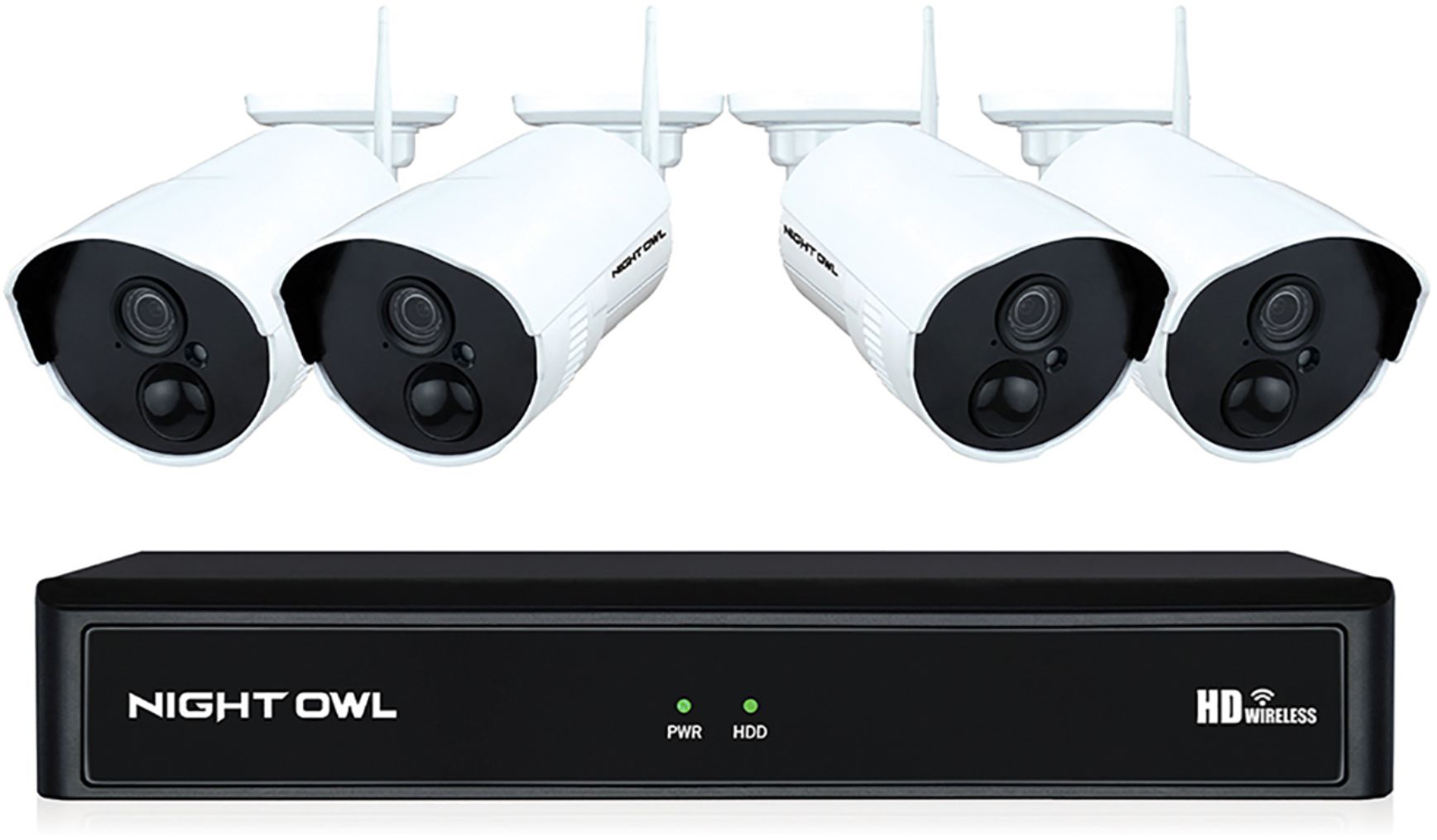
A:AnswerI'm not sure if by 'viewing range' you mean how far the cameras 'seec or how far the base station can be from the cameras. All my cameras are within 50' of the base station. The way I have my cameras placed, they are kind of focused down, so they aren't pointed for long range viewing. One that does have a more extended view shows things over 100' away.
A:AnswerYour Night Owl device only needs to be connected to a modem/router if you wish to view it remotely on a PC/MAC or a Smart Device. To remotely view your system, you must manually connect an Ethernet cable from your modem/router to the DVR/NVR. If you do not want remote viewing, you can connect the system to a TV or monitor to view live video feed and recordings. Thanks for choosing Night Owl!