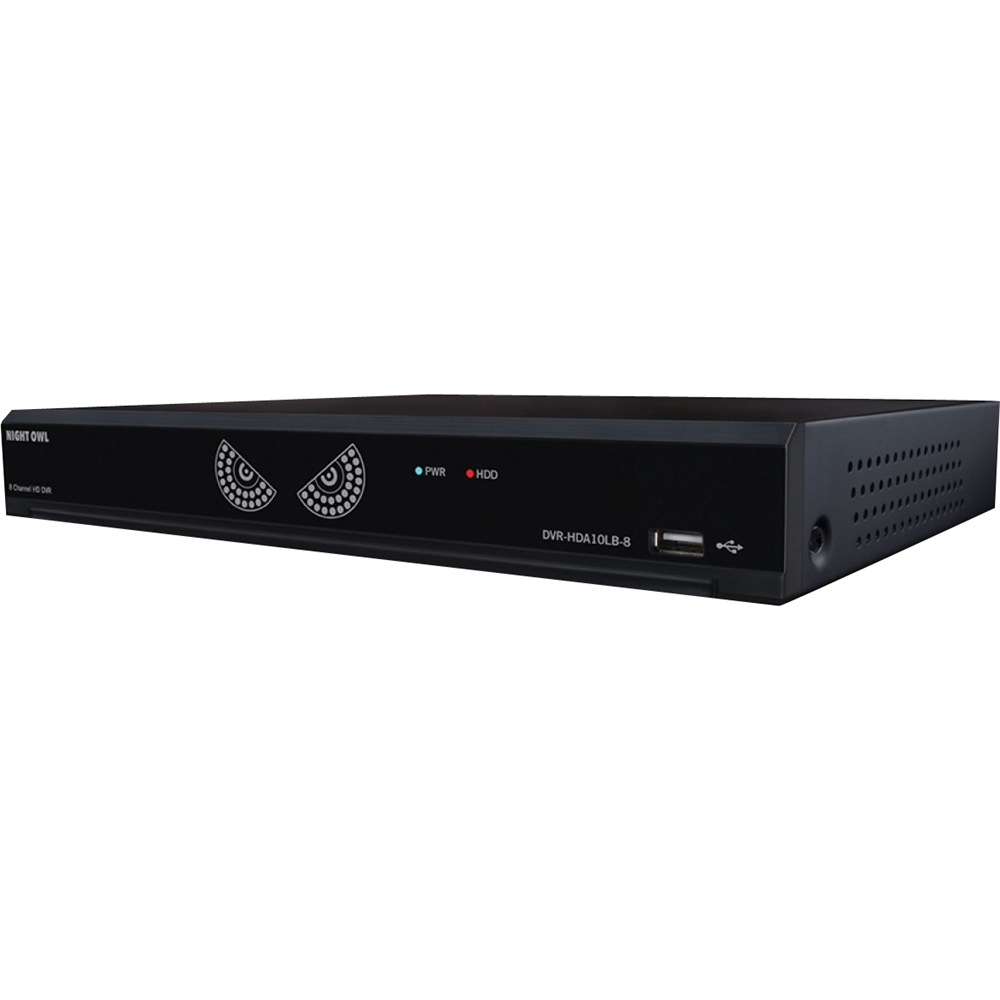
A:Answer Good Afternoon Ron. There are multiple ways to search for recordings on this particular system. You can search by accessing the DVR on a TV or Monitor, through the App on a smart device or through the compatible CMS PC/Mac software. When you go to search for a recording, there are several search parameters you can use to narrow down the recordings. How many recordings appear, in large part, depends on your setup. For instance, if your cameras are installed in high traffic areas, where a lot of motion is detected, your HDD may not have a months worth of recordings on it, as it will have begun overwriting the old files with new footage when it became full. Please refer to the system manual linked below for more information and Thank you for choosing Night Owl! https://ferrismarketing.app.box.com/s/kfyzqni0aeba0jpulm60y6wakjqic40i