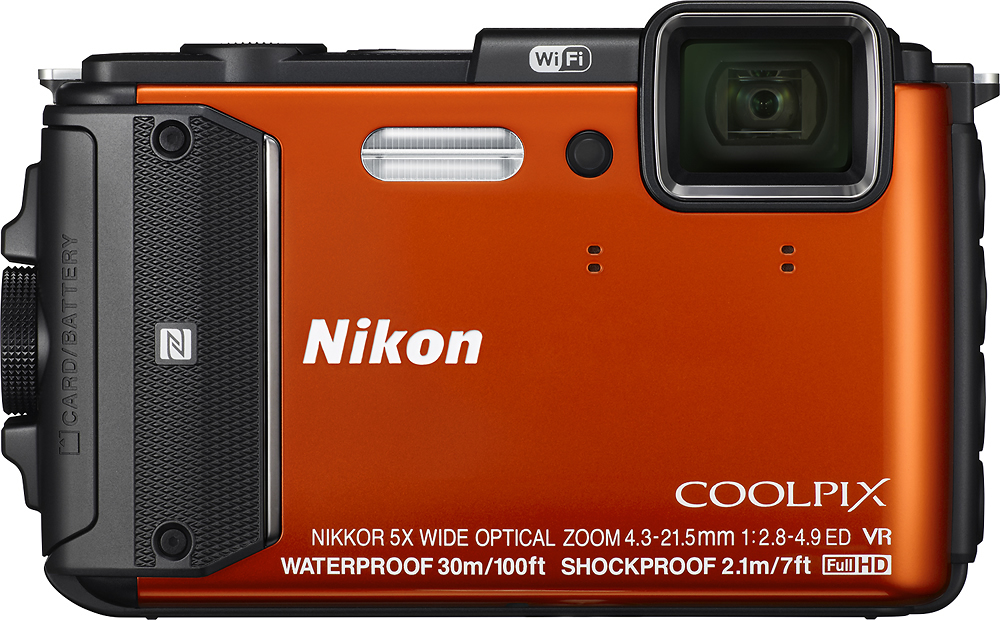
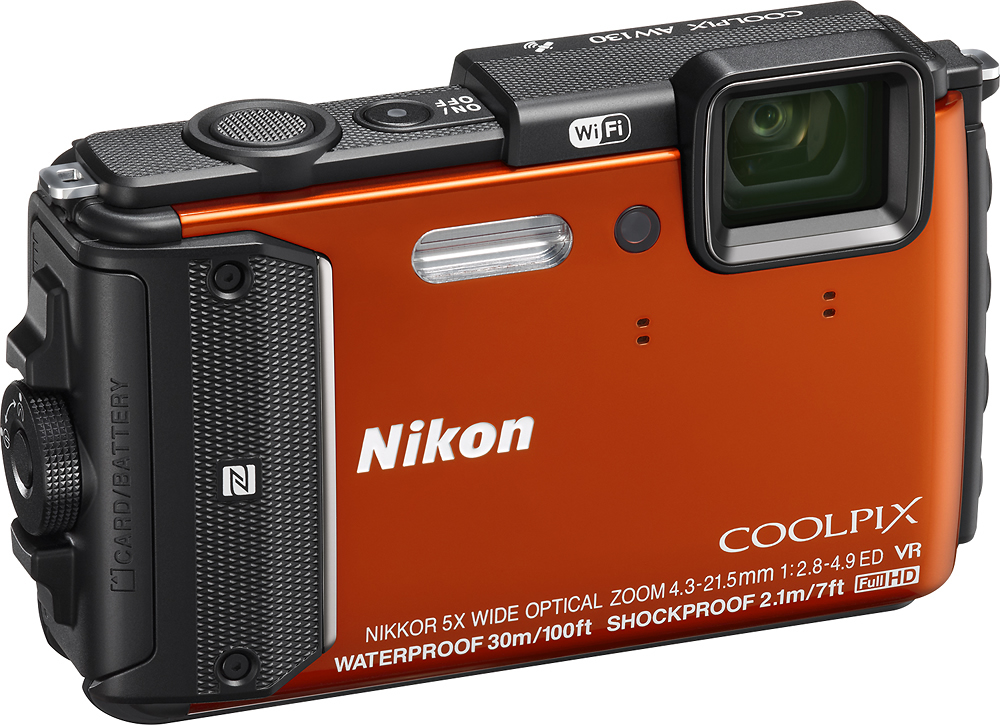
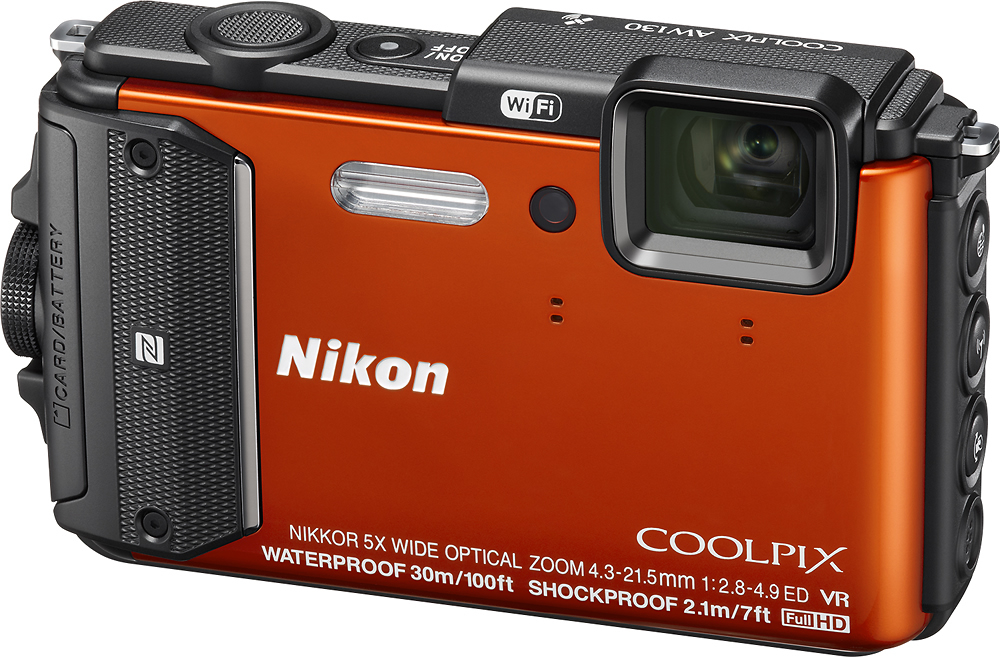
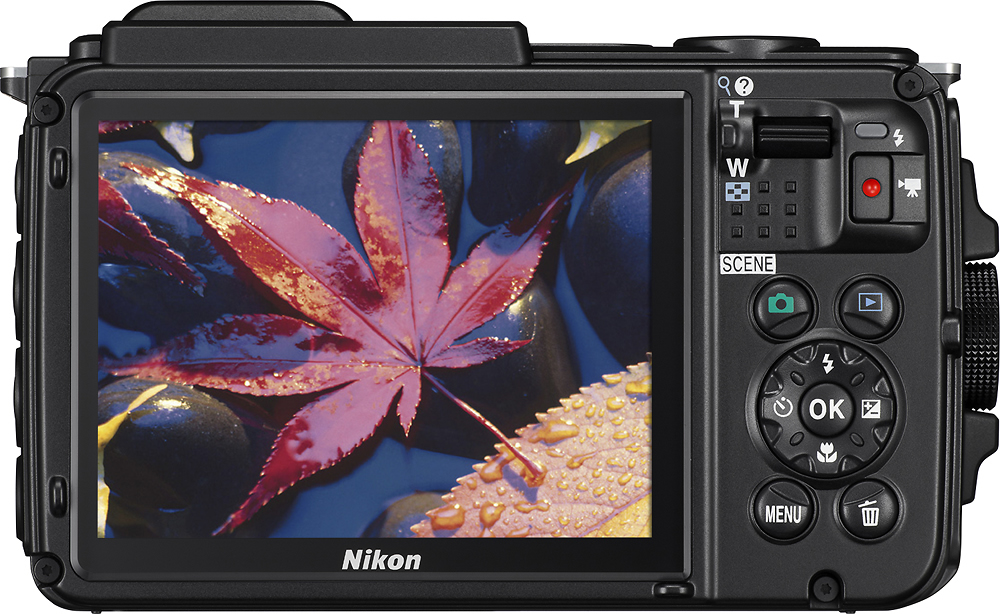
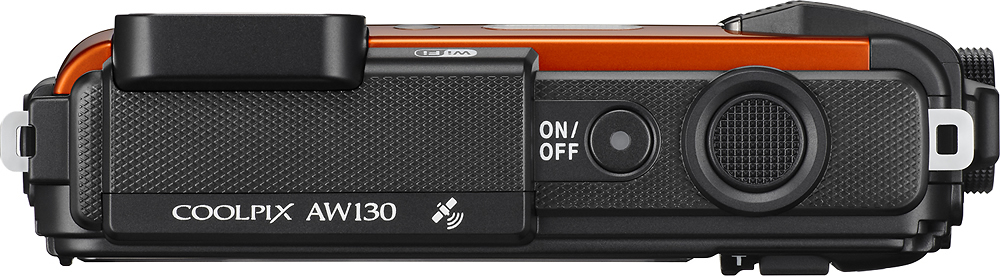
A:AnswerTo turn off the button sound on the Nikon COOLPIX AW130 digital camera, first turn on the camera. Press the Menu button and move over to the left as far as you can and highlight the first icon. Go down to the wrench-shaped icon and then use the selector button to go to the right. Go down in the Settings Menu until you see "Sound Settings" and press "OK". You can then change the Button sound and Shutter sound settings to either "On" or "Off". If you need more assistance with your camera, please contact Nikon Support for help.
A:AnswerThe COOLPIX AW130 comes with a Nikon rechargeable EN-EL12 Li-ion battery and the EH-71P Charging AC Adapter. Additional batteries can be purchased separately.
A:AnswerThe answer is no. The camera does not connect to Facebook or the internet. But You can send pictures or video from camera to your phone or tablet wirelessly and then use the phone or tablet to post.
A:AnswerThe COOLPIX AW130 has an AF assist light to assist in low-light, low-contrast type situations. In addition, the camera's CMOS sensor has the ability to gain-up to ISO6400 to make the camera's more sensitive to light. This will enable you to capture your subject without having to use flash, if that is your end goal.
A:AnswerThe COOLPIX AW130 uses A-GPS which is not related to cell towers. It is satellite based. The "A" is for assisted. It is a file that gets updated from our servers in Japan with GPS detail that will assist the camera in getting the GPS coordinates faster.
A:AnswerApproved card brands for the Nikon COOLPIX AW130 digital camera are SanDisk, Toshiba, Panasonic, and Lexar Media. Compatible memory card types are SD, SDHC and SDXC and range in size from 2GB to 128GB. The largest size, 128GB, is only approved for Lexar and SanDisk brand SDXC cards. For more specifics on card compatibility with this camera please contact Nikon Support.
A:AnswerThe COOLPIX AW130 is not a touch screen camera, but it does have Action Control in which certain actions can be performed by shaking or tilting the camera. Nikon operates factories all across the globe and each operates to the same high standard. While individual cameras are marked with their country of manufacture, we cannot make a blanket statement about the country of origin of a specific type/model of camera.
A:AnswerThe AW130 has built-in wifi. You would need to download, off the Apple Store, the Nikon Wireless Mobile Utility App. You will then be able to communicate with your AW130, through your iPhone or iPad. In event that you change to Andriod, the app is compatible with the Andriod OS as well.
A:AnswerThe regular operating temperature range of the Nikon COOLPIX AW130 digital camera is -10°C to +40°C (14°F to 104°F). The underwater temperature range of the camera is 0°C to 40°C (32°F to 104°F). It cannot be used at hot springs and should not be left in direct heat for long periods of time. The waterproof performance of this camera is designed to work for fresh water (swimming pools, river and lakes) and seawater only.
A:AnswerWhile the Nikon COOLPIX AW130 digital camera is an awesome camera, built to withstand the most rugged situations, you may want to look into cameras that offer an ability to adjust the settings to fit all of the scenarios you mentioned. The Nikon COOLPIX S9900 digital camera, for instance, has a mode dial to help you change settings so that you can get a high-quality image without having to change a lens. Want more zoom capability than the S9900? The Nikon COOLPIX P530 digital camera offers up to 42x optical zoom, with no change of lens required, to help you get closer to wildlife without moving an inch. If you are looking into getting star trails, the AW130 and S9900 both offer this as a direct option to choose from on the menu under Scenes options. All of these cameras have something to offer the photographer who is always "on the go".