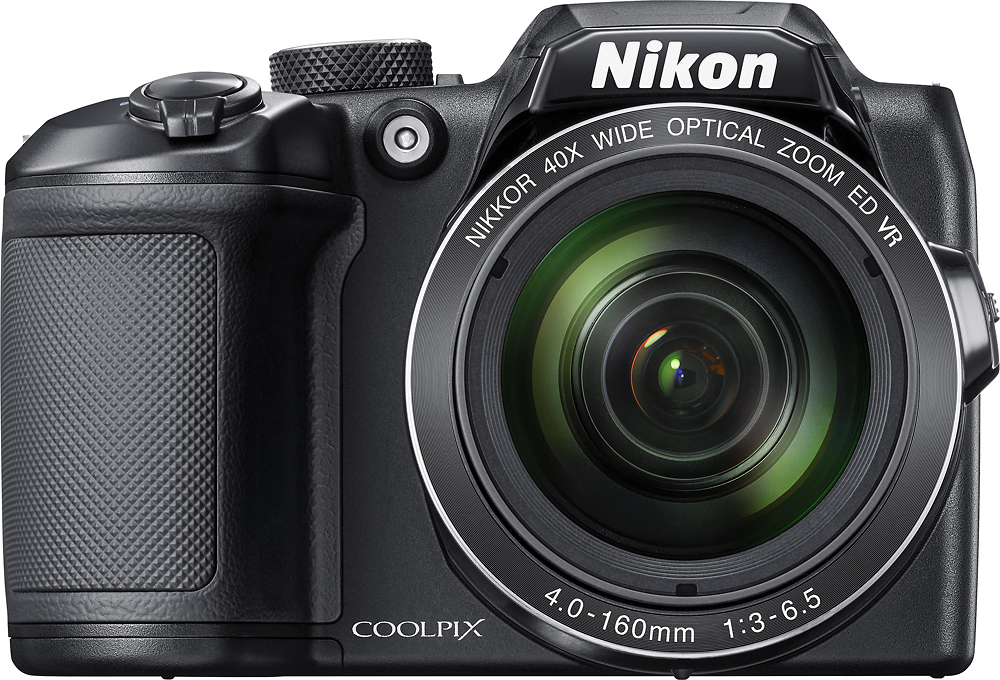
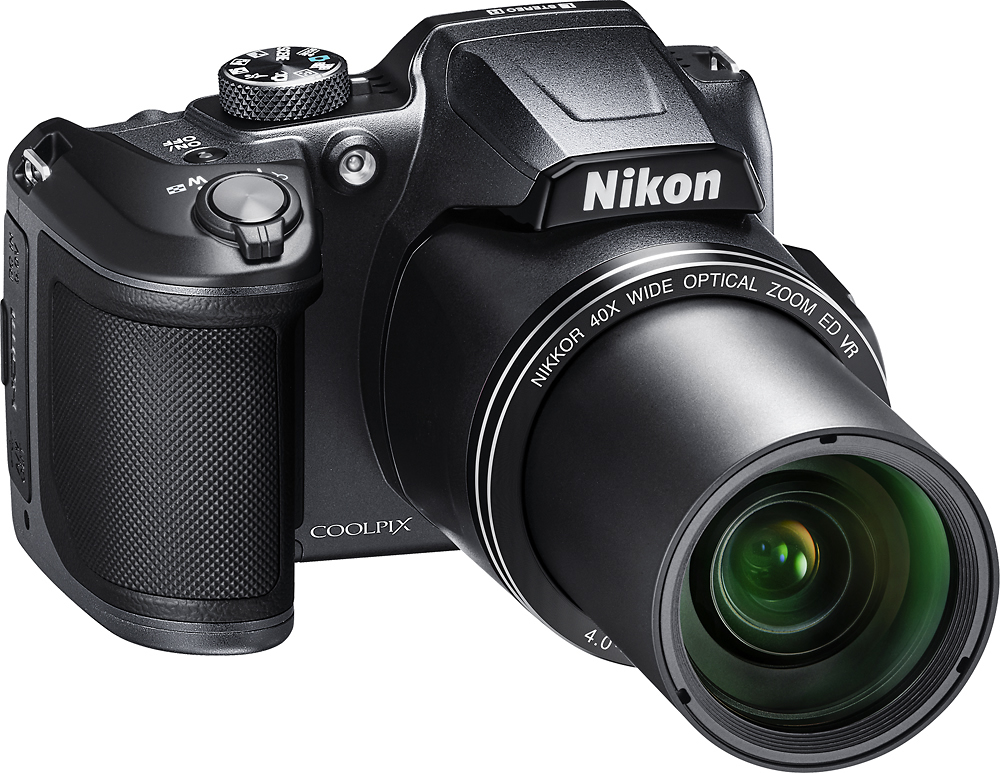
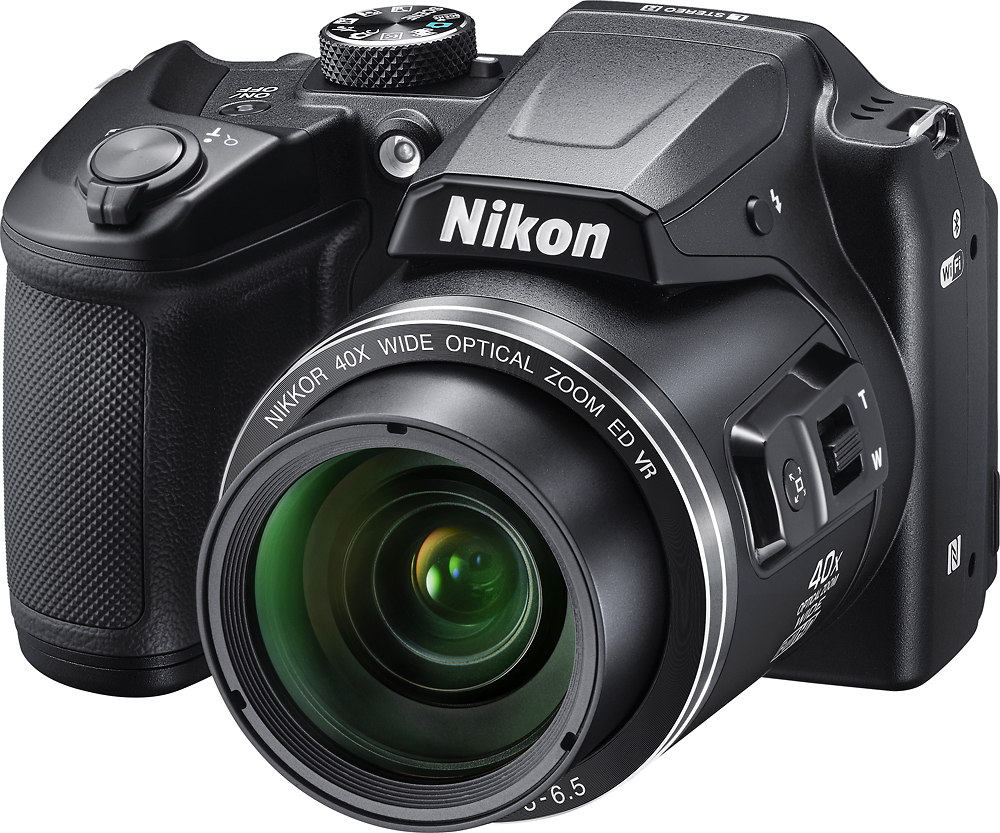
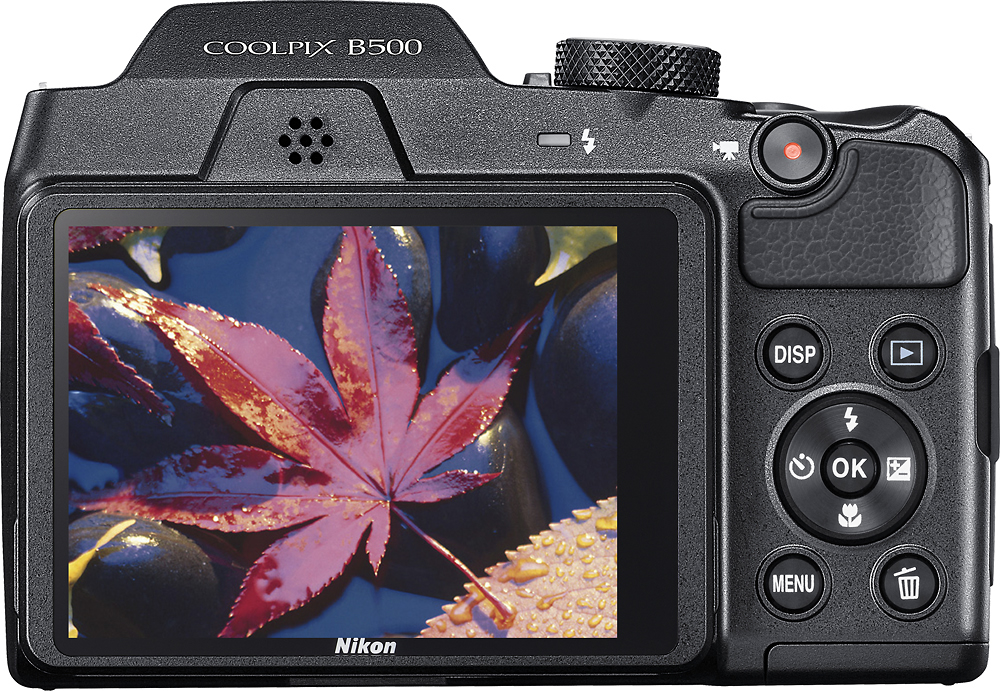
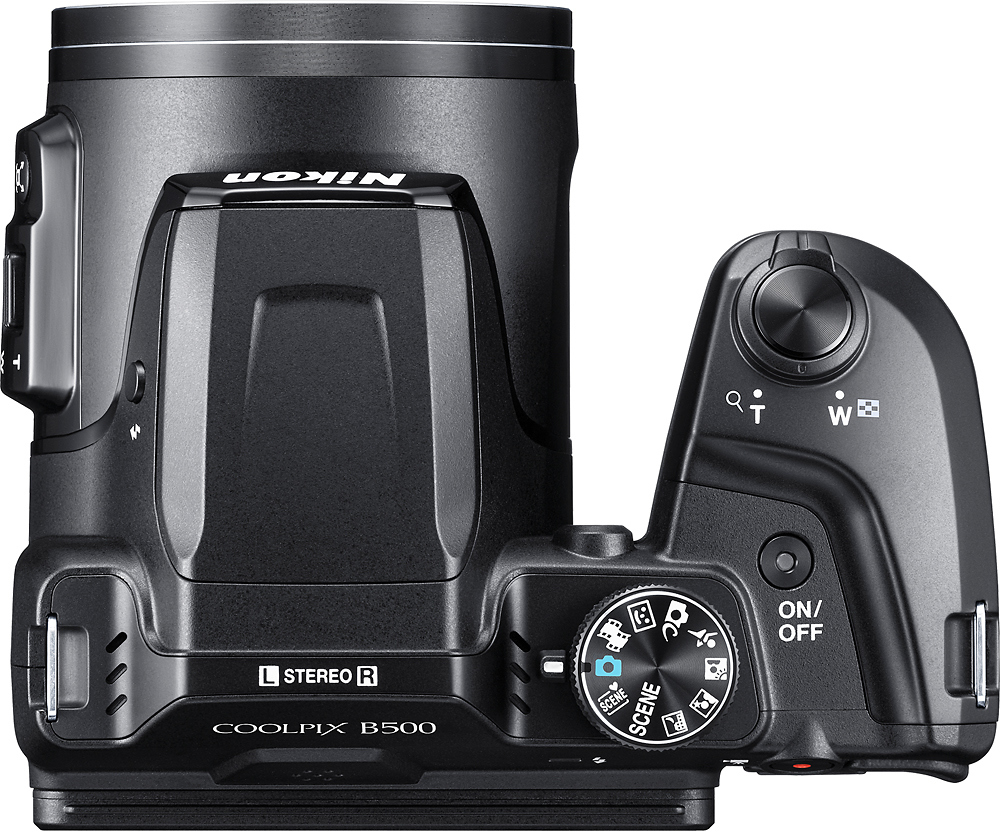
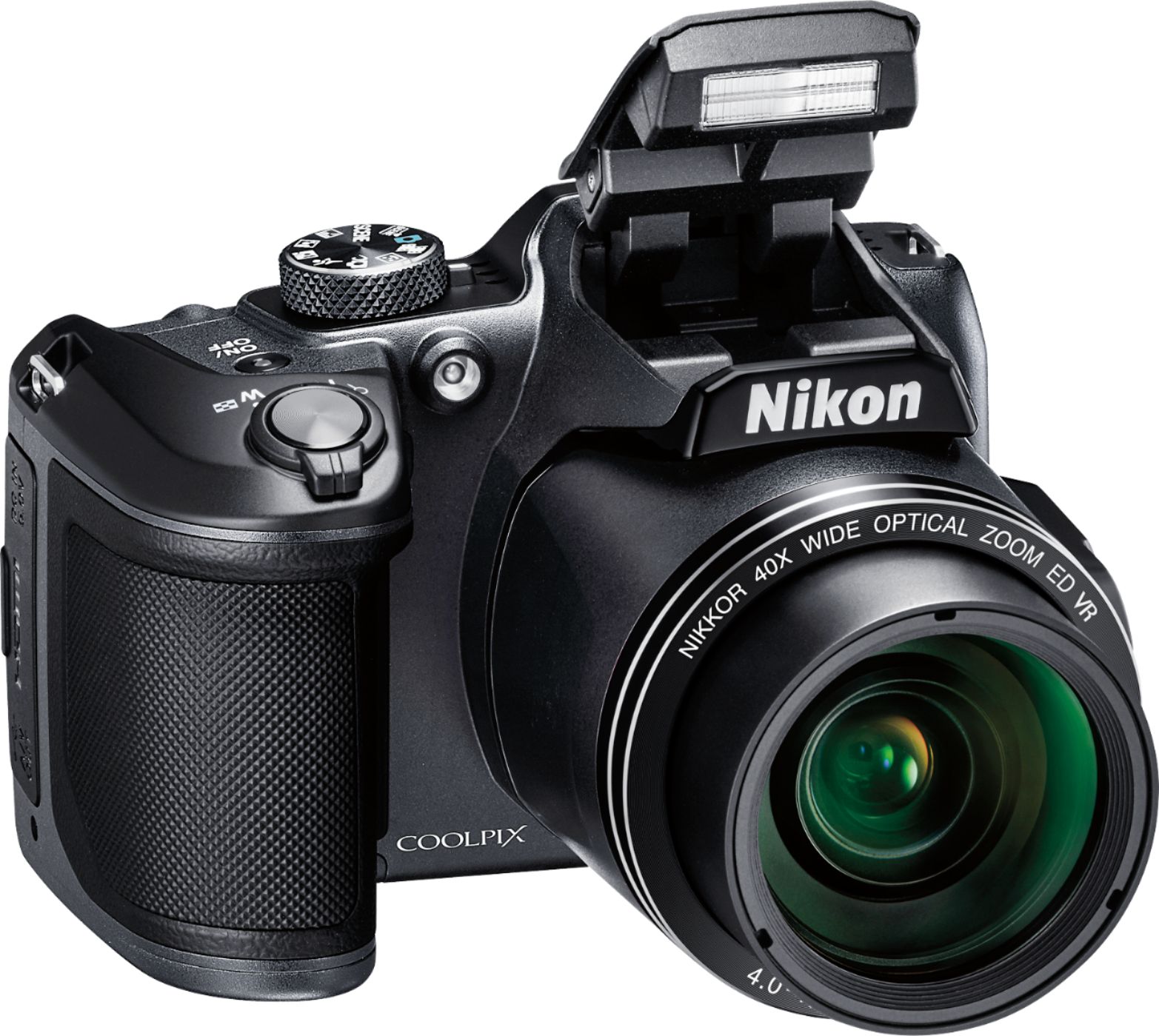
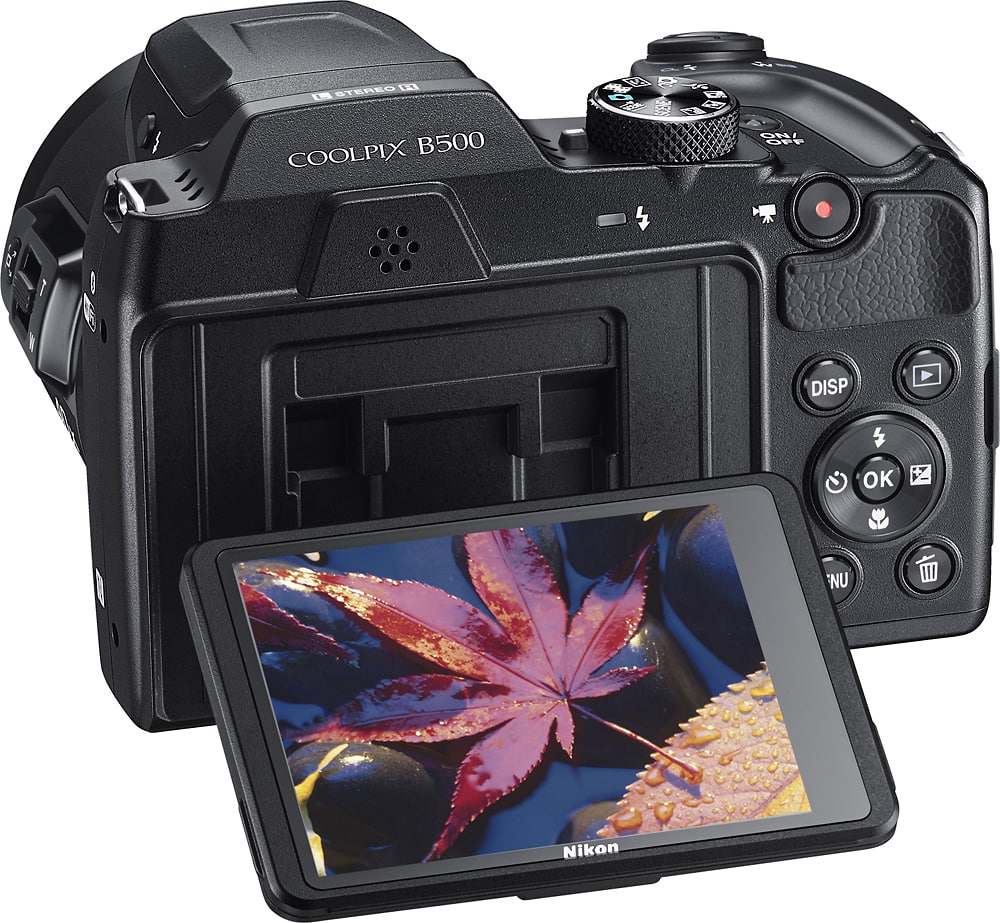
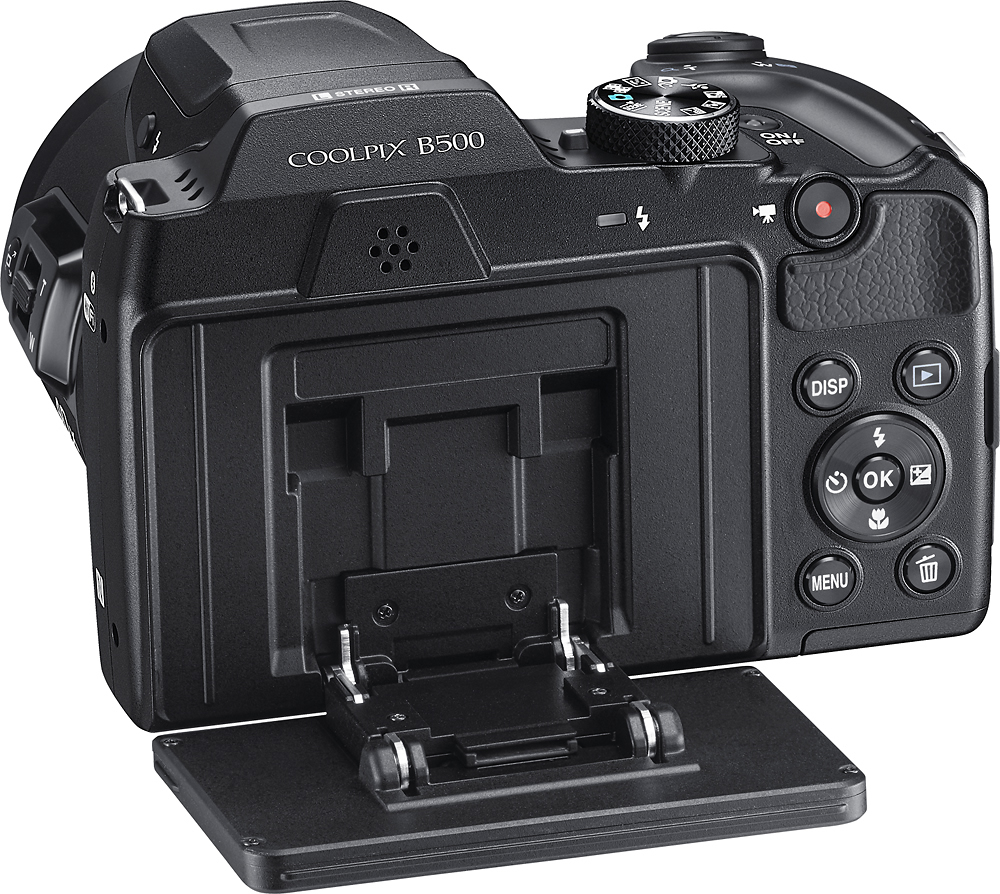
A:AnswerYou would be best suited for cameras with a class 10 SDHC (Secure Digital High Capacity) Memory Card. Then find out the size that your camera supports. The NIKON COOLPIX B500 I purchased supports up to 64G card. Then get the biggest size your camera supports that you can afford, especially if you are going to take small video clips along with pictures.
A:AnswerYou will need to insert a memory disk. You can find a good sized one for about half the price inexpensively at Walmart. The more GB, the more pictures, but especially video you'll be able to store until you can download to a computer. I've always used the Sandisk brand. Hope this helps.
A:AnswerNo this camera does not do that but you can get the same result anyway. You need a higher end camera for that feature with a remote shutter release.
With your Coolpix you can set the timer, position yourself and it will go off and take the photo for you. If you do a few test runs you'll soon know exactly how far back you need to be from it to get you your full body shot. A tripod is a good idea for stability. You just need to do this over and over until it's just right. It may be tedious the first time you do it, but you will quickly know exactly how to do it each and every time after that.
Best of luck to you!
A:AnswerYes, the SnapBridge application is available for downloading to compatible Android and Apple devices. SnapBridge uses Bluetooth low energy (BLE) technology to maintain a constant connection with a compatible smart device. To learn more please contact Nikon Support.
A:AnswerThe COOLPIX B500 does not live stream video. Individual movie files cannot exceed 4GB in size or 29 minutes in length, even if you have sufficient free space on the memory card for longer recording.
A:AnswerHi Gary,
I experienced the issue when I first setup the phone as well. Got me kind of nervous at first. I tried removing battery and media card.
But what worked was putting the lens cover on the camera and turning the camera on & off and the message went away. It happen to my wife when she stated to use the camera. I told but the lens cover on and the message went away.
Not sure why it pops up but it seems linked to the lens cover and lens.
Hope this helps.
A:AnswerThe Nikon COOLPIX B500 digital camera has an option in Scene Mode called Backlighting. This Scene Mode allows you to create two images; one is a non-HDR composite image and the other is an HDR composite image in which the loss of details in highlights or shadows is minimized. To learn more about this feature please contact Nikon Support.
A:AnswerYes. The Nikon COOLPIX B500 digital camera has a mode called Scene Multiple Lighten. This feature allows moving subjects to be captured at regular intervals to create trails of car lights or stars in one composite image. To learn more about this mode please contact Nikon Support.
A:AnswerYou can download the software here: http://downloadcenter.nikonimglib.com/en/download/sw/68.html.
It is Nikon's View NX-i software to transfer, edit and email your pictures.
A:AnswerThe COOLPIX B500 requires the use of Nikon's Snapbridge app to sync with any smart device, whether iOS or Android based. The iOS based app will be available for download in August. You will then be able to use the camera's bluetooth or wireless connection to sync with your iPhone.
A:AnswerIt doesn't have interchangeable lenses. The lens is permanently attached to the camera. It does have a zoom function and a digital zoom function.
A:AnswerThe Coolpix B500 will be able to handle basketball games very well. This camera has a dedicated Sports mode that will be perfect for shooting action shots during any sporting event.