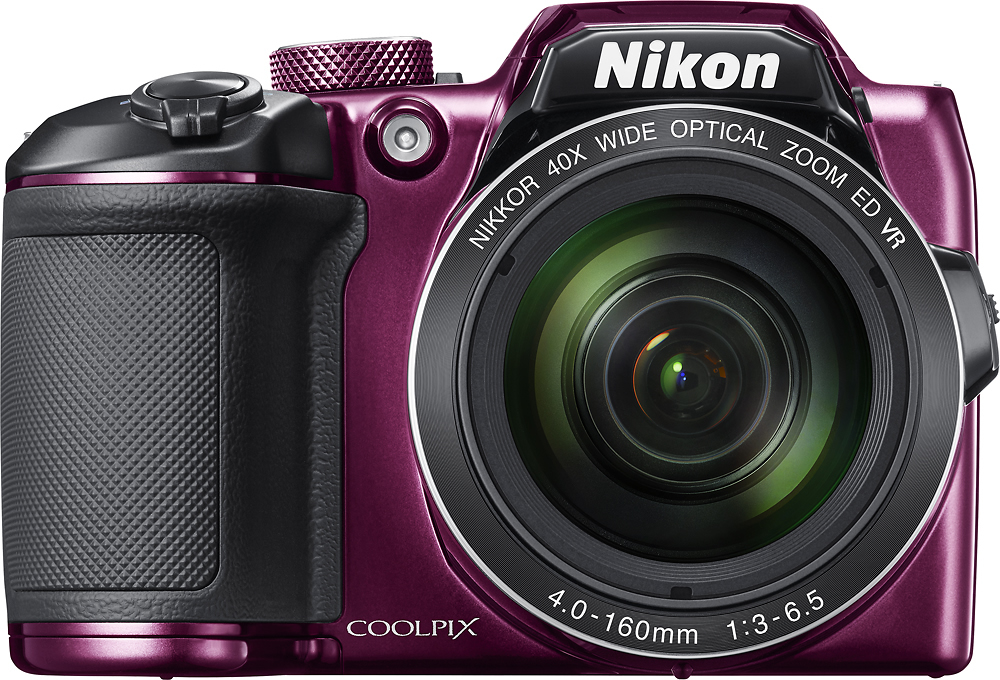
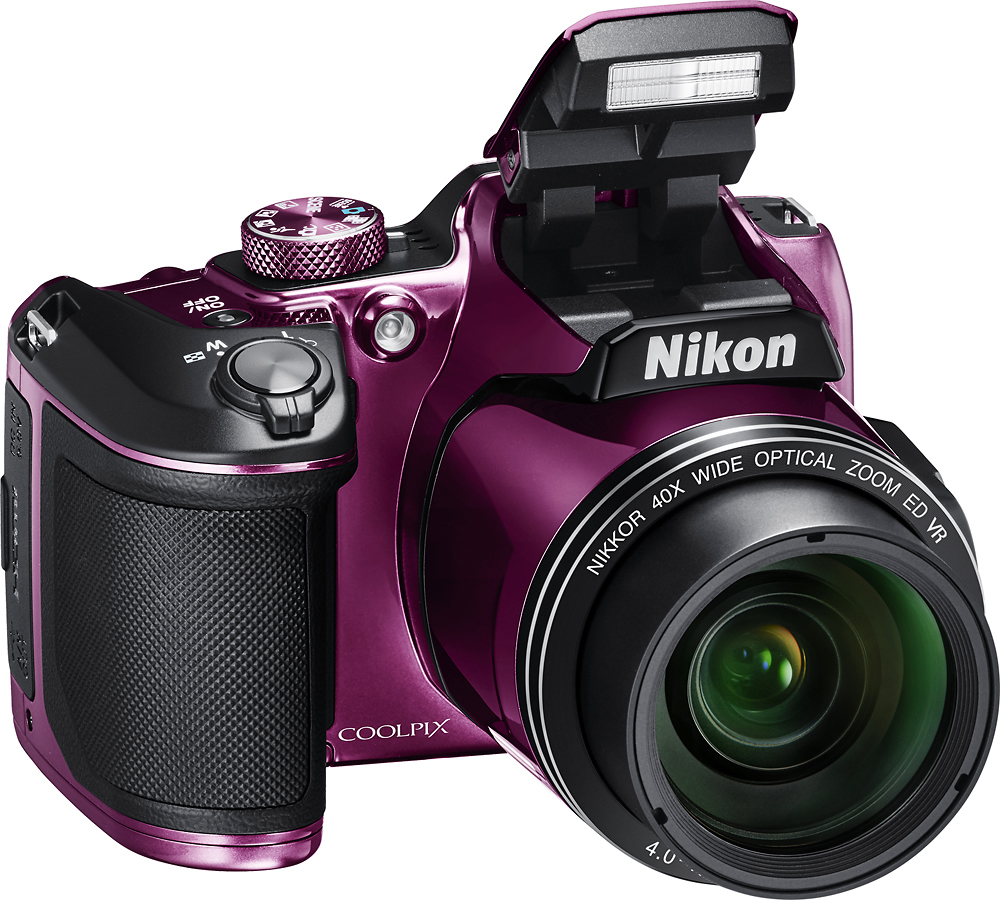
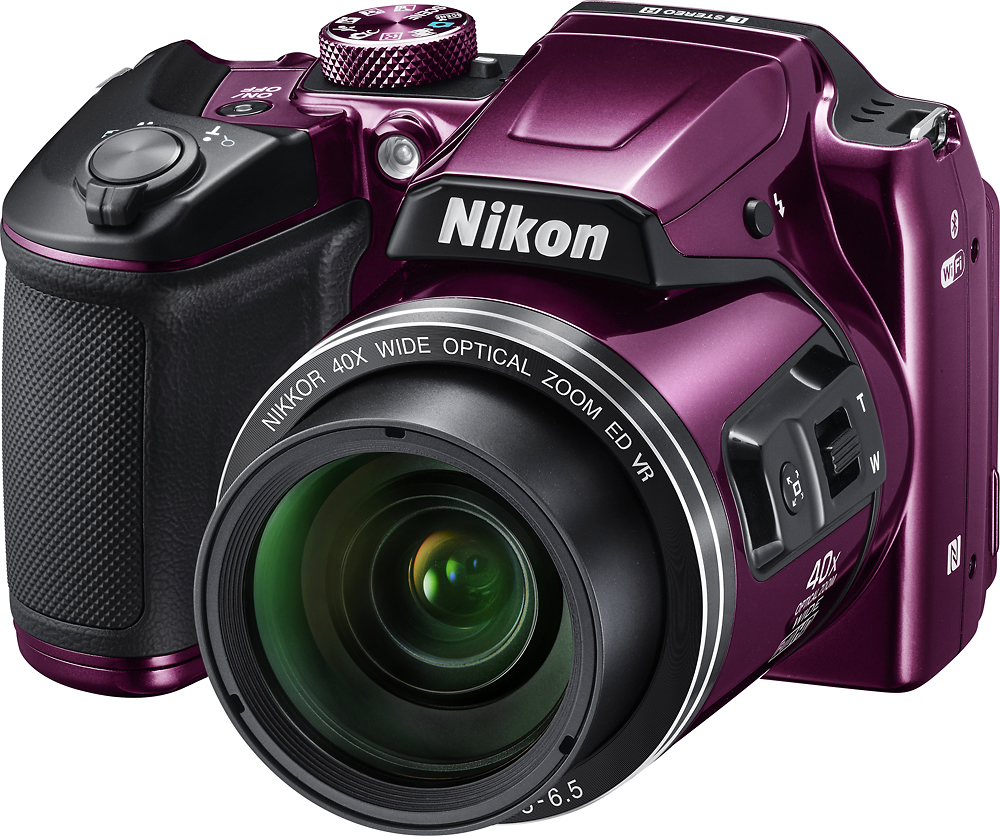
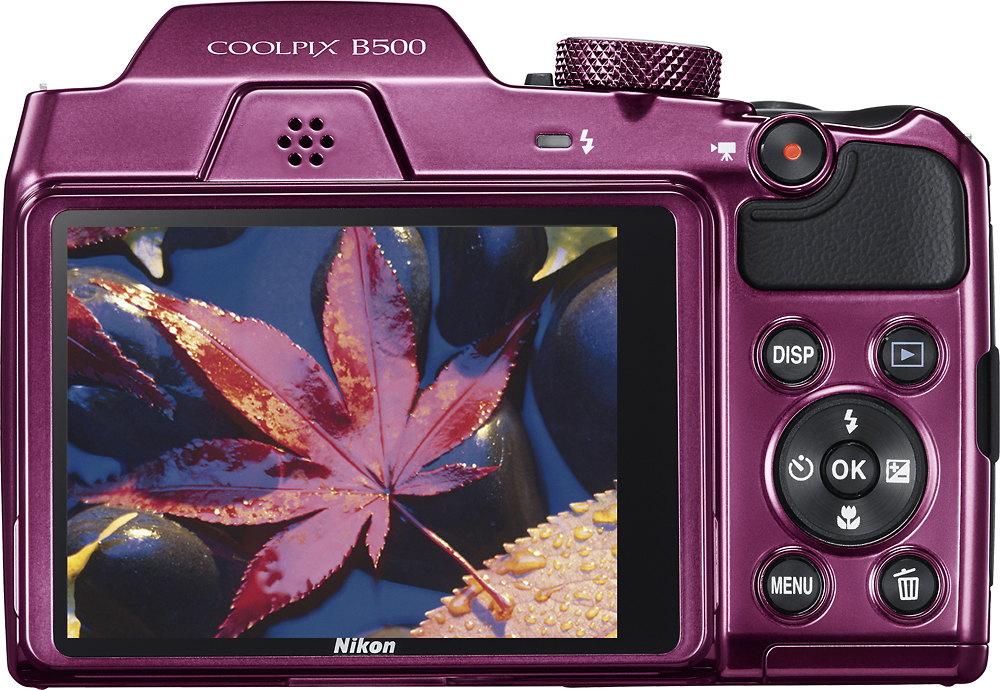
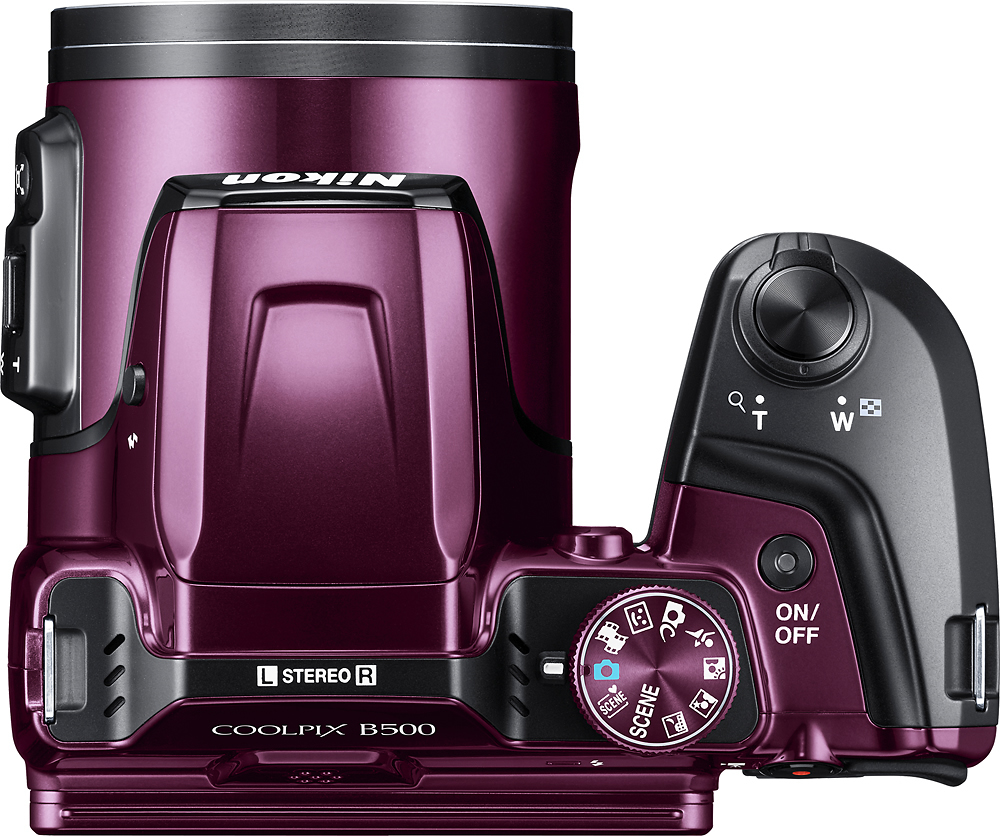
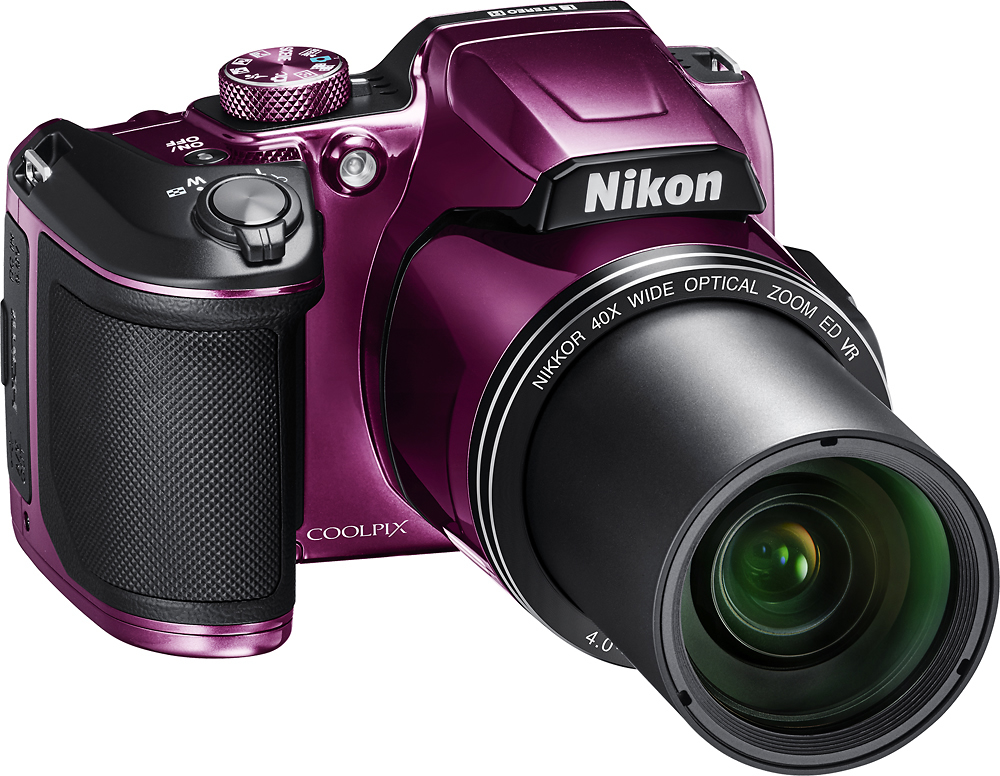
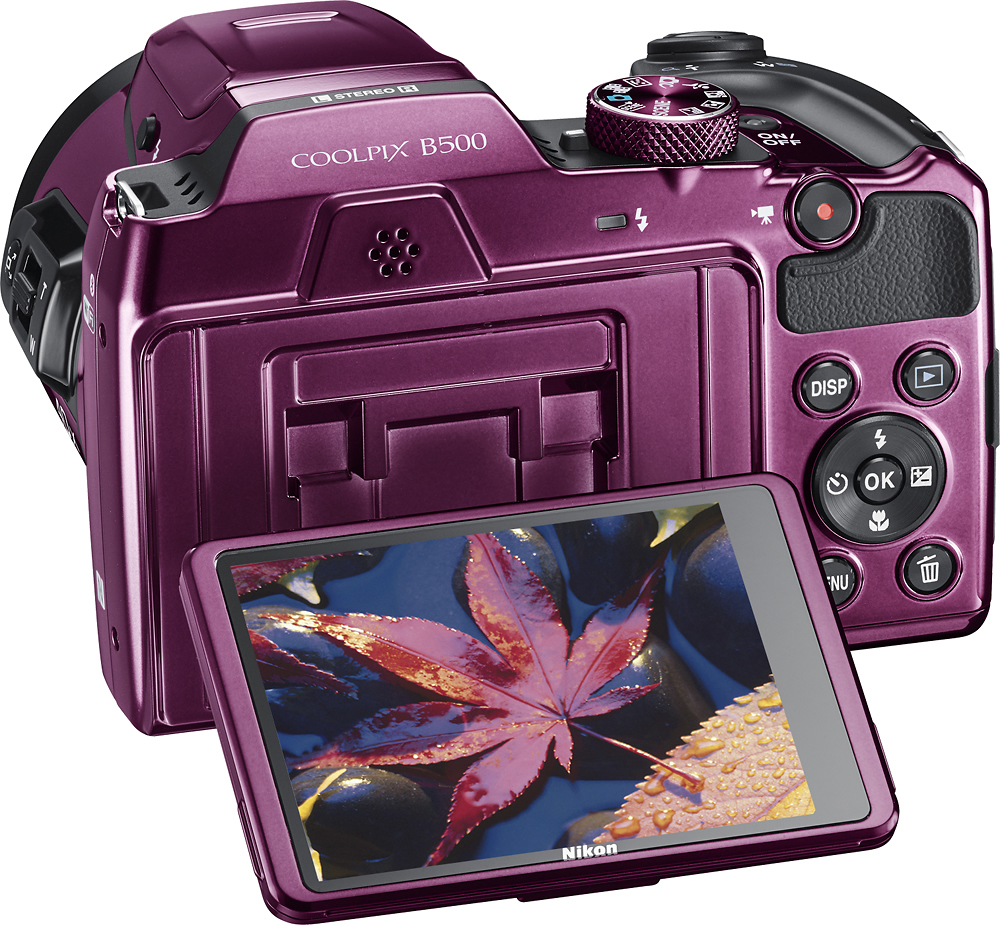
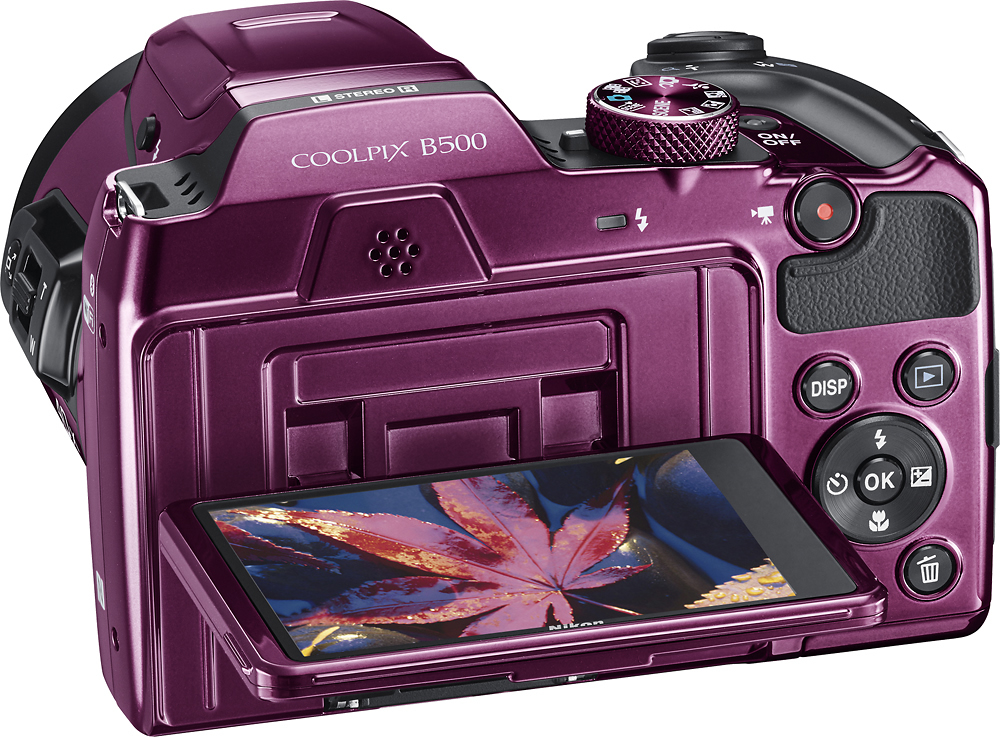
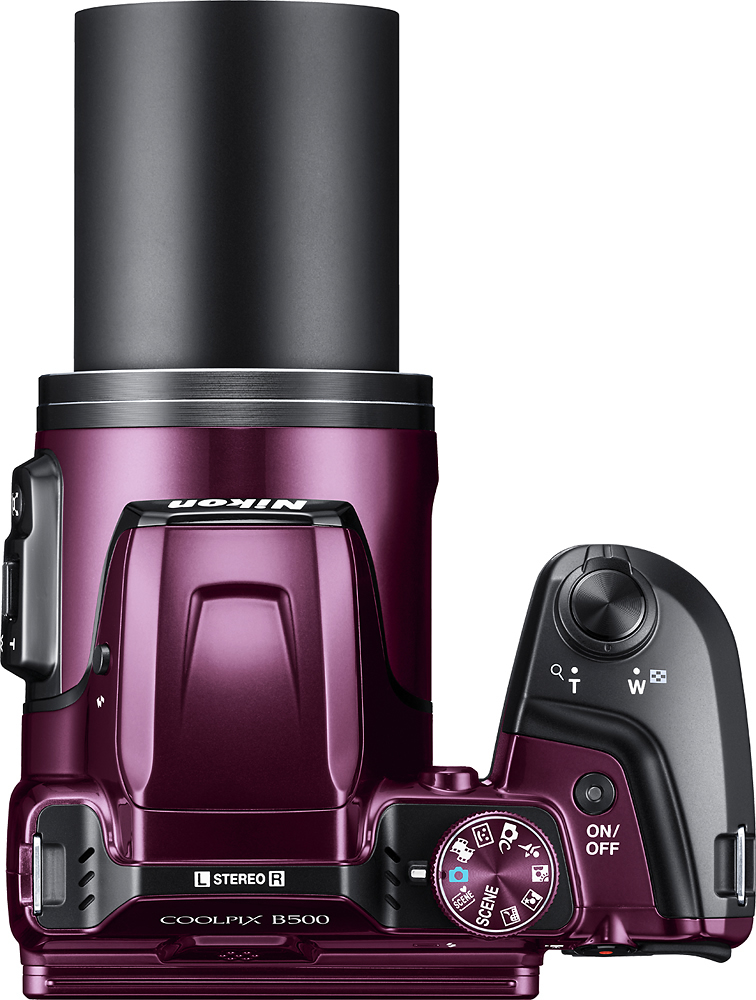
A:Answer Depending on what type of subject you are focusing on, the area surrounding your point of focus, and how far away or close you are to the subject, the camera will determine whether or not the lens can focus properly. Place the Nikon COOLPIX B500 digital camera in Auto Mode or in Scene Auto Selector Mode before pointing it towards the subject, then press the shutter button down halfway. A green box will appear around the subject if the camera has been able to focus on it. If you are unable to see a green focus area box pull a bit away from the subject and try again. Once you have a focal lock on your subject you can press the shutter down fully to get a sharp, quality image. If you still have problems getting a quality image after trying these steps, please contact Nikon Support.