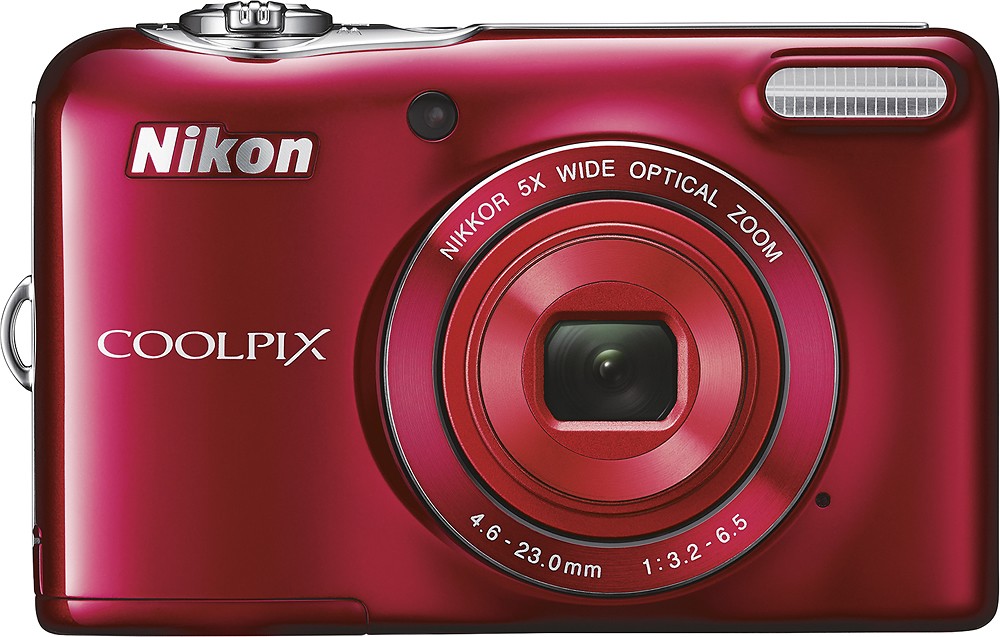
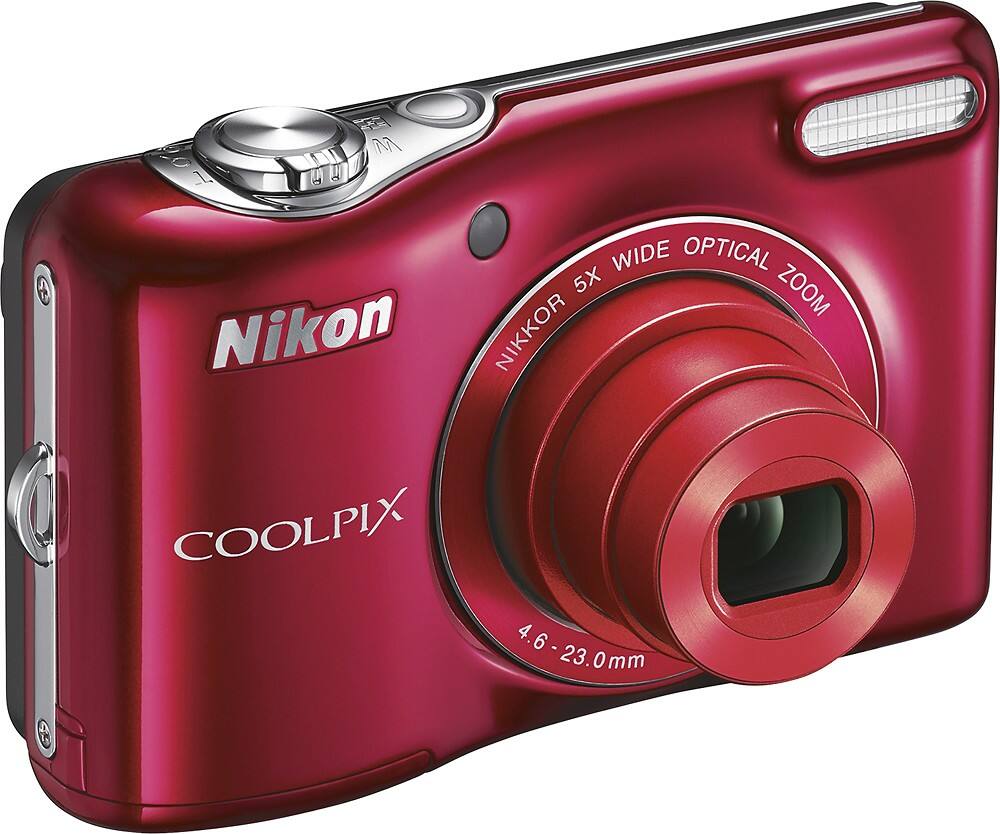
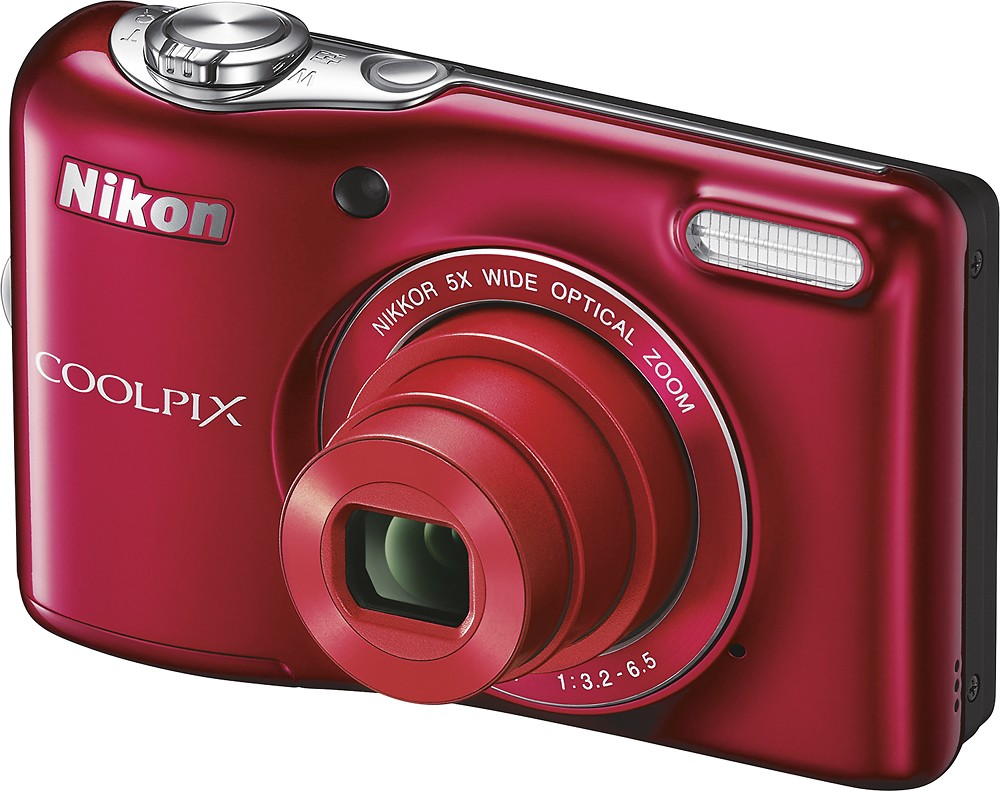
A:AnswerThe L32 runs on AA batteries and does not require a power cord. Please see page 6 of the L32 Reference Manual for details on applicable AA batteries for the L32. The EH-65A AC adapter can be used operate the L32 while plugged into an outlet instead of using batteries. The UC-E16 USB cable can be used to connect the camera to a computer for image transfer, but will not charge the camera's batteries.
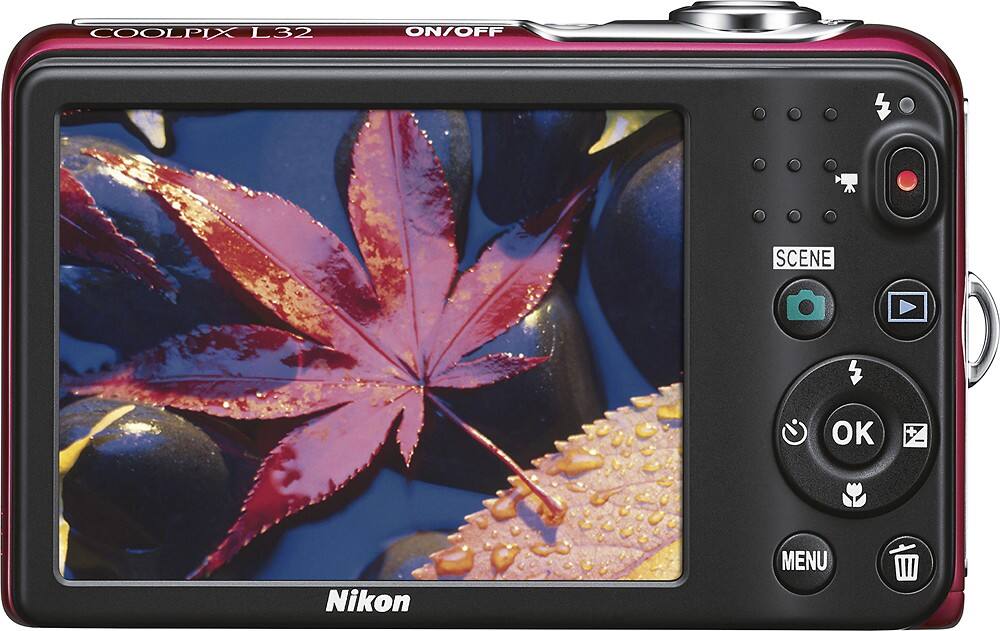
A:AnswerThe button on the Nikon COOLPIX L32 digital camera that is used to display your images is called the playback button. This button is located on the right hand side of the back of the camera and is underneath the red-dotted, movie-record button. You can see your images when the camera is off by pressing and holding the playback button down briefly. Your image will appear on the LCD screen and you can then scroll through all your images by pressing left or right on the multi-selector button (the big button around the "OK" button). If you have any more questions regarding the use of your camera please contact Nikon Support for help.
A:AnswerThe Nikon COOLPIX L32 does have an Auto Off setting that cannot be turned off. On this camera model the Auto Off setting can be set to 30 seconds (default), 1 minute, 5 minutes or 30 minutes while in the Auto Off menu setting.