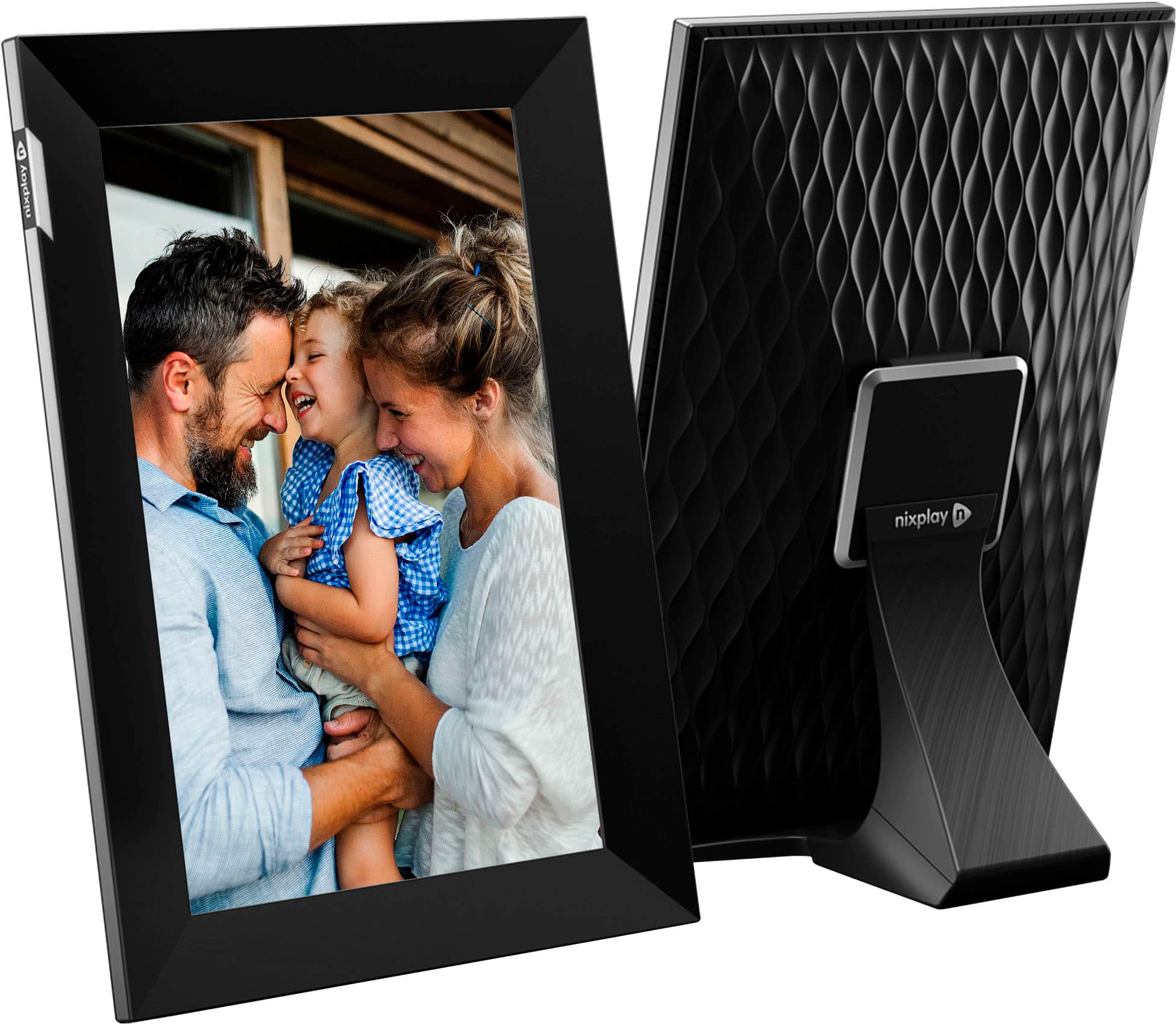
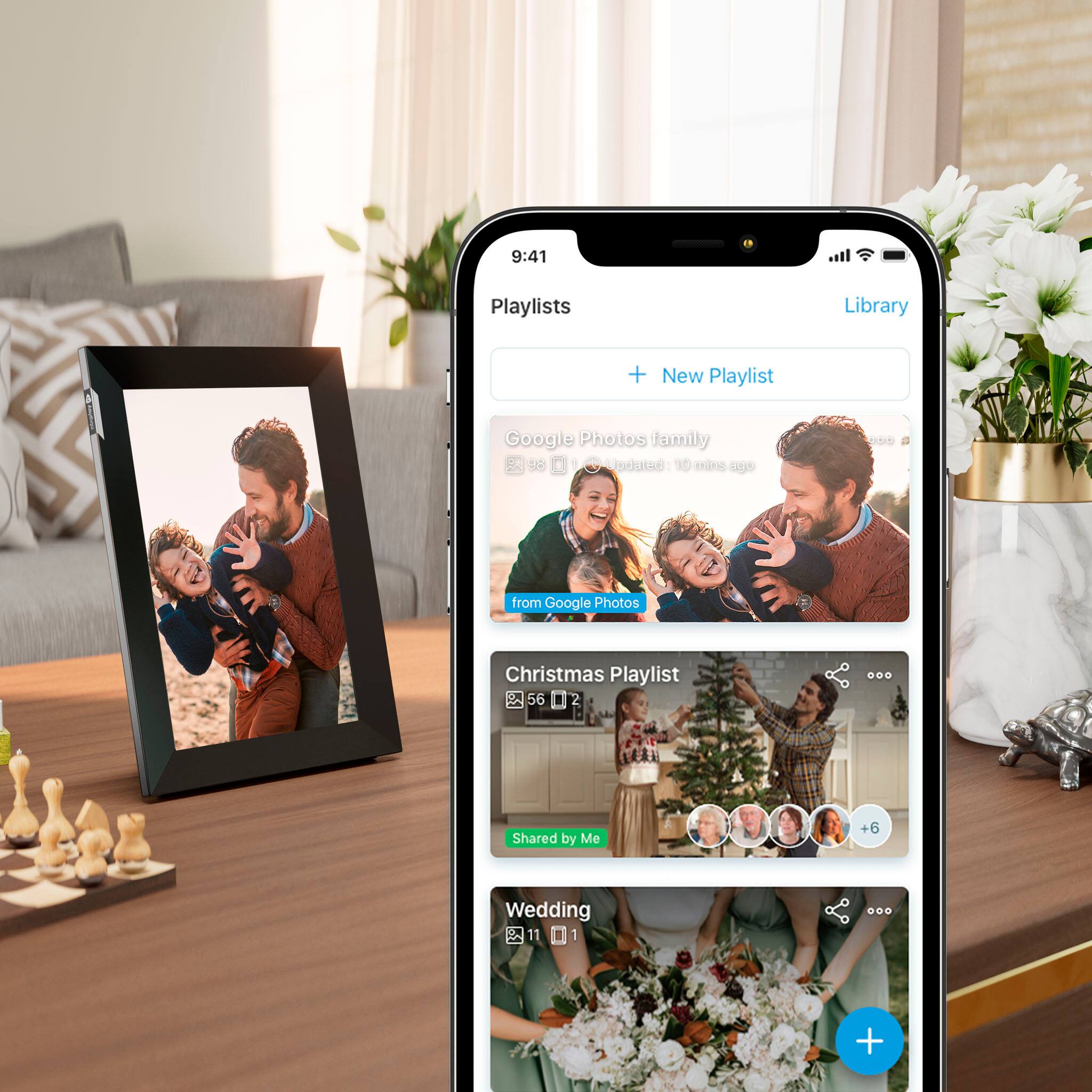
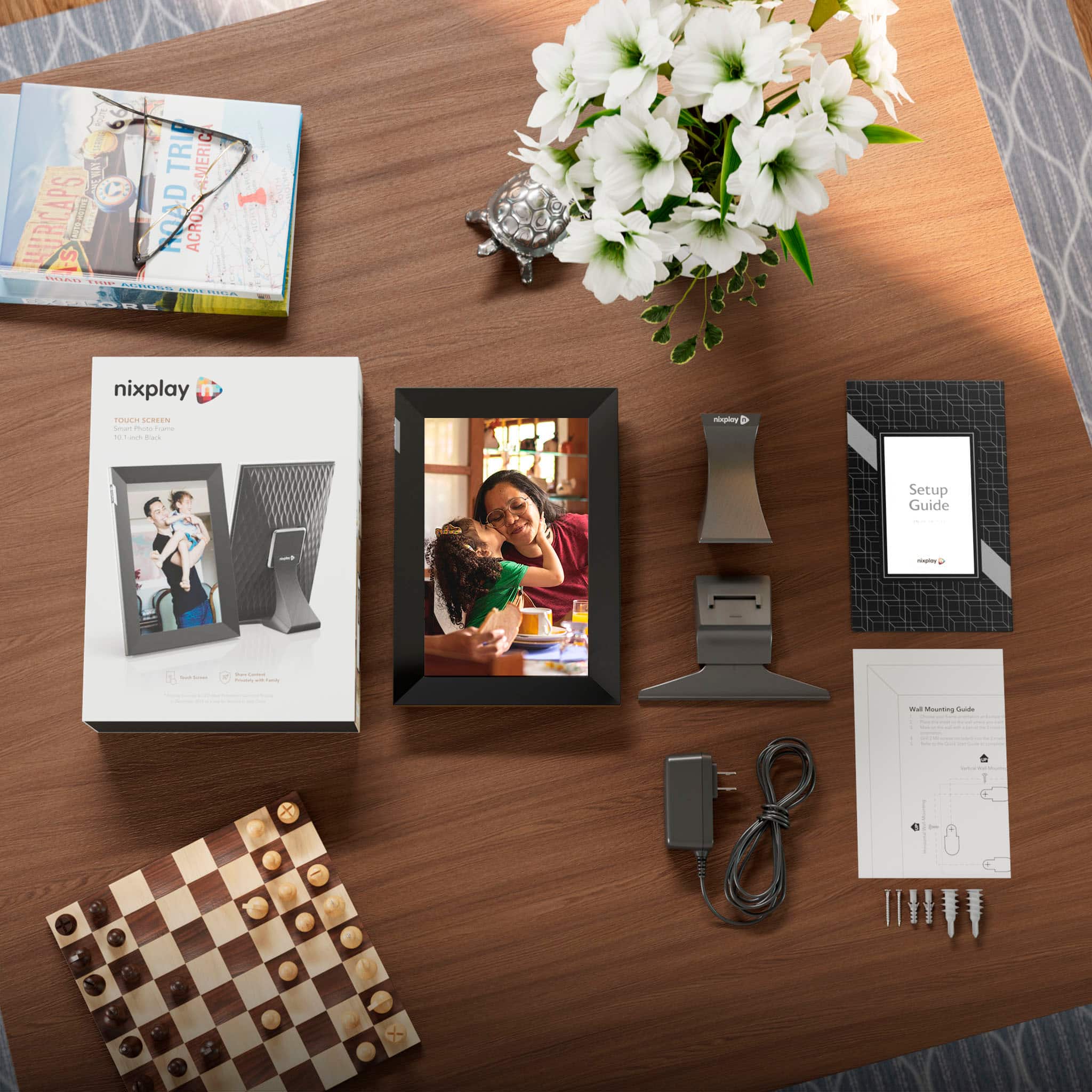
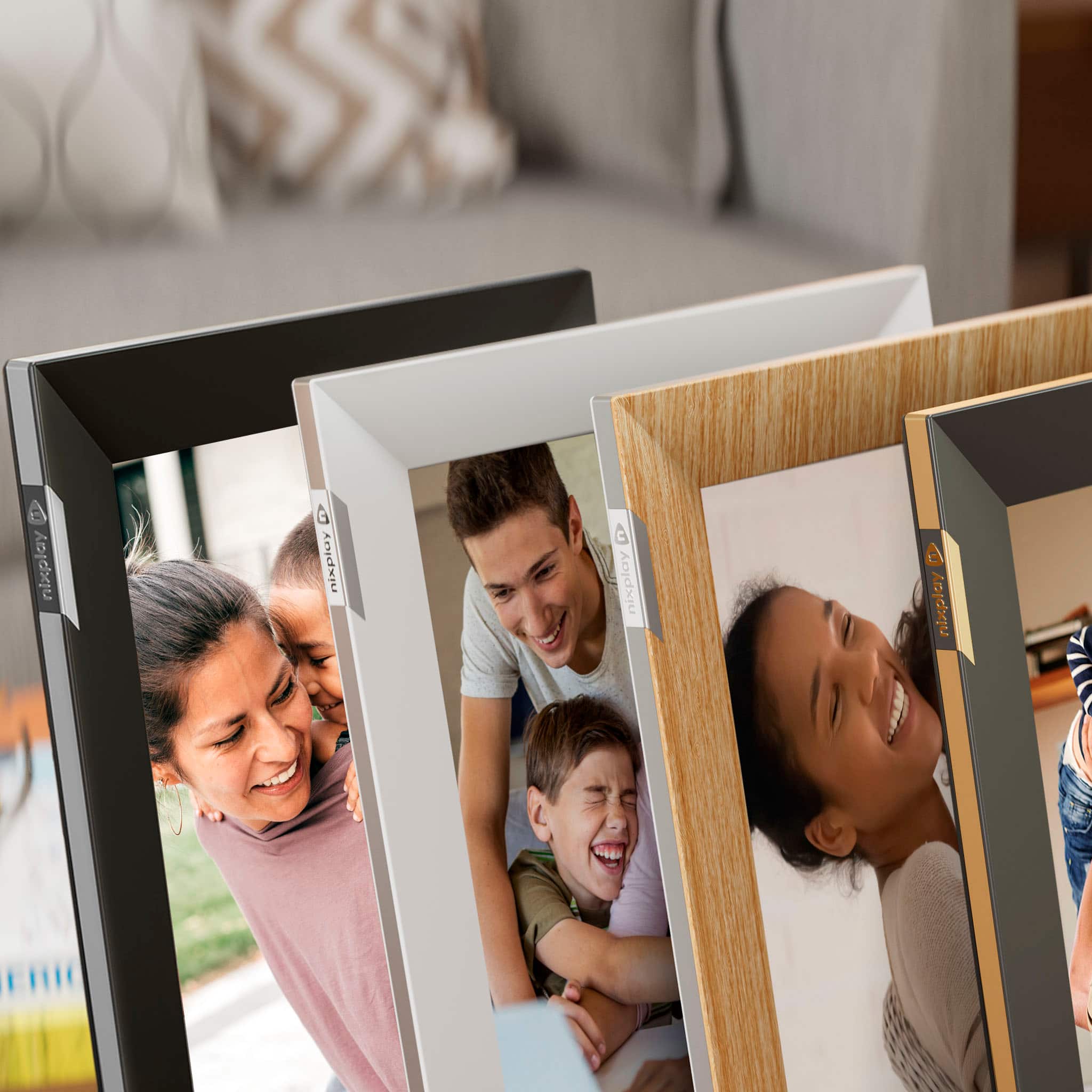
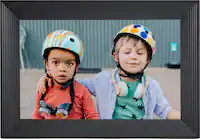
A:Answer The number of photos would depend on the size of each image. However, on average it can fit around 700-1000 photos. To create an album, go to Photos. After Playlists, you’ll see Content Library, which you should click. Click ‘Create an Album’, give it a name and click ok. You’ll now be prompted to start adding photos.