Appliances Memorial Day SaleFree delivery. Ends 6/3. Terms apply.Shop now

Skip to contentGo to Product Search
Main Content

Questions & Answers

Model:
TA-1420
SKU:
6527538
Loading...
Page Showing 401-420 of 532 questions
  • QuestionDoes this phone have internet accessibly or anything to do with the internet or wifi?

    Asked by Mom84.

    • Answer It can make and receive calls via the internet or wifi just like the more expensive cell phone. However, it can not do many of the more advanced applications like Maps, etc. My husband refuses to learn how to do anything except make and answer calls, so it is perfect for him. There is a charge through your carrier (mine is Verizon) but it is somewhat less than a real 'smart' cellphone.

      Answered by RetiredITProf

  • QuestionDoes this phone work international with flow or

    Asked by Vic.

    • Answer Hey Vic! To check if your Nokia 2780 Flip phone works internationally with Flow (or any other carrier), please check the supported frequency bands on the Nokia Phones US website. Additionally, you can contact your carrier to verify compatibility with their network in the specific international location you plan to use the phone.

      Answered by Nokia Mobile team

  • QuestionCan I download the messenger app on this phone?

    Asked by Faery.

    • Answer Hey Faery! Currently, there isn't a dedicated Messenger app for KaiOS-based phones like the Nokia 2780 Flip. However, you may access your Facebook messages directly from the Facebook app. Simply open your phone's store, search the app, and download.

      Answered by Nokia Mobile team

  • QuestionCan this phone access the internet?

    Asked by Anonymous.

    • Answer Yeah but it's horrible. I don't recommend it. It freezes.

      Answered by Anonymous

  • QuestionDoes this phone allow sms group messaging?

    Asked by Lex.

    • Answer yes

      Answered by LamarM

  • Questiondose this phone work with boost moble are any other prepayed service

    Asked by pupgrandpaw.

    • Answer Yes, this unlocked device works with any major US carrier or MVNO (both GSM and CDMA), including, but not limited to, T-Mobile, Verizon, AT&T, Tracfone, Metro, Boost, Consumer Cellular. For more info please visit the Nokia Phones US website.
      Answered by Nokia Mobile team

  • QuestionCan Best Buy set up an account with ATT or do I have to buy the phone take it to ATT to get a SIM card and set up an account

    Asked by potterychick.

    • Answer I think you have to get the sim card & set up account with ATT or Verizon or whomever you chose.

      Answered by RetiredITProf

  • Questionare your unlocked phones unlocked by a carrier so are they carrier unlocked

    Asked by wayne.

    • Answer This is a manufacturer-unlocked device that works with any major US carrier or MVNO (both GSM and CDMA), including, but not limited to, T-Mobile, Verizon, AT&T, Tracfone, Metro, Boost, Consumer Cellular. For more information please visit the Nokia Phones US website.
      Answered by Nokia Mobile team

  • QuestionCan this phone access the internet?

    Asked by Pauly.

    • Answer Yes this device supports WiFi and 4G connectivity.

      Answered by Nokia Mobile team

  • QuestionCan you send group texts with this phone? (to multiple numbers)

    Asked by MM.

    • Answer Yes, you can send a text to multiple phone numbers by including them in the "To:" field while composing a message.

      Answered by Nokia Mobile team

  • Questioncan you send photos with this phone

    Asked by and.

    • Answer Yes, you can send photos with the phone using MMS.

      Answered by Nokia Mobile team

  • QuestionHow do I transfer the SIM card (phone number) from an existing phone to a new phone?

    Asked by CalifRon.

    • Answer I went to my provider(T-mobile) she just took the back off and popped sim card from old phone and placed in the new phone. It didn't transfer over any contacts, but then again I didn't have anything saved to sim card on the old phone. Phone is for my 80 yr. old Mother.

      Answered by AngieW

  • QuestionDoes this phone work with PureTalk?

    Asked by Josh.

    • Answer Yes I am connected to Pure Talk. Just get a sim card from pure talk and install in the phone. 717-601-0237 Nokia phone George Spangler

      Answered by Anonymous

  • QuestionDo you just use a coin or something to open the compartment

    Asked by Battery.

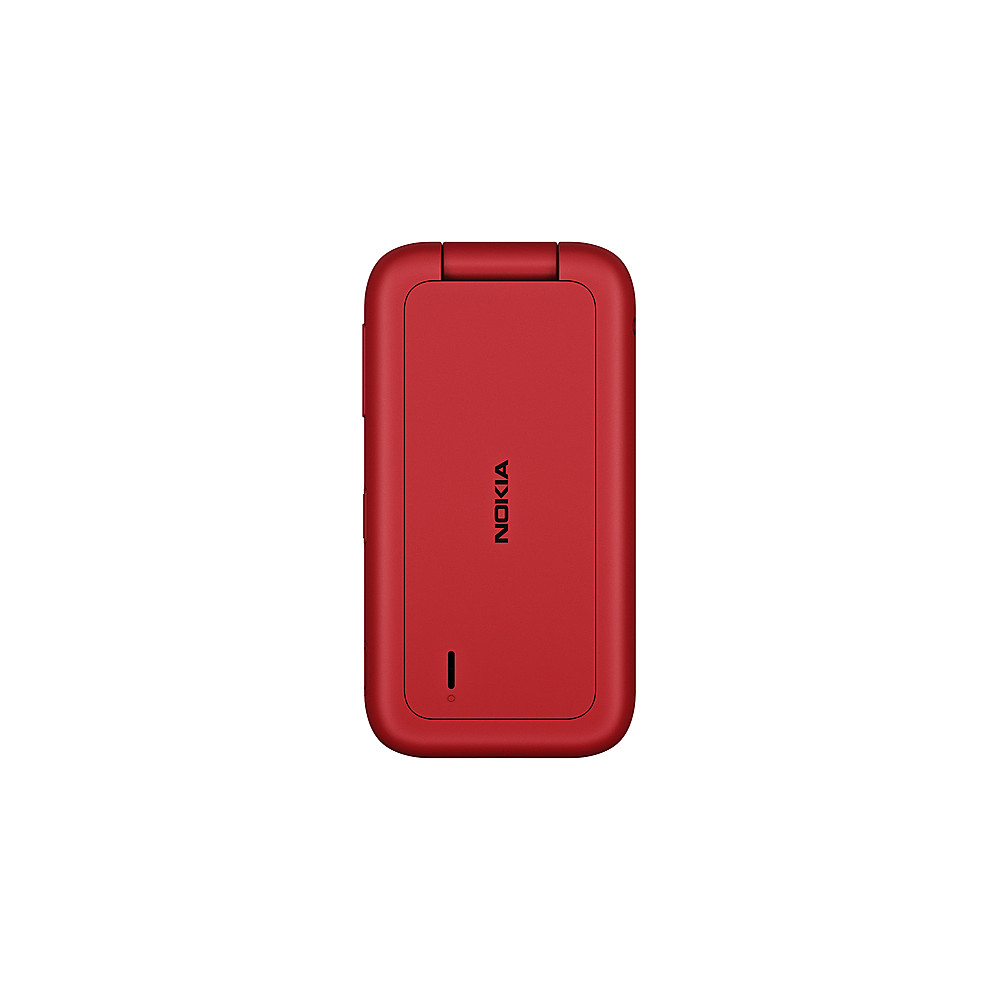
    • Answer Hi you can use your fingernail in the small slot at the bottom of the phone, lift and remove the cover. For a visual representation please visit - nokia. com/phones/en_us/support/nokia-2780-flip-user-guide/set-up-and-switch-on-your-phone

      Answered by Nokia Mobile team

  • Questioncan this phone be locked?

    Asked by flipper.

    • Answer The unlocked version of Nokia 2780 Flip works with every major carrier and you can also buy a locked version at Consumer Cellular. You can check the Nokia Phones US website for more info on both versions

      Answered by Nokia Mobile team

  • QuestionIs a unlocked phone a brand new phone?

    Asked by Jean.

    • Answer This phone we bought for my father in law was new. He just had it assigned to our ATT plan. So I’m guessing they all are new, just able to be used with which ever carrier you choose.

      Answered by ShannonG

  • QuestionHow can I turn off voice mail pin to send phone back for repair?

    Asked by Cathy.

    • Answer Hi if you need assistance turning off specific features for repair, please feel free to reach out to our Customer Support team on the Nokia Phones US website or by calling 1-833-766-5420.

      Answered by Nokia Mobile team

  • Questionwill this phone work with selectel wireless

    Asked by jessejames21.

    • Answer The Nokia 2780 Flip (Unlocked) is compatible with the following bands, please check your carrier's requirements to ensure it works - Network bands (GSM):850, 900, 1800, 1900 Network bands (LTE):B2, B4, B5, B7, B12, B13, B17, B25, B26, B66, B71, B41(With HPUE) Network bands (WCDMA):2, 4, 5

      Answered by Nokia Mobile team

  • QuestionHow enter name for contact?

    Asked by Sallen.

    • Answer To Add a contact - 1. Press the scroll key and select Contacts. 2. Select New. 3. Enter the contact details. 4. Select SAVE. For more details and User guides please visit the support section of the Nokia Mobile US website.
      Answered by Nokia Mobile team