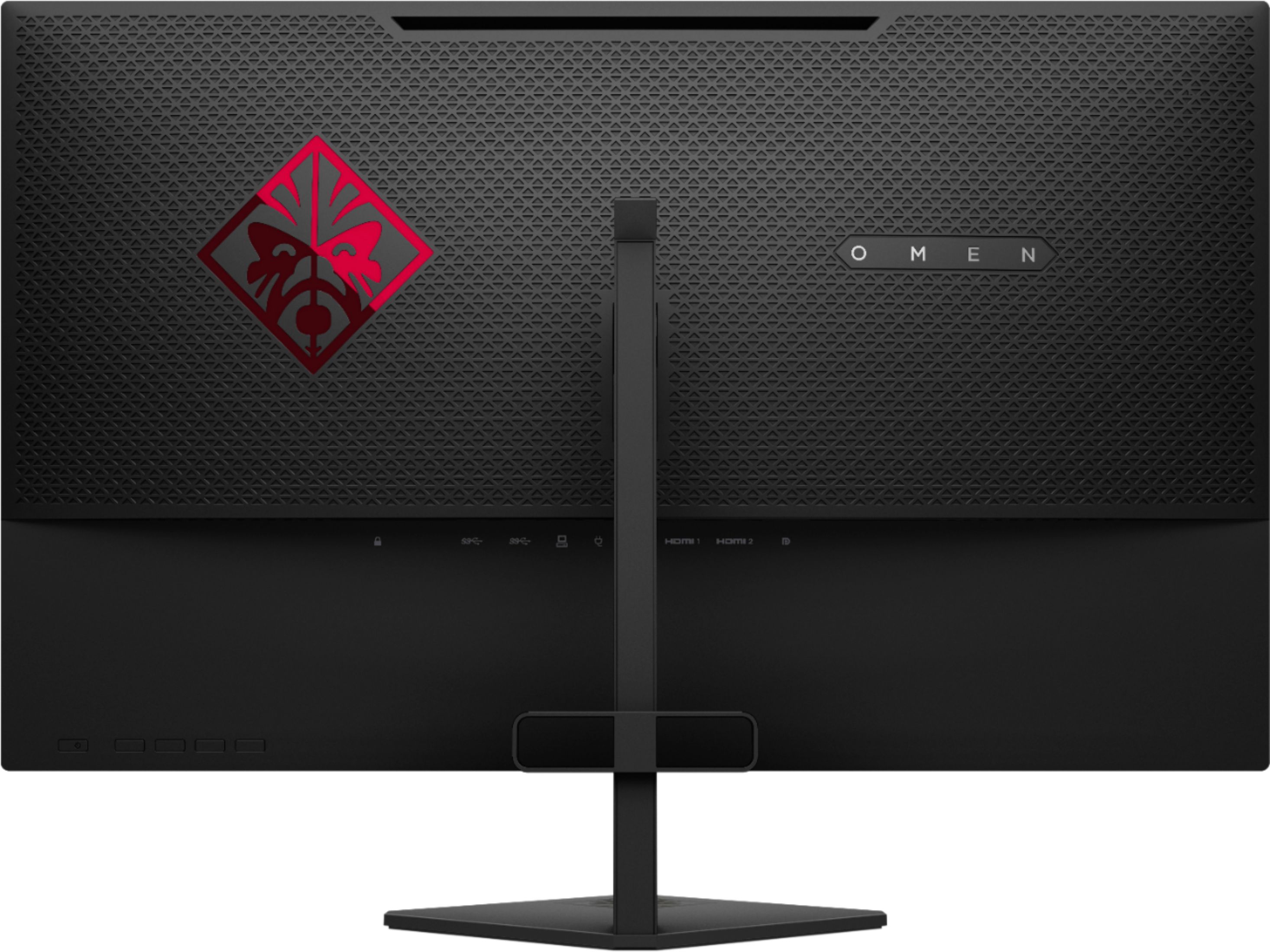
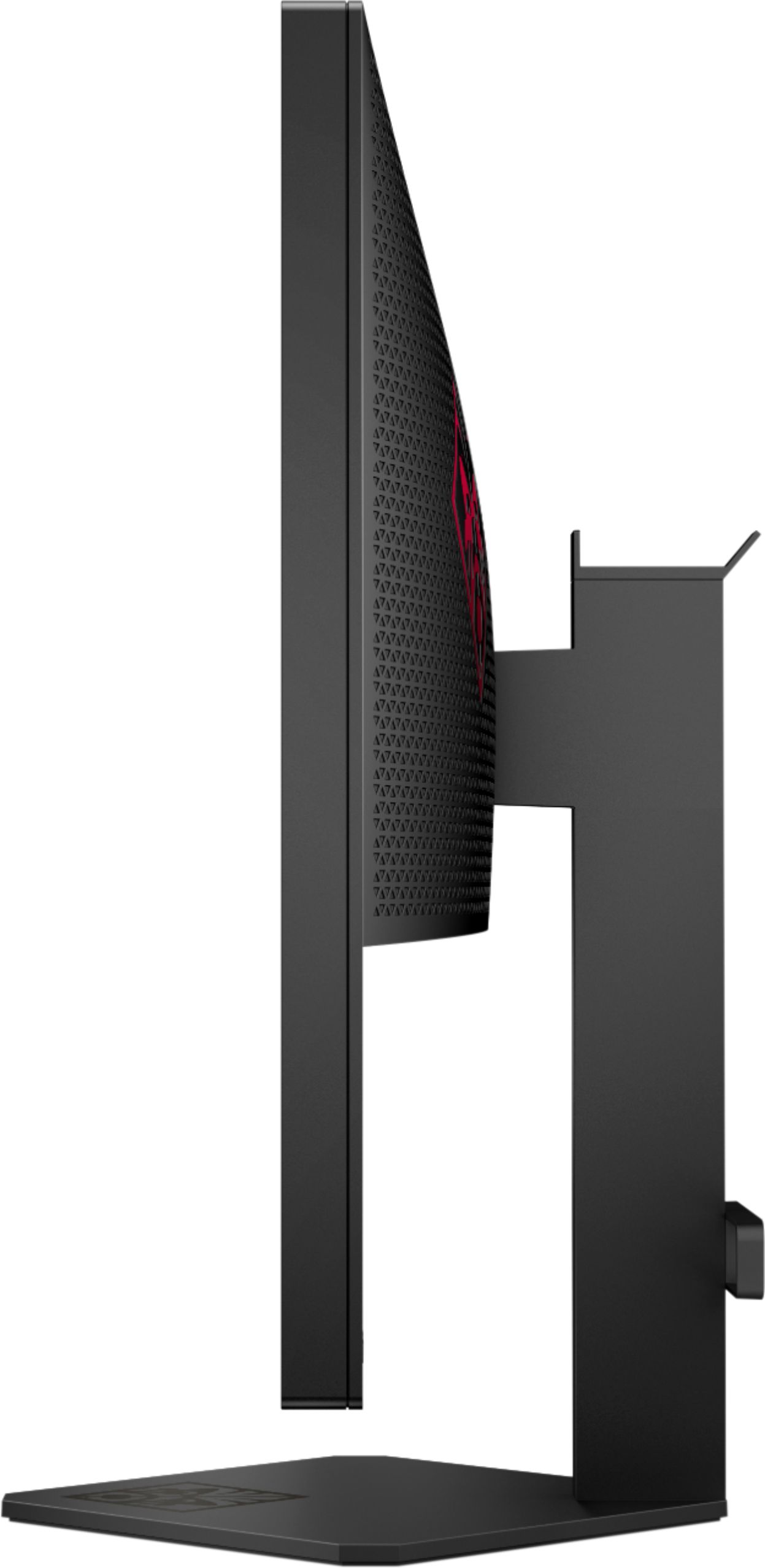
A:AnswerIts great clear quality for only a 1080p. But It is pointless to use with a ps4 as there are no speakers built in and the ps4 slim can only go up to 60 fps while the monitor is capable of 144fps. It would be like using a nuclear power source for a keychain flashlight. Stick with a simple 24" 1080p TV for less than half the price.
A:AnswerThank you for reaching out! A monitor is a great way to game on a PS4 and PC. For the best connection you want to use an HDMI or DisplayPort connection if available. You would also want to make sure you have speakers or a good headset.
A:AnswerOf course depending on the game and graphic settings you are trying to run then yes it will hold over 60fps. FPS is mainly more dependent of your graphics card than the monitor.
A:AnswerYes, mine is set up like that actually. You need to set the display adapter properties to 144hz manually. Also, you need a graphics card capable of supporting this output.
A:AnswerThis monitor is great for gaming (I'm on PC though). FreeSync support is nice for PC users but I'm not sure if it helps with PS4. 144hz is the major component here. If you can get the PS4 to run 144hz the monitor will support it and it does a great job doing so.
A:AnswerWe had a similar problem. It would not run 144mz with the HDMI cable we already had, just flickered on and off when we chose 144 in monitor settings. We had to use the cable that came with the monitor for it to work. You need a high-speed HDMI cable to set it up for 144hz. Once connected, you should be able to select 144hz in your settings. Our computer selected it automatically.
Hope this helps!