A:Answer3 fans. Heat sink fan, a tiny fan in the bottom back, and the GEFORCE 1070 graphics card has one built in. For a total of 3. I think it benefit for at least another but cant decide where to put it.
A:AnswerMost warranty and protection plans are void when you open certain parts of the product that were not designed to be opened by the average consumer. That being said, try asking geek squad for information. They are likely more knowledgeable on the subject.
A:AnswerUpgrading the PSU to something along the lines of 750W would be nice but unless you have added any components you may not notice a difference. I would really think adding an M.2 SSD would be the best way to add performance to this model.
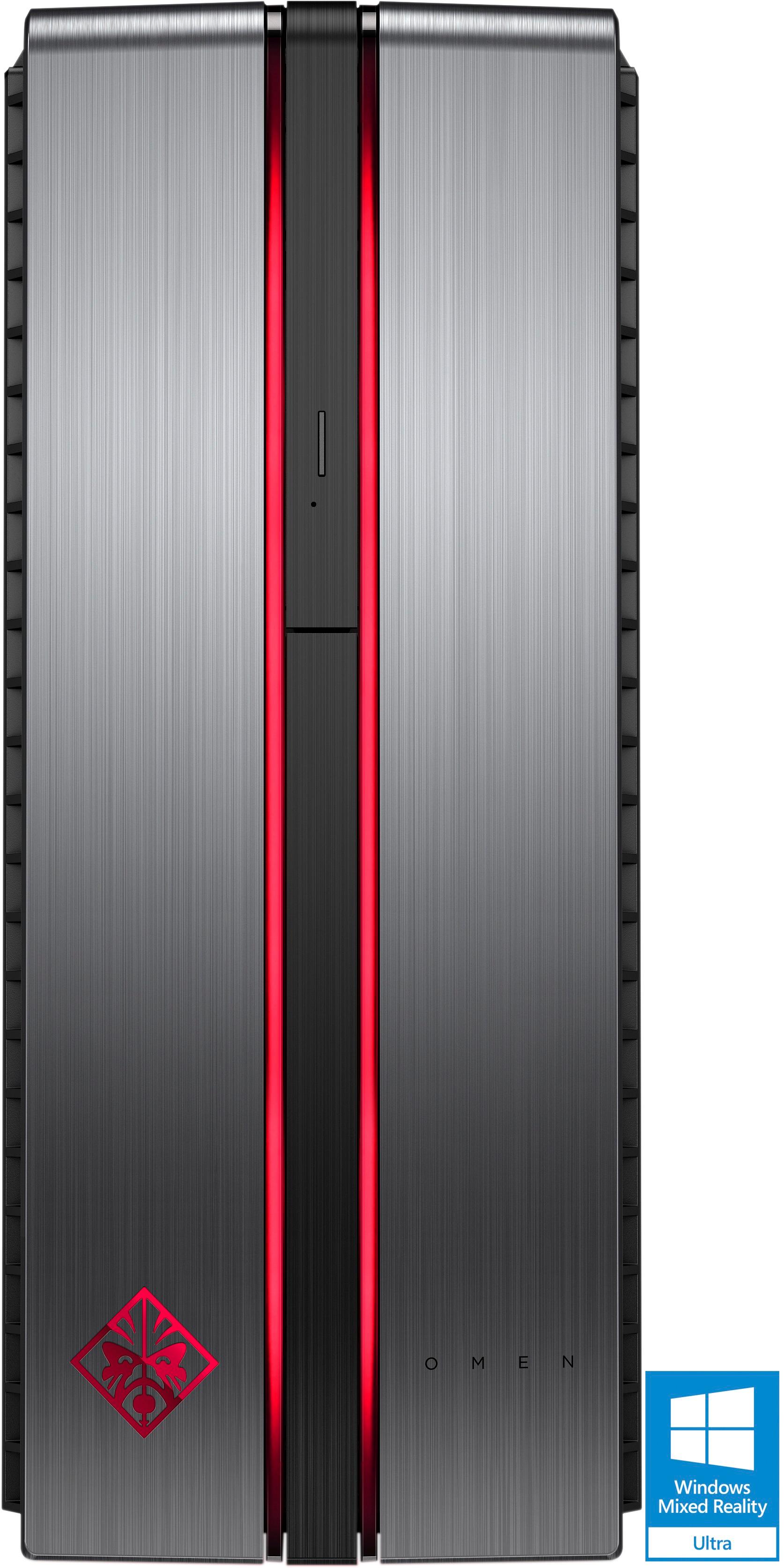
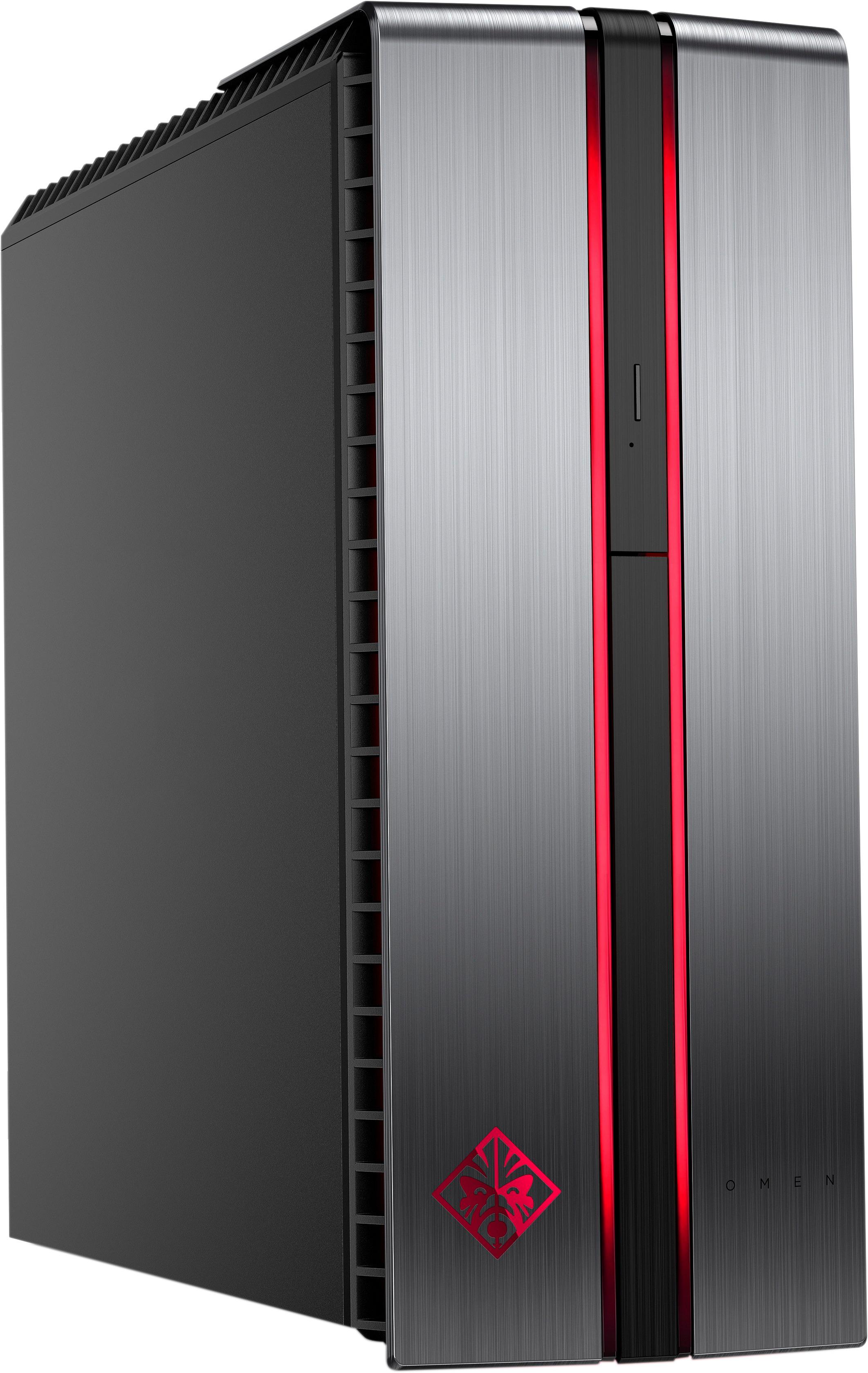
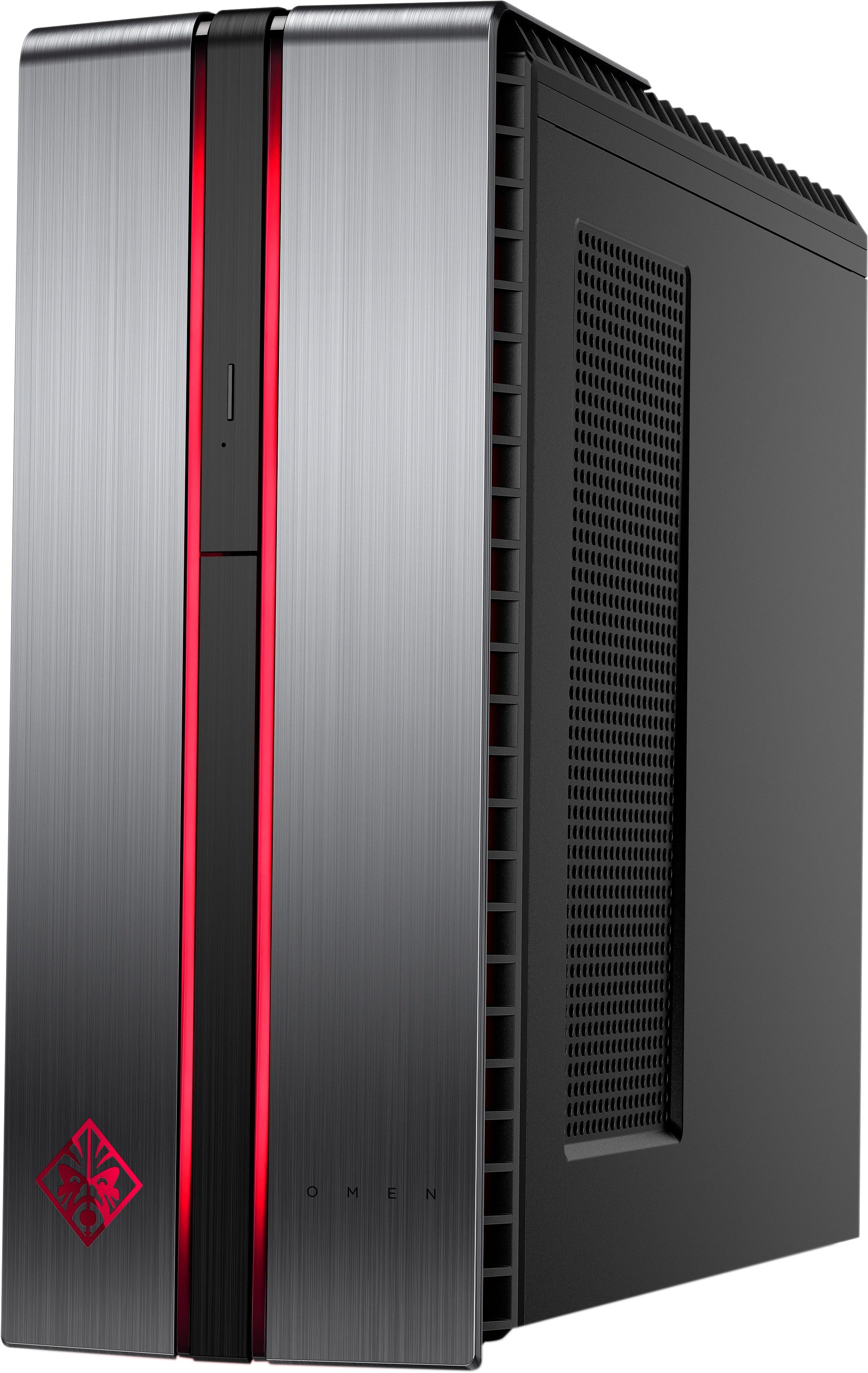
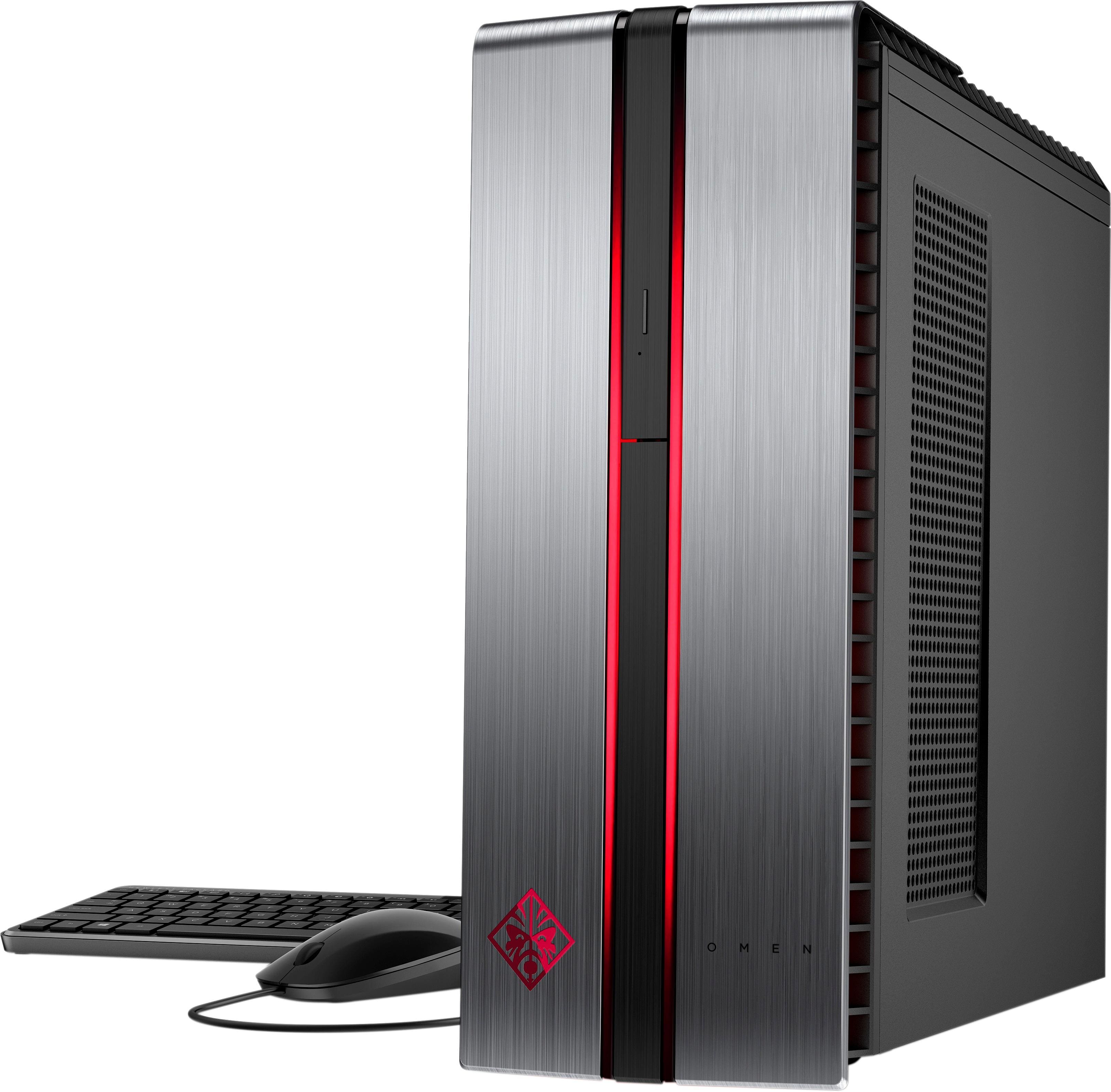
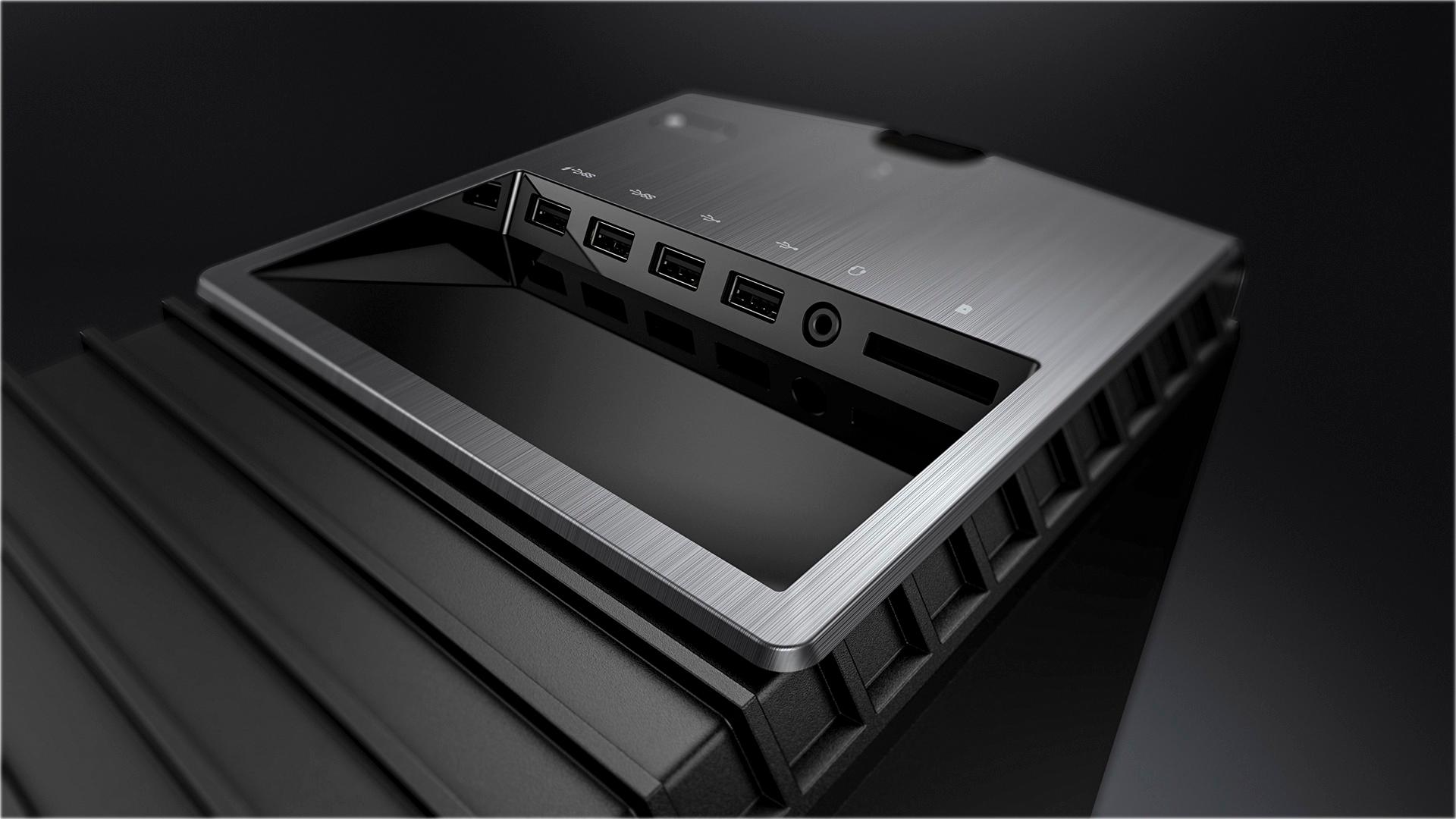
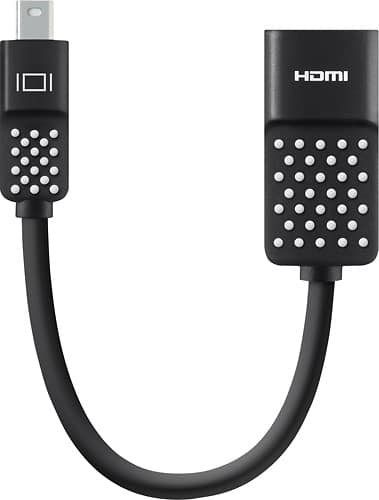
A:AnswerThere are four USB ports on the Top of the PC (two are high speed) indicated with the SS. There is a headphone jack and also a media card reader on top. On the back of the PC there are an additional 4 USB ports. One important item to note is that you can only use the Video ports on the Video card that was installed in the PC, so the two onboard HDMI ports are disabled since the video card is plugged in. The Video card has one HDMI and three Display ports. I bought this PC just to use with the HTC Vive. So I needed to plug the HTC Vive into the HDMI port and then needed to go Display port to my TV. My TV does not have a Display port so I was lucky enough to have a Display port to HDMI adapter. I only had this adapter because I have had some HP servers and workstations that required this in the past. Below is a link to the Display port to HDMI adapter. You can have up to three of theses going out to three different displays or monitors along with the HDMI.
https://www.bestbuy.com/site/dynex-displayport-to-hdmi-adapter-black/8720184.p?skuId=8720184&ref=212&loc=1&gclid=CjwKCAjwrNjcBRA3EiwAIIOvq1EB9b8Y3k_mchrGuBRB7gI9tFVZK0bCweNm4q9QbQj702XZeeMvixoC8PsQAvD_BwE&gclsrc=aw.ds
By the way - the HTC Vive works incredible with this PC
A:AnswerI believe it would run quite easily in the existing case with the PSU. If anything, I would upgrade the PSU just to have a little bit extra power for future upgrades.
A:AnswerYes, it would work on its side. I would recommend perhaps using some adhesive rubber feet to give a little bit of extra space on the side to allow some air flow.