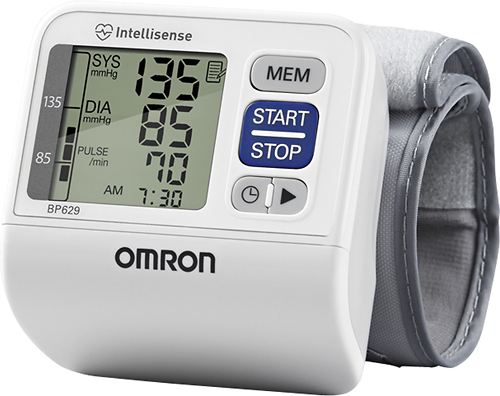
A:AnswerTo delete the memory, press the start/stop button to turn the monitor on. Next, hold the MEM button and the start/stop button at the same time for more than 5 seconds. For more information, visit www.OmronHealthcare.com. Thank you!
A:AnswerThe new model does not work effectively. You want the one that is pictured here, but that is not what you will get. This is the old model and it works fabulously. The new one does not and is a hassle to try and use. Rediculous!!!
A:AnswerThis is one of the worst blood pressure machines, I have ever gotten. I am returning it! There is no light to see BP in dark, no light color to tell you if it is on correct to get a good accurate reading of your blood pressure.