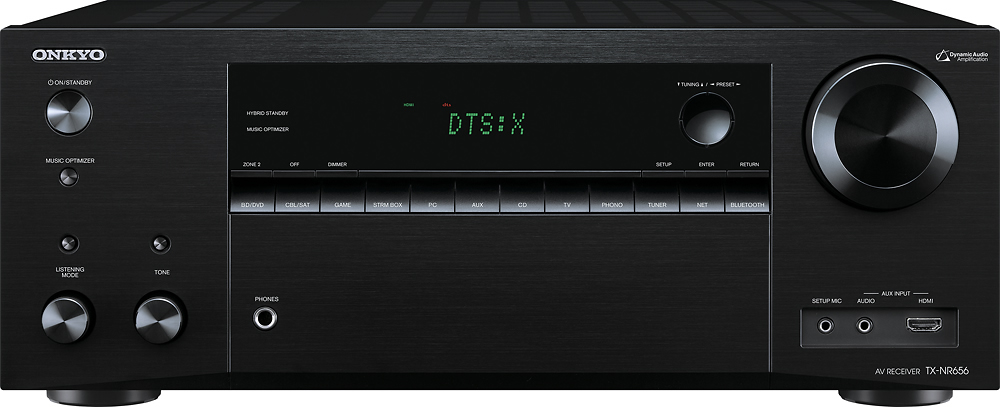
A:AnswerInputs that are audio only can be selected while passing through video. e.g. With the cab/sat selected choosing CD or phono will cause the audio from those to play while the video from cab/sat continues to play.
A:Answeryes it will. I will try and send you a copy of the advanced manual as a pdf. There are things I do not like about the receiver but the sound is not one. Very good through my speakers with better than normall range.
https://files.acrobat.com/a/preview/324bd365-69a1-44e2-beab-ac9a21633e1e
A:AnswerIf you get Sirius Radio on your computer you can WIFI to the receiver from your computer. Pandora can be streamed directly to the receiver from the net.
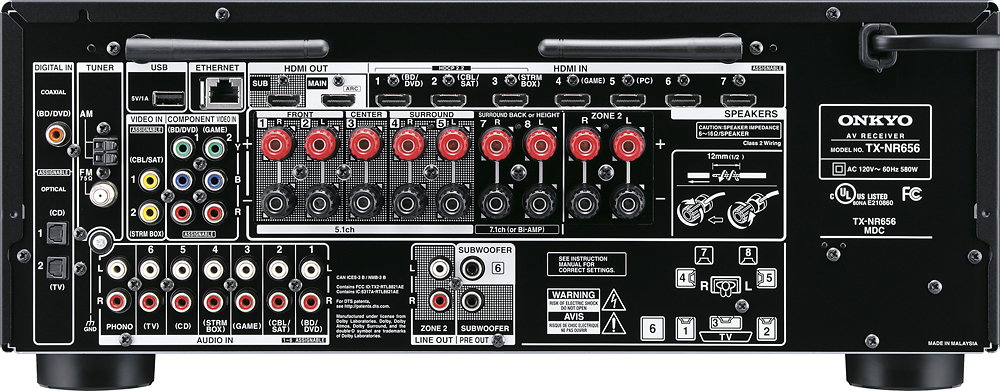
A:AnswerUnfortunately I believe the answer is no. The Onkyo receiver is Bluetooth capable but only for inbound
Signal such as an iPhone. It does not send a Bluetooth signal out.
A:AnswerYup. Each zone is independent of the other. With separate source options and volume controls. I usually have my phone connected to the Bluetooth for zone 2 while I have the cable in surround sound for the ball game.
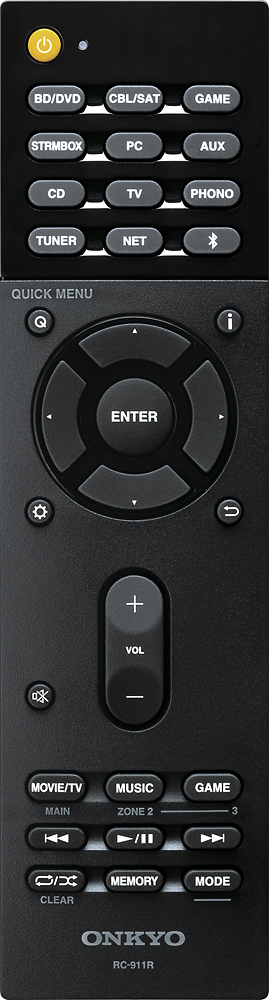
A:AnswerIf you go in the "settings", and go to option 4 (source), there is a "name edit" option. You can rename any of the inputs to show whatever you want. Hope I understood your question correctly.
A:AnswerNetflix is a video streaming service. It can’t be installed o n the NR-656. However, a Netflix video signal can be passed through the NR-656 to your TV if you have a Roku, FireTV or other streaming device with the Netflix app on it.
A:AnswerThe knob on the bottom left corner under the words listening mode needs to be on surround. In the left side of the display is 7 boxes that represent each speaker. As you turning it will light up a box for each one that is on. See if that works for you. If not resend message. Hope it helps