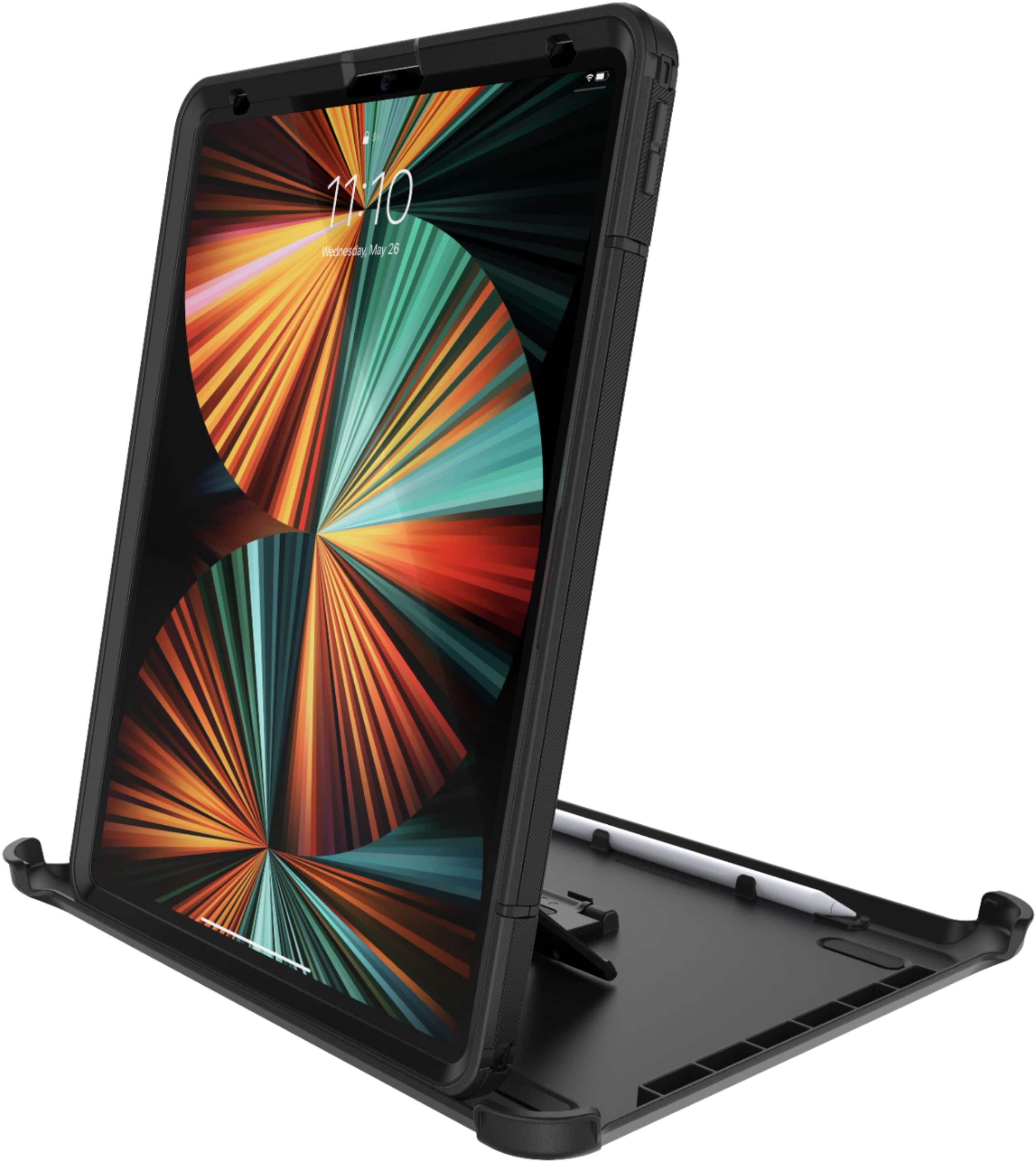
A:AnswerPull the screen down and click the rotate button on or off to make it full screen compatible when you’re on your side or click it on to make it back to normal
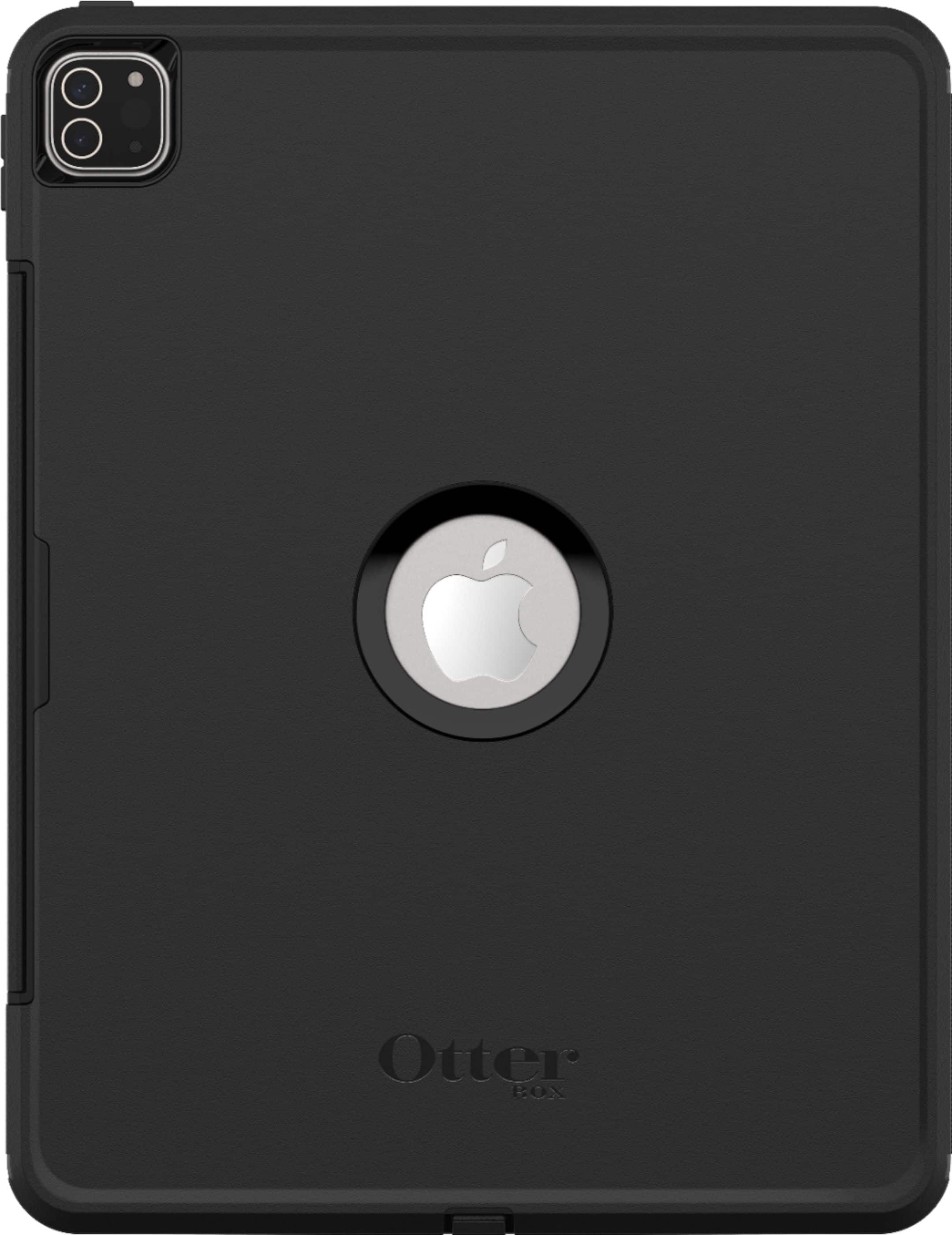
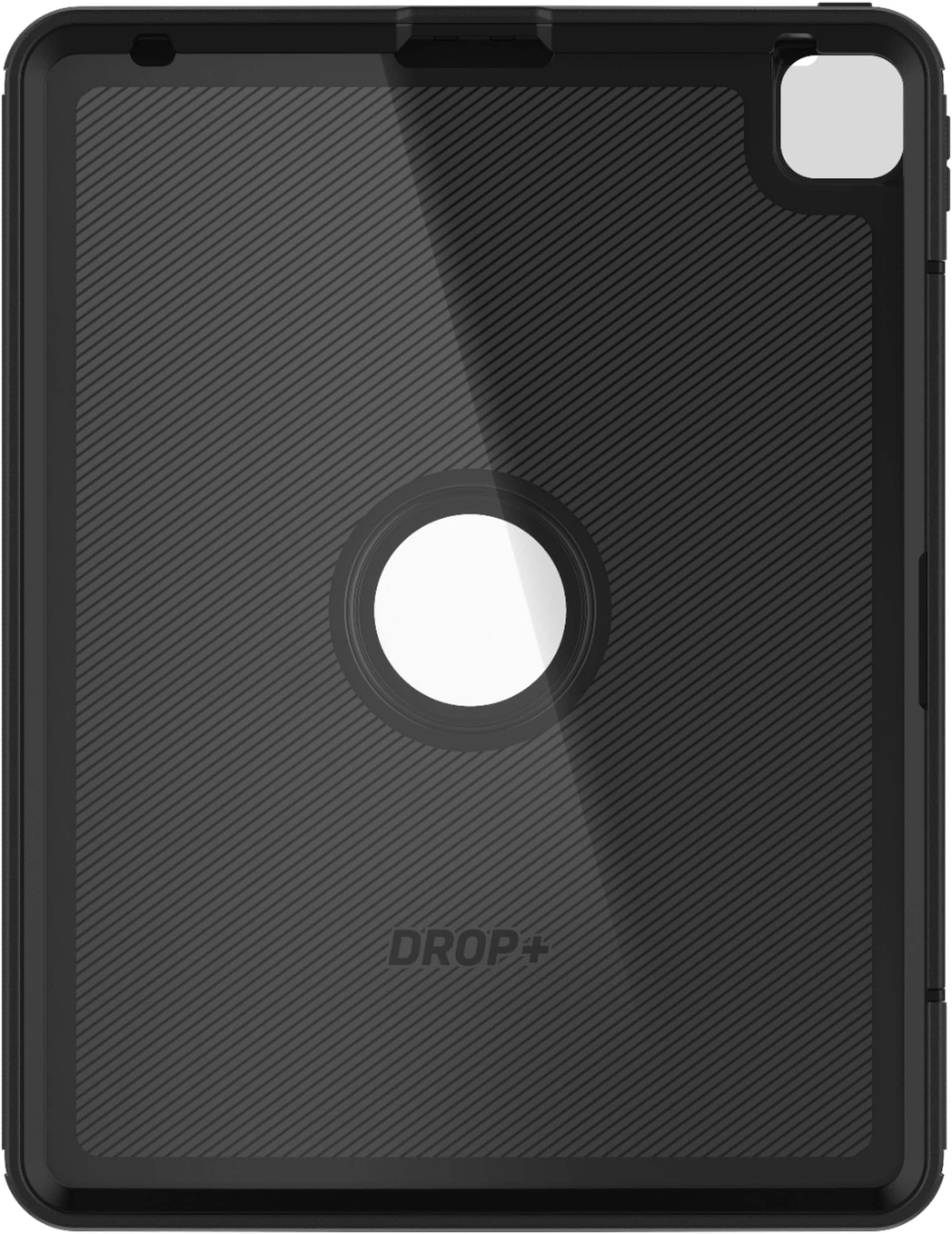
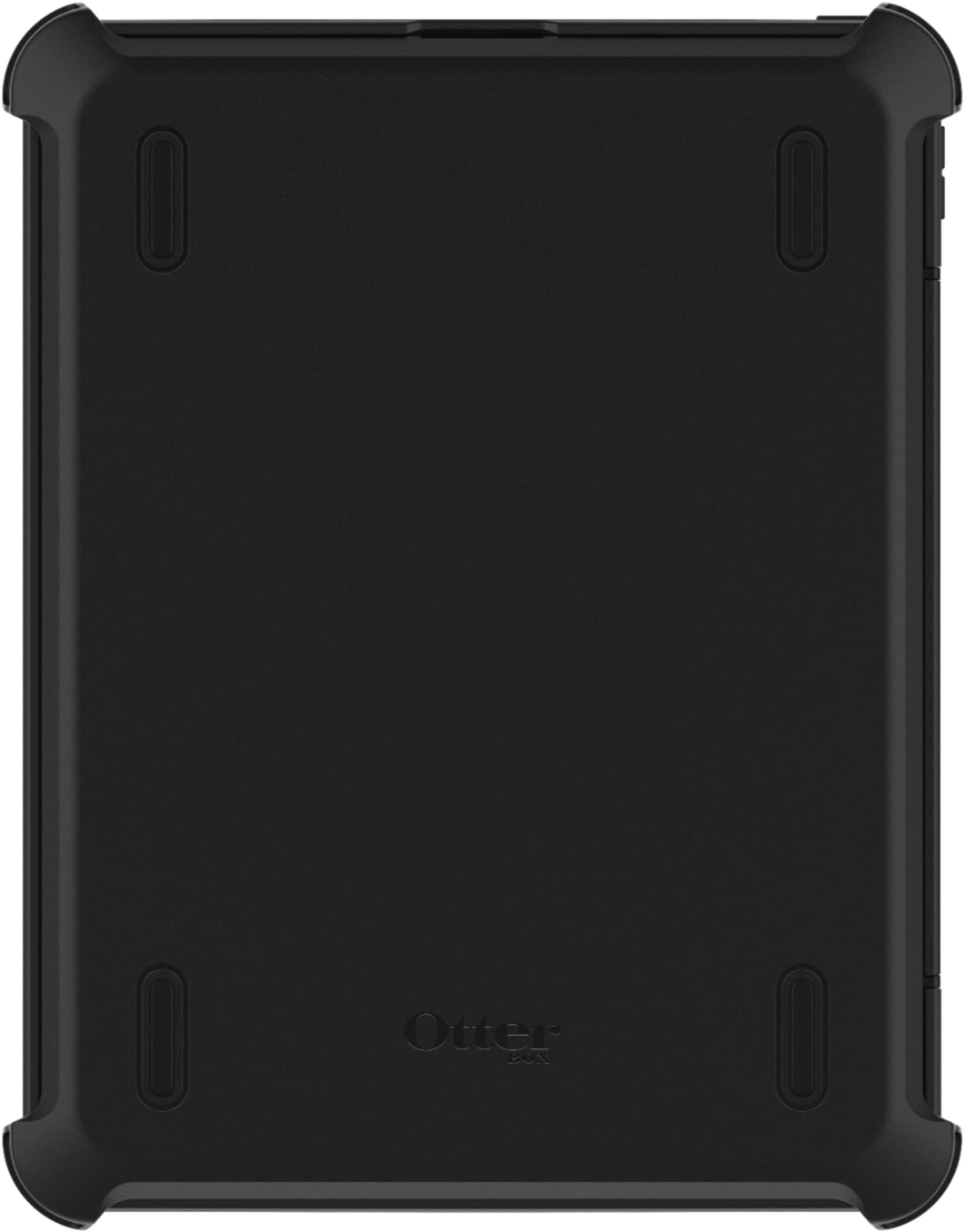
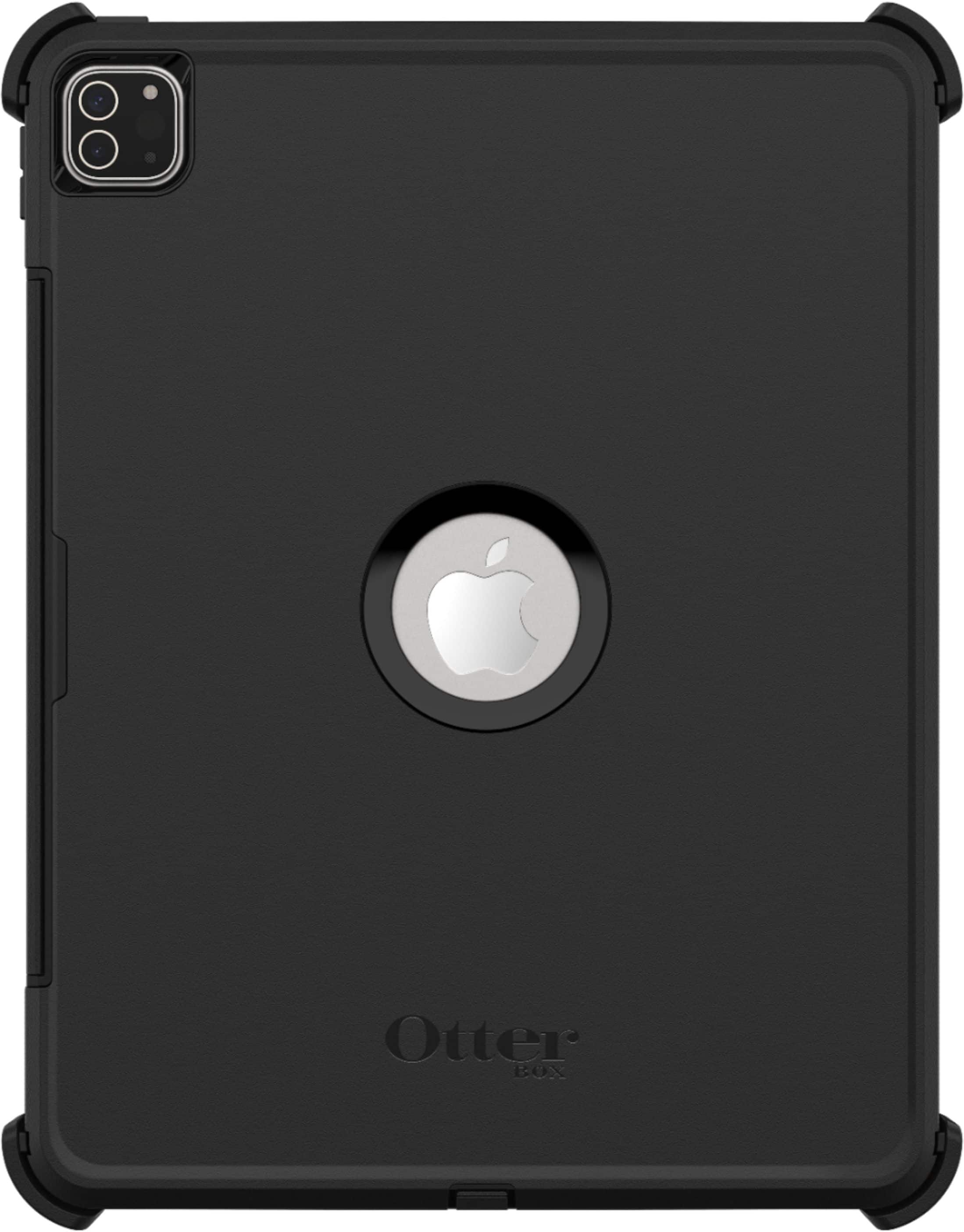
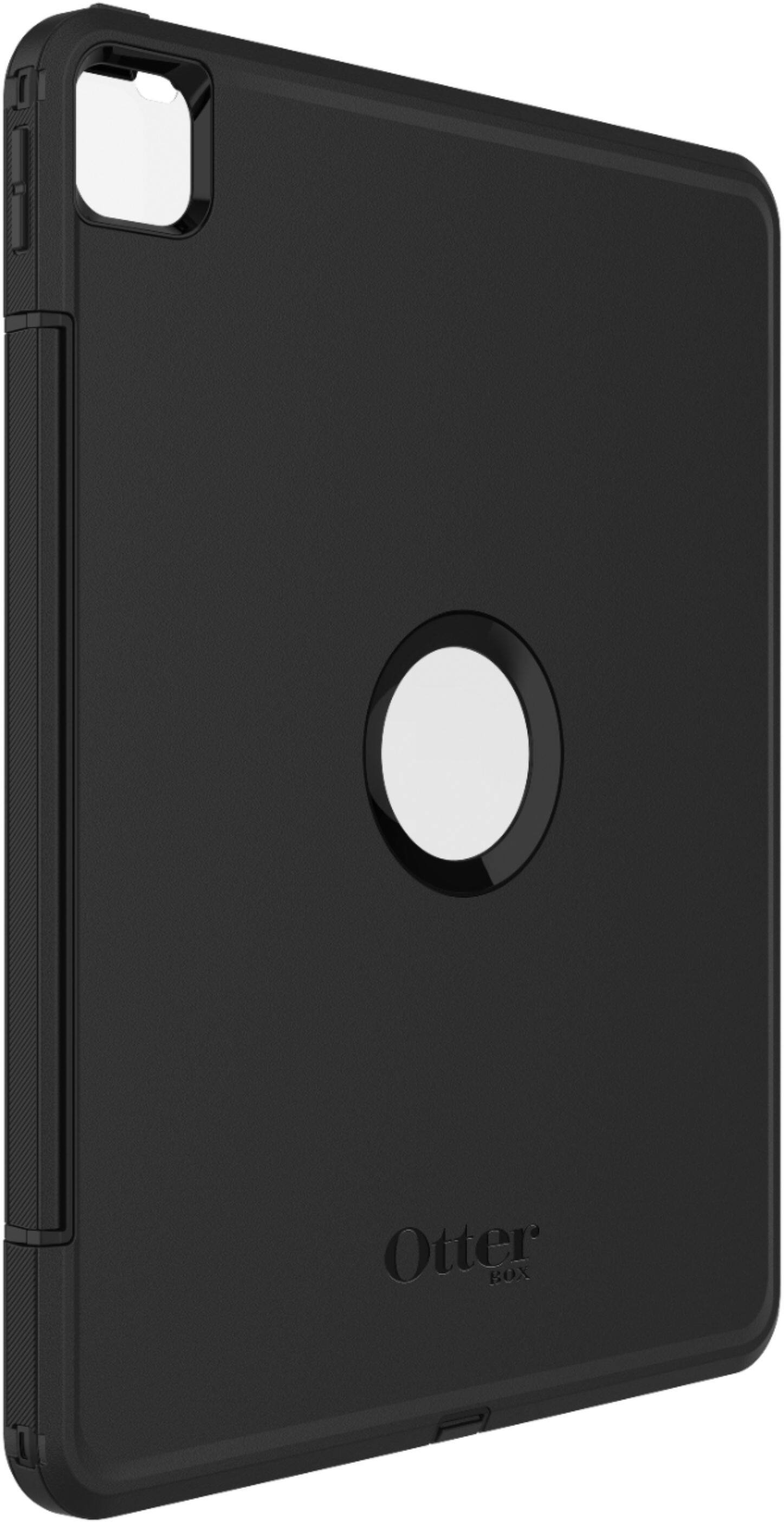
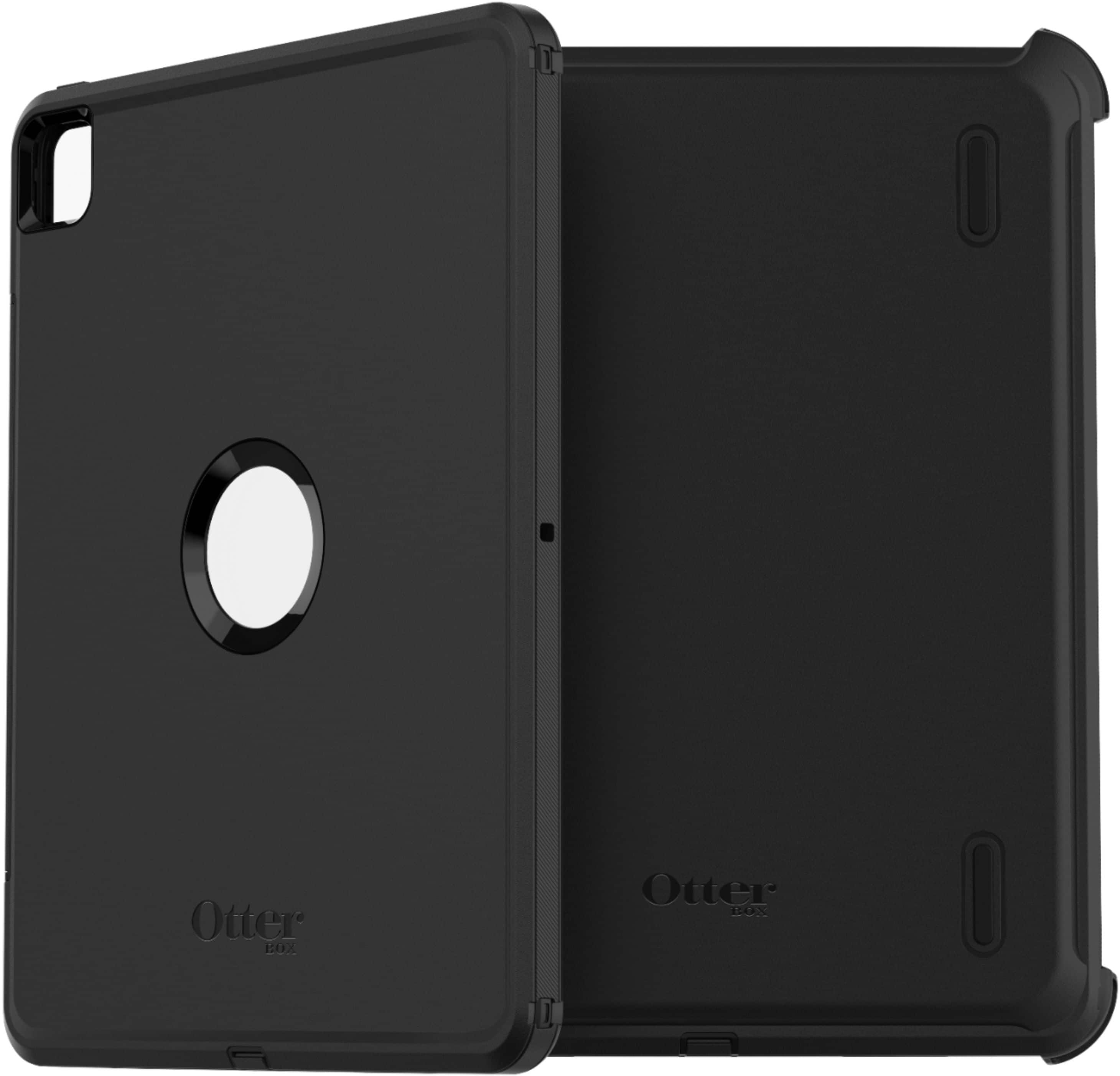
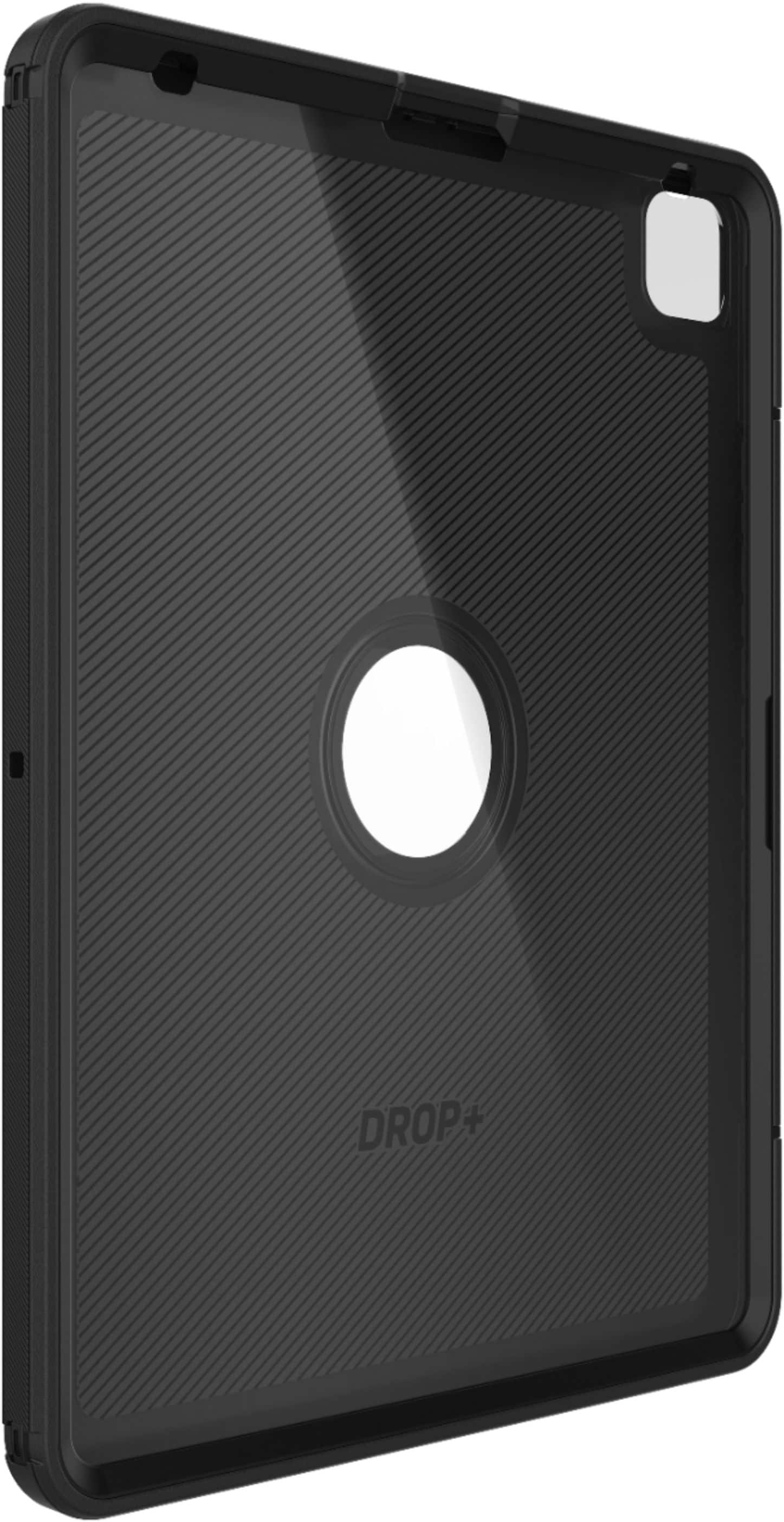
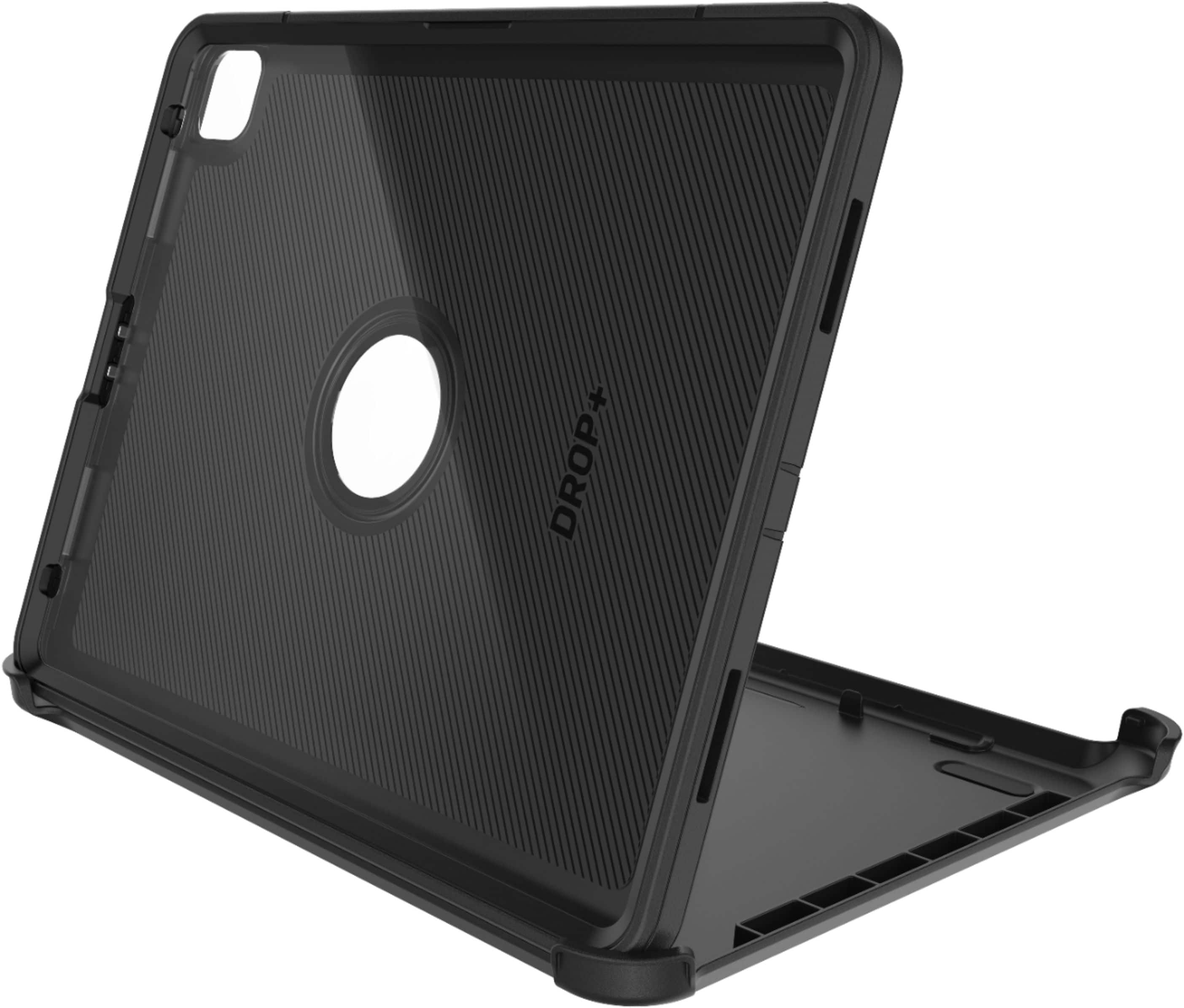
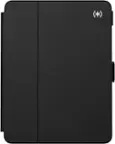
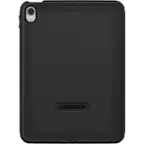
A:AnswerThere are little clips on the sides of the case it’s first protected with rubber and then when removed there are tiny little clips to open all the way down to take off the hard shell
A:AnswerIt is possible that it may have caused interference with the functionality of the Apple Pencil. Another possibility is that sealing it within the case may aid to the iPad overheating which could lead to premature battery deterioration.. I think in this version OtterBox is headed towards giving you the sleekest, but the best amount of protection without too much interference in the functionality of the device that it is protecting.