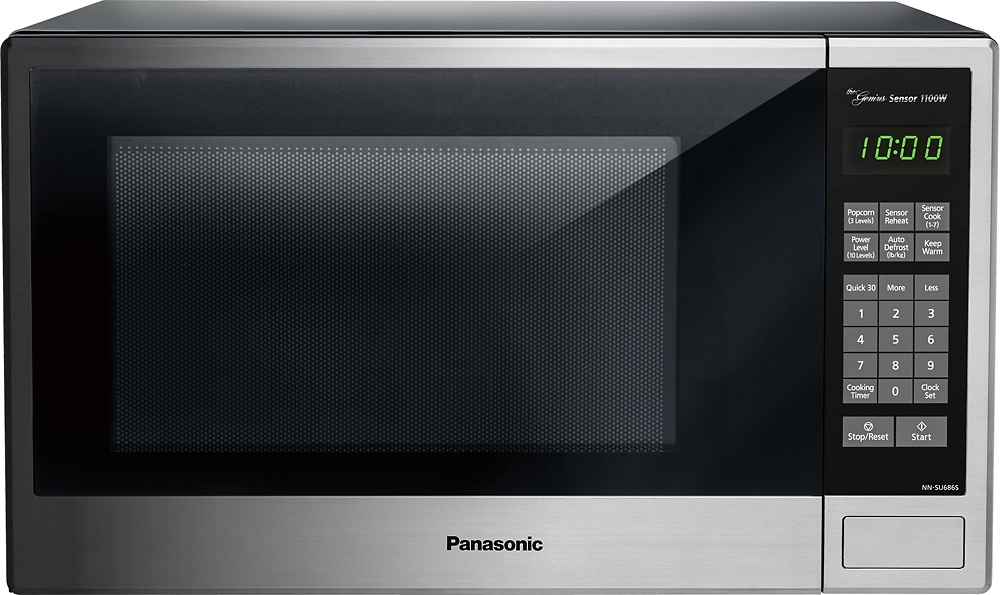
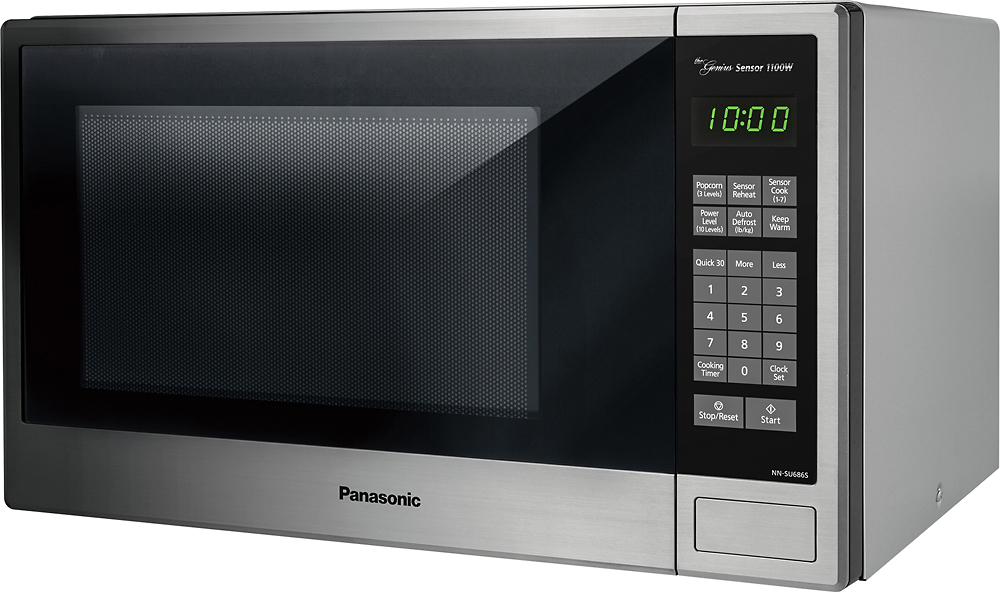
A:AnswerPlease see below the specifications for the "keep warm" feature:
http://help.panasonic.ca/PCS/OperatingInstructions/NNSU676S,%20NNSU696S,%20NNSU686S,%20NNSU656B,%20NNSU676B,%20NNSU656W,%20NNSU676W_En_OI.pdf#page=8
A:AnswerA similar question was answered about a week before you asked. (Use search feature for Questions) Apparently Genius Sensor is felt to be better. I'll copy/paste Panasonic's response:
This unit has Genius Sensor, with it you can Cook/Reheat. Panasonic takes the guesswork out of creating great meals by automatically setting power levels and adjusting cooking or defrosting time. The Genius sensor does the thinking for you, measuring the amount of steam produced during cooking and signaling the oven's microprocessor to precisely calculate the remaining cooking time at any power level.
A:AnswerIt has a three prong plug. One of which is a ground for safety. You can put a two prong adapter on it but I'm not sure sure I'd recommend doing that. Most homes should have three prong outlets on the wall unless it's a very old home or one that has not been converted to three prong outlets.