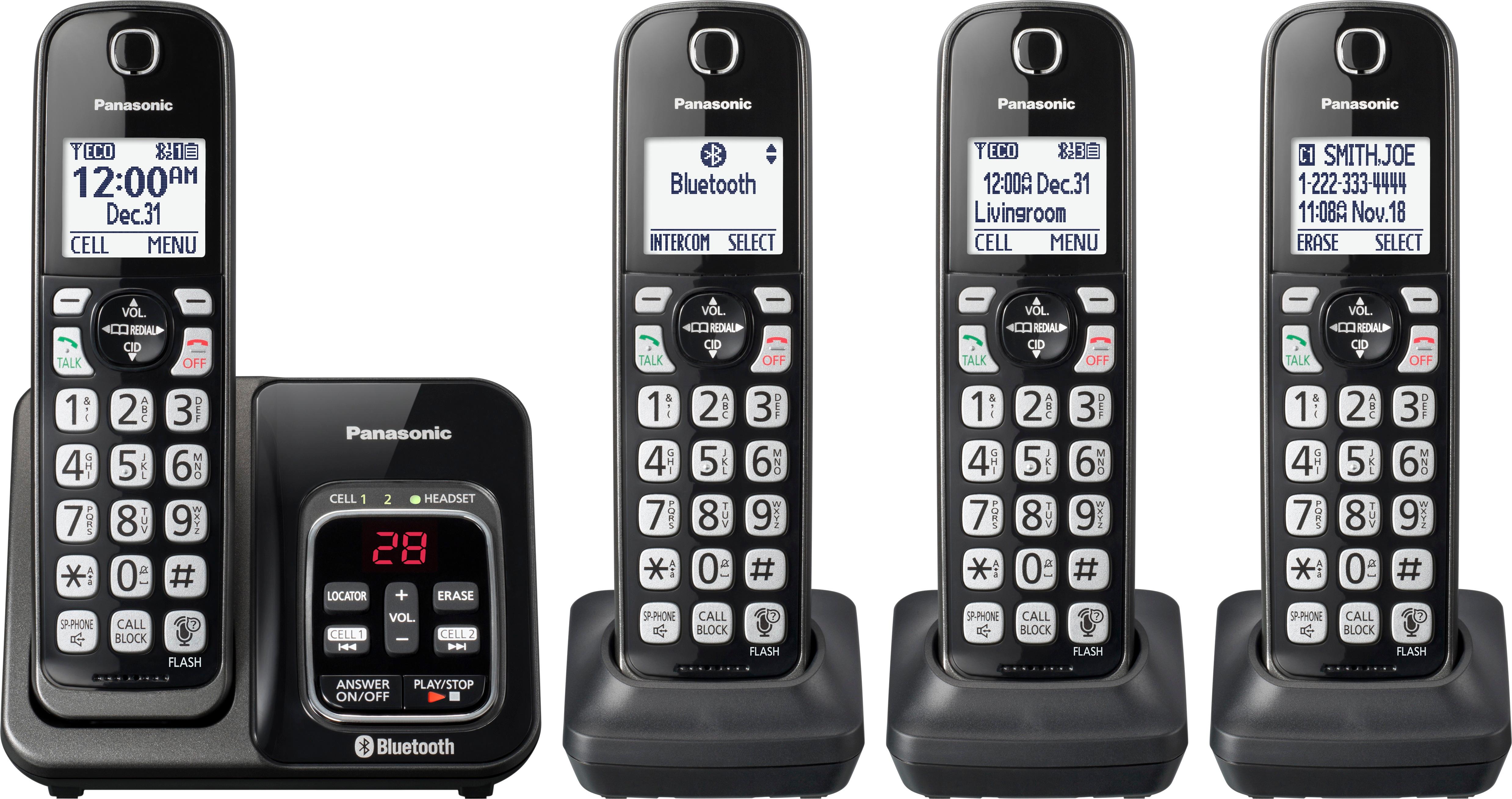
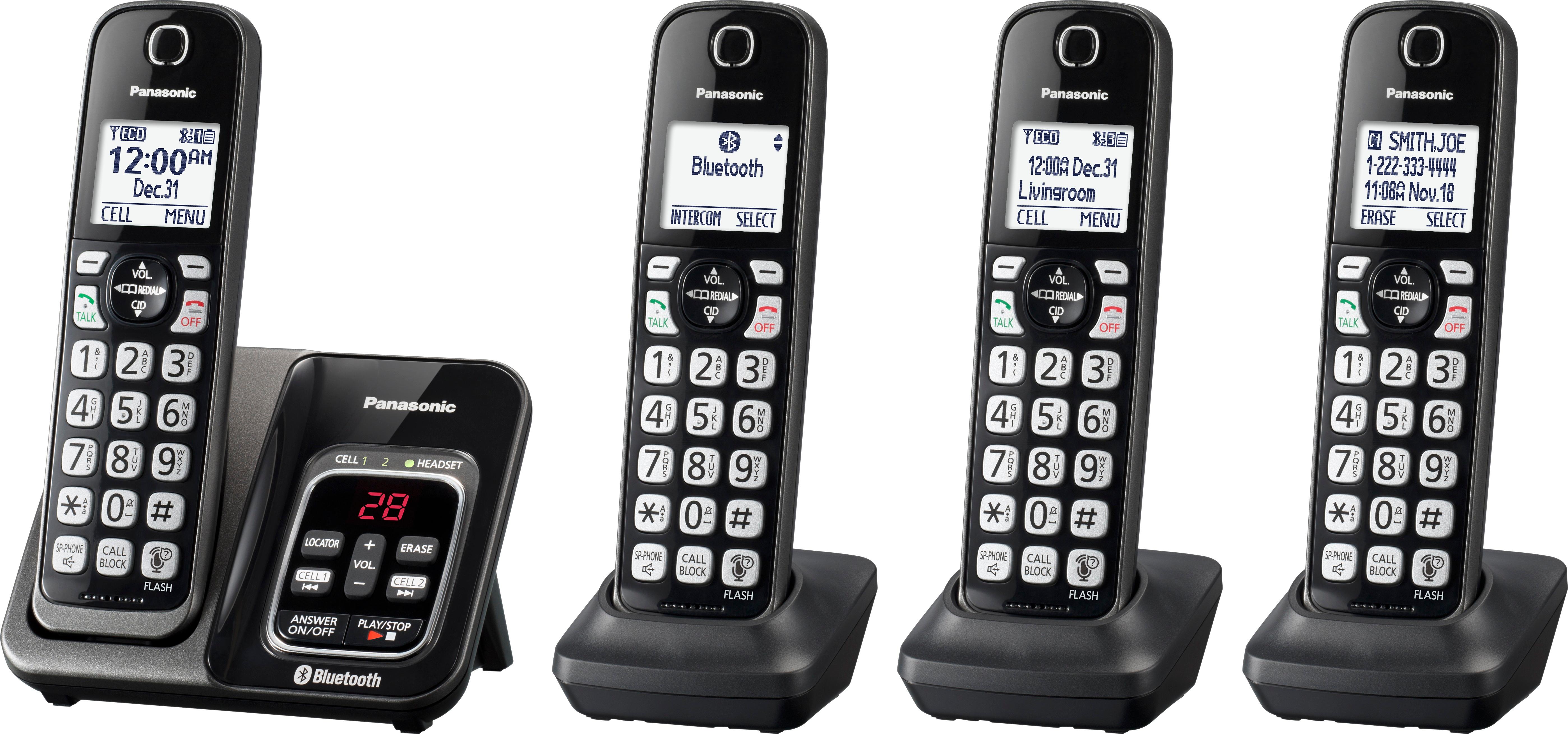
A:Answer You can turn off the Answering Machine by pressing MENU and then #328. You can also set the ring count by changing the number of times the phone rings before the unit answers calls. You can select 2 to 7 rings, or “Toll saver”.The default setting is “4 rings”. For “Toll saver”: the unit’s answering system answers at the end of the 2nd ring when new messages have been recorded, or at the end of the 5th ring when there are no new messages. If you call your phone from outside to listen to new messages, you know that there are no new messages when the phone rings for the 3rd time. You can then hang up without being charged for the call.
1 MENU and #211
2 Press arrows and Select the desired setting.
SAVE and OFF
If you subscribe to a voice mail service, messages are
recorded by your service provider/telephone company too. If you press MENU then pound key (#) and then 211 and set it to 3 rings, your messages will go to the answering system and not to the voicemail.