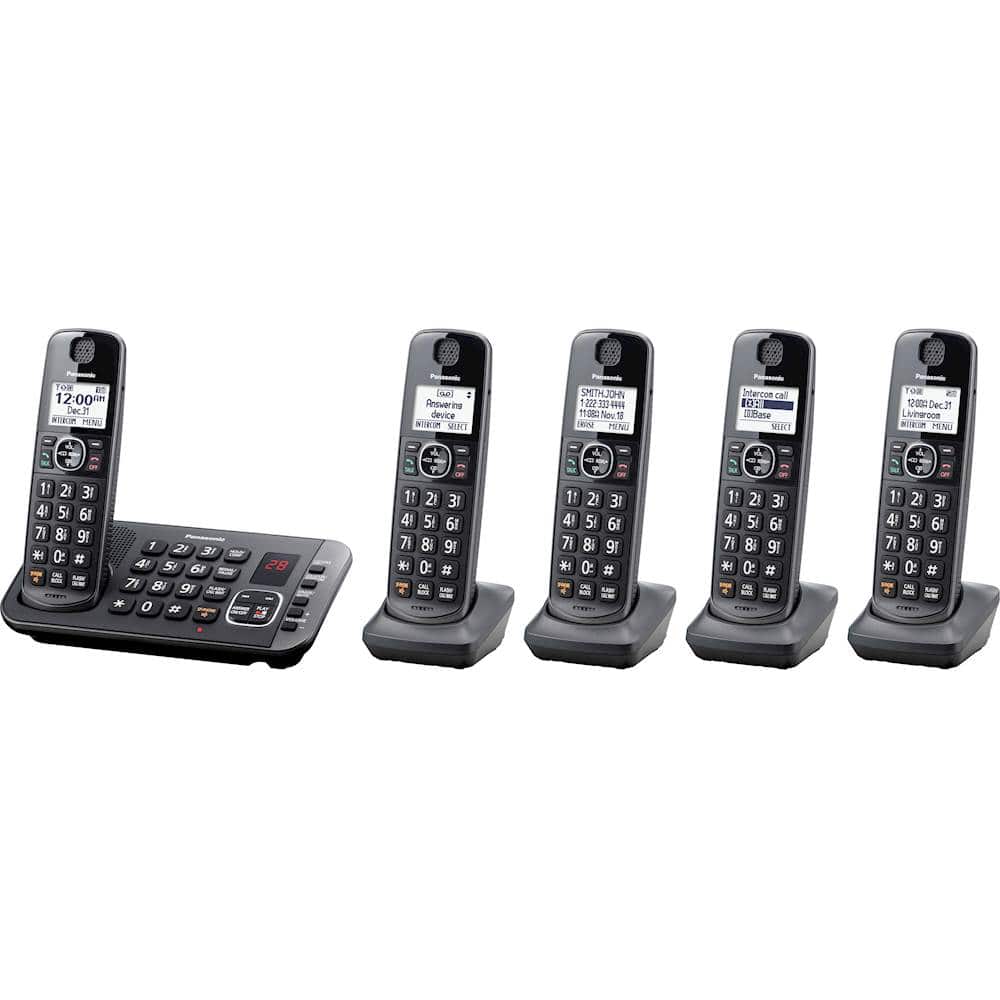
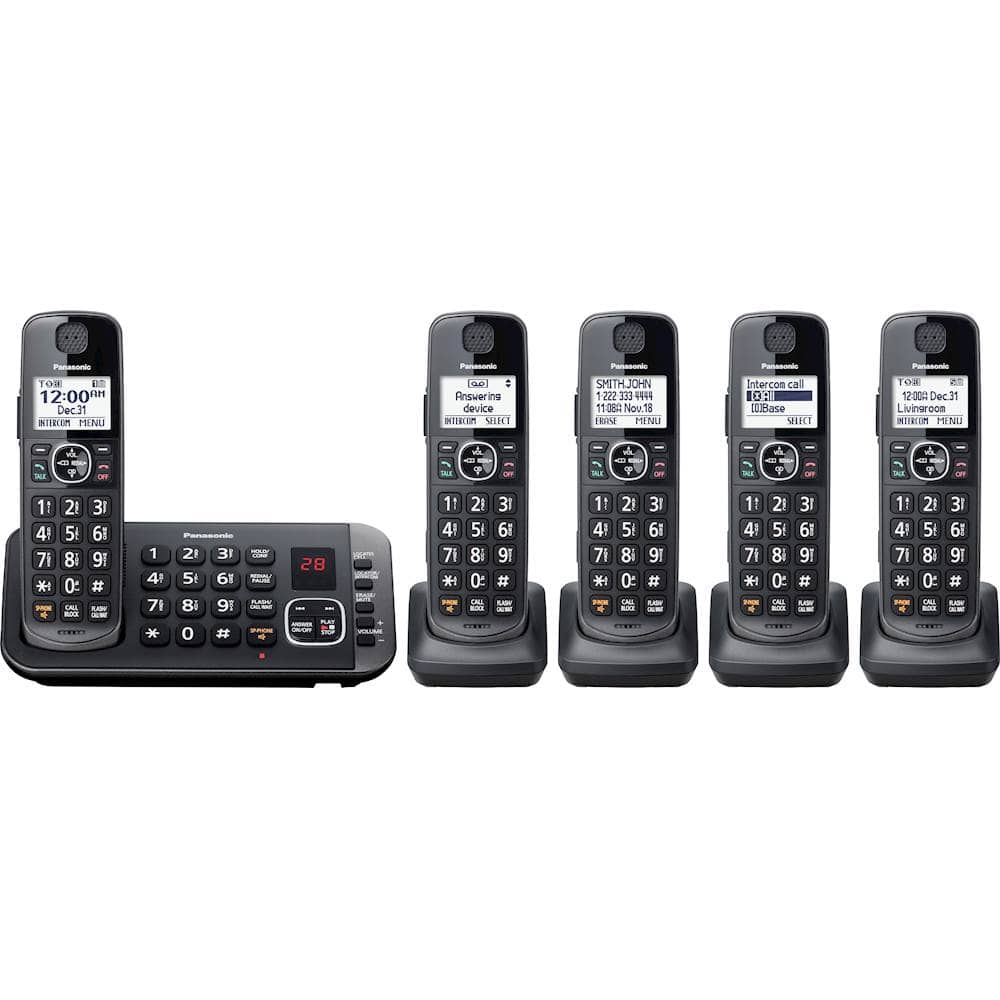
A:AnswerYou won't be able to pair two phone systems, but you can have the same line on both phones. Base units must be placed far from each other to avoid interference.
A:AnswerWe would need more information in order to have a better understanding of your inquiry. If you’re open to discussing it further, please contact Support Team via Live Chat on the Panasonic Website, Contact Us option, Mon-Fri, 9am-5pm EST.
A:AnswerA total of 3 separate alarm times can be programmed for each handset. You can set one of 3 different alarm options (once, daily, or weekly) for each alarm time.
A:AnswerWe would be more than happy to look into it further. Please contact our Customer Service Team via Live Chat on the Panasonic Website, Contact Us option, Mon-Fri, 9am-5pm EST.
A:Answeryes. It announces the number, or the name if you have that entered in your directory (phonebook).
You can also customize the ring tones to help quickly distinguish calls from folks you really want to talk to.
A:AnswerWe would need more information in order to have a better understanding of your inquiry. If you’re open to discussing it further, please contact Support Team via Live Chat on the Panasonic Website, Contact Us option, Mon-Fri, 9am-5pm EST.