A:AnswerIn order to adjust the Ring Count please press menu #211 and follow the on screen instructions.
If you need further assistance please contact us on the shop.panasonic.com/contactus Mon-Fri, 9am-5pm EST.
A:AnswerPlease contact your Home Network Provider and check with them in the first place.
If there is no issue from their side please reach out to our Live Chat support on: shop.panasonic.com/contactus Mon-Fri, 9am-5pm EST.
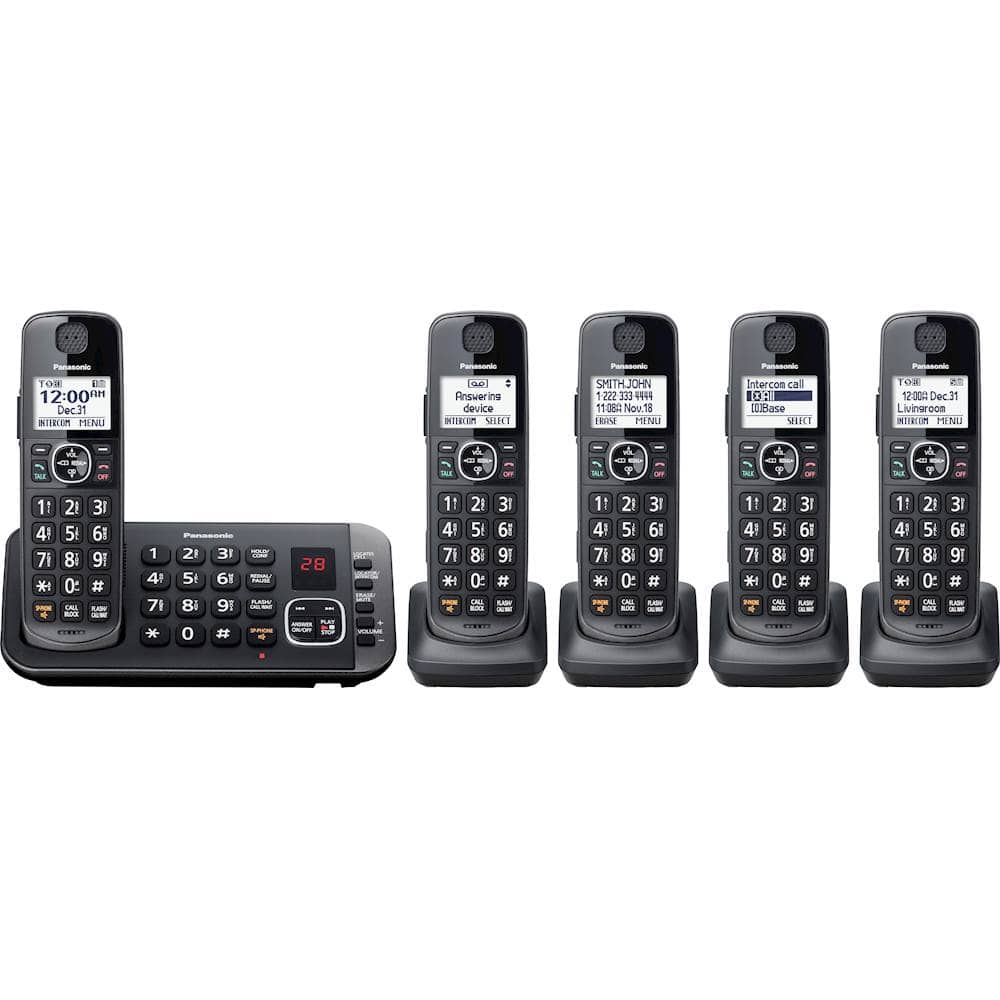
A:AnswerYes, phone screen and dial pad are back lit. Caller name and number are displayed on incoming calls. However, if name is not available then a "not available" is displayed. This process is on all active handset phones.
A:AnswerHi Rose, a new phone should come with the manual. We have also provided the link ftp://ftp.panasonic.com/telephone/om/kx-tge632_mul_om.pdf to the manual as well.
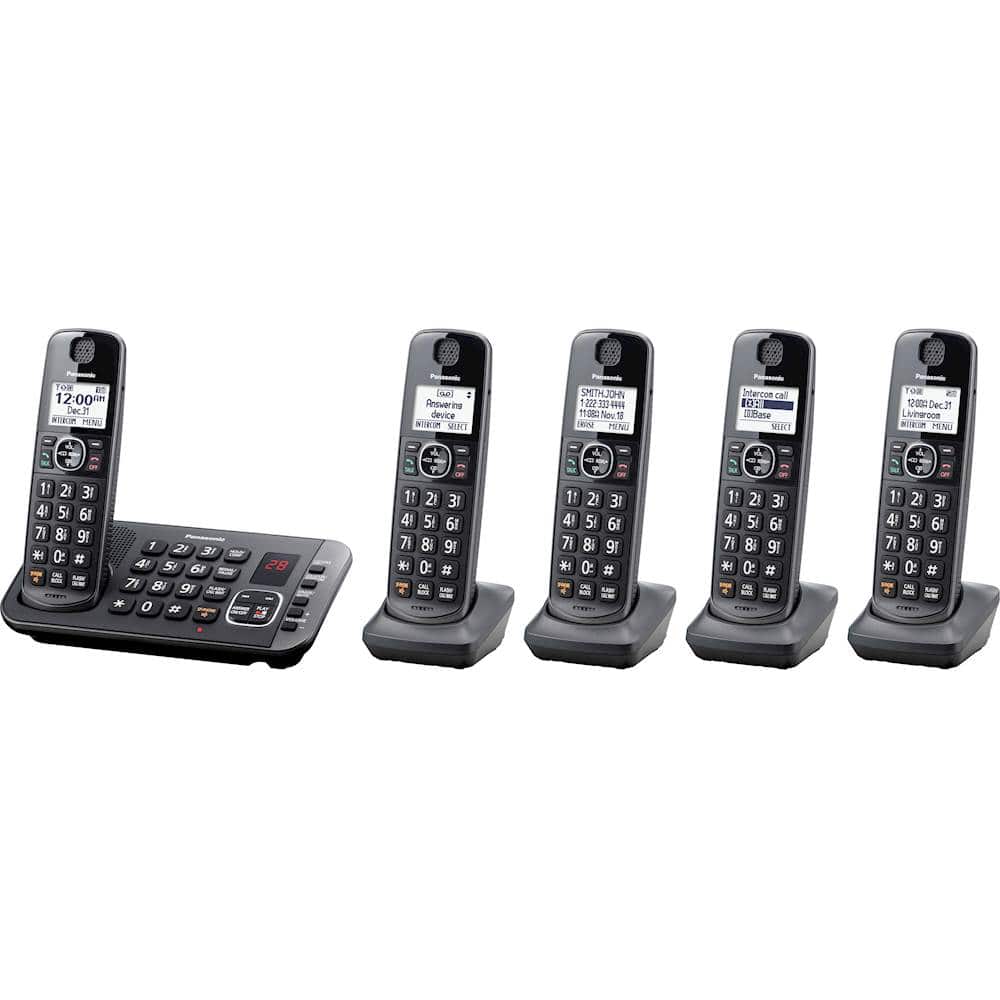
A:Answer3 total. The main base unit (with message recording) and 2 smaller bases. I have the main unit upstairs and 1 of the remote bases in the kitchen and another in a bedroom. They all work well. The intercom feature is nice also.
A:AnswerHello and thank you for your question! You can turn off the Verbal Caller ID by pressing the Menu button, then the # key and entering 162. Then select the Off option and press Save. Please note that this needs to be set on each handset individually. If you are using the Automated Call Block feature, then callers not in your phonebook will have to enter the access number. If you wish to manually block calls as they come on, you can do so after turning off the Automated Call Block. We hope this information will be useful! - S
A:AnswerHello! In order to clear your call block list please press the Call Block button then select "Block a single number", after that please press Menu and select Erase all. After that make sure to select Yes and then Yes again. This will reset your list to 0 and you can start blocking numbers again. Hope this helps! - S
A:AnswerThe time on your phone is set to Caller ID automatic, which means that it will follow the setting on the Caller ID service you have with your phone company. We can change that from the settings of your phone. On a handset, press MENU then the # key and then the number 226. Go to MANUAL and press SAVE. After that, you will need to change the time again on any of the handsets and it will not change back. Hope this helps! -M
A:AnswerHello! The "New message alert by call" feature allows you to receive a notification by phone when new messages are recorded. The base unit calls a phone number you specify. You can then operate the answering system remotely to listen to the new message. To use this feature, you must store a phone number to which the unit makes the call to and turn on the new message alert setting. Hope this helps! -C
A:AnswerHello! This feature allows you to receive calls while you are already talking on the phone. If you receive a call while on the phone, you will hear a call waiting tone. If you subscribe to both Caller ID and Call Waiting with Caller ID services, the second caller’s information is displayed on the unit that is in use after you hear the call waiting tone. This feature allows you to receive calls while
you are already talking on the phone. Please contact your phone service provider for more details regarding this feature. -C