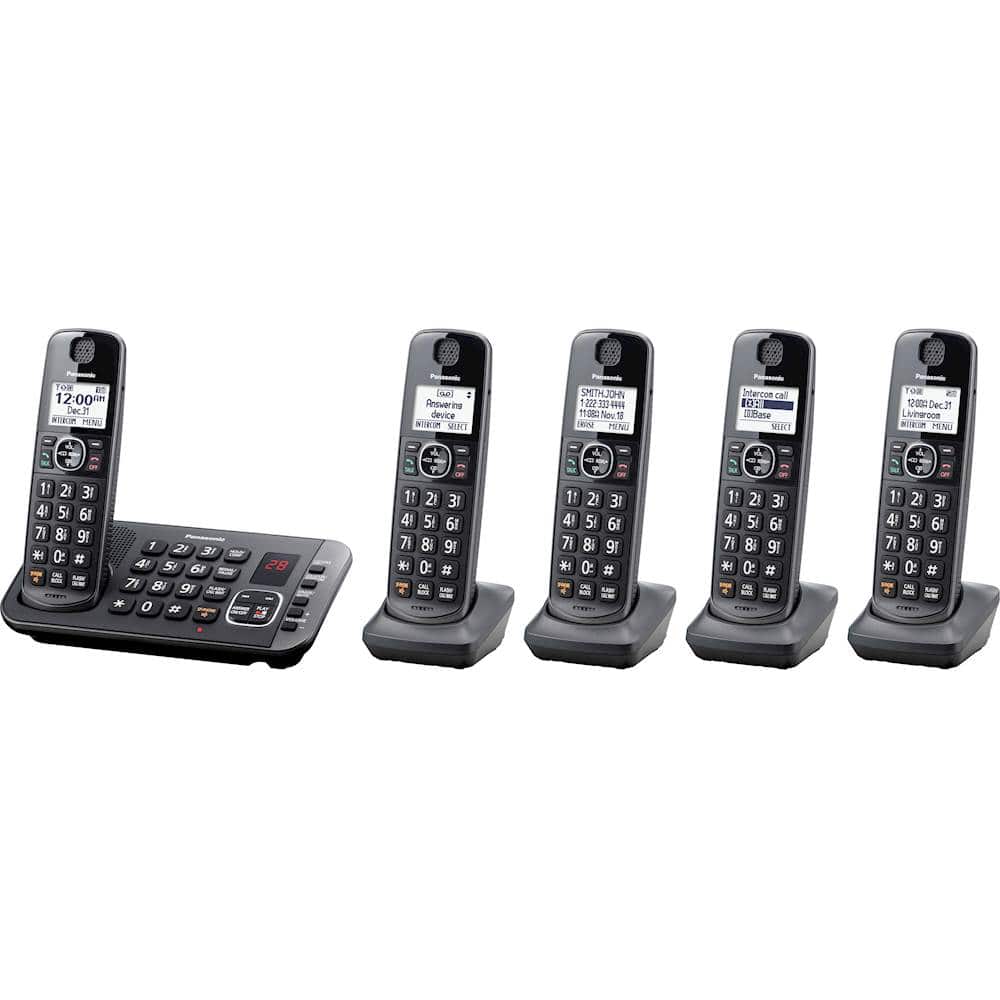
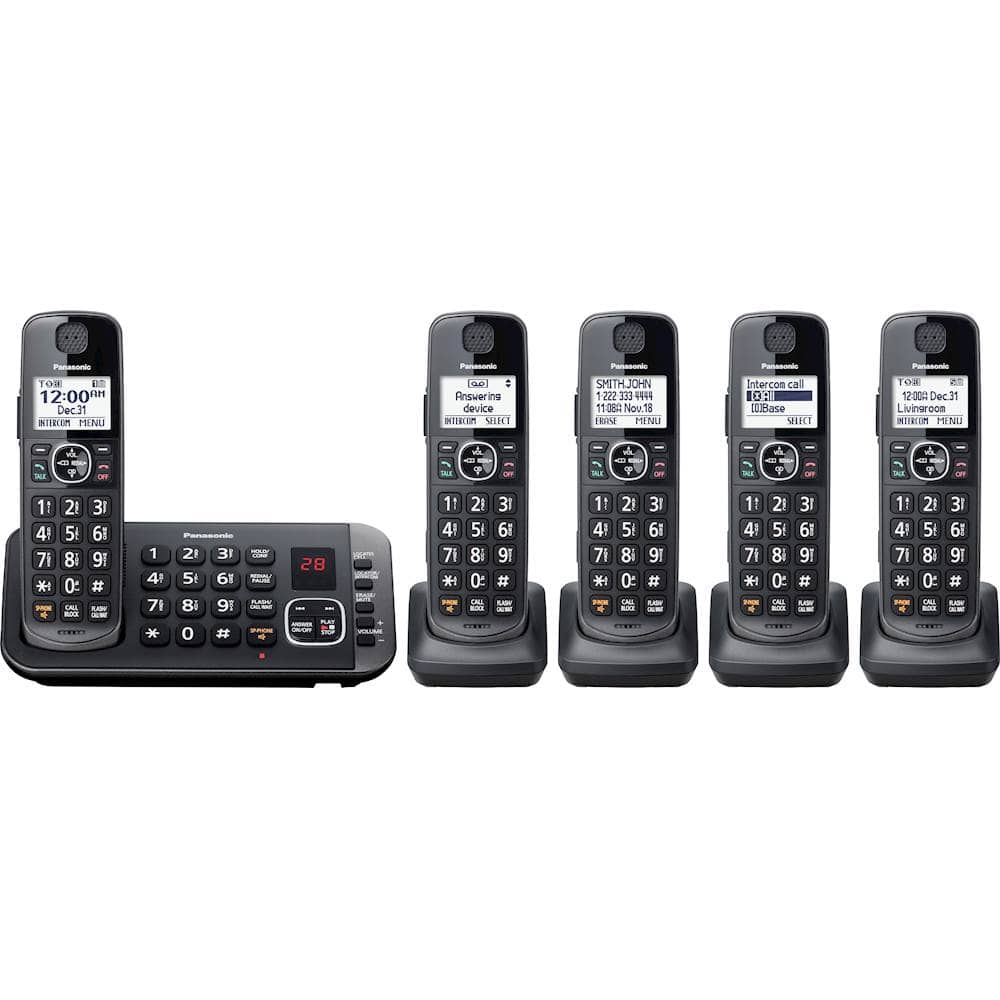
A:AnswerHello! Yes, you can mute the ringer on all handsets or just specific ones, depending on your preferences. This allows you to control when and how you hear incoming calls. - S
A:AnswerHi there! Some of the compatible handsets are: KX-TGEA60 (the original model), as well as KX-TGDA83, KX-TGDA86, and KX-TGFA88. You can find these through our website or at authorized retailers. - S
A:AnswerHello there! The models with a built-in keypad for the base unit are KX-TGE645 and KX-TG3845. The other models, which start with KX-TGE63 or KX-TG383, have a simple base unit without a built-in keypad. We hope this helps! - F
A:AnswerHi there! This phone uses AAA Ni-MH rechargeable batteries, two for each handset. The batteries can be recharged by placing the handset on its charging stand. We hope this helps! - F
A:AnswerHello there! To use intercom, please press MENU, then choose the option Intercom and press SELECT. Then select the handset you want to call to initiate the call. We hope this helps! - F
A:AnswerHello there! The phone system is cordless, only the main base unit needs to be connected with a power cord. Each handset comes with a set of rechargeable batteries included, which can be charged by placing the handsets on their charging bases (also included). We hope this helps! - F
A:AnswerHello Mike! The phone system comes with a charging stand for each handset. The charging stand will need to be connected via a cord to a power outlet (the cord is part of the charging stand). The batteries of the handsets will be kept charged by placing the handsets on their charging stands. We hope this helps! - F
A:AnswerHi there! In order to unblock a number that has been blocked please press the CALL BLOCK button, then select "Block a single number". After that please select the phone number you wish to unblock, press ERASE then select YES. We hope this helps! - S