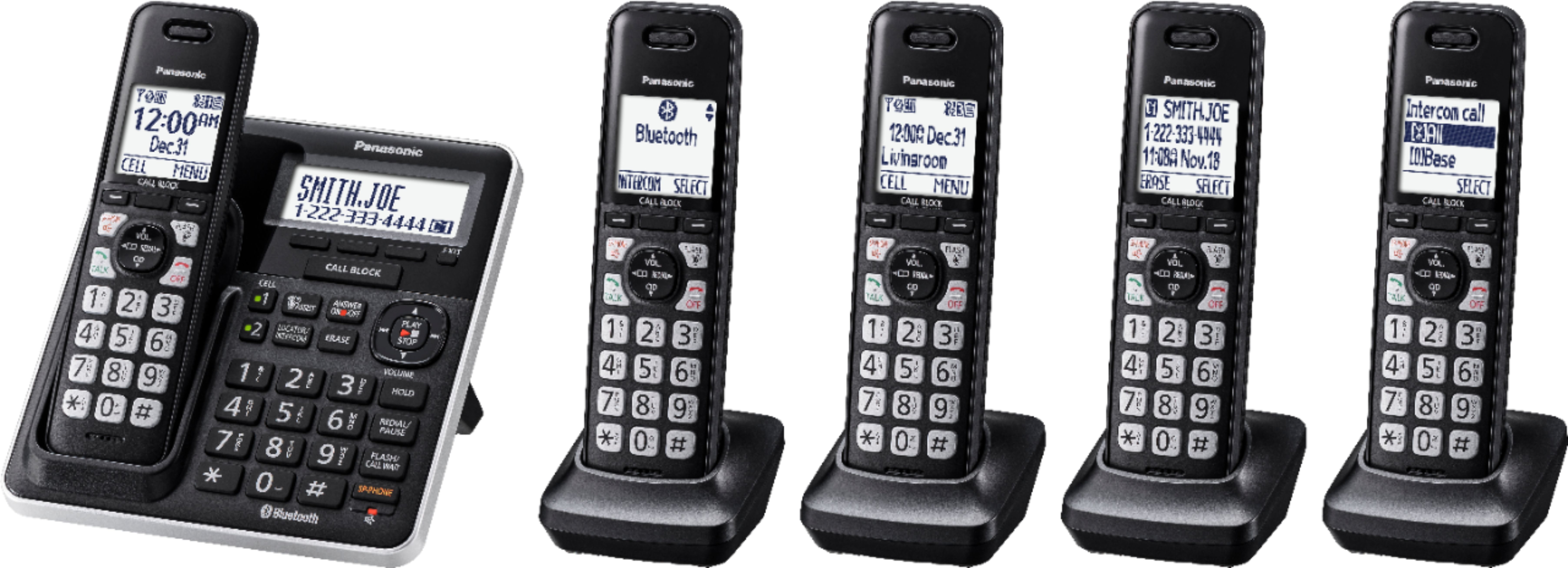
A:AnswerThank you for reaching out. You need to press CALLBLOCK button > block a single number > SELECT > press the arrow that goes down (CID) and go through the numbers until you find the one you want to unblock > erase.
A:AnswerThank you for reaching out to us! Kindly be informed that you can turn off the ringer on each individual handset. This particular model number is manufactured in Malaysia.
A:AnswerTo use call waiting or Call Waiting Caller ID, you must first subscribe with your phone service provider. This feature allows you to receive calls while you are already talking on the phone. If you receive a call while on the phone, you will hear a call waiting tone.
A:AnswerYou can but not well. There is a hook recess that would allow it to hang. The recess is in the center which, I would imagine, will cause the base set to shift on the wall.
A:AnswerThank you for your question.
Please see below a list of our authorized dealers: https://shop.panasonic.com/view-all-home-authorized-retailers.html
A:AnswerThank you for your question. You will need the KX-TGFA71 handset.
Please see a full list of our authorized retailers:
https://shop.panasonic.com/view-all-home-authorized-retailers.html
A:AnswerWe are sorry to read that your experience was less than 5-stars. If you’re open to discussing it further, please contact Support Team via Live Chat on the Panasonic Website, Contact Us option, Mon-Fri, 9am-5pm EST in order to determine how we can provide you with a solution.
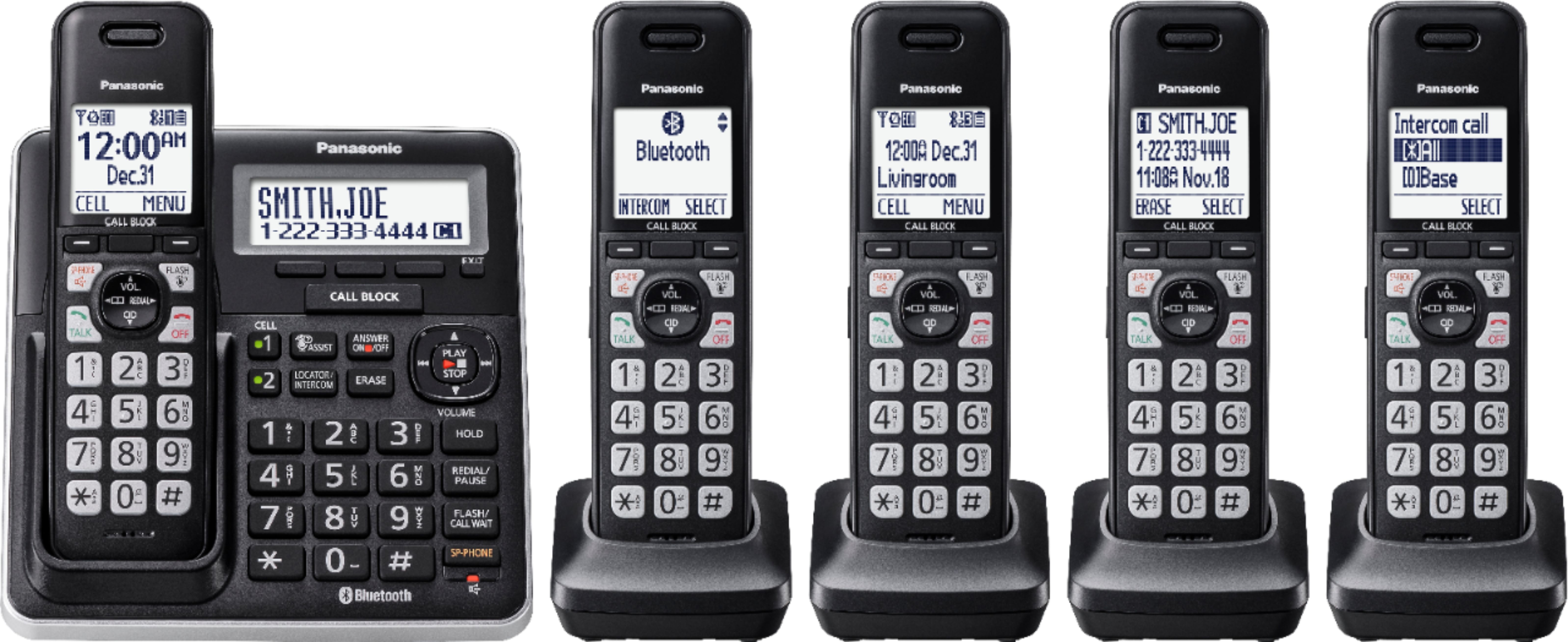
A:AnswerDear customer, thank you for your question.
Please see below some additional infornmation about your inquiry:
http://help.panasonic.ca/PCS/OperatingInstructions/KXTGF773_Operating_manual.pdf#page=77
A:AnswerDear customer, thank you for your question. You can expand your unit to a maximum of 6 handsets. The optional handset for your model is KX-TGFA71.